> This is part 1 of 5 of the full documentation (pages 1–100 of 455).
> The content is paginated: fetch every part to see all of it.
> Next part: https://docs.novaflowos.com/start/llms-full.txt/1
> Page index: https://docs.novaflowos.com/start/llms.txt
# Nova Flow en el Dial
Nova ofrece un sistema Linux con la más avanzada tecnología disponible respaldada por Qt y la compañia SUSE.
Cover image
Tech Base
SUSE company es una corporación con 2400 empleados desarrolladora del sistema base junto con el framework creado por los 775 trabajadores en The Qt Company.
MauiKit es un conjunto de controles y herramientas de la comunidad KDE con plantillas basadas en QQC2 hecho por Nitrux Latinoamericana S.C. desde 2018.
Con un fuerte objetivo basado en diseño, que tratará de competir 1:1 frente a Microsoft, así como la más sencilla funcionalidad, no ofrecida habitualmente en Linux. Un sistema también enfocado en entretenimiento y valores humanos, donde la verdad y la calidad no es censurada.
Y por encima de todo, responsable. Cuida tus pensamientos, cuida tus acciones. En amistad con el mundo.
### En 6 meses 1.000.000 de nuevas instalaciones de KDE
¿Sabías que Steam Deck incluye KDE?
{% embed url="" %}
{% embed url="" %}
## Aquí
Fundado en Hopeandtruth6517's Organization
# Qt/QML en imágenes
Qt/QML, el mejor Linux.
# Silica
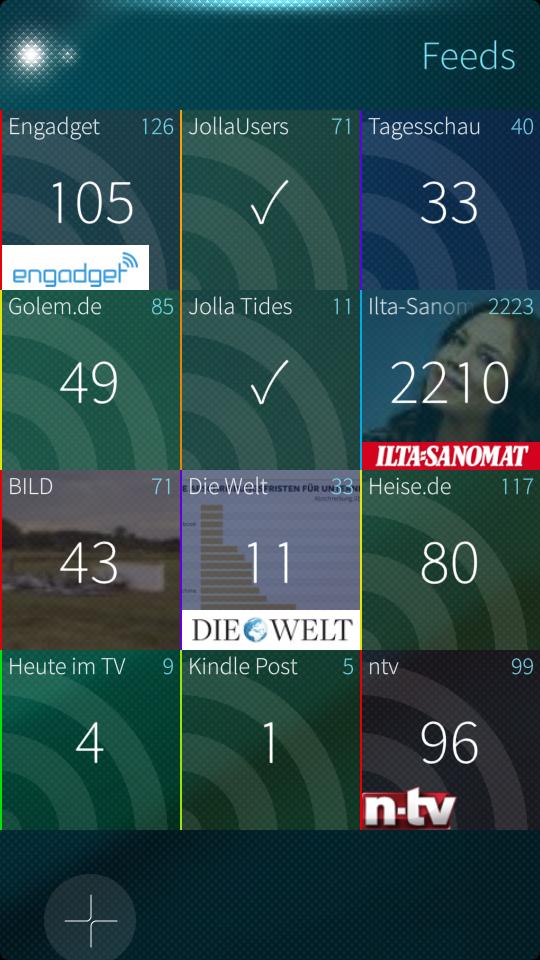
Silica proprociona componentes Qt Quick para desarrollar las aplicaciones del sistema operativo Sailfish OS. No es publicado bajo licencia open source, pero es caso único.
{% embed url="" %}
Fernschreiber, una aplicación para la red Telegram
{% endembed %}
Encuentra y porta aplicaciones de Sailfish OS a Kirigami o MauiKit. Si es de tu interés, tienes código abierto y gratuito a tu disposición, un extenso repositorio de aplicaciones.
La funcionalidad (c++, python, ...) que generalmente no es necesario modificar y la interfaz QML, que requiere una adaptación, como puede ser tan solo cambiar el nombre del componente.
Visita este enlace y empieza a portar a Kirigami o MauiKit:
{% embed url="" %}
Repositorio de aplicaciones para Sailfish OSOS
{% endembed %}
## Enlaces
{% embed url="" %}
{% embed url="" %}
# Imágenes High Fidelity
Encuentra imágenes al detalle de las aplicaciones Silica de Sailfish OS
Fernschreiber
# MauiKit
MauiKit permite crear aplicaciones atractivas e innovadoras en el espacio de trabajo de KDE Plasma. Es compatible con varias plataformas y dispositivos, como Linux Desktop y Phone, Android y Windows.
## MauiKit añade las ventajas de la tecnología KDE
El escritorio o interfaz para GNU/Linux KDE ha desarrollado componentes tecnológicos de gran interés.
{% content-ref url="/pages/8YKExgB0S244DZSzTq6g" %}
[KIO](/start/qt-qml-en-imagenes/mauikit/kio)
{% endcontent-ref %}
{% content-ref url="/pages/0OwH6zzZltTTqnvNWlLY" %}
[Nepomuk](/start/qt-qml-en-imagenes/mauikit/nepomuk)
{% endcontent-ref %}
## Enlaces
{% embed url="" %}
Maui Project
{% endembed %}
{% embed url="" %}
Nitrux
{% endembed %}
{% embed url="" %}
Nova Flow OS
{% endembed %}
{% embed url="" %}
Documentación de MauiKit Frameworks
{% endembed %}
# Imágenes High Fidelity
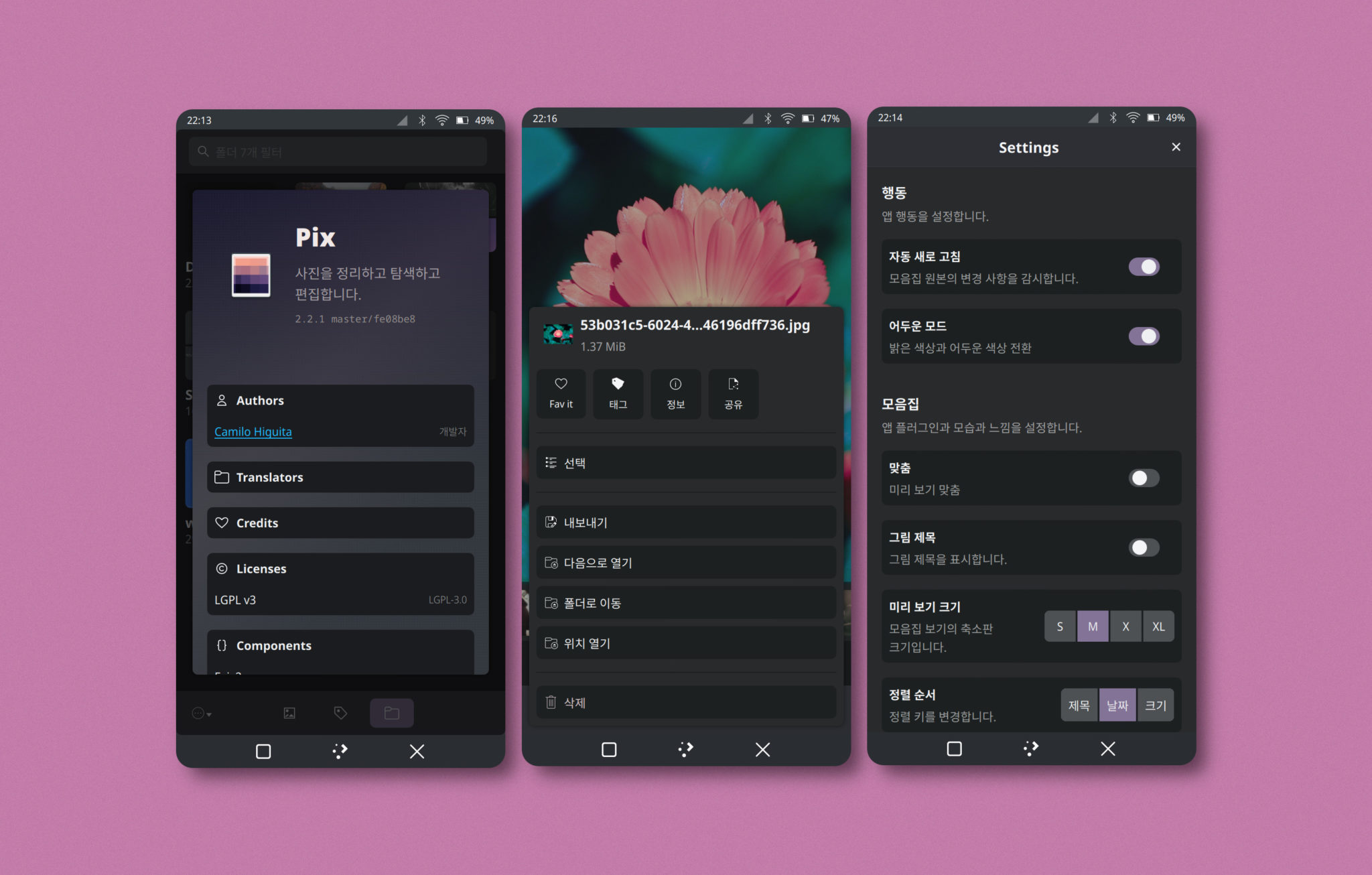
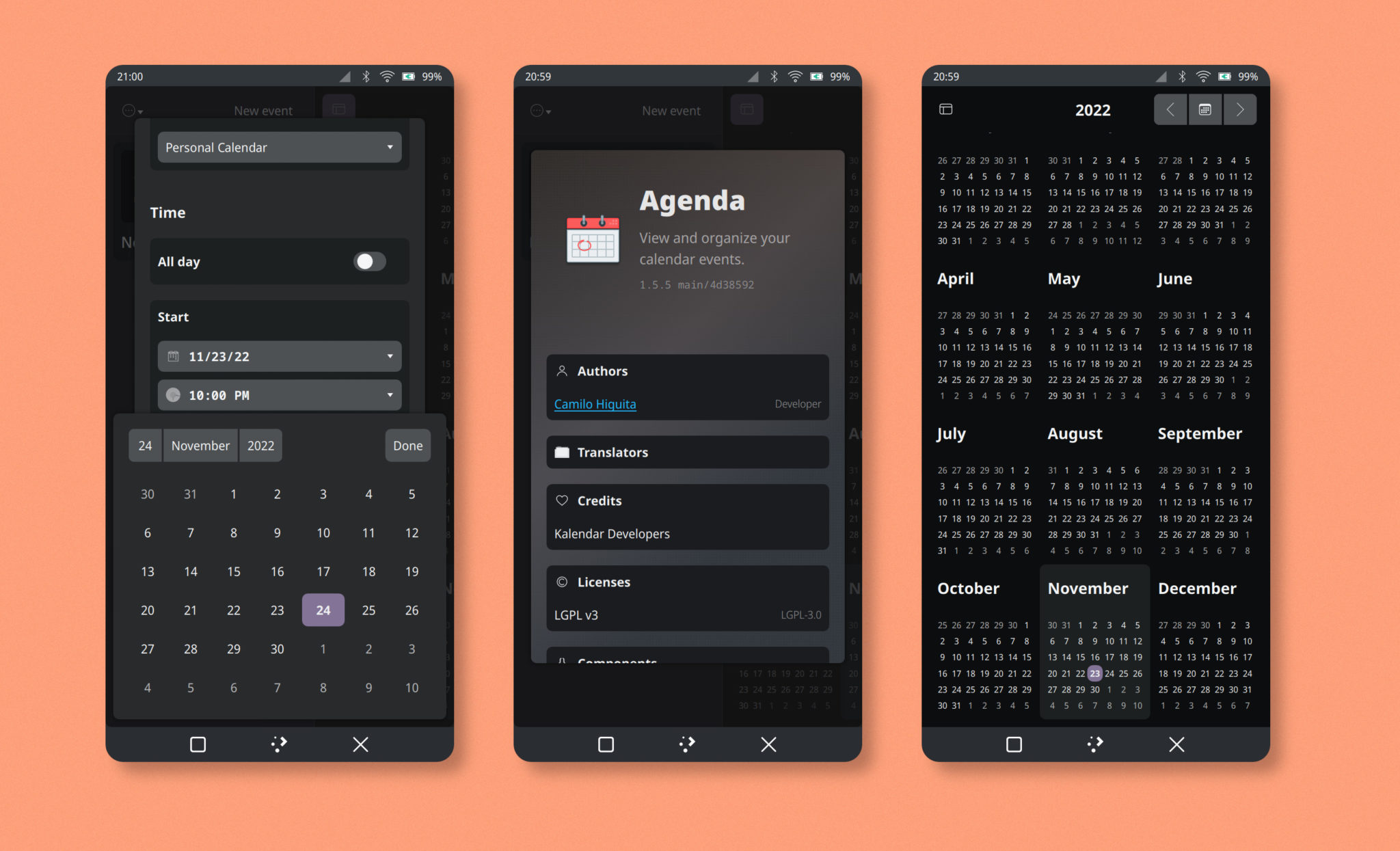
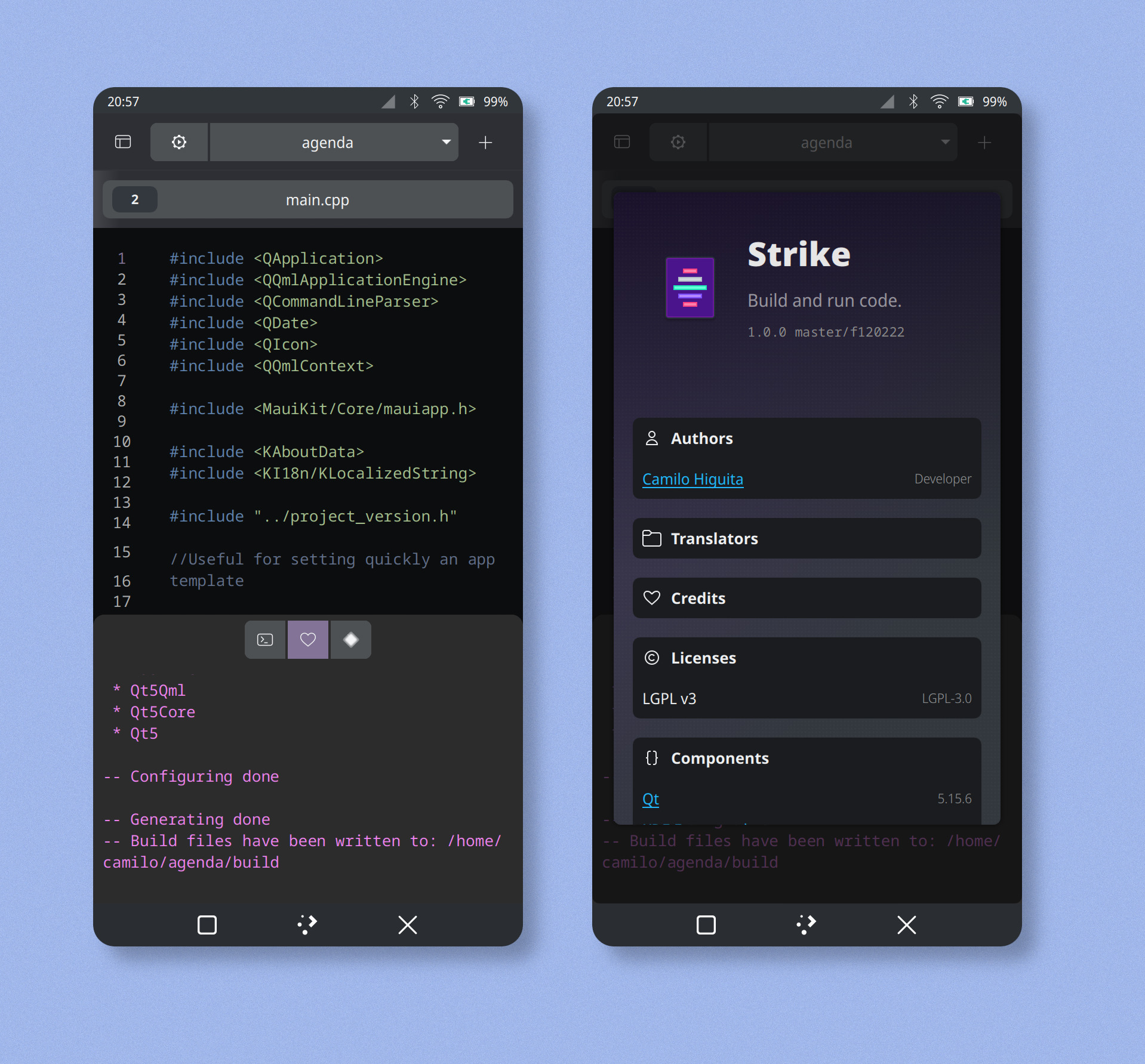
Encuentra imágenes al detalle de las aplicaciones MauiKit
Pix
Agenda
Strike
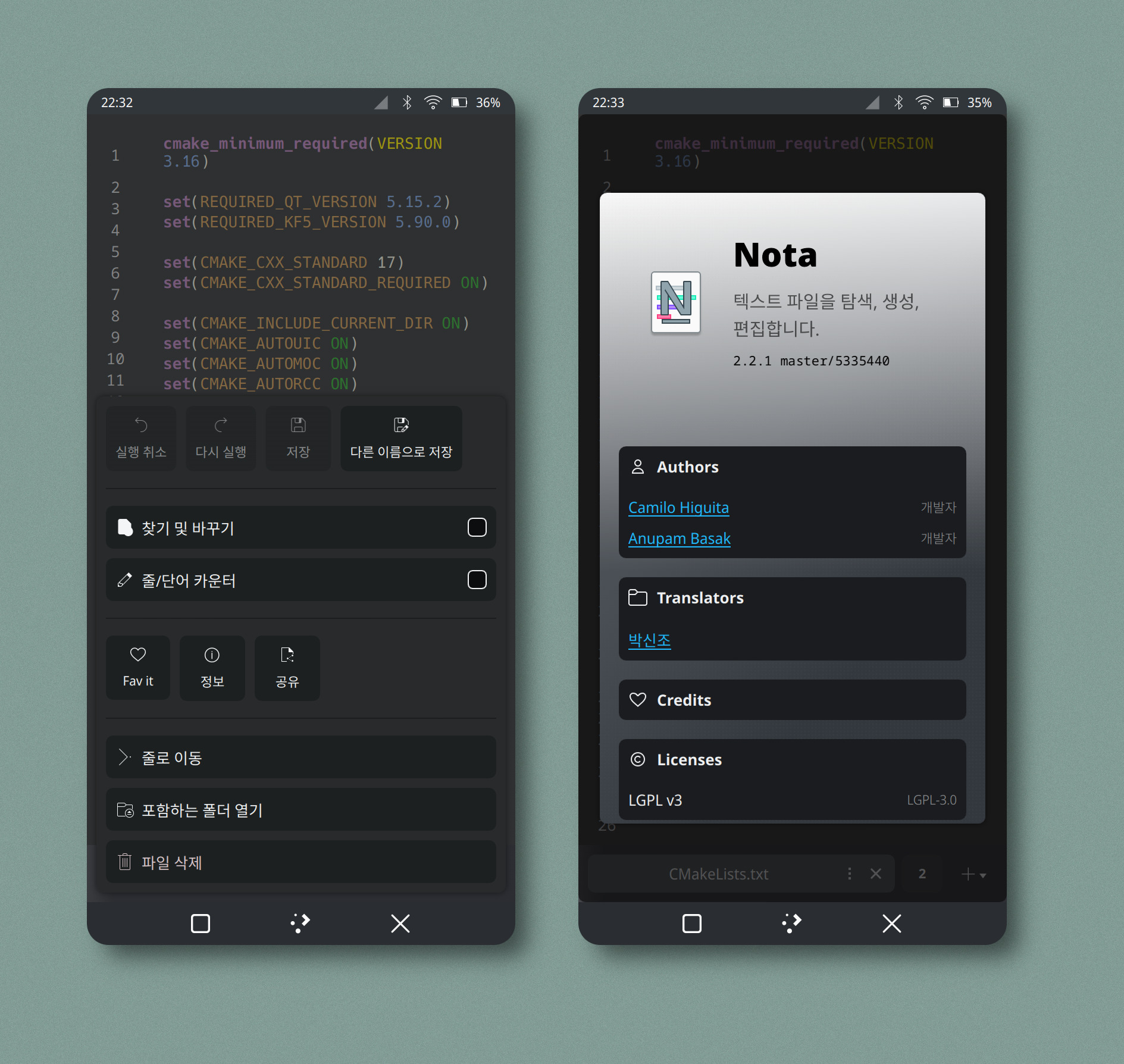
Nota
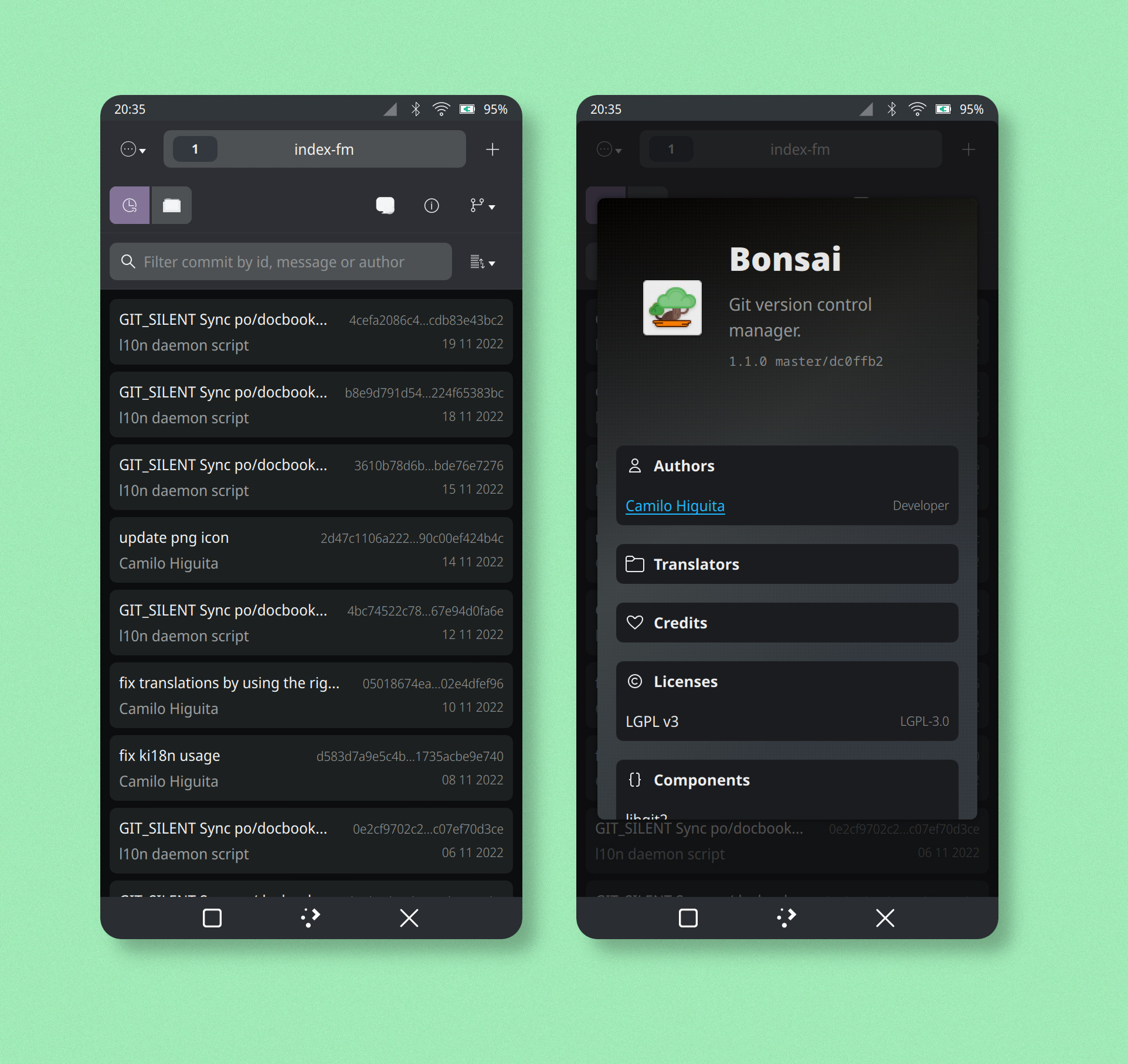
Bonsai
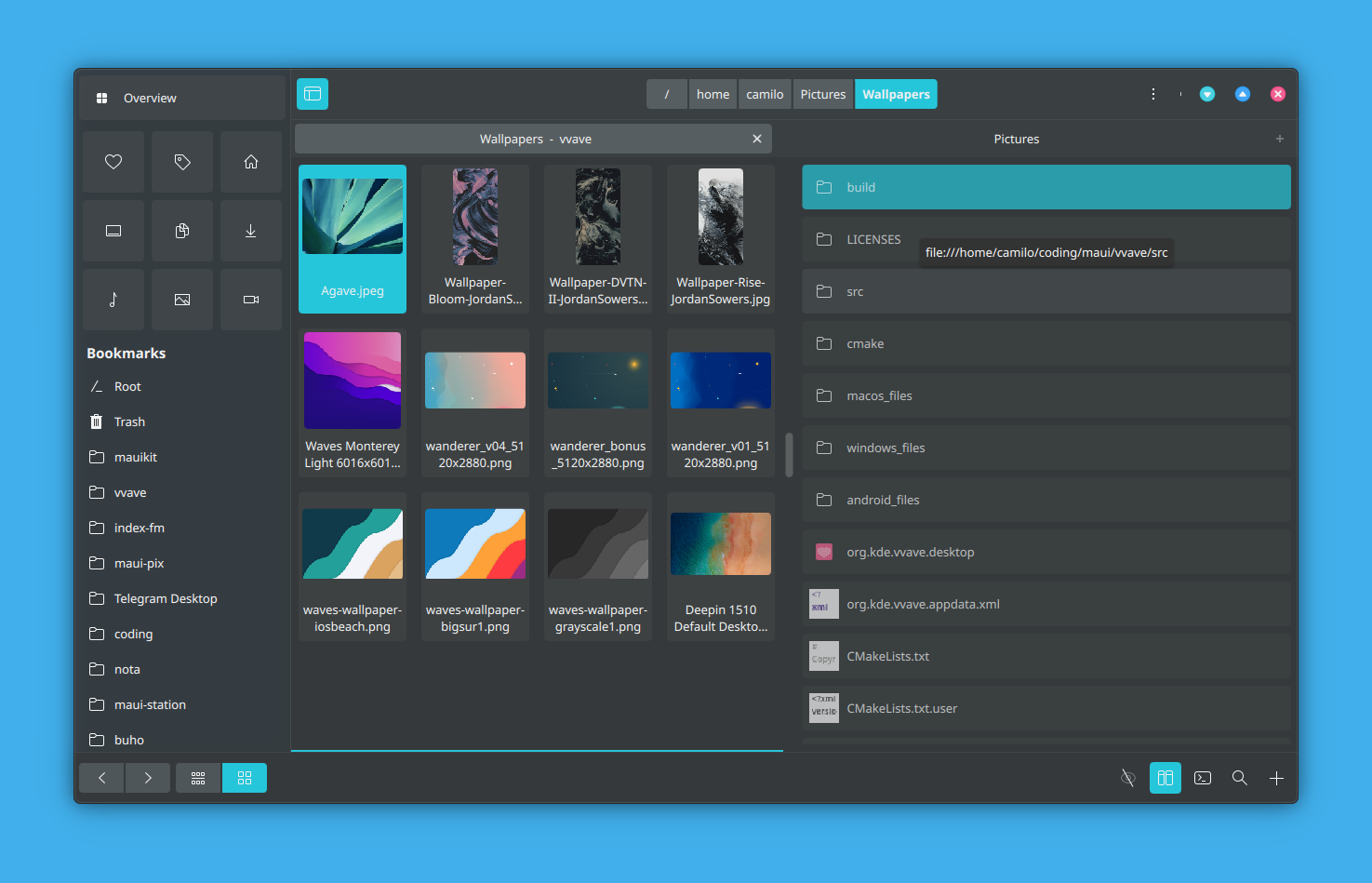
Index
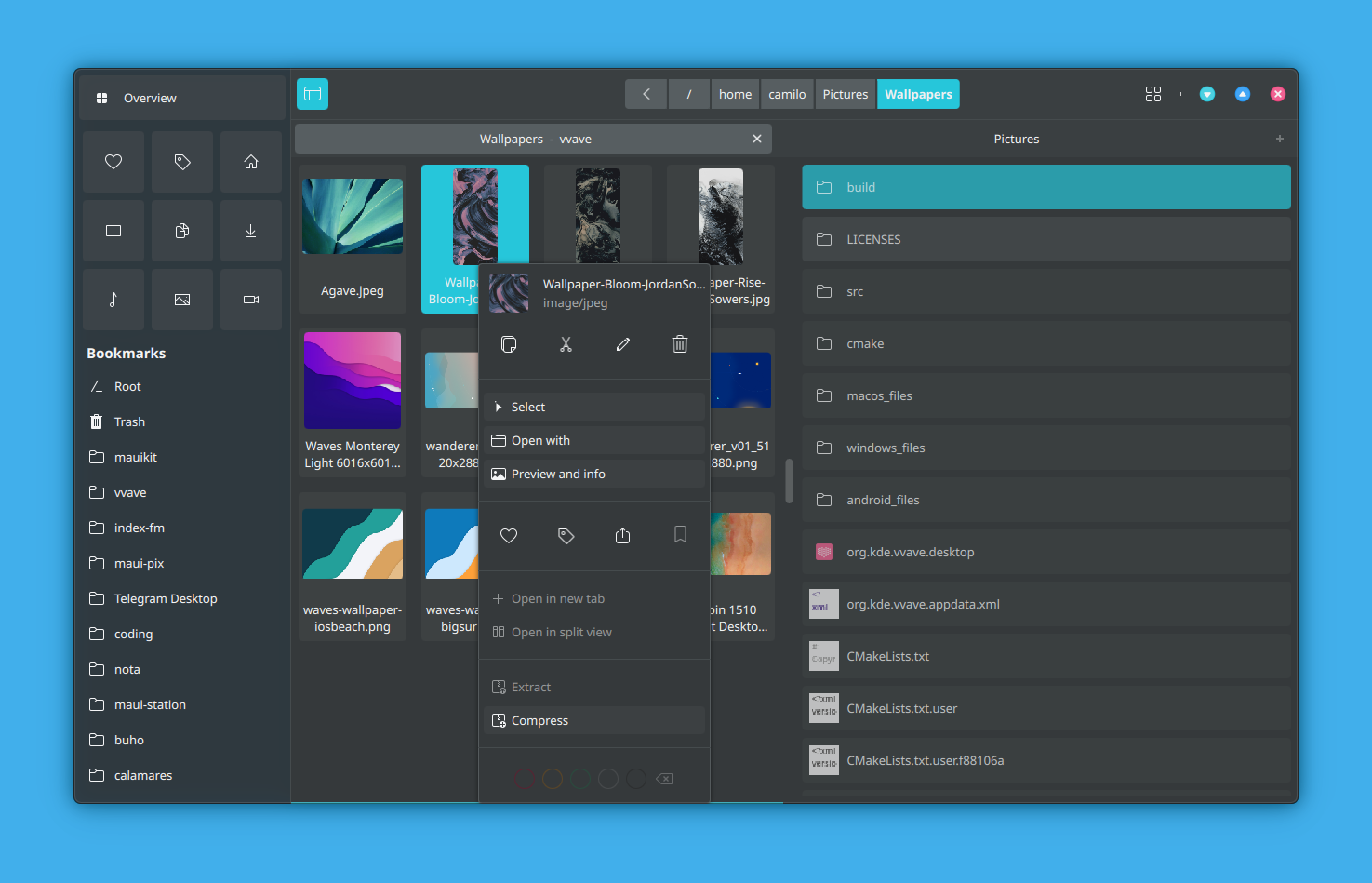
Index
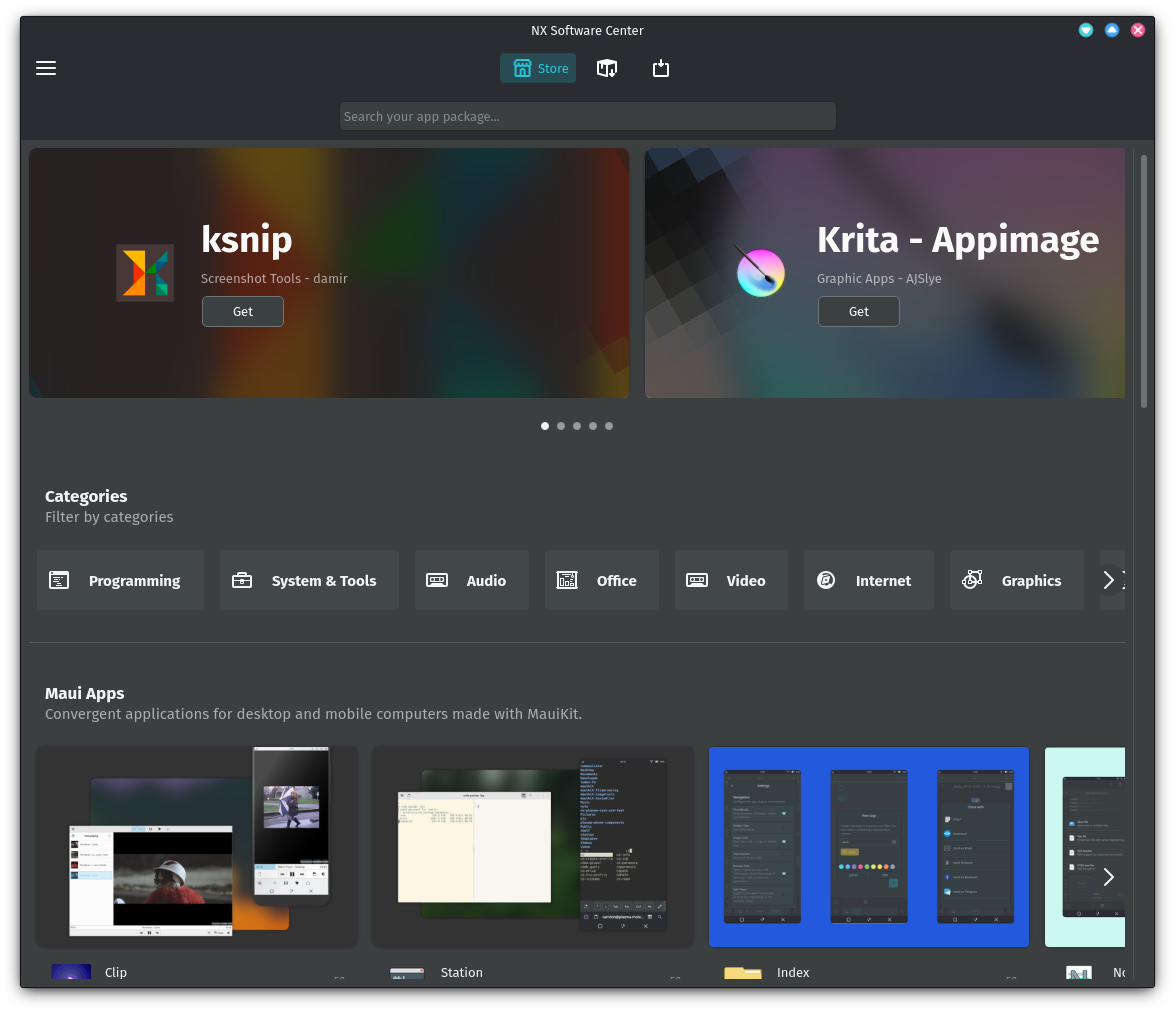
NX Software Center
Fiery
# KIO
Accede desde tu aplicación Kirigami o MauiKit a todas las funciones de gestión de archivos que necesites. KIO es el acrónimo de KDE Input Output.
{% hint style="info" %}
Componentes KIO adicionales son accesibles mediante instalación en caso de no encontrarse ya instalados. En openSUSE Tumbleweed:
sudo zypper install kio-gdrive kio\_iso kio\_kamera kio-stash kio\_perldoc
{% endhint %}
* file
* fish
* ftp
* sftp
* smb
* webdav
* desktop
* fonts
* programs
* trash
* remote
* activities
* akonadi
* applications
* ar
* audiocd
* baloosearch
* bluetooth
* bup
* cifs
* filenamesearch
* kdeconnect
* ldap
* ldaps
* man
* ms-its
* mtp
* obexftp
* recentdocuments
* recentlyused
* sevenz
* tags
* tar
* timeline
* webdavs
* zip
Si deseas ver un ejemplo, escribe en la barra de direcciones de Dolphin:
```
timeline:/
```
O bien si lo has instalado:
```
gdrive:/
```
# Nepomuk
Nepomuk es la tecnología de escritorio semántico de KDE, una biblioteca de metadatos de archivos disponible para tu aplicación.
El proyecto Nepomuk, coordinado por el Centro Alemán de Investigación para Inteligencia Artificial (DFKI), ha desarrollado durante 3 años un software que pueda detectar conexiones importantes entre los archivos de un ordenador.
Nepomuk recorre e indexa la información de cada archivo almacenado. Recorre la agenda del usuario y busca archivos relacionados con las personas que figuran en dicha agenda.
Puede dar con más información al centrarse en las conexiones entre datos, aunque no figure en el archivo la palabra clave que se utilizó para realizar la búsqueda.
{% hint style="info" %}
Nepomuk es lo que se conoce como "búsqueda de escritorio" en KDE.
{% endhint %}
Se pueden identificar tres tipos de metadatos:
1. Metadatos almacenados en los propios archivos, como etiquetas id3 (metainformación de archivos mp3), el número de páginas en un documento PDF, el tamaño de un archivo o el asunto de un correo electrónico.
2. Metadatos creados por el usuario manualmente, como anotaciones o etiquetas (tags) que se asignan a archivos, correos electrónicos o cualquier recurso.
3. Metadatos que las aplicaciones pueden recopilar automáticamente, como la fuente de un archivo descargado (URL) o el correo electrónico de un archivo que fue adjuntado a dicho correo y después copiado localmente.
{% embed url="" %}
# Plasma Components
Crea plasmoides o widgets para el escritorio KDE Plasma.
Plasma Components proporciona controles Qt Quick para crear los plasmoides de KDE. Incluso es posible añadirlo a tu aplicación Qt/QML, sea Kirigami o bien cualquier otra.
Podrías incluir código de cualquier tecnología Qt/QML en tu aplicación y combinarlas si así tuviera sentido.
También es posible aplicar el estilo Plasma a tu aplicación Qt/QML Kirigami, aunque no existe una implementación completa, sino inicial.
Puedes comprobar los estilos Qt Quick Controls Styles que se encuentran disponibles en tu instalación de openSUSE Tumbleweed en la ruta:
```
/usr/lib64/qt5/qml/QtQuick/Controls.2
```
Para aplicar el estilo Plasma a una aplicación Kirigami abre una terminal y ejecuta:
```
QT_QUICK_CONTROLS_STYLE=Plasma kalendar
```
## Licencias
* BSD-2-Clause
* BSD-3-Clause
* CC0-1.0
* GPL-2.0-only
* GPL-2.0-or-later
* GPL-3.0-only
* LGPL-2.0-or-later
* LGPL-2.1-only
* LGPL-2.1-or-later
* LGPL-3.0-only
* LicenseRef-KDE-Accepted-GPL
* LicenseRef-KDE-Accepted-LGPL
* LicenseRef-Qt-Commercial
* Qt-LGPL-exception-1.1
## Enlaces
{% embed url="" %}
Plasma Framework
{% endembed %}
{% embed url="" %}
Plasma Components
{% endembed %}
# Imágenes High Fidelity
Encuentra imágenes en detalle de Plasma Components
Plasma Mobile
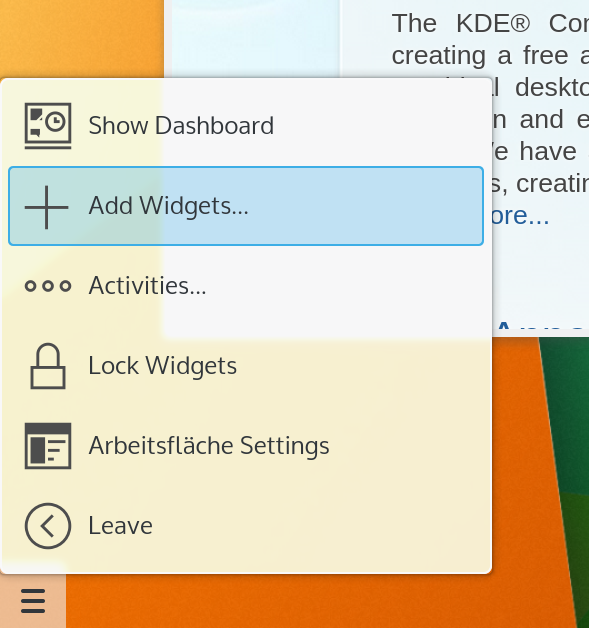
Plasma Mobile
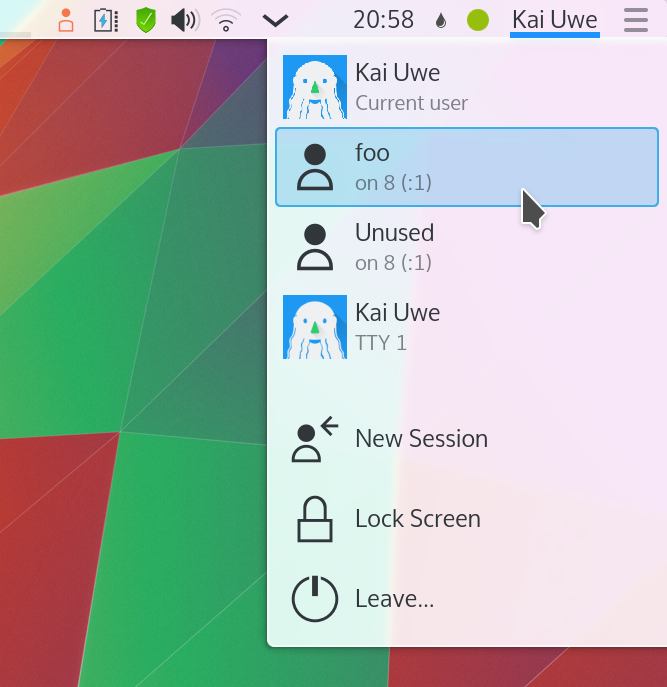
Selector de usuario
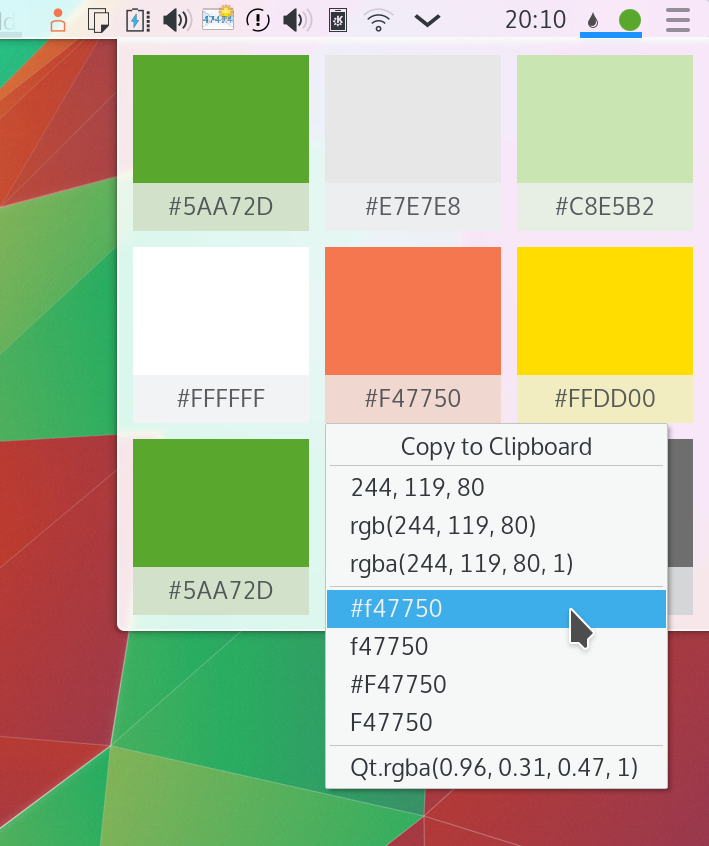
Selector de color
Cashew
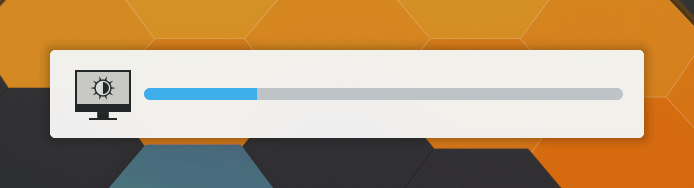
OSD de volumen
Notificación
# QML-Asteroid
Crea aplicaciones con QML-Asteroid para AsteroidOS, un sistema operativo GNU/Linux para relojes inteligentes o smartwatch.
AsteroidOS puede ser instalado en smartwatch de las marcas:
> **LG Watch Urbane, Huawei Watch, TicWatch Pro 2018/20, LG G Watch, LG G Watch R, Moto 360 2015, Asus Zenwatch 2, Asus Zenwatch 2 1.45'', Asus Zenwatch 1, OPPO Watch, Fossil Gen 4, relojes MTK6580, MTK6580, LG Watch W7, Skagen Falster 2, Huawei Watch 2, TicWatch C2/C2+/S2, TicWatch E & S o Asus Zenwatch 3.**
## Un vistazo al sistema
{% embed url="" %}
AsteroidOS 1.0
{% endembed %}
{% embed url="" %}
AsteroidOS Alpha 1.0
{% endembed %}
## LGPL 2.1
Usa libremente QML-Asteroid licenciado bajo LGPL-2.1.
## Enlaces
{% embed url="" %}
Sitio web de Asteroid OS
{% endembed %}
{% embed url="" %}
Documentación de desarrollador
{% endembed %}
{% embed url="" %}
QML-Asteroid
{% endembed %}
# FishUI
Librería GUI para CutefishOS, basada en Qt Quick. El escritorio Cutefish es un entorno de escritorio moderno y atractivo construido usando Qt Quick y algunos componentes KDE.
## GPL 3.0
FishUI es publicado con licencia GPLv3.
## Links
{% embed url="" %}
{% embed url="" %}
# Imágenes High Fidelity
Encuentra capturas de pantalla de las aplicaciones FishUI
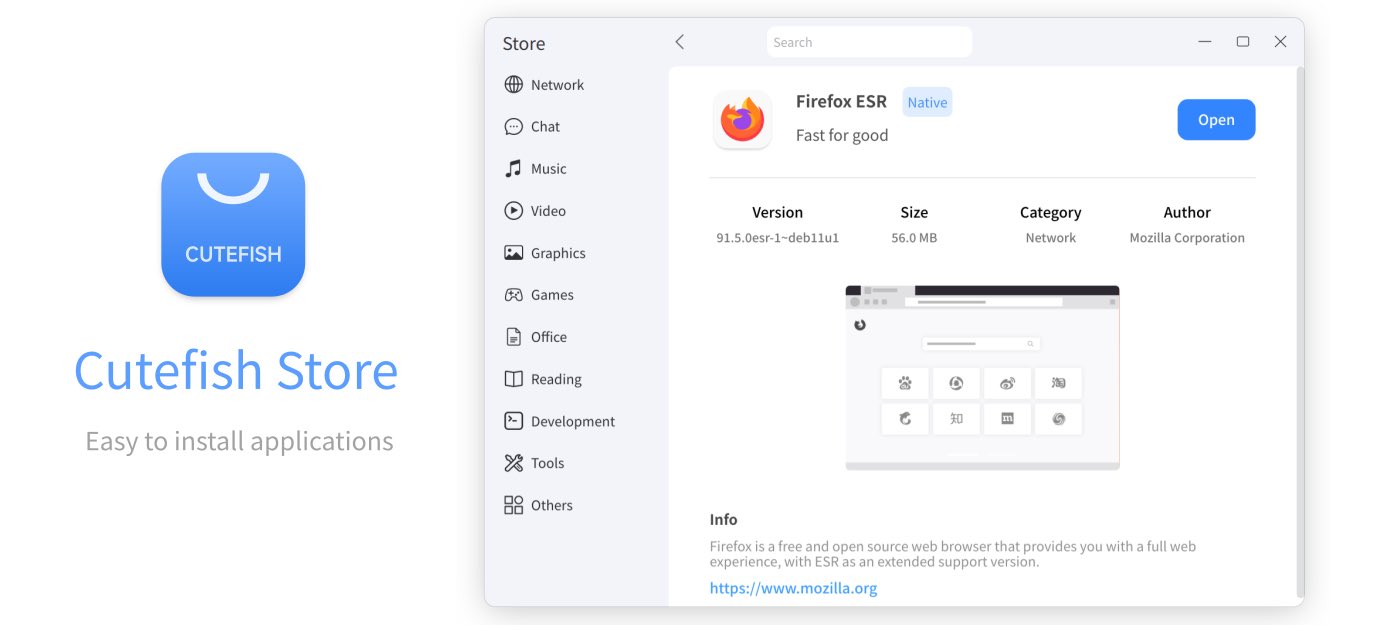
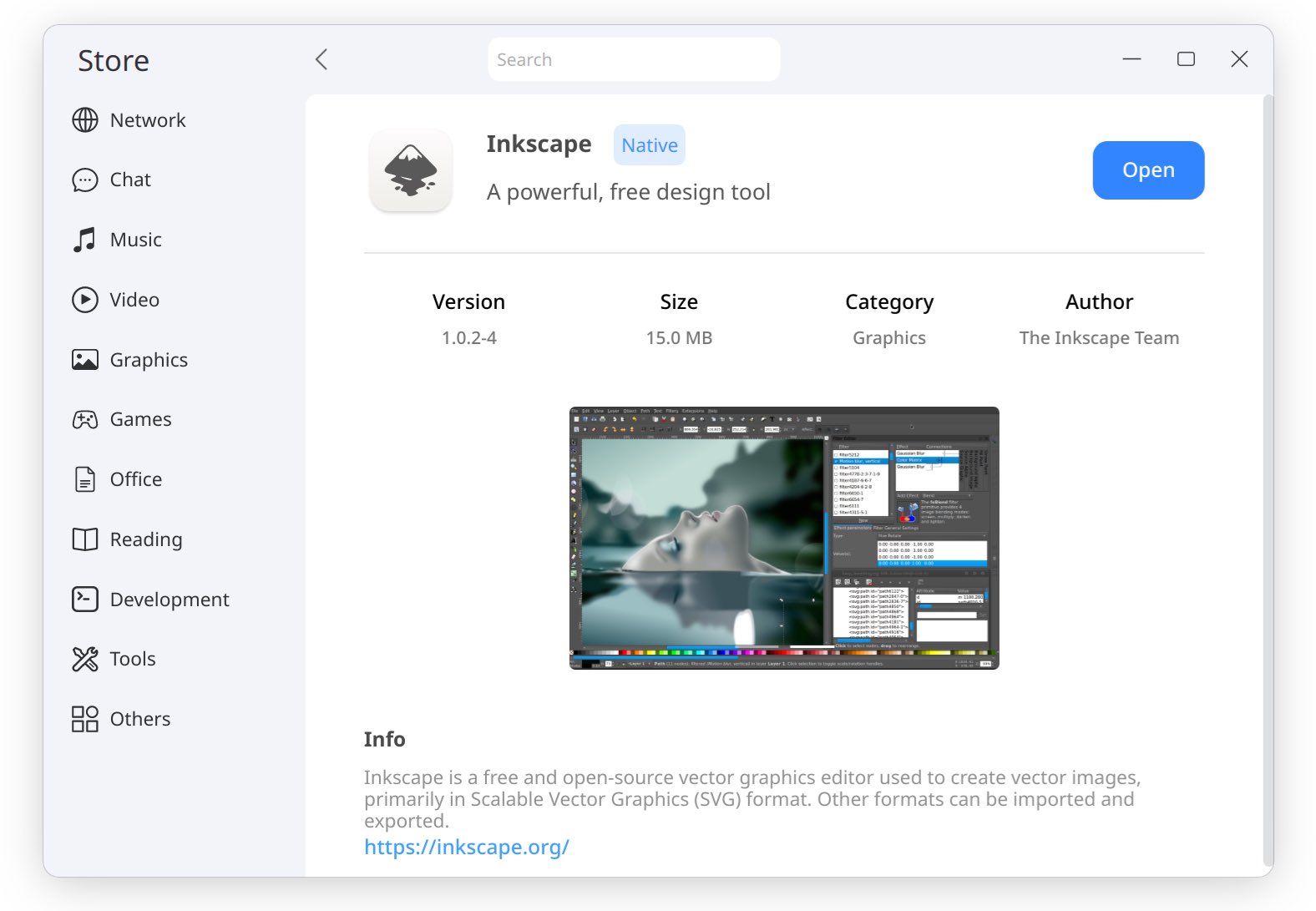
Cutefish Store
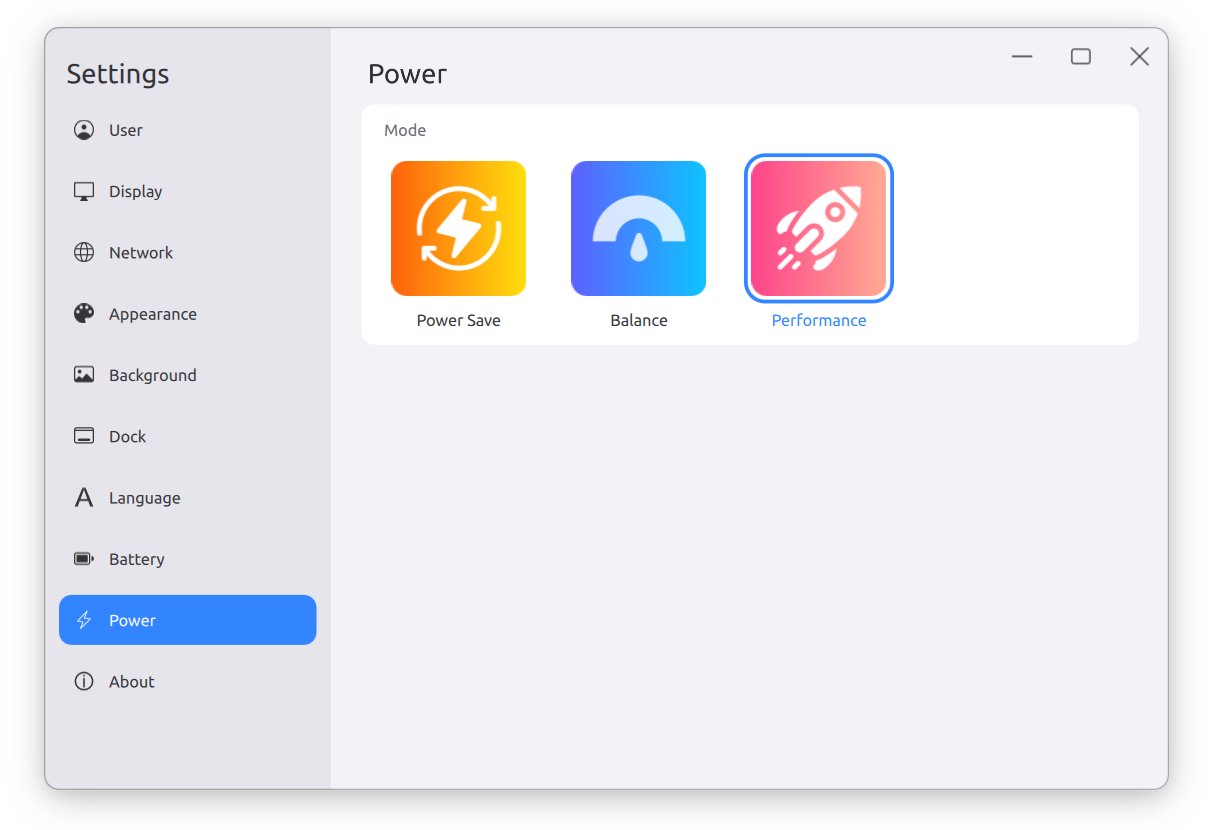
Cutefish Settings
# Lomiri UI Toolkit
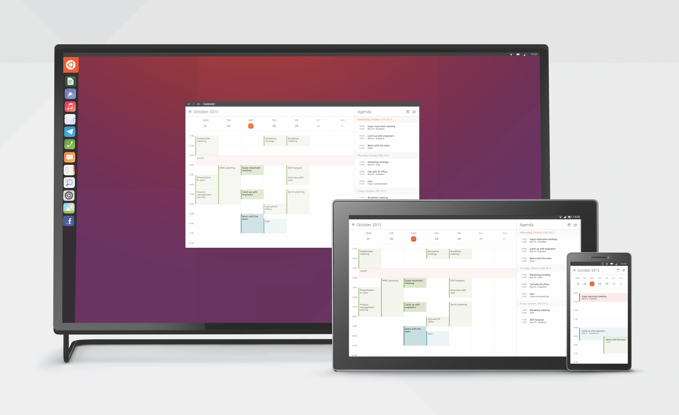
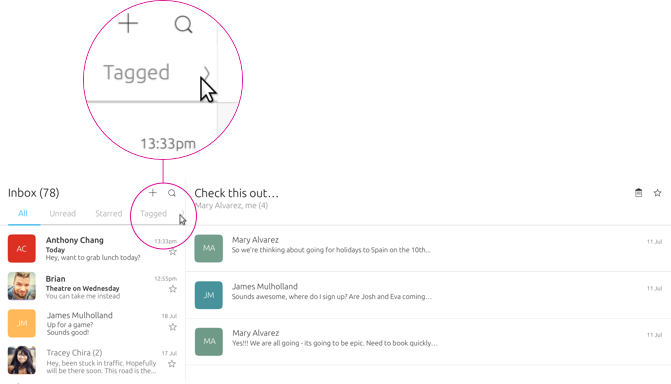
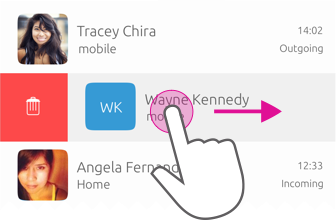
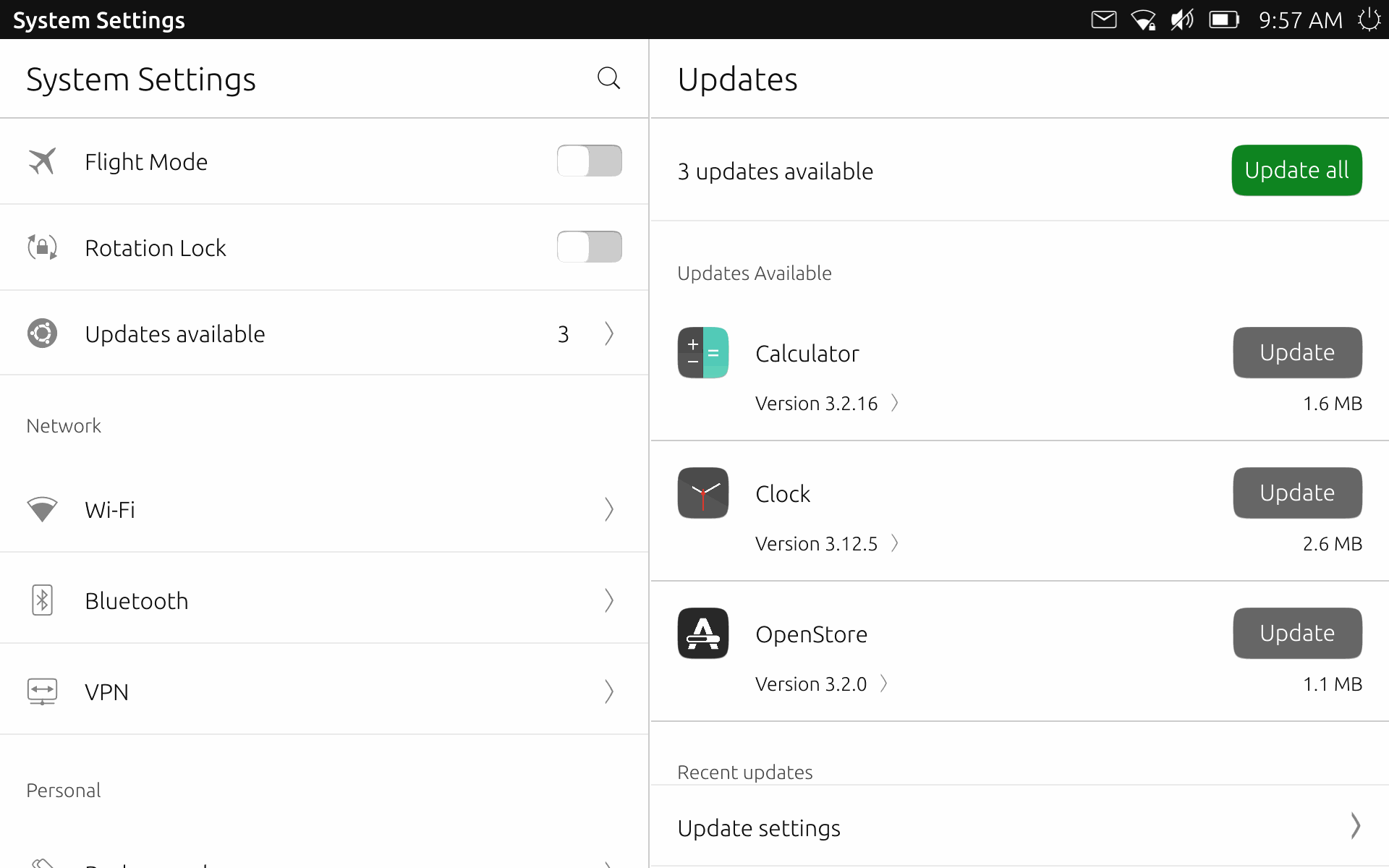
Set de componentes QML para la creación de aplicaciones Lomiri y Ubuntu Touch. Lomiri, a partir del diseño de Canonical, proporciona aplicaciones de aspecto elegante.
Lomiri / Ubuntu Phone
Lomiri y Ubuntu Touch son sistemas operativos que alcanzan la convergencia multidispotisitivo, mismo sistema para PCs, móviles, o tablets. Mismas aplicaciones adaptadas a cada dispositivo. Al conectar tu teléfono a una pantalla se muestra el escritorio de PC.
Plasma Mobile sigue un mismo objetivo.
## Lomiri
Es la versión enfocada en el escritorio, para el PC. Anteriormente conocido como Unity 8, usa el servidor MIR que ahora es compatible con Wayland.
## Ubuntu Touch
Más centrada en el móvil, ofrece instalación en dispositivos de marcas:
> Google Pixel 3a/3a XL, Xiaomi Poco X3 NFC, Xiaomi Redmi Note 9S/9 Pro (India), Xiaomi Redmi Note 9 Pro Max, Xiaomi Poco M2 Pro, Xiaomi Mi A2, Xiaomi Redmi Note 9 Pro (Global), BQ Aquaris M10 HD, BQ Aquaris M, 10 FHD, Fairphone 3 and 3+, Asus Zenfone Max Pro M1, Oneplus 5, Oneplus 5T, Oneplus One, Bq Aquaris E5 HD, JingLing JingPad A1/C1, Meizu Pro 5, Volla Phone, Volla Phone X, Sony Xperia X (F5121 & F5122), OnePlus 6, OnePlus 6T, Fairphone 2, Meizu MX4, Xiaomi Redmi 9C, Xiaomi Redmi 9A, Google Nexus 5, Lenovo Tab M10 X605F/L, Xiaomi Mi 6, Xiaomi Redmi 9C NFC, Volla Phone 22, Xiaomi Redmi Note 7 Pro, Xiaomi Poco F1, Xiaomi Redmi 4X, Fairphone 4, Samsung S3 Neo+ (GT-I9301I), Xiaomi Mi MIX 3, Xiaomi Redmi Note 8 Pro, Xiaomi Redmi Note 7, Google Pixel 2XL, Google Pixel 2, Xiaomi Mi 8, Xiaomi Redmi 9 and 9 Prime, Oneplus 3 and 3T, Samsung Galaxy S7 Edge (Exynos), Samsung Galaxy S7 (Exynos), Xiaomi Mi A3, Google Nexus 6P, Xiaomi Redmi Note 9, OnePlus Nord 2 5G, Xiaomi Redmi 7, SHIFT6mq (axolotl), Oneplus 2, Xiaomi Poco M3, Sony Xperia Z4 Tablet (LTE or Wi-fi only), Xiaomi Redmi 3X, 3S y 3SP
## LGPL 3
Añade permisos adicionales sobre la licencia GPL 3.
## Enlaces
{% embed url="" %}
Aplicaciones para Ubuntu Touch y Lomiri
{% endembed %}
{% embed url="" %}
Lomiri UI Toolkit
{% endembed %}
{% embed url="" %}
API de Ubuntu Touch
{% endembed %}
{% embed url="" %}
Guías de diseño para aplicaciones construidas con Lomiri UI Toolkit
{% endembed %}
{% embed url="" %}
Conceptos de diseño
{% endembed %}
{% embed url="" %}
Desarrolladores de Ubuntu Touch
{% endembed %}
{% embed url="" %}
Ubuntu Touch
{% endembed %}
{% embed url="" %}
Lomiri
{% endembed %}
# Imágenes High Fidelity
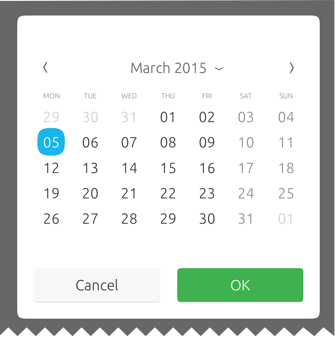
Vistas de aplicaciones construidas con Lomiri UI Toolkit
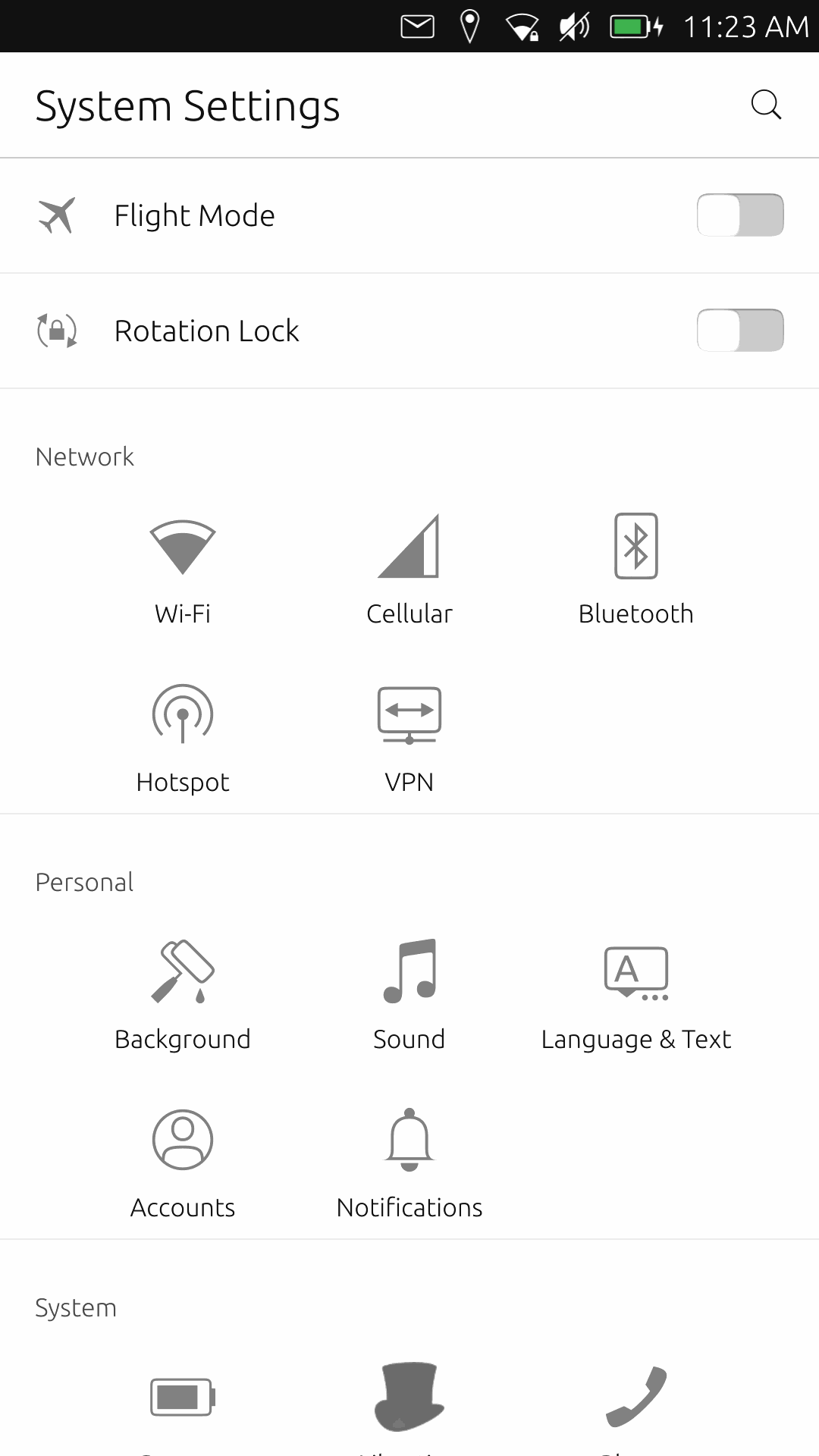
Configuración
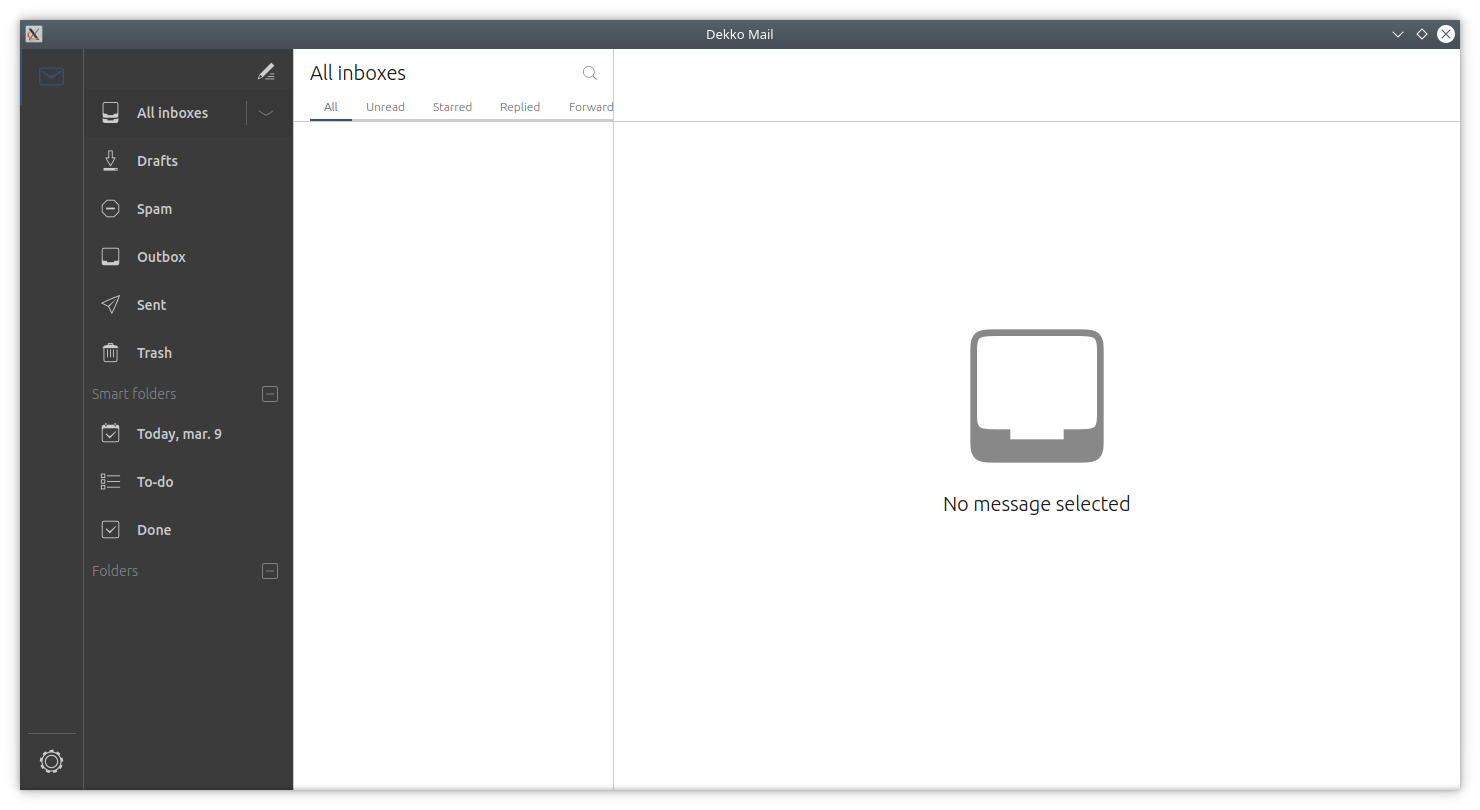
Dekko es un cliente de correo
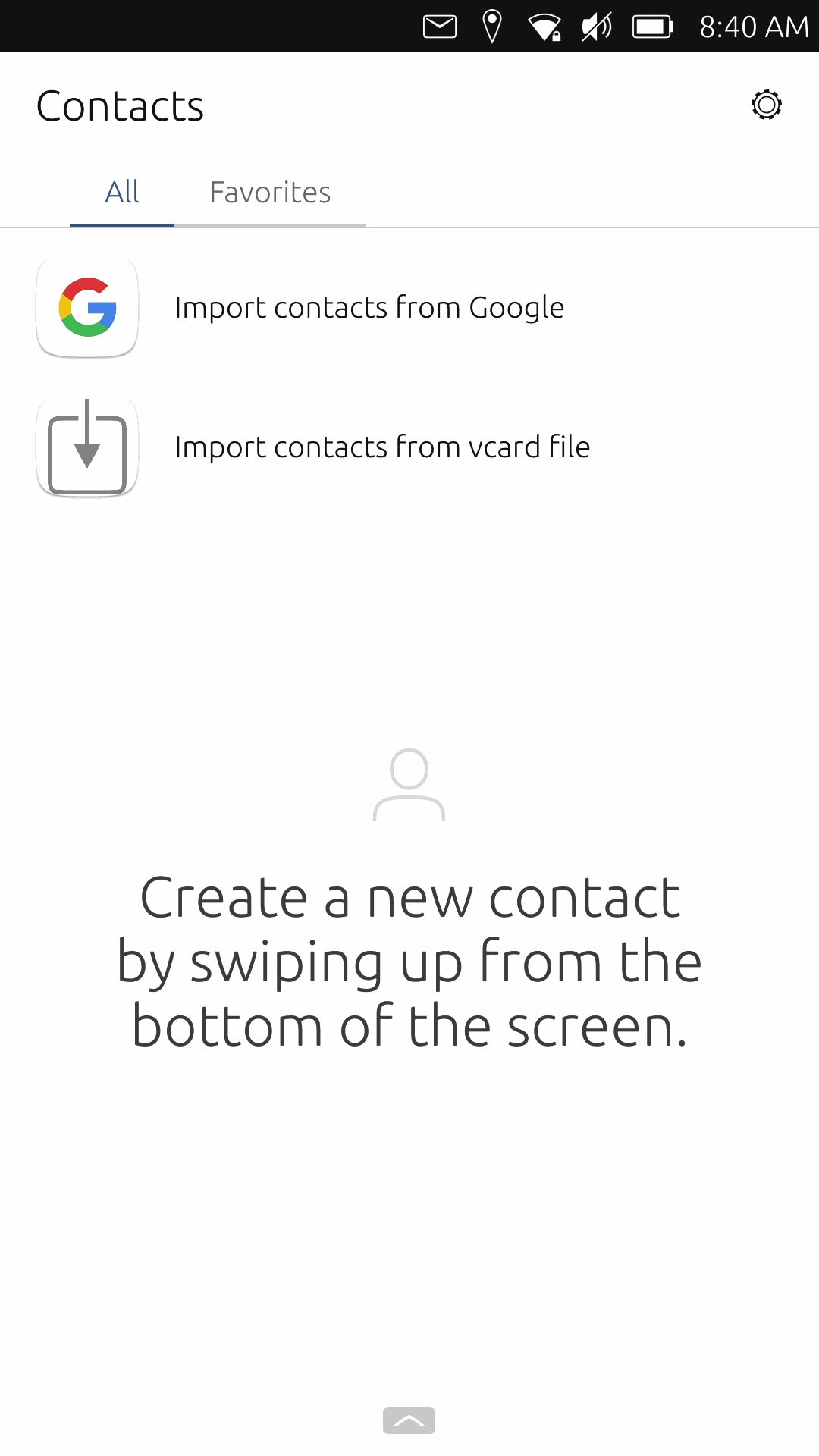
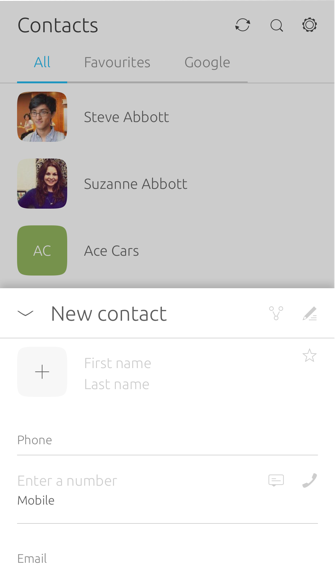
Contactos
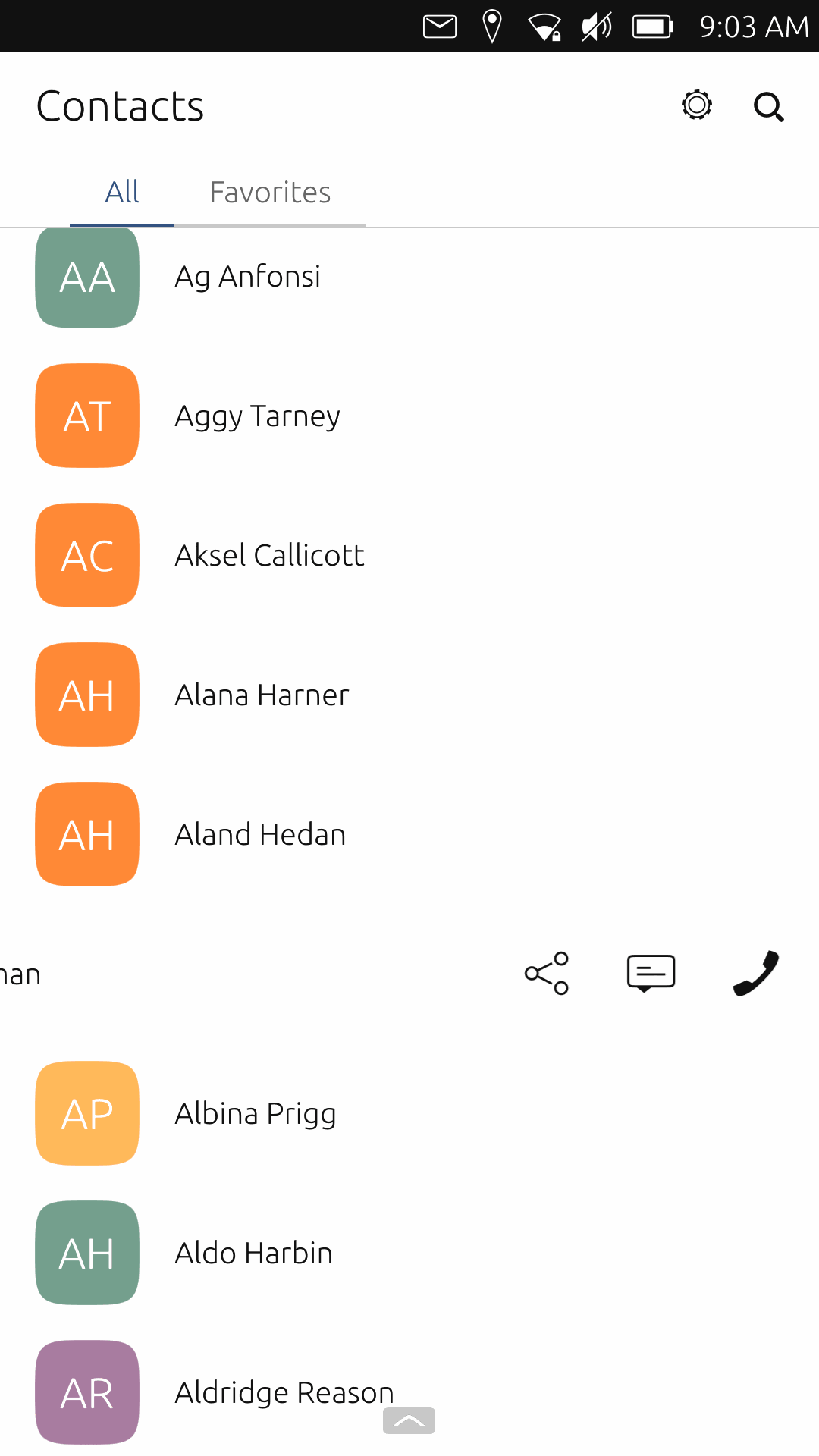
Contactos
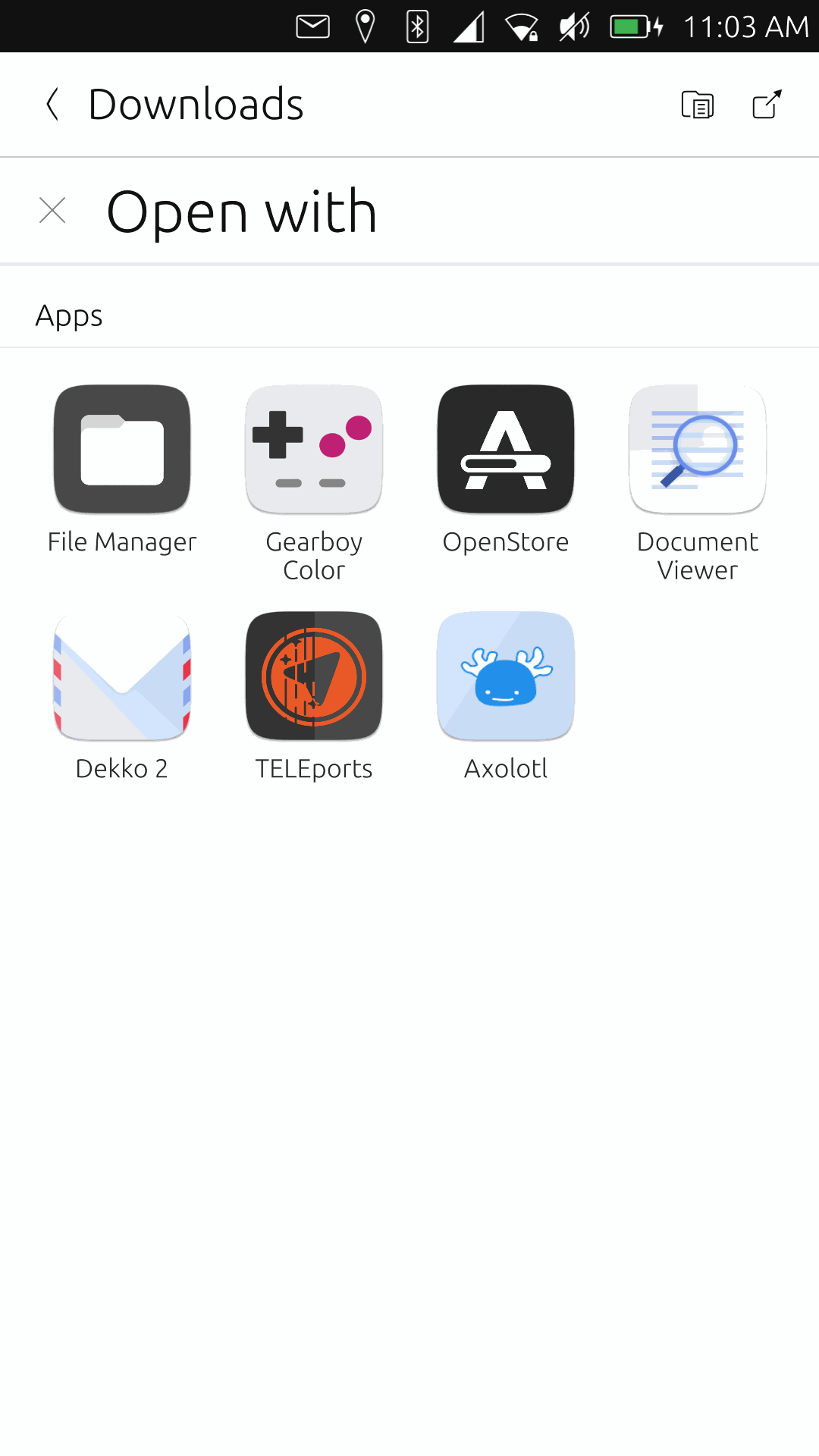
Diálogo "Abrir con"
Configuración
Nuevo contacto
# Dtk Declarative
Dtk Declarative es el toolkit Qt/QML que viene a sustituir a Dtk Widgets. Se basa en qtdeclarative y cubre todos los widgets QML existentes. Además añade efectos visuales y esquemas de color.
Deepin 23 es la primera versión de Deepin que incorporará Dtk Declarative, siendo un componente clave.
{% embed url="" %}
## Licencias
CC-BY-4.0
CC0-1.0
LGPL-3.0-or-later
## Enlaces
{% embed url="" %}
Dtk Declarative
{% endembed %}
{% embed url="" %}
API de Dtk Declarative
{% endembed %}
{% embed url="" %}
Deepin
{% endembed %}
{% embed url="" %}
Dtk Declarative es noticia en Deepin en Español
{% endembed %}
# Imágenes High Fidelity
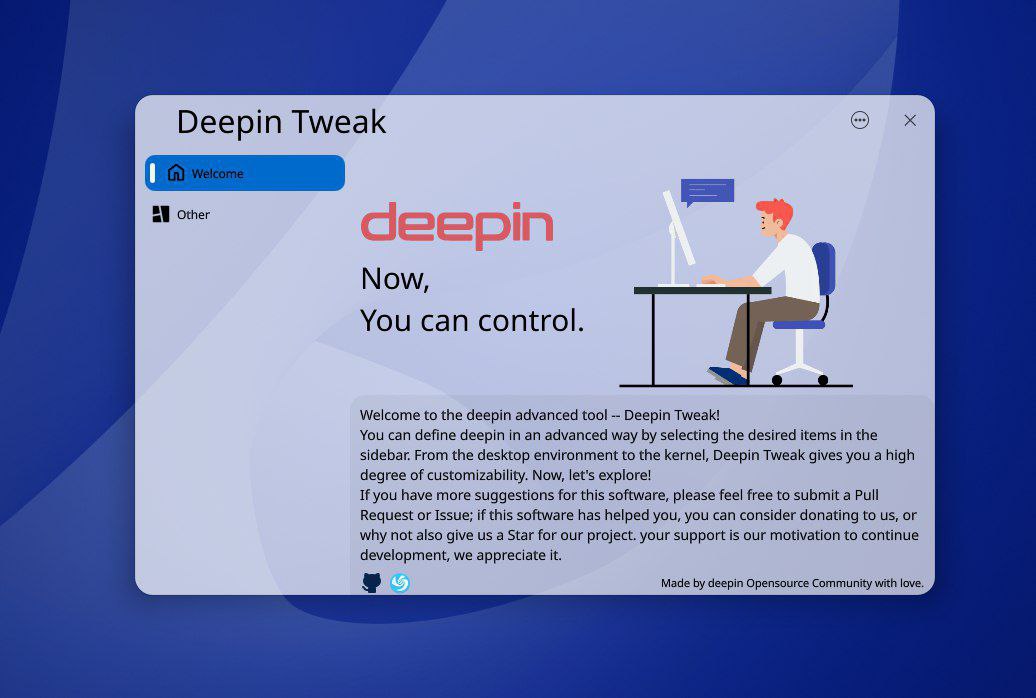
Aquí ves las primeras imágenes de aplicaciones construidas con Dtk Declarative
Deepin Tweak
# ControlKit
Conjunto de componentes Qt Quick basado en Kirigami para crear aplicaciones con una agradable experiencia de uso en cada dispositivo.
{% hint style="info" %}
Aunque el proyecto original se encuentra descontinuado, su desarrollo ha sido retomado por el proyecto JingOS-Revival.
{% endhint %}
El excelente trabajo del equipo de JingOS ha transformado algunas aplicaciones Kirigami aplicando su propio estilo visual y añadiendo algo de adaptación.
## LGPL 2.0 or later
Puedes usar y combinar este código bajo esta licencia.
## Enlaces
{% embed url="" %}
ControlKit
{% endembed %}
{% embed url="" %}
Canal de YouTube de JingOS
{% endembed %}
{% embed url="" %}
JingOS-Revival
{% endembed %}
# Imágenes High Fidelity
Mira imágenes de aplicaciones ControlKit
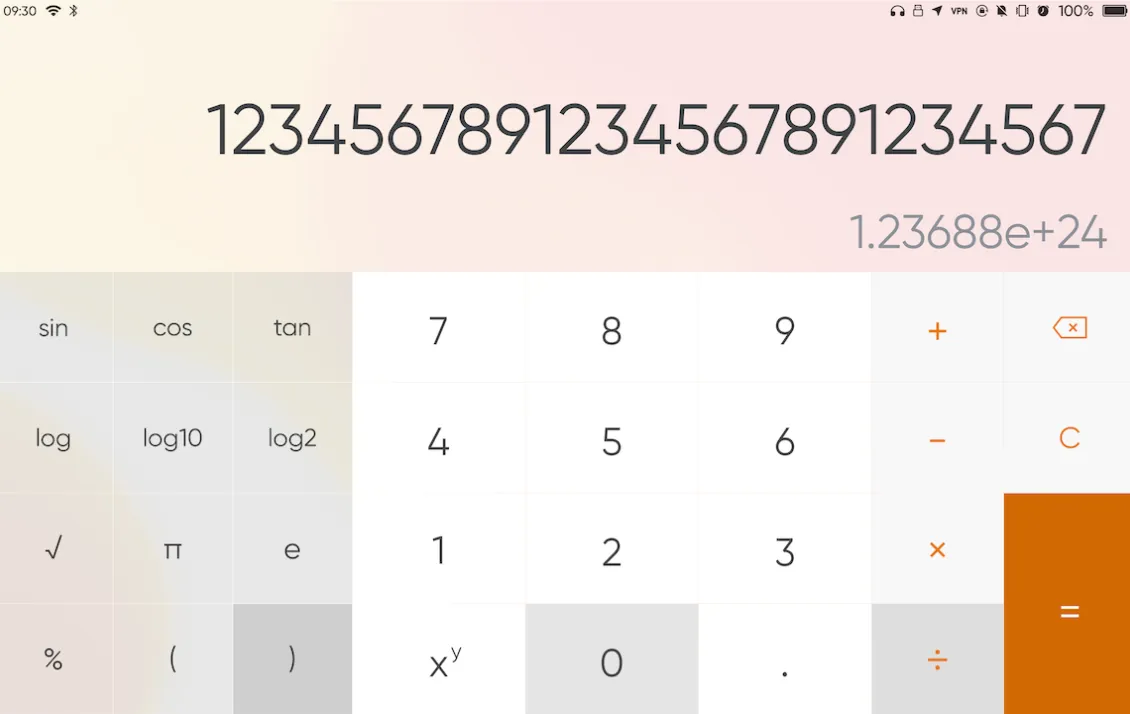
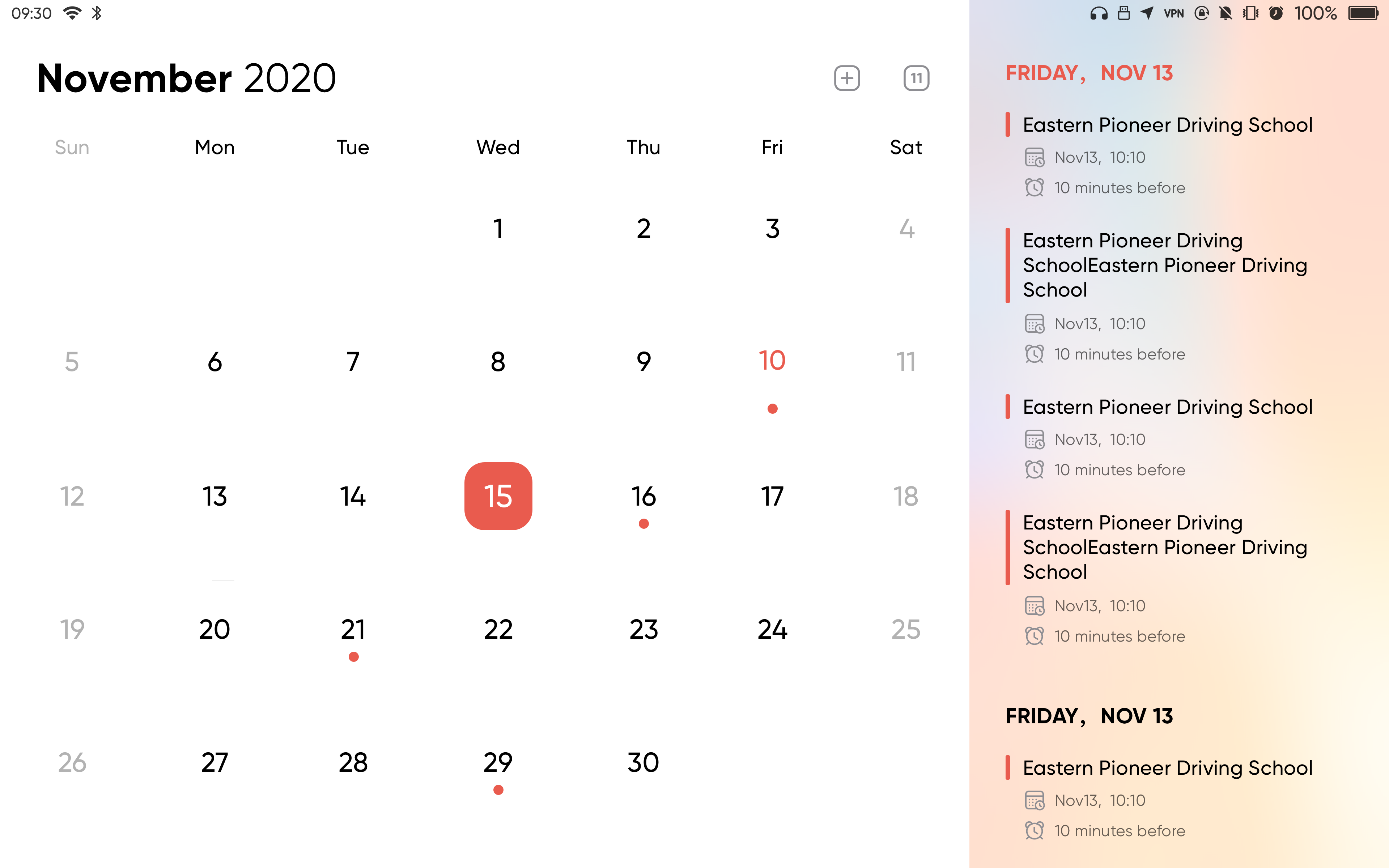
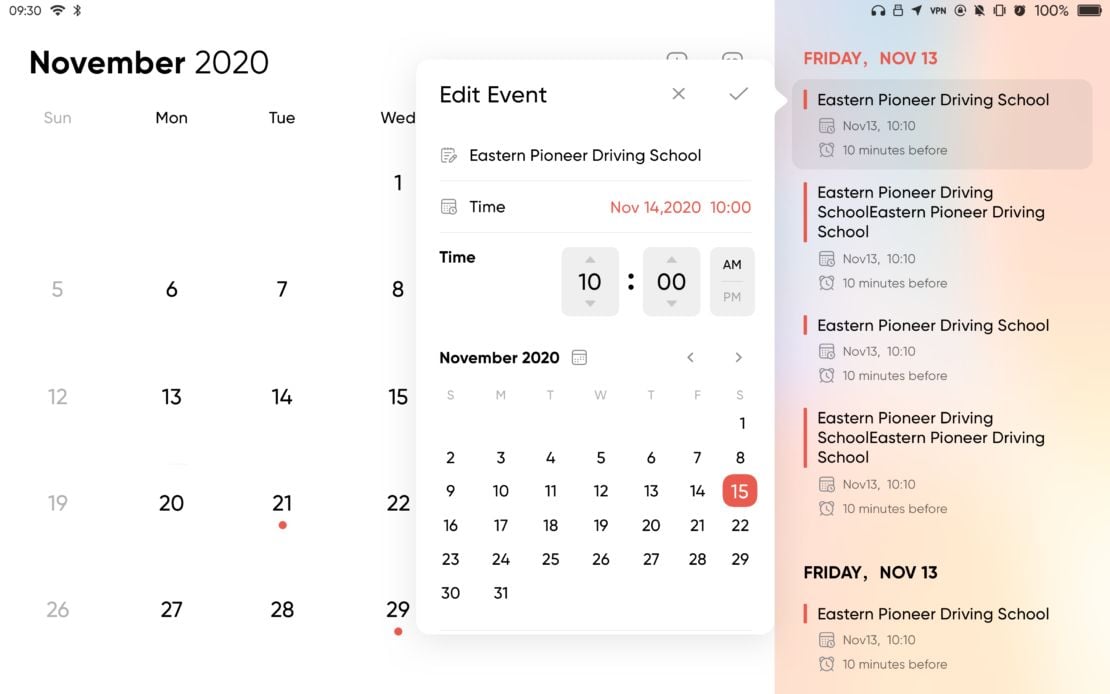
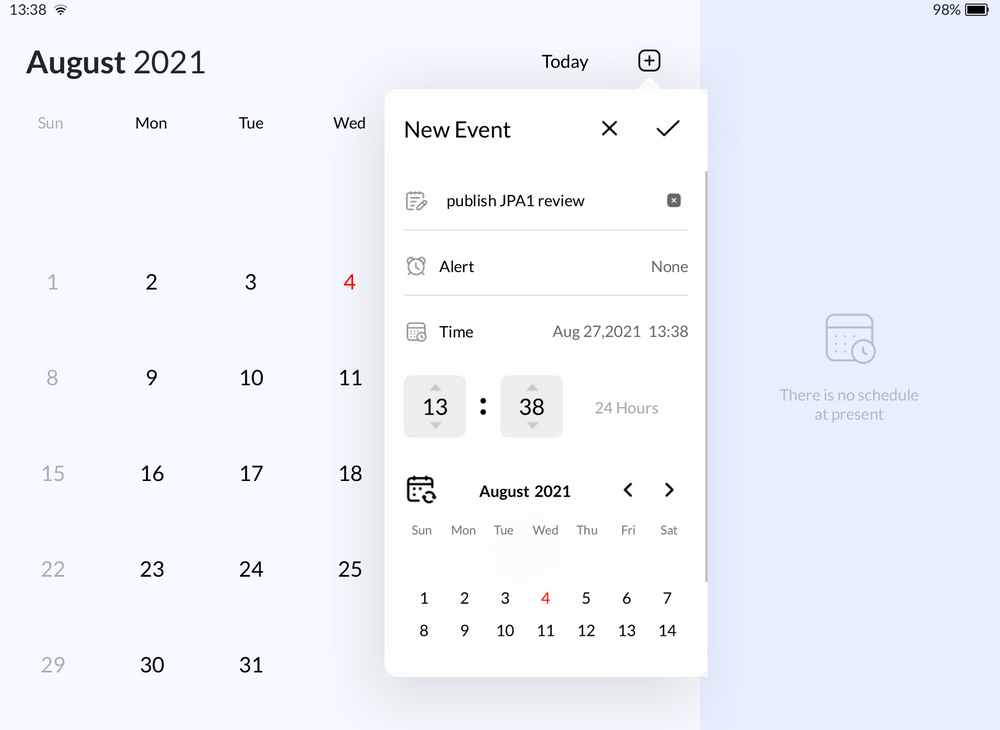
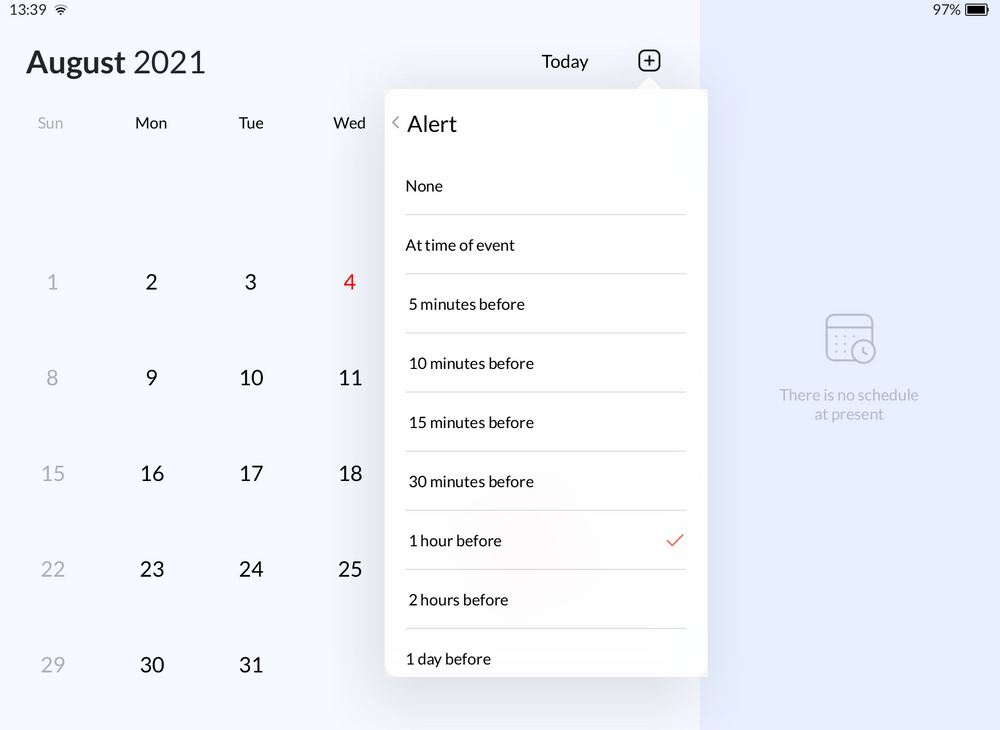
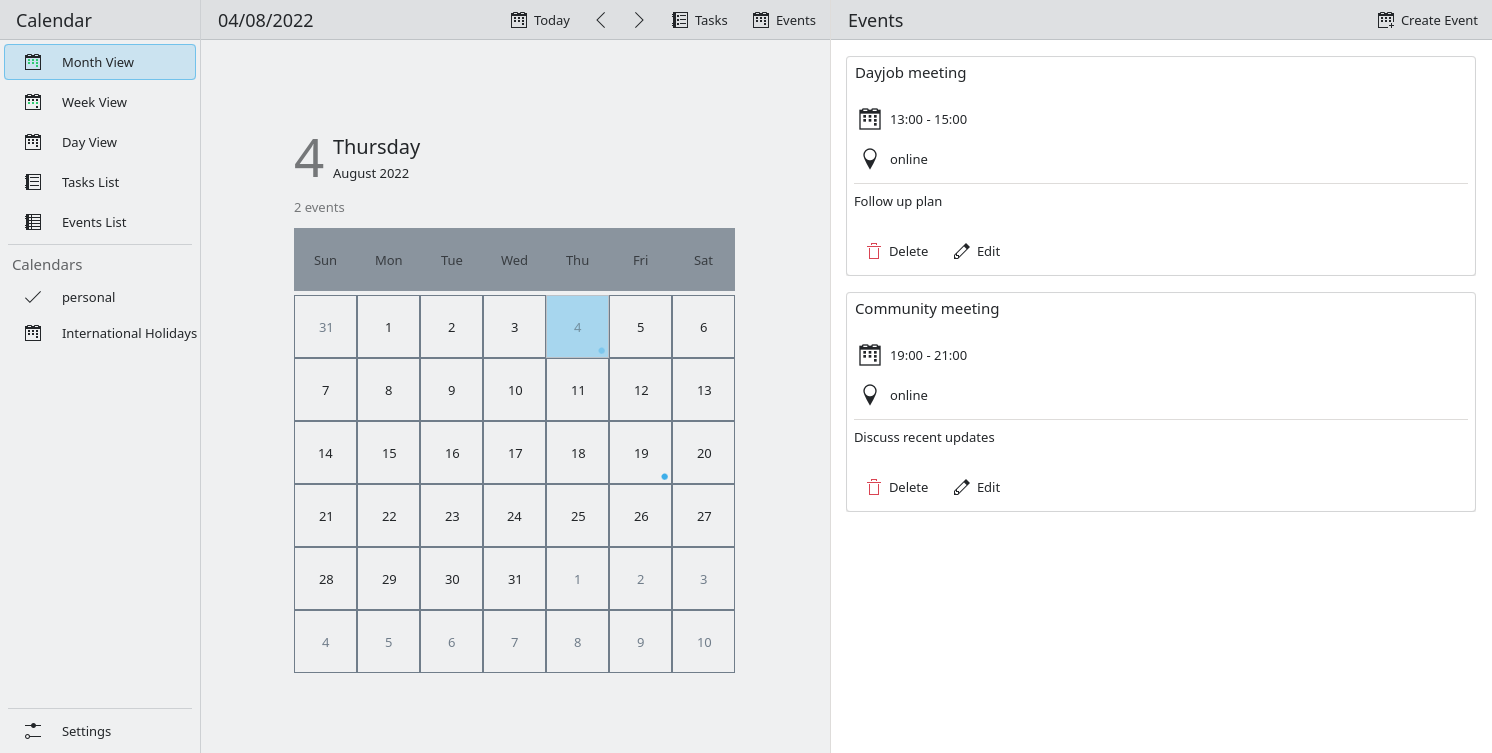
Calendar
Calendar
Calendar
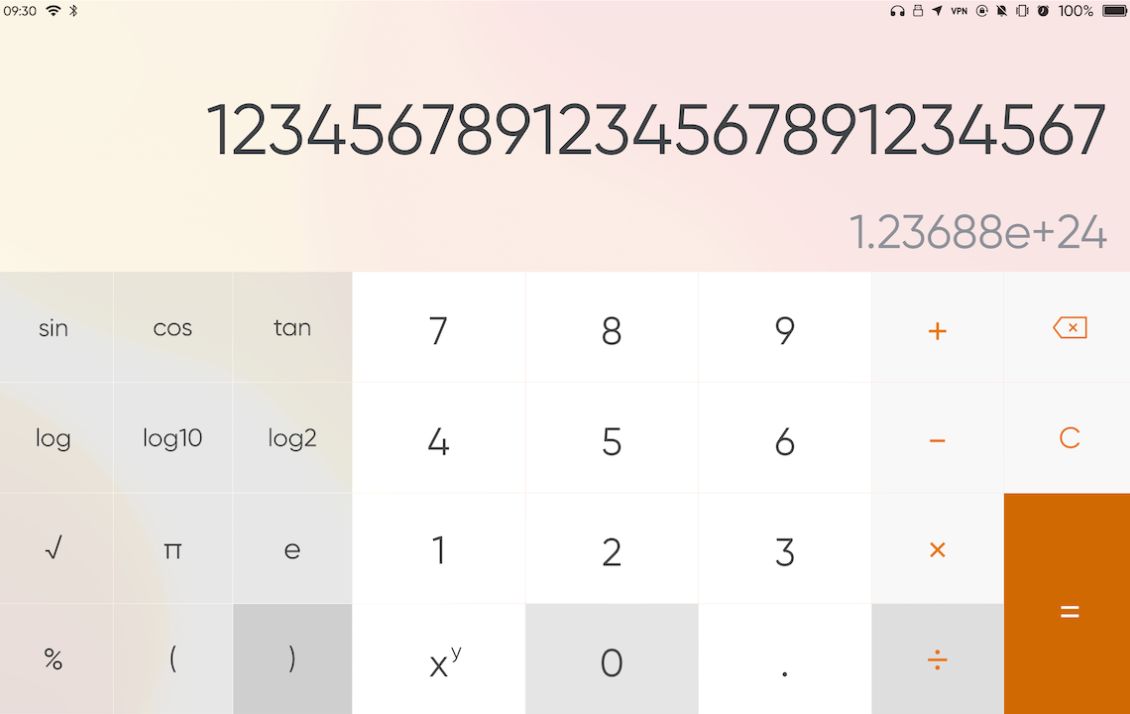
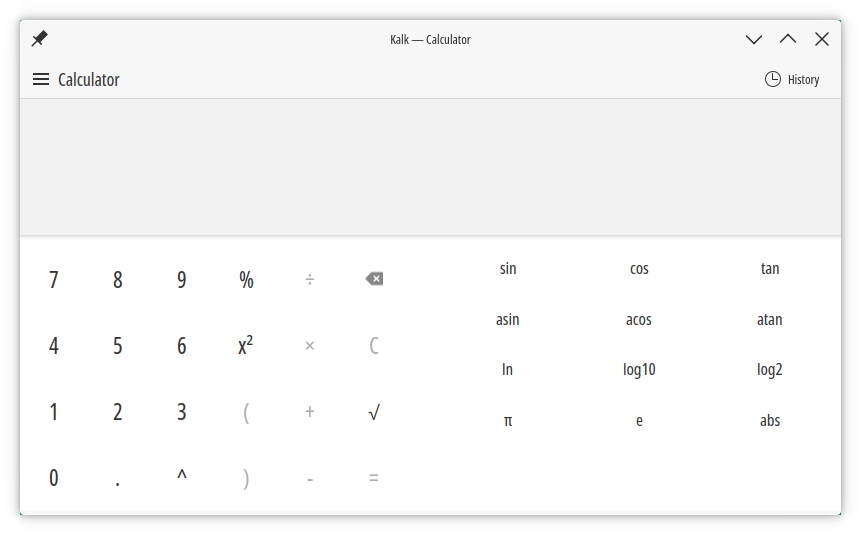
Calculator
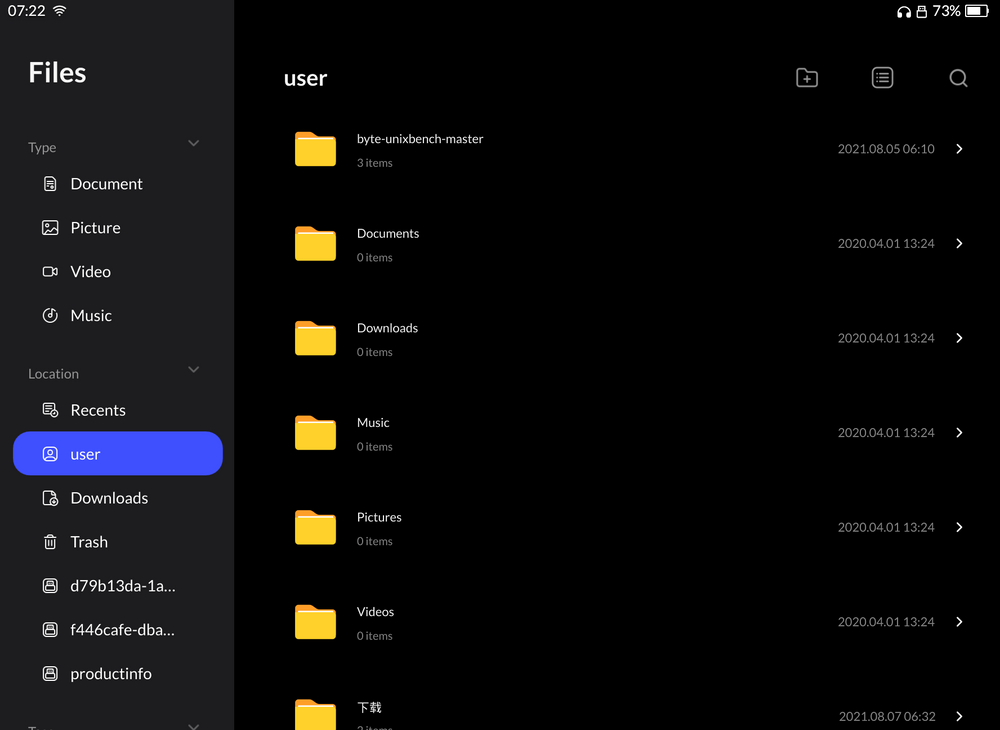
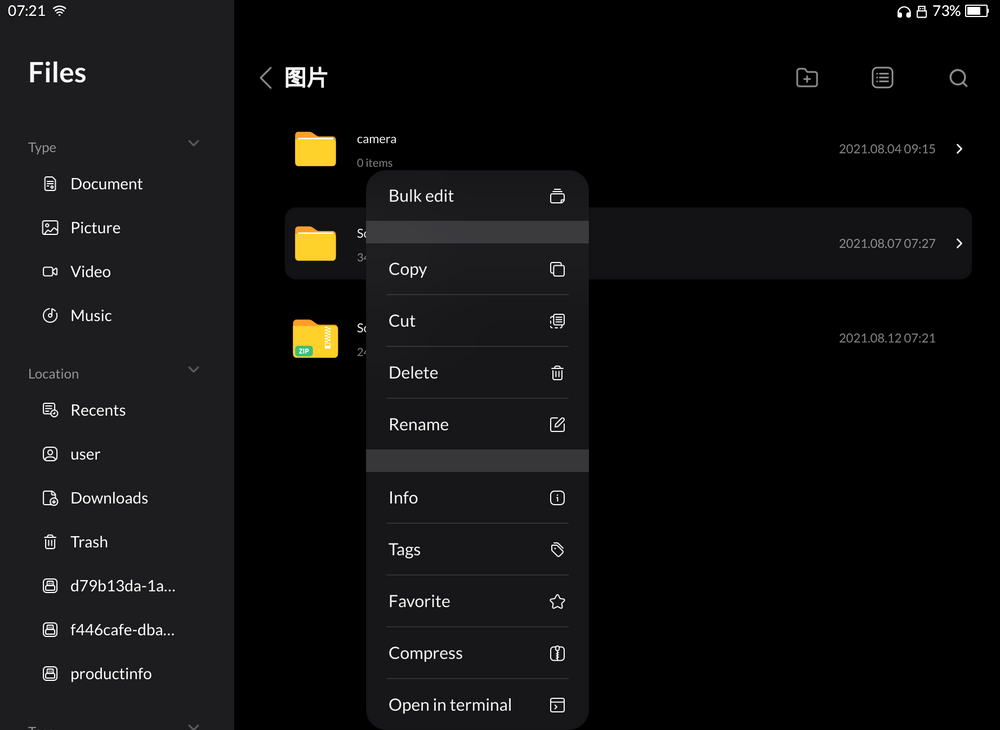
Files es Index
Files
Files es Index
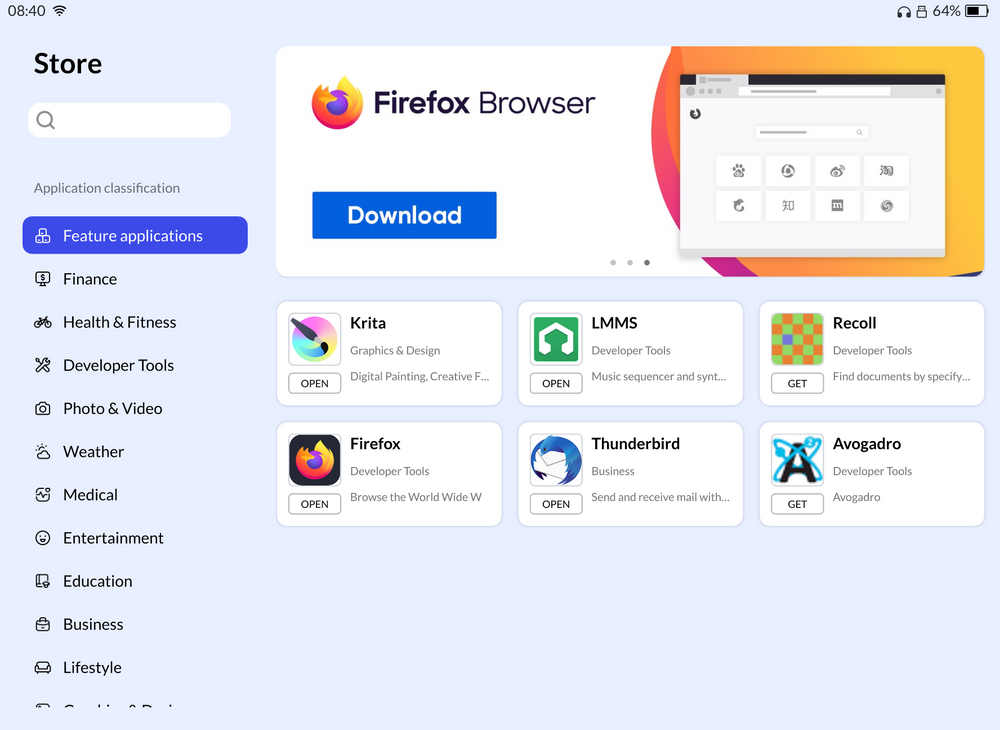
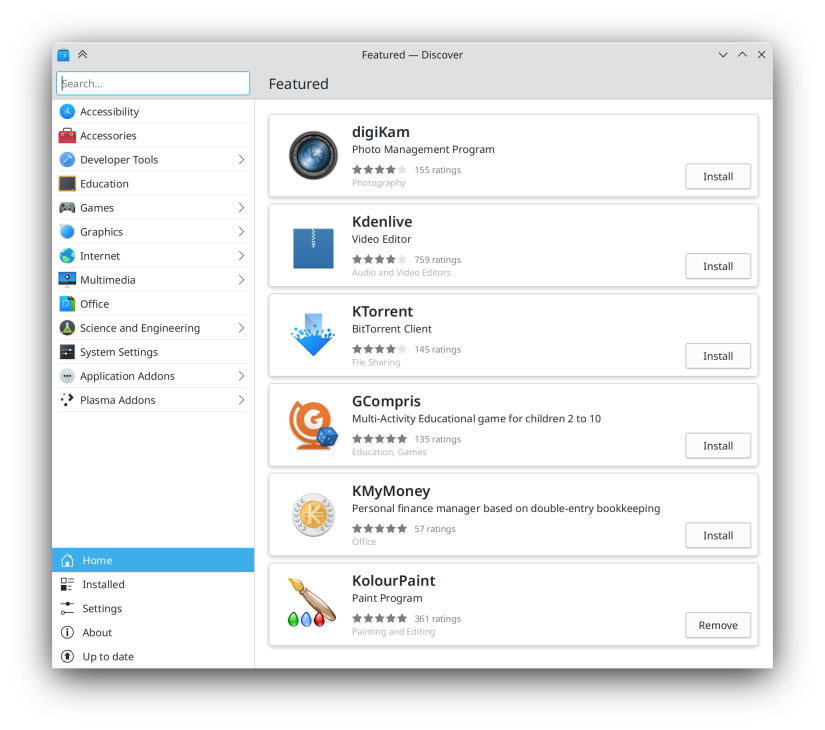
Store es Plasma Discover
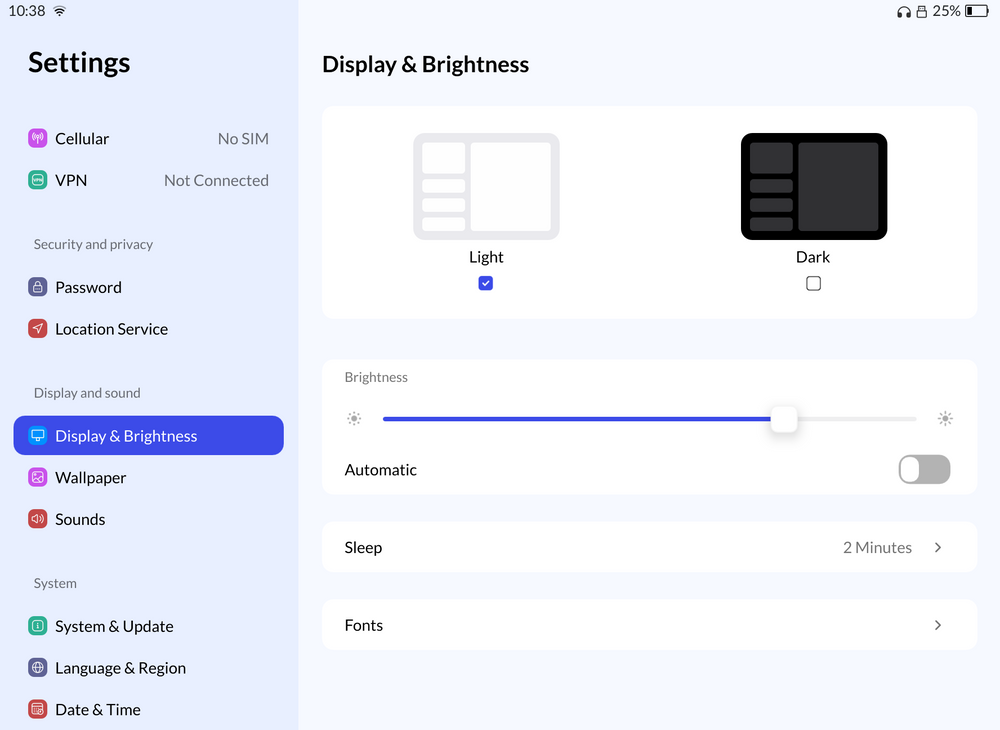
Settings
# QSkinny
Crea aplicaciones QML mediante QSkinny.
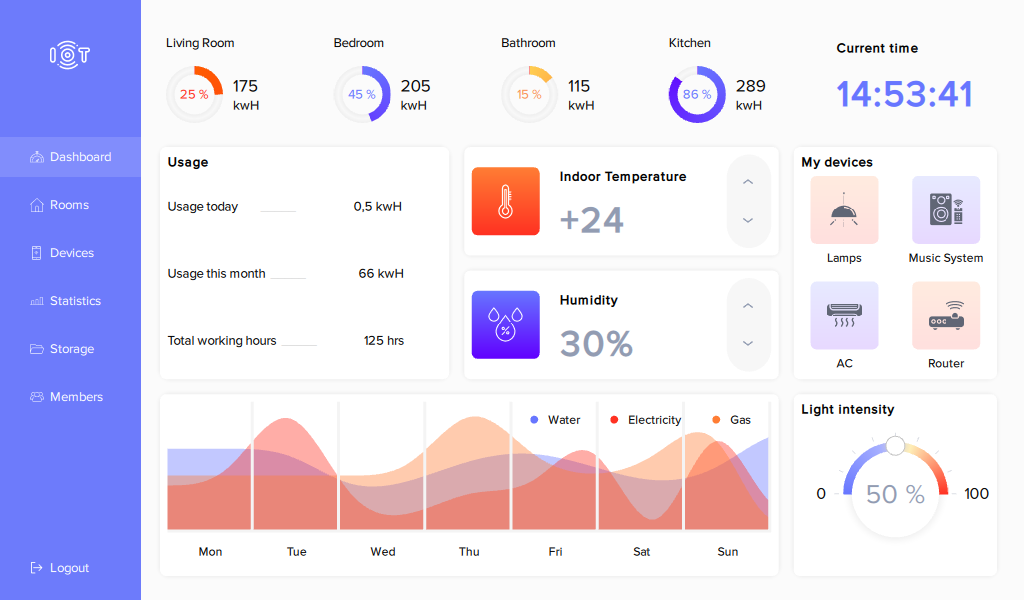
IOT dashboard muestra un ejemplo. Puedes usarlo como punto de partida para tu proyecto. IOT dashboard es incluido con QSkinny.
## Licencia
El código fuente de QSkinny se encuentra publicado bajo licencia LGPLv2 y los ejemplos con licencia BSD.
## Enlaces
{% embed url="" %}
{% embed url="" %}
# Imágenes High Fidelity
Aplicaciones QSkinny
IOT dashboard
# Otros
Han sido creados también otros kit de componentes Qt/QML.
## Eos QML framework for webOS
webOS Open Source Edition (webOS OSE) es una edición de código abierto del sistema operativo webOS de LG. Admite creación de aplicaciones usando tecnologías nativas incluyendo Qt/QML o aplicaciones con tecnología web. Usa Apache License 2.0.
{% embed url="" %}
{% embed url="" %}
{% embed url="" %}
## StatusQ
Una biblioteca de componentes Qt/QML para aplicaciones Web3 con licencia MPL2.0.
{% embed url="" %}
# Kirigami
Kirigami es un conjunto de controles Qt/QML y es base de la que derivan MauiKit o ControlKit.
## Cómo se ven las aplicaciones Kirigami
En KDE las aplicaciones Kirigami siguen el estilo Brisa, pero nada obliga a ello. Es posible usar otros estilos Qt Quick Controls Style creados para Kirigami, aunque ninguno ha sido realizado todavía, o al menos de manera completa.
ControlKit implementa estilo y la aplicación adaptación.
### Calendar es Calindori
{% embed url="" %}
{% embed url="" %}
### Más ejemplos
{% content-ref url="/pages/jtqPUpAVe8PjuqvvQieu" %}
[Aplicaciones Kirigami con otros estilos](/start/qt-qml-en-imagenes/kirigami/aplicaciones-kirigami-con-otros-estilos)
{% endcontent-ref %}
### Estilos Qt Quick Controls
Windows 11 es un estilo interesante para Qt/QML:
{% content-ref url="/pages/dR3f70lKEPj1IFUqm5WF" %}
[Estilo Windows 11 para Qt Quick Controls](/start/qt-qml-en-imagenes/kirigami/estilo-windows-11-para-qt-quick-controls)
{% endcontent-ref %}
Crear un nuevo estilo siempre es la opción preferente para un mejor resultado. Aun así Qt dispone de Imagine, un estilo que actúa a modo de motor de temas o theme engine.
{% embed url="" %}
Estilo Imagine
{% endembed %}
## Licencias
* CC0-1.0
* LGPL-2.0-or-later
* LGPL-2.1-only
* LGPL-3.0-only
## Enlaces
{% embed url="" %}
Página principal de Kirigami
{% endembed %}
{% embed url="" %}
Guía para empezar a crear aplicaciones con Kirigami
{% endembed %}
{% embed url="" %}
Documentación
{% endembed %}
{% embed url="" %}
Documentación de Kirigami
{% endembed %}
{% embed url="" %}
Código fuente de Kirigami
{% endembed %}
{% embed url="" %}
Código fuente de Kirigami Addons
{% endembed %}
# Aplicaciones Kirigami con otros estilos
Muestra de aplicaciones Kirigami con otro estilo Qt Quick Controls Style y añadiendo adaptación.
## App Store es Discover
Discover
App Store
{% embed url="" %}
{% embed url="" %}
# Imágenes High Fidelity
Encuentra imágenes de aplicaciones Kirigami con el estilo Brisa.
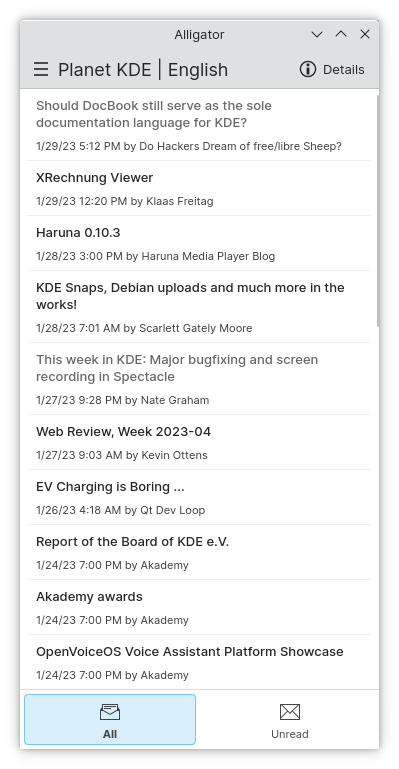
Alligator
Alligator
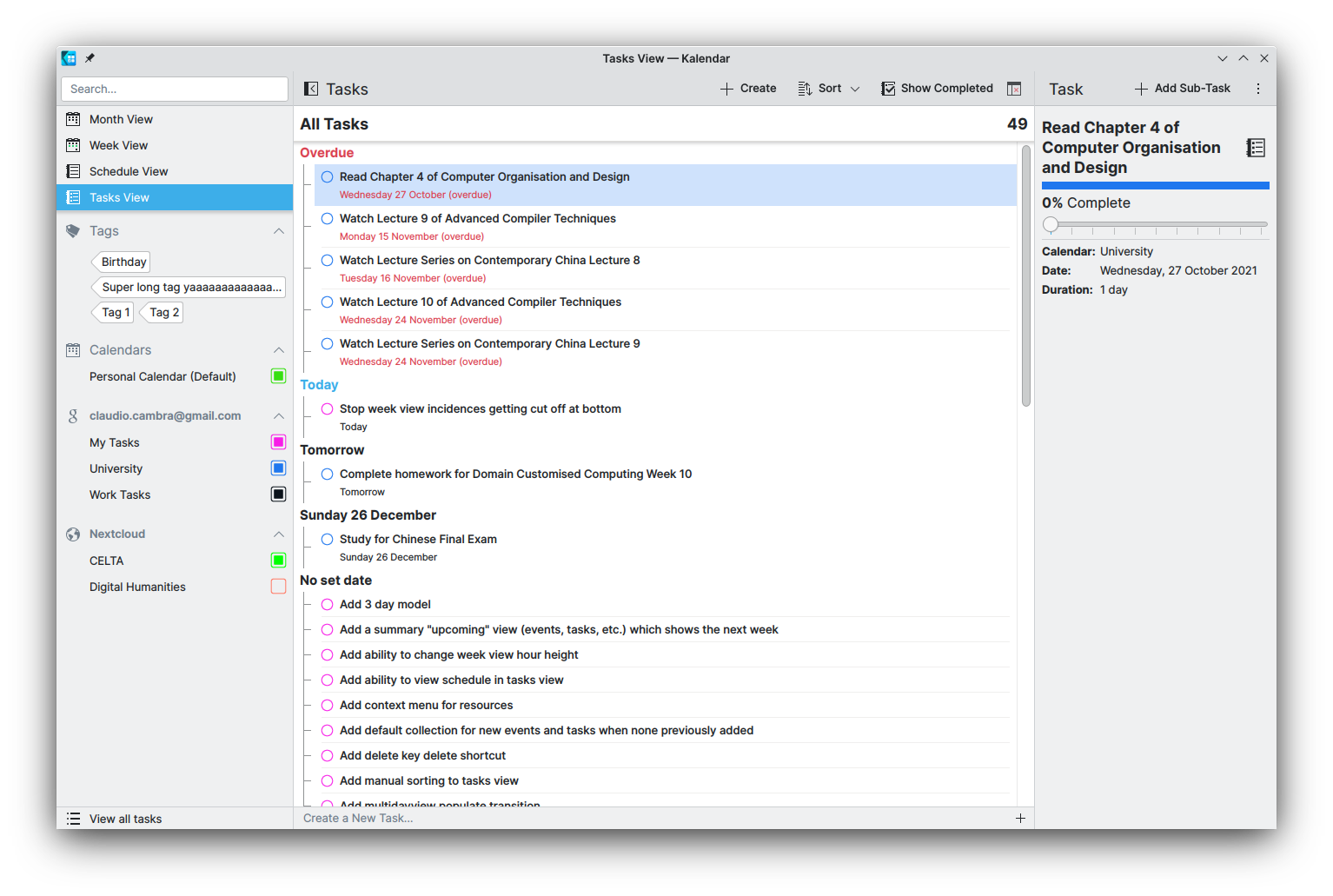
Kalendar
Kalendar
Kalendar
AudioTube
AudioTube
KClock
Tokodon mostrando el componente MobileForm.FormCard disponible en Kirigami Addons
Configuración de KRecorder
Configuración de NeoChat
Configuración de NeoChat
Opción Share de Neochat
Opción de NeoChat
# Estilo Windows 11 para Qt Quick Controls
Qt Quick Controls Style WinUI3
Aplicaciones WinUI3 siguen el diseño Fluent de Microsoft.
{% embed url="" %}
Qt Quick Controls Style WinUI3
{% endembed %}
{% embed url="" %}
Qt Quick Controls Style WinUI3
{% endembed %}
## Enlaces
{% embed url="" %}
# MauiKit
Empieza a desarrollar tu aplicación MauiKit en Nova Flow OS / openSUSE Tumbleweed.
{% hint style="info" %}
Antes de ejecutar el paso 1, efectúa "sudo zypper refresh" e instala todas las actualizaciones de paquetes. Instalar el paquete de desarrollo MauiKit sin encontrarse actualizado el sistema puede generar un sistema no arrancable.
{% endhint %}
#### 1. Instala patterns-kde-mauikit-stable\_devel\_mauikit\_frameworks con 1 Click Install.
{% embed url="" fullWidth="false" %}
#### 2. Instala patterns-kde-mauikit-stable\_mauikit\_applications.
{% embed url="" %}
#### 3. Reinicia y abre KDevelop.
#### 4. KDevelop > Project > New from Template > Get More Templates. Busca "mauikit" e instala.
#### 5. Crea tu primer proyecto: Project > New from Template > Qt > Graphical > MauiKit App with a sidebar.
## Ejemplo
Project name: mauimusic
Location: /home/user/devel
Next > Finish > Ok
Build > Execute > Selecciona "mauimusic" > Add Compiled Binary > Apply > Ok
# Controles
# ApplicationWindow
Una ventana que proporciona algunas funciones básicas necesarias para la mayoría de las aplicaciones.
```
import QtQuick 2.15
import QtQuick.Controls 2.15
import org.mauikit.controls 1.3 as Maui
Maui.ApplicationWindow
{
id: root
Maui.SideBarView
{
anchors.fill: parent
sideBarContent: Maui.Page
{
Maui.Theme.colorSet: Maui.Theme.Window
anchors.fill: parent
headBar.leftContent: Maui.ToolButtonMenu
{
icon.name: "application-menu"
MenuItem
{
text: "About"
icon.name: "info-dialog"
onTriggered: root.about()
}
}
headBar.rightContent: ToolButton
{
icon.name: "love"
}
}
Maui.Page
{
anchors.fill: parent
showCSDControls: true
}
}
}
```
showCSDControls: Muestra u oculta los botones de minimizar, maximizar y cerrar. Valores: true, false
headBar.visible Valores: true, false
headBar.farLeftContent
headBar.leftContent
headBar.middleContent
headBar.rightContent
headBar.farRightContent
headBar.background Valores: Item / componente
sideBar.preferredWidth: Establece anchura de la Side Bar. Ej: Maui.Style.units.gridUnit \* 15
### Establecer anchura y altura default.
```
import QtQuick.Window 2.15
// En Maui.ApplicationWindow
width: Screen.desktopAvailableWidth - Screen.desktopAvailableWidth * 45 / 100
height: Screen.desktopAvailableHeight - Screen.desktopAvailableHeight * 25 / 100
```
### Uso de Blur y transparencia.
Este ejemplo aplica blur y transparencia en la Side Bar.
```
// En Maui.ApplicationWindow
Loader
{
active: Maui.Handy.isLinux
asynchronous: true
sourceComponent: Maui.WindowBlur
{
view: root
geometry: Qt.rect(root.x, root.y, root.width, root.height)
enabled: true
}
}
// En sideBarContent: Maui.Page
headBar.background: null
background: Rectangle {
anchors.fill: parent
color: Maui.Theme.backgroundColor
opacity: 0.50
}
```
## Propiedades
{% embed url="" %}
# SettingsDialog
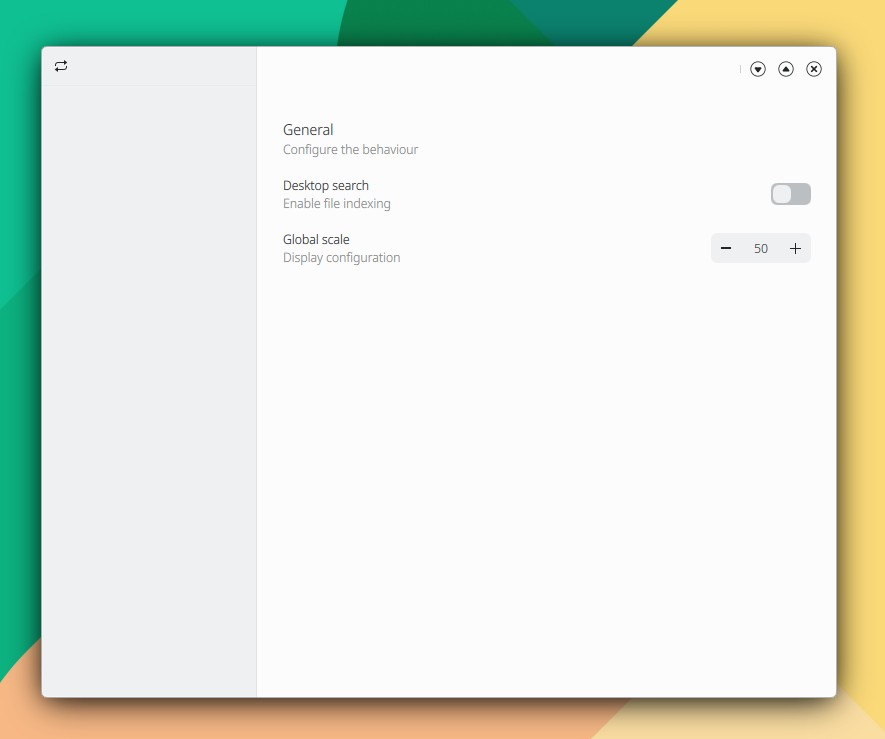
Muestra un diálogo de configuración. Dicho diálogo es añadido al código indicado en ApplicationWindow.
#### 1. Añade el archivo SettingsDialog.qml desde KDevelop > File > New:
```
// SettingsDialog.qml
import QtQuick 2.15
import QtQuick.Controls 2.15
import org.mauikit.controls 1.3 as Maui
Maui.SettingsDialog
{
Maui.SectionGroup
{
title: i18n("Results")
description: i18n("Configure the editor behaviour.")
Maui.SectionItem
{
label1.text: i18n("Search results")
label2.text: i18n("Results per page")
SpinBox {
from: 5
to: 50
value: maxResults
onValueModified: {
maxResults = value
}
}
}
Maui.SectionItem
{
label1.text: i18n("Editor")
label2.text: i18n("Enable editor")
Switch {
}
}
}
Maui.SectionGroup
{
title: i18n("")
description: i18n("General")
Maui.SectionItem
{
label1.text: i18n("Auto save")
label2.text: i18n("Auto saves your file every few seconds")
Switch {
}
}
}
}
```
#### 2. Añade SettingsDialog.qml al fichero qml.qrc:
```
main.qmlSettingsDialog.qml
```
#### 3. Añade a main.qml:
```
import Qt.labs.settings 1.0
// En Maui.ApplicationWindow
property int maxResults: 50
Settings {
property alias maxResults: root.maxResults
}
SettingsDialog
{
id: settingsDialog
}
// En headBar.leftContent: Maui.ToolButtonMenu
MenuItem
{
text: i18n("Settings")
icon.name: "settings-configure"
onTriggered: {
settingsDialog.open()
}
}
```
La configuración es almacenada en el archivo:
```
/home/user/.config/KDE/tuapp.conf
```
### Personalizar etiquetas
Estas son las propiedades de SectionGroup y SectionItem:
{% embed url="" %}
{% embed url="" %}
Si quiere personalizar SectionGroup o SectionItem:
```
// En SectionGroup sustituya:
title: i18n("Results")
description: i18n("General")
// por
template.label1.text: i18n("Results")
template.label1.font.weight: Font.Normal
template.label1.font.pixelSize: 20
template.label2.text: i18n("General")
template.label2.font.weight: Font.Normal
```
```
// En SectionItem sustituya:
label1.text: i18n("Auto save")
label2.text: i18n("Auto saves your file every few seconds")
// Por:
template.label1.text: i18n("Auto save")
template.label1.font.weight: Font.Normal
template.label2.text: i18n("Auto saves your file every few seconds")
template.label2.font.weight: Font.Normal
```
Consulte las propiedades de template:
{% embed url="" %}
Consulte las propiedades de label. No olvide examinar "lista de todos los miembros", que incluye los miembros heredados:
{% embed url="" %}
### Personalizar fondo
Aplique su propio fondo estableciendo background y headBar.background:
```
Maui.SettingsDialog
{
headBar.background: Maui.ShadowedRectangle {
anchors.fill: parent
Maui.Theme.inherit: false
Maui.Theme.colorSet: Maui.Theme.View
border.width: 0
border.color: Qt.lighter("#dadada",1.08)
shadow.size: 15
shadow.color: Maui.ColorUtils.brightnessForColor(Maui.Theme.backgroundColor) == Maui.ColorUtils.Light ? Qt.darker("#dadada",1.1) : "#2c2c2c"
shadow.xOffset: -1
shadow.yOffset: 0
color: Maui.Theme.backgroundColor
corners.topLeftRadius: 6
corners.topRightRadius: 6
}
background: Maui.ShadowedRectangle {
anchors.fill: parent
Maui.Theme.inherit: false
Maui.Theme.colorSet: Maui.Theme.View
border.width: 0
border.color: Qt.lighter("#dadada",1.08)
shadow.size: 15
shadow.color: Maui.ColorUtils.brightnessForColor(Maui.Theme.backgroundColor) == Maui.ColorUtils.Light ? Qt.darker("#dadada",1.1) : "#2c2c2c"
shadow.xOffset: -1
shadow.yOffset: 0
color: Maui.Theme.backgroundColor
corners.topLeftRadius: 6
corners.topRightRadius: 6
corners.bottomLeftRadius: 6
corners.bottomRightRadius: 6
}
}
```
## Propiedades
{% embed url="" %}
# InfoDialog
Muestra un diálogo informativo.
```
// En Maui.ApplicationWindow
Maui.InfoDialog
{
id: infoDialog
title: i18n("Get Youtube API Key")
message: i18n("Provide your own API key. Follow the steps indicated and copy the key generated on the Settings menu")
template.iconSource: "settings-configure"
onAccepted: close()
onRejected: close()
Button {
anchors.horizontalCenter: parent.horizontalCenter
text: "Get API key"
flat: true
onClicked: {
Qt.openUrlExternally("https://github.com/headsetapp/headset-electron/wiki/Get-Youtube-API-Key")
}
}
}
// En headBar.leftContent: Maui.ToolButtonMenu
MenuItem
{
text: "API Key"
icon.name: "database-change-key"
onTriggered: infoDialog.open()
}
```
## Propiedades
{% embed url="" %}
# InputDialog
Diálogo con un campo de entrada de texto.
```
import QtQuick 2.15
import QtQuick.Controls 2.15
import org.mauikit.controls 1.3 as Maui
Maui.ApplicationWindow
{
id: root
Maui.Page {
anchors.fill: parent
showCSDControls: true
Maui.InputDialog
{
id: inputDialog
title: "Title"
message: i18n("Info message about some important information fo the end user to act upon.")
template.iconSource: "dialog-info"
standardButtons: Dialog.Ok | Dialog.Close
}
Button {
anchors.centerIn: parent
flat: true
text: i18n("Open")
onClicked: inputDialog.open()
}
}
}
```
## Propiedades
{% embed url="" %}
# PopupPage
Abre una página flotante.
```
import QtQuick 2.15
import QtQuick.Controls 2.15
import org.mauikit.controls 1.3 as Maui
Maui.ApplicationWindow
{
id: root
Maui.Page {
anchors.fill: parent
showCSDControls: true
Maui.PopupPage
{
id: popupPage
hint: 1
title: i18n("Title")
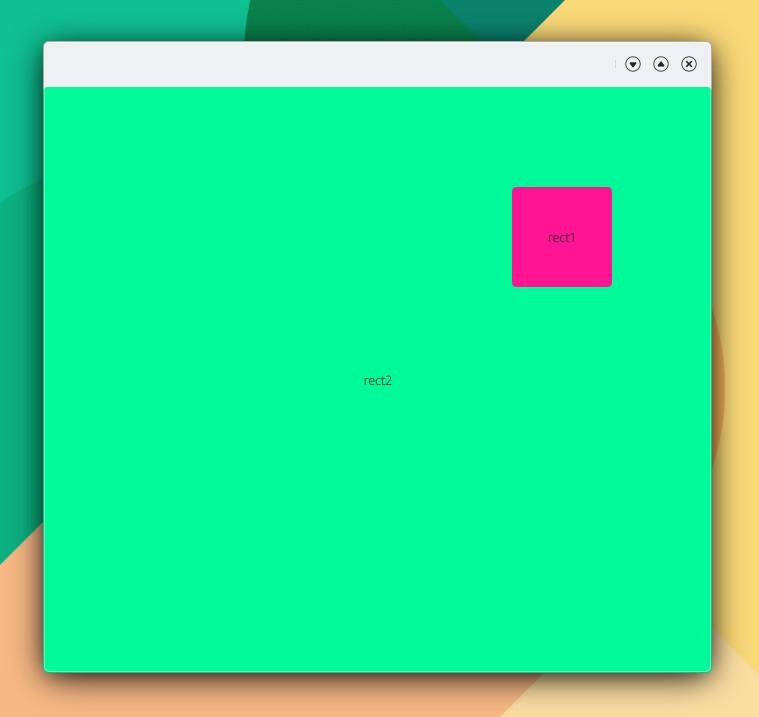
Rectangle
{
anchors.left: parent.left
anchors.right: parent.right
height: 40
radius: 4
color: "mediumspringgreen"
}
Rectangle
{
anchors.left: parent.left
anchors.right: parent.right
height: 40
radius: 4
color: "deeppink"
}
}
Button
{
anchors.centerIn: parent
flat: true
text: i18n("Open")
onClicked: popupPage.open()
}
}
}
```
## Propiedades
{% embed url="" %}
# SideBarView
Muestra una vista de barra lateral. Es el ejemplo ya indicado en ApplicationWindow.
```
import QtQuick 2.15
import QtQuick.Controls 2.15
import org.mauikit.controls 1.3 as Maui
Maui.ApplicationWindow
{
id: root
Maui.SideBarView
{
anchors.fill: parent
sideBarContent: Maui.Page
{
Maui.Theme.colorSet: Maui.Theme.Window
anchors.fill: parent
headBar.leftContent: Maui.ToolButtonMenu
{
icon.name: "application-menu"
MenuItem
{
text: "About"
icon.name: "info-dialog"
onTriggered: root.about()
}
}
headBar.rightContent: ToolButton
{
icon.name: "love"
}
}
Maui.Page
{
anchors.fill: parent
showCSDControls: true
}
}
}
```
## Propiedades
{% embed url="" %}
# TabView
Muestra una vista de pestañas.
```
import QtQuick 2.15
import QtQuick.Controls 2.15
import org.mauikit.controls 1.3 as Maui
Maui.ApplicationWindow
{
id: root
Maui.TabView
{
anchors.fill: parent
tabBar.rightContent : Switch
{
}
Rectangle
{
Maui.TabViewInfo.tabTitle: "Tab 1"
color: Maui.Theme.backgroundColor
Label {
anchors.centerIn: parent
text: "Tab 1"
}
}
Rectangle
{
Maui.TabViewInfo.tabTitle: "Tab 2"
Maui.TabViewInfo.tabIcon: "love"
color: Maui.Theme.backgroundColor
Label {
anchors.centerIn: parent
text: "Tab 2"
}
}
}
}
```
## Propiedades
{% embed url="" %}
# AppViews
Muestra una vista de subelementos.
```
import QtQuick 2.15
import QtQuick.Controls 2.15
import org.mauikit.controls 1.3 as Maui
Maui.ApplicationWindow
{
id: root
Maui.AppViews
{
id: _page
anchors.fill: parent
showCSDControls: true
headBar.forceCenterMiddleContent: true
Rectangle
{
Maui.AppView.title: "View1"
Maui.AppView.iconName: "love"
color: Maui.Theme.backgroundColor
}
Rectangle
{
Maui.AppView.title: "View2"
Maui.AppView.iconName: "folder"
Maui.AppView.badgeText: "30"
color: Maui.Theme.backgroundColor
}
Rectangle
{
Maui.AppView.title: "View3"
Maui.AppView.iconName: "tag"
color: Maui.Theme.backgroundColor
}
}
}
```
## Propiedades
{% embed url="" %}
# SplitView
Proporciona una vista dividida de aplicación.
```
import QtQuick 2.15
import QtQuick.Controls 2.15
import org.mauikit.controls 1.3 as Maui
Maui.ApplicationWindow
{
id: root
Maui.Page {
anchors.fill: parent
showCSDControls: true
Maui.SplitView
{
anchors.fill: parent
Maui.SplitViewItem
{
Rectangle
{
anchors.fill: parent
color: Maui.Theme.alternateBackgroundColor
}
}
Maui.SplitViewItem
{
Rectangle
{
anchors.fill: parent
color: Maui.Theme.alternateBackgroundColor
}
}
}
}
}
```
## Propiedades
{% embed url="" %}
# TabBar
Muestra una barra de pestañas.
```
import QtQuick 2.15
import QtQuick.Controls 2.15
import org.mauikit.controls 1.3 as Maui
Maui.ApplicationWindow
{
id: root
Maui.Page {
anchors.fill: parent
headBar.visible: false
Maui.TabBar
{
width: parent.width
height: 50
leftContent: ToolButton
{
icon.name: "overflow-menu"
}
rightContent: ToolButton
{
icon.name: "folder-new"
}
Maui.TabButton
{
text: i18n("Tab 1")
width: implicitWidth
}
}
}
}
```
## Propiedades
{% embed url="" %}
# ToolBar
Muestra una barra de herramientas.
```
import QtQuick 2.15
import QtQuick.Controls 2.15
import org.mauikit.controls 1.3 as Maui
Maui.ApplicationWindow
{
id: root
Maui.Page {
anchors.fill: parent
showCSDControls: true
Maui.ToolBar
{
width: parent.width
height: 70
position: ToolBar.Header
leftContent: [
ToolButton
{
icon.name: "draw-arrow-back"
},
ToolButton
{
icon.name: "draw-arrow-forward"
}
]
rightContent: [
ToolButton
{
icon.name: "search"
}
]
}
}
}
```
## Propiedades
{% embed url="" %}
# SelectionBar
Barra de agrupación de elementos con lista de acciones.
```
import QtQuick 2.15
import QtQuick.Controls 2.15
import org.mauikit.controls 1.3 as Maui
Maui.ApplicationWindow
{
id: root
Maui.Page
{
anchors.fill: parent
showCSDControls: true
floatingFooter: true
flickable: listBrowser.flickable //helps to keep the content from under the selection bar at the end.
Component.onCompleted: {
listBrowser.currentIndex = -1
}
headBar.rightContent: Switch
{
text: "Single selection"
checked: selectionBar.singleSelection
onToggled: selectionBar.singleSelection = !selectionBar.singleSelection
}
Maui.ListBrowser
{
id: listBrowser
anchors.fill: parent
anchors.margins: 10
horizontalScrollBarPolicy: ScrollBar.AsNeeded
verticalScrollBarPolicy: ScrollBar.AsNeeded
model: 10
delegate: Maui.ListBrowserDelegate
{
id: list
property string id : index // we need an unique ID for the selectio nbar
width: ListView.view.width
height: 60
label1.text: "An example delegate."
label2.text: "The ID of this element is " + id
iconSource: "folder"
checkable: false
Connections
{
target: selectionBar
function onUriRemoved(uri) //watch when a uri is removed from the selection bar
{
if(uri == list.id)
{
list.checked = false
}
}
function onUriAdded(uri) //watch when an uri is successfully added and mark the delegate as checked
{
if(uri == list.id)
{
list.checked = true
}
}
function onCleared() //watch when the selection has been cleared and uncheck all the delegates
{
list.checked = false
}
}
onClicked: {
list.checked = list.checked ? false: true
list.checked ? selectionBar.append(list.id, ({'title': "Testing"})) : selectionBar.removeAtUri(list.id)
}
}
}
footer: Maui.SelectionBar
{
id: selectionBar
anchors.horizontalCenter: parent.horizontalCenter
width: Math.min(parent.width-(Maui.Style.space.medium*2), implicitWidth)
maxListHeight: root.height - (Maui.Style.contentMargins*2)
Action
{
icon.name: "love"
onTriggered: console.log(selectionBar.getSelectedUrisString())
}
Action
{
icon.name: "folder"
onTriggered: console.log(selectionBar.contains("0"))
}
Action
{
icon.name: "list-add"
}
onExitClicked: clear()
}
}
}
```
## Propiedades
{% embed url="" %}
# GridBrowser
Muestra elementos en una rejilla o cuadrícula.
```
import QtQuick 2.15
import QtQuick.Controls 2.15
import org.mauikit.controls 1.3 as Maui
Maui.ApplicationWindow
{
id: root
Maui.Page {
anchors.fill: parent
showCSDControls: true
Maui.GridBrowser {
anchors.fill: parent
anchors.margins: 20
itemSize: 100
itemHeight: 100
adaptContent: true
horizontalScrollBarPolicy: ScrollBar.AlwaysOff
verticalScrollBarPolicy: ScrollBar.AlwaysOff
model: 20
delegate: Rectangle {
color: "transparent"
width: GridView.view.cellWidth
height: GridView.view.cellHeight
Rectangle {
anchors.fill: parent
anchors.margins: 10
radius: 4
color: Maui.Theme.alternateBackgroundColor
}
}
}
}
}
```
```
horizontalScrollBarPolicy: ScrollBar.AsNeeded, ScrollBar.AlwaysOn, ScrollBar.AlwaysOff
verticalScrollBarPolicy: ScrollBar.AsNeeded, ScrollBar.AlwaysOn, ScrollBar.AlwaysOff
```
## GridBrowserDelegate
```
import QtQuick 2.15
import QtQuick.Controls 2.15
import org.mauikit.controls 1.3 as Maui
Maui.ApplicationWindow
{
id: root
Maui.Page {
anchors.fill: parent
showCSDControls: true
Maui.GridBrowser {
anchors.fill: parent
anchors.margins: 20
itemSize: 120
itemHeight: 150
adaptContent: true
horizontalScrollBarPolicy: ScrollBar.AlwaysOff
verticalScrollBarPolicy: ScrollBar.AlwaysOff
model: 10
delegate: Rectangle {
color: "transparent"
width: GridView.view.cellWidth
height: GridView.view.cellHeight
Maui.GridBrowserDelegate
{
anchors.fill: parent
anchors.margins: 10
checkable: false
checked: false
//iconSource: "folder"
imageSource: "https://upload.wikimedia.org/wikipedia/commons/8/8d/KDE_logo.svg"
label1.text: i18n("Title")
label2.text: i18n("Info")
}
}
}
}
}
```
## Propiedades
{% embed url="" %}
{% embed url="" %}
# ListBrowser
Muestra elementos es una lista.
```
import QtQuick 2.15
import QtQuick.Controls 2.15
import org.mauikit.controls 1.3 as Maui
Maui.ApplicationWindow
{
id: root
Maui.Page {
anchors.fill: parent
showCSDControls: true
Maui.ListBrowser {
anchors.fill: parent
anchors.margins: 20
horizontalScrollBarPolicy: ScrollBar.AlwaysOff
verticalScrollBarPolicy: ScrollBar.AlwaysOff
spacing: 10
model: 10
delegate: Rectangle {
color: "transparent"
width: ListView.view.width
height: 80
Rectangle {
anchors.fill: parent
anchors.margins: 0
radius: 4
color: Maui.Theme.alternateBackgroundColor
}
}
}
}
}
```
```
horizontalScrollBarPolicy: ScrollBar.AsNeeded, ScrollBar.AlwaysOn, ScrollBar.AlwaysOff
verticalScrollBarPolicy: ScrollBar.AsNeeded, ScrollBar.AlwaysOn, ScrollBar.AlwaysOff
```
## ListBrowserDelegate
```
import QtQuick 2.15
import QtQuick.Controls 2.15
import org.mauikit.controls 1.3 as Maui
Maui.ApplicationWindow
{
id: root
Maui.Page {
anchors.fill: parent
showCSDControls: true
Maui.ListBrowser {
anchors.fill: parent
anchors.margins: 20
horizontalScrollBarPolicy: ScrollBar.AlwaysOff
verticalScrollBarPolicy: ScrollBar.AlwaysOff
spacing: 10
model: 10
delegate: Rectangle {
color: "transparent"
width: ListView.view.width
height: 80
Maui.ListBrowserDelegate
{
anchors.fill: parent
anchors.margins: 0
label1.text: "An example delegate."
label2.text: "Using the MauiKit ListBrowser."
iconSource: "folder"
}
}
}
}
}
```
## Propiedades
{% embed url="" %}
{% embed url="" %}
# ListItemTemplate
Muestra elementos horizontales de información en una lista.
```
import QtQuick 2.15
import QtQuick.Controls 2.15
import org.mauikit.controls 1.3 as Maui
Maui.ApplicationWindow
{
id: root
Maui.Page {
anchors.fill: parent
showCSDControls: true
Maui.ListBrowser {
anchors.fill: parent
anchors.margins: 20
horizontalScrollBarPolicy: ScrollBar.AlwaysOff
verticalScrollBarPolicy: ScrollBar.AlwaysOff
spacing: 10
model: 10
delegate: Maui.ListItemTemplate
{
width: parent.width
height: 70
imageSource: "https://upload.wikimedia.org/wikipedia/commons/8/8d/KDE_logo.svg"
//iconSource: "folder"
label1.text: "Title of template"
label2.text: "Subtitle of template"
label3.text: "+info"
ToolButton
{
flat: true
icon.name: "list-remove"
}
ToolButton
{
flat: true
icon.name: "list-add"
}
}
}
}
}
```
## Propiedades
{% embed url="" %}
# SwipeBrowserDelegate
Muestra elementos deslizantes en una lista.
```
import QtQuick 2.15
import QtQuick.Controls 2.15
import org.mauikit.controls 1.3 as Maui
Maui.ApplicationWindow
{
id: root
Maui.Page {
anchors.fill: parent
showCSDControls: true
Maui.ListBrowser {
anchors.fill: parent
anchors.margins: 20
horizontalScrollBarPolicy: ScrollBar.AlwaysOff
verticalScrollBarPolicy: ScrollBar.AlwaysOff
spacing: 10
model: 10
delegate: Rectangle {
color: "transparent"
width: ListView.view.width
height: 80
Maui.SwipeBrowserDelegate
{
anchors.fill: parent
label1.text: "Title"
label2.text: "Subtitle"
iconSource: "folder-green"
iconSizeHint: Maui.Style.iconSizes.medium
quickActions: [
Action
{
icon.name: "love"
},
Action
{
icon.name: "love"
}
]
}
}
}
}
}
```
{% embed url="" %}
## Propiedades
{% embed url="" %}
# GalleryRolItem
Muestra imágenes en carrusel.
```
import QtQuick 2.15
import QtQuick.Controls 2.15
import org.mauikit.controls 1.3 as Maui
Maui.ApplicationWindow
{
id: root
Maui.Page {
anchors.fill: parent
showCSDControls: true
Maui.GridBrowser {
anchors.fill: parent
anchors.margins: 20
itemSize: 120
itemHeight: 150
adaptContent: true
horizontalScrollBarPolicy: ScrollBar.AlwaysOff
verticalScrollBarPolicy: ScrollBar.AlwaysOff
model: 10
delegate: Rectangle {
color: "transparent"
width: GridView.view.cellWidth
height: GridView.view.cellHeight
Maui.GalleryRollItem
{
anchors.fill: parent
images: ["https://upload.wikimedia.org/wikipedia/commons/8/8d/KDE_logo.svg", "https://upload.wikimedia.org/wikipedia/commons/c/c5/AKademy_2005_logo.svg", "https://upload.wikimedia.org/wikipedia/commons/d/d7/Plasma_coloured_logo.svg"]
label1.text: "Title"
checkable: false
checked: false
}
}
}
}
}
```
{% embed url="" %}
## Propiedades
{% embed url="" %}
# CollageItem
Muestra un grupo de imágenes en forma de viñeta. Adecuado para controles modelo-delegado como delegado. Consulta el ejemplo de la documentación oficial.
```
import QtQuick 2.15
import QtQuick.Controls 2.15
import org.mauikit.controls 1.3 as Maui
Maui.ApplicationWindow
{
id: root
Maui.Page {
anchors.fill: parent
showCSDControls: true
headBar.background: null
Maui.CollageItem
{
anchors.fill: parent
anchors.margins: 100
implicitWidth: 200
implicitHeight: 200
images: ["https://upload.wikimedia.org/wikipedia/commons/8/8d/KDE_logo.svg", "https://upload.wikimedia.org/wikipedia/commons/c/c5/AKademy_2005_logo.svg", "https://upload.wikimedia.org/wikipedia/commons/d/d7/Plasma_coloured_logo.svg"]
label1.text: "Title"
checkable: false
checked: false
}
}
}
```
## Propiedades
{% embed url="" %}
# ToolButtonMenu
Botón que abre un menú.
```
import QtQuick 2.15
import QtQuick.Controls 2.15
import org.mauikit.controls 1.3 as Maui
Maui.ApplicationWindow
{
id: root
Maui.Page {
anchors.fill: parent
showCSDControls: true
headBar.leftContent: Maui.ToolButtonMenu
{
anchors.centerIn: parent
icon.name: "love"
MenuItem
{
icon.name: "love"
text: "Menu 1"
}
MenuItem
{
icon.name: "love"
text: "Menu 2"
}
}
}
}
```
## Propiedades
# MenuItemActionRow
Fila de acciones para menú.
```
import QtQuick 2.15
import QtQuick.Controls 2.15
import org.mauikit.controls 1.3 as Maui
Maui.ApplicationWindow
{
id: root
Maui.Page
{
anchors.fill: parent
showCSDControls: true
headBar.leftContent: Maui.ToolButtonMenu {
icon.name: "love"
Maui.MenuItemActionRow
{
Action
{
icon.name: "love"
}
Action
{
icon.name: "list-add"
}
Action
{
icon.name: "view-list-icons"
}
}
MenuItem
{
text: i18n("Menu 1")
}
MenuItem
{
text: i18n("Menu 2")
}
MenuItem
{
text: i18n("Menu 3")
}
}
}
}
```
## Propiedades
{% embed url="" %}
# ToolActions
Muestra acciones agrupadas.
```
import QtQuick 2.15
import QtQuick.Controls 2.15
import org.mauikit.controls 1.3 as Maui
Maui.ApplicationWindow
{
id: root
Maui.Page {
anchors.fill: parent
showCSDControls: true
Maui.ToolActions
{
anchors.centerIn: parent
Action
{
icon.name: "draw-arrow-back"
}
Action
{
icon.name: "draw-arrow-forward"
}
}
}
}
```
## Propiedades
{% embed url="" %}
# Page
Una página con encabezado (header) y pie de página (footer).
```
import QtQuick 2.15
import QtQuick.Controls 2.15
import org.mauikit.controls 1.3 as Maui
Maui.ApplicationWindow
{
id: root
Maui.Page {
anchors.fill: parent
showCSDControls: true
}
}
```
## Propiedades
{% embed url="" %}
# FileDialog
Diálogo para abrir o guardar archivos.
```
import QtQuick 2.15
import QtQuick.Controls 2.15
import org.mauikit.controls 1.3 as Maui
import org.mauikit.filebrowsing 1.3 as FB
Maui.ApplicationWindow
{
id: root
Maui.Page
{
showCSDControls: true
anchors.fill: parent
headBar.farLeftContent: ToolButton {
icon.name: "document-single"
onClicked: {
dialog.openMode = true
dialog.open()
}
}
headBar.leftContent: ToolButton {
icon.name: "document-save"
onClicked: {
dialog.openMode = false
dialog.open()
}
}
Label {
id: label
anchors.centerIn: parent
}
}
FB.FileDialog
{
id: dialog
property bool openMode
mode: openMode? modes.OPEN : modes.SAVE
onFinished: {
var url = urls
label.text = url.toString()
}
}
}
```
## Propiedades
{% embed url="" %}
# Badge
Control para indicar un estado pendiente o un resultado informativo.
```
import QtQuick 2.15
import QtQuick.Controls 2.15
import org.mauikit.controls 1.3 as Maui
Maui.ApplicationWindow
{
id: root
Maui.Page {
anchors.fill: parent
showCSDControls: true
Maui.Badge
{
anchors.right: parent.right
anchors.bottom: parent.bottom
anchors.margins: 20
text: "+5"
}
}
}
```
## Propiedades
{% embed url="" %}
# Holder
Muestra un mensaje informativo junto con acciones.
```
import QtQuick 2.15
import QtQuick.Controls 2.15
import org.mauikit.controls 1.3 as Maui
Maui.ApplicationWindow
{
id: root
Maui.Page {
anchors.fill: parent
showCSDControls: true
Maui.Holder
{
anchors.fill: parent
title: i18n("Holder")
body: i18n("Holder body message with quick info")
emoji: "folder"
isMask: false
Action
{
text: "Action1"
}
Action
{
text: "Action2"
}
}
}
}
```
## Propiedades
{% embed url="" %}
# FloatingButton
Muestra un botón flotante.
```
import QtQuick 2.15
import QtQuick.Controls 2.15
import org.mauikit.controls 1.3 as Maui
Maui.ApplicationWindow
{
id: root
Maui.Page {
anchors.fill: parent
showCSDControls: true
headBar.background: null
Maui.FloatingButton
{
icon.name: "love"
anchors.bottom: parent.bottom
anchors.right: parent.right
anchors.margins: 20
}
}
}
```
## Propiedades
{% embed url="" %}
# Chip
Útil como globo informativo, para filtar o seleccionar contenido, etc.
```
import QtQuick 2.15
import QtQuick.Controls 2.15
import org.mauikit.controls 1.3 as Maui
Maui.ApplicationWindow
{
id: root
Maui.Page {
anchors.fill: parent
showCSDControls: true
Maui.Chip
{
anchors.centerIn: parent
color: "pink"
icon.name: "love"
text: "Chip"
}
}
}
```
## Propiedades
{% embed url="" %}
# ColorsRow
Selector de color.
```
import QtQuick 2.15
import QtQuick.Controls 2.15
import org.mauikit.controls 1.3 as Maui
Maui.ApplicationWindow
{
id: root
Maui.Page {
anchors.fill: parent
showCSDControls: true
Maui.ColorsRow
{
anchors.centerIn: parent
colors: ["pink", "mediumspringgreen", "deepskyblue", "royalblue"]
}
}
}
```
## Propiedades
{% embed url="" %}
# CloseButton
Muestra un boton Cerrar.
```
import QtQuick 2.15
import QtQuick.Controls 2.15
import org.mauikit.controls 1.3 as Maui
Maui.ApplicationWindow
{
id: root
Maui.Page {
anchors.fill: parent
showCSDControls: true
Maui.CloseButton
{
anchors.centerIn: parent
}
}
}
```
## Propiedades
{% embed url="" %}
# IconItem
Muestra un icono o imagen.
```
import QtQuick 2.15
import QtQuick.Controls 2.15
import org.mauikit.controls 1.3 as Maui
Maui.ApplicationWindow
{
id: root
Maui.Page {
anchors.fill: parent
showCSDControls: true
Maui.IconItem
{
anchors.centerIn: parent
imageSource: "https://upload.wikimedia.org/wikipedia/commons/8/8d/KDE_logo.svg"
imageSizeHint: 200
maskRadius: Maui.Style.radiusV
fillMode: Image.PreserveAspectCrop
}
}
}
```
```
iconSource: "draw-arrow-forward"
```
```
imageSource: "qrc:/assets/6588168.jpg"
```
## Propiedades
{% embed url="" %}
# Notify
Muestra una notificación.
```
import QtQuick 2.15
import QtQuick.Controls 2.15
import org.mauikit.controls 1.3 as Maui
Maui.ApplicationWindow
{
id: root
Maui.Page {
anchors.fill: parent
showCSDControls: true
headBar.leftContent: ToolButton {
icon.name: "notifications"
onClicked: {
root.notify("notifications","Notification","You must restart this application",null,5000,"Accept")
}
}
}
}
```
## Propiedades
{% embed url="" %}
# ShadowedRectangle
Muestra un rectángulo con sombra.
```
import QtQuick 2.15
import QtQuick.Controls 2.15
import org.mauikit.controls 1.3 as Maui
Maui.ApplicationWindow
{
id: root
Maui.Page {
anchors.fill: parent
showCSDControls: true
Maui.ShadowedRectangle {
anchors.centerIn: parent
width: 150
height: 150
color: Maui.Theme.alternateBackgroundColor
border.color: Maui.Theme.alternateBackgroundColor
border.width: 0
shadow.size: 10
shadow.color: Maui.ColorUtils.brightnessForColor(Maui.Theme.backgroundColor) == Maui.ColorUtils.Light ? "#dadada" : "#2c2c2c"
shadow.xOffset: -3
shadow.yOffset: 3
radius: 5
corners.bottomLeftRadius: 1
corners.topRightRadius: 1
}
}
}
```
```
corners.topLeftRadius
corners.topRightRadius
corners.bottomLeftRadius
corners.bottomRightRadius
renderType: Auto, HighQuality, LowQuality, Software
```
## Propiedades
{% embed url="" %}
# SearchField
Campo de búsqueda
```
import QtQuick 2.15
import QtQuick.Controls 2.15
import org.mauikit.controls 1.3 as Maui
Maui.ApplicationWindow
{
id: root
property string query
Maui.Page {
anchors.fill: parent
showCSDControls: true
headBar.middleContent: Maui.SearchField
{
anchors.horizontalCenter: parent.horizontalCenter
placeholderText: "Search for..."
onAccepted: {
query = text
}
}
Label {
id: label
anchors.centerIn: parent
text: query
}
}
}
```
```
// Opcionalmente
onAccepted: {
label.text = text
}
Label {
id: label
anchors.centerIn: parent
}
```
## Propiedades
{% embed url="" %}
{% embed url="" %}
# Flow
Posiciona los componentes hijo como palabras en una página.
```
import QtQuick 2.15
import QtQuick.Controls 2.15
import org.mauikit.controls 1.3 as Maui
Maui.ApplicationWindow
{
id: root
Maui.Page {
anchors.fill: parent
showCSDControls: true
Flow
{
width: 200
anchors.centerIn: parent
spacing: Maui.Style.space.big
Maui.Chip
{
text: "Chip1"
color: "#757575"
}
Maui.Chip
{
text: "Chip2"
icon.name: "actor"
color: "#03A9F4"
}
Maui.Chip
{
text: "Chip3"
icon.name: "anchor"
color: "#4CAF50"
}
Maui.Chip
{
text: "Chip4"
color: "#E1BEE7"
}
Maui.Chip
{
text: "Chip5"
color: "#FFC107"
}
Maui.Chip
{
text: "Chip6"
color: "#607D8B"
}
Maui.Chip
{
text: "Chip7"
color: "#FF5722"
icon.source: "/home/camiloh/Downloads/5911329.jpeg"
}
}
}
}
```
## Propiedades
{% embed url="" %}
####
# Referencia completa: MauiKit
MauiKit es un conjunto de componentes QtQuick para crear interfaces de usuario adaptables basadas en QtQuick Controls 2. Permite crear aplicaciones convergentes adaptadas a cada dispositivo.
[AbstractPlatform](https://api.kde.org/mauikit/mauikit/html/classAbstractPlatform.html)
[AltBrowser](https://api.kde.org/mauikit/mauikit/html/classAltBrowser.html)
[AnimatedImageViewer](https://api.kde.org/mauikit/mauikit/html/classAnimatedImageViewer.html)
[ApplicationWindow](https://api.kde.org/mauikit/mauikit/html/classApplicationWindow.html)
[AppViewLoader](https://api.kde.org/mauikit/mauikit/html/classAppViewLoader.html)
[AppViews](https://api.kde.org/mauikit/mauikit/html/classAppViews.html)
[Badge](https://api.kde.org/mauikit/mauikit/html/classBadge.html)
[BaseWindow](https://api.kde.org/mauikit/mauikit/html/classBaseWindow.html)
[Chip](https://api.kde.org/mauikit/mauikit/html/classChip.html)
[CloseButton](https://api.kde.org/mauikit/mauikit/html/classCloseButton.html)
[CollageItem](https://api.kde.org/mauikit/mauikit/html/classCollageItem.html)
[ColorsRow](https://api.kde.org/mauikit/mauikit/html/classColorsRow.html)
[ColorUtils](https://api.kde.org/mauikit/mauikit/html/classColorUtils.html)
[ContextualMenu](https://api.kde.org/mauikit/mauikit/html/classContextualMenu.html)
[Controls](https://api.kde.org/mauikit/mauikit/html/classControls.html)
[CSDButton](https://api.kde.org/mauikit/mauikit/html/classCSDButton.html)
[CSDControls](https://api.kde.org/mauikit/mauikit/html/classCSDControls.html)
[DialogWindow](https://api.kde.org/mauikit/mauikit/html/classDialogWindow.html)
[Doodle](https://api.kde.org/mauikit/mauikit/html/classDoodle.html)
[DoodleCanvas](https://api.kde.org/mauikit/mauikit/html/classDoodleCanvas.html)
[FileListingDialog](https://api.kde.org/mauikit/mauikit/html/classFileListingDialog.html)
[FlexListItem](https://api.kde.org/mauikit/mauikit/html/classFlexListItem.html)
[FlexSectionItem](https://api.kde.org/mauikit/mauikit/html/classFlexSectionItem.html)
[FloatingButton](https://api.kde.org/mauikit/mauikit/html/classFloatingButton.html)
[FontPicker](https://api.kde.org/mauikit/mauikit/html/classFontPicker.html)
[FontPicker](https://api.kde.org/mauikit/mauikit/html/classFontPickerDialog.html)[Dialog](https://api.kde.org/mauikit/mauikit/html/classFontPickerDialog.html)
[FontPickerModel](https://api.kde.org/mauikit/mauikit/html/classFontPickerModel.html)
[FontsComboBox](https://api.kde.org/mauikit/mauikit/html/classFontsComboBox.html)
[GalleryRollItem](https://api.kde.org/mauikit/mauikit/html/classGalleryRollItem.html)
[GalleryRollTemplate](https://api.kde.org/mauikit/mauikit/html/classGalleryRollTemplate.html)
[GridBrowser](https://api.kde.org/mauikit/mauikit/html/classGridBrowser.html)
[GridBrowserDelegate](https://api.kde.org/mauikit/mauikit/html/classGridBrowserDelegate.html)
[GridItemTemplate](https://api.kde.org/mauikit/mauikit/html/classGridItemTemplate.html)
[GroupSizes](https://api.kde.org/mauikit/mauikit/html/classGroupSizes.html)
[Handy](https://api.kde.org/mauikit/mauikit/html/classHandy.html)
[Holder](https://api.kde.org/mauikit/mauikit/html/classHolder.html)
[Icon](https://api.kde.org/mauikit/mauikit/html/classIcon.html)
[IconItem](https://api.kde.org/mauikit/mauikit/html/classIconItem.html)
[IconLabel](https://api.kde.org/mauikit/mauikit/html/classIconLabel.html)
[ImageColors](https://api.kde.org/mauikit/mauikit/html/classImageColors.html)
[ImageViewer](https://api.kde.org/mauikit/mauikit/html/classImageViewer.html)
[InfoDialog](https://api.kde.org/mauikit/mauikit/html/classInfoDialog.html)
[InputDialog](https://api.kde.org/mauikit/mauikit/html/classInputDialog.html)
[KirigamiWheelEvent](https://api.kde.org/mauikit/mauikit/html/classKirigamiWheelEvent.html)
[ItemDelegate](https://api.kde.org/mauikit/mauikit/html/classItemDelegate.html)
[LabelDelegate](https://api.kde.org/mauikit/mauikit/html/classLabelDelegate.html)
[ListBrowser](https://api.kde.org/mauikit/mauikit/html/classListBrowser.html)
[ListBrowserDelegate](https://api.kde.org/mauikit/mauikit/html/classListBrowserDelegate.html)
[ListDelegate](https://api.kde.org/mauikit/mauikit/html/classListDelegate.html)
[ListItemTemplate](https://api.kde.org/mauikit/mauikit/html/classListItemTemplate.html)
[MAUIAndroid](https://api.kde.org/mauikit/mauikit/html/classMAUIAndroid.html)
[MauiApp](https://api.kde.org/mauikit/mauikit/html/classMauiApp.html)
[MAUIKDE](https://api.kde.org/mauikit/mauikit/html/classMAUIKDE.html)
[MauiList](https://api.kde.org/mauikit/mauikit/html/classMauiList.html)
[MAUIMacOS](https://api.kde.org/mauikit/mauikit/html/classMAUIMacOS.html)
[MauiModel](https://api.kde.org/mauikit/mauikit/html/classMauiModel.html)
[MenuItemActionRow](https://api.kde.org/mauikit/mauikit/html/classMenuItemActionRow.html)
[Notify](https://api.kde.org/mauikit/mauikit/html/classNotify.html)
[Page](https://api.kde.org/mauikit/mauikit/html/classPage.html)
[PageLayout](https://api.kde.org/mauikit/mauikit/html/classPageLayout.html)
[PasswordField](https://api.kde.org/mauikit/mauikit/html/classPasswordField.html)
[PieButton](https://api.kde.org/mauikit/mauikit/html/classPieButton.html)
[PlatformTheme](https://api.kde.org/mauikit/mauikit/html/classMaui_1_1PlatformTheme.html)
[PopupPage](https://api.kde.org/mauikit/mauikit/html/classPopupPage.html)
[ProgressIndicator](https://api.kde.org/mauikit/mauikit/html/classProgressIndicator.html)
[ScrollColumn](https://api.kde.org/mauikit/mauikit/html/classScrollColumn.html)
[SearchField](https://api.kde.org/mauikit/mauikit/html/classSearchField.html)
[SectionGroup](https://api.kde.org/mauikit/mauikit/html/classSectionGroup.html)
[SectionHeader](https://api.kde.org/mauikit/mauikit/html/classSectionHeader.html)
[SectionItem](https://api.kde.org/mauikit/mauikit/html/classSectionItem.html)
[SelectionBar](https://api.kde.org/mauikit/mauikit/html/classSelectionBar.html)
[Separator](https://api.kde.org/mauikit/mauikit/html/classSeparator.html)
[SettingsDialog](https://api.kde.org/mauikit/mauikit/html/classSettingsDialog.html)
[SettingsPage](https://api.kde.org/mauikit/mauikit/html/classSettingsPage.html)
[ShadowedRectangle](https://api.kde.org/mauikit/mauikit/html/classShadowedRectangle.html)
[ShareDialog](https://api.kde.org/mauikit/mauikit/html/classShareDialog.html)
[ShareDialogLinux](https://api.kde.org/mauikit/mauikit/html/classShareDialogLinux.html)
[SideBar](https://api.kde.org/mauikit/mauikit/html/classSideBar.html)
[SideBarView](https://api.kde.org/mauikit/mauikit/html/classSideBarView.html)
[SplitView](https://api.kde.org/mauikit/mauikit/html/classSplitView.html)
[SplitViewItem](https://api.kde.org/mauikit/mauikit/html/classSplitViewItem.html)
[Style](https://api.kde.org/mauikit/mauikit/html/classStyle.html)
[SwipeBrowserDelegate](https://api.kde.org/mauikit/mauikit/html/classSwipeBrowserDelegate.html)
[SwipeItemDelegate](https://api.kde.org/mauikit/mauikit/html/classSwipeItemDelegate.html)
[TabBar](https://api.kde.org/mauikit/mauikit/html/classTabBar.html)
[TabButton](https://api.kde.org/mauikit/mauikit/html/classTabButton.html)
[TabView](https://api.kde.org/mauikit/mauikit/html/classTabView.html)
[TabViewButton](https://api.kde.org/mauikit/mauikit/html/classTabViewButton.html)
[TabViewItem](https://api.kde.org/mauikit/mauikit/html/classTabViewItem.html)
[Text](https://api.kde.org/mauikit/mauikit/html/classTextFieldPopup.html)[FieldPopup](https://api.kde.org/mauikit/mauikit/html/classTextFieldPopup.html)
[TileSet](https://api.kde.org/mauikit/mauikit/html/classTileSet.html)
[ToolActions](https://api.kde.org/mauikit/mauikit/html/classToolActions.html)
[ToolBar](https://api.kde.org/mauikit/mauikit/html/classToolBar.html)
[ToolButtonMenu](https://api.kde.org/mauikit/mauikit/html/classToolButtonMenu.html)
[Units](https://api.kde.org/mauikit/mauikit/html/classUnits.html)
[WheelHandler](https://api.kde.org/mauikit/mauikit/html/classWheelHandler.html)
[WindowControlsLinux](https://api.kde.org/mauikit/mauikit/html/classWindowControlsLinux.html)
[WindowControlsMac](https://api.kde.org/mauikit/mauikit/html/classWindowControlsMac.html)
[WindowControlsWindows](https://api.kde.org/mauikit/mauikit/html/classWindowControlsWindows.html)
## Links
{% embed url="" %}
Lista alfabética
{% endembed %}
{% embed url="" %}
Página principal
{% endembed %}
# Referencia completa: Accounts
MauiKit Accounts es un conjunto de componentes y clases de QtQuick diseñados para facilitar la gestión de cuentas.
[AccountsDialog](https://api.kde.org/mauikit/mauikit-accounts/html/classAccountsDialog.html)
[AccountsMenuItem](https://api.kde.org/mauikit/mauikit-accounts/html/classAccountsMenuItem.html)
[CredentialsDialog](https://api.kde.org/mauikit/mauikit-accounts/html/classCredentialsDialog.html)
[MauiAccounts](https://api.kde.org/mauikit/mauikit-accounts/html/classMauiAccounts.html)
## Links
{% embed url="" %}
Lista alfabética
{% endembed %}
{% embed url="" %}
Página principal
{% endembed %}
# Referencia completa: Calendar
MauiKit Calendar es un conjunto de componentes y clases de QtQuick para visualizar fechas de calendario y crear eventos. Parte de las soluciones de back-end utilizadas se basan en Akonadi.
[KalCommandBarModel::ActionGroup](https://api.kde.org/mauikit/mauikit-calendar/html/structKalCommandBarModel_1_1ActionGroup.html)
[KalendarUiUtils](https://api.kde.org/mauikit/mauikit-calendar/html/classKalendarUiUtils.html)
[CollectionComboBox](https://api.kde.org/mauikit/mauikit-calendar/html/classCollectionComboBox.html)
[CollectionComboBoxModel](https://api.kde.org/mauikit/mauikit-calendar/html/classAkonadi_1_1Quick_1_1CollectionComboBoxModel.html)
[ColorProxyModel](https://api.kde.org/mauikit/mauikit-calendar/html/classColorProxyModel.html)
[DatePicker](https://api.kde.org/mauikit/mauikit-calendar/html/classDatePicker.html)
[DaysGrid](https://api.kde.org/mauikit/mauikit-calendar/html/classDaysGrid.html)
[EventPage](https://api.kde.org/mauikit/mauikit-calendar/html/classEventPage.html)
[HourlyIncidenceModel](https://api.kde.org/mauikit/mauikit-calendar/html/classHourlyIncidenceModel.html)
[IncidenceOccurrenceModel](https://api.kde.org/mauikit/mauikit-calendar/html/classIncidenceOccurrenceModel.html)
[IncidenceWrapper](https://api.kde.org/mauikit/mauikit-calendar/html/classIncidenceWrapper.html)
[MonthsGrid](https://api.kde.org/mauikit/mauikit-calendar/html/classMonthsGrid.html)
[MonthView](https://api.kde.org/mauikit/mauikit-calendar/html/classMonthView.html)
[MultiDayIncidenceModel](https://api.kde.org/mauikit/mauikit-calendar/html/classMultiDayIncidenceModel.html)
[RemindersModel](https://api.kde.org/mauikit/mauikit-calendar/html/classRemindersModel.html)
[TimeComboBox](https://api.kde.org/mauikit/mauikit-calendar/html/classTimeComboBox.html)
[YearsGrid](https://api.kde.org/mauikit/mauikit-calendar/html/classYearsGrid.html)
[YearView](https://api.kde.org/mauikit/mauikit-calendar/html/classYearView.html)
## Links
{% embed url="" %}
Lista alfabética
{% endembed %}
{% embed url="" %}
Página principal
{% endembed %}
# Referencia completa: File Browsing
MauiKit File Browsing es un conjunto de componentes y clases de QtQuick diseñados para facilitar el manejo y la exploración del sistema de archivos.
[BrowserSettings](https://api.kde.org/mauikit/mauikit-filebrowsing/html/classBrowserSettings.html)
[BrowserView](https://api.kde.org/mauikit/mauikit-filebrowsing/html/classBrowserView.html)
[Downloader](https://api.kde.org/mauikit/mauikit-filebrowsing/html/classFMH_1_1Downloader.html)
[FileBrowser](https://api.kde.org/mauikit/mauikit-filebrowsing/html/classFileBrowser.html)
[FileDialog](https://api.kde.org/mauikit/mauikit-filebrowsing/html/classFileDialog.html)
[FileLoader](https://api.kde.org/mauikit/mauikit-filebrowsing/html/classFMH_1_1FileLoader.html)
[FM](https://api.kde.org/mauikit/mauikit-filebrowsing/html/classFM.html)
[FMList](https://api.kde.org/mauikit/mauikit-filebrowsing/html/classFMList.html)
[FMStatic](https://api.kde.org/mauikit/mauikit-filebrowsing/html/classFMStatic.html)
[NewTagDialog](https://api.kde.org/mauikit/mauikit-filebrowsing/html/classNewTagDialog.html)
[OpenWithDialog](https://api.kde.org/mauikit/mauikit-filebrowsing/html/classOpenWithDialog.html)
[OpenWithModel](https://api.kde.org/mauikit/mauikit-filebrowsing/html/classOpenWithModel.html)
[FMStatic::PATH\_CONTENT](https://api.kde.org/mauikit/mauikit-filebrowsing/html/structFMStatic_1_1PATH__CONTENT.html)
[PathStatus](https://api.kde.org/mauikit/mauikit-filebrowsing/html/structPathStatus.html)
[PlacesList](https://api.kde.org/mauikit/mauikit-filebrowsing/html/classPlacesList.html)
[PlacesListBrowser](https://api.kde.org/mauikit/mauikit-filebrowsing/html/classPlacesListBrowser.html)
[Syncing](https://api.kde.org/mauikit/mauikit-filebrowsing/html/classSyncing.html)
[TAGDB](https://api.kde.org/mauikit/mauikit-filebrowsing/html/classTAGDB.html)
[Tagging](https://api.kde.org/mauikit/mauikit-filebrowsing/html/classTagging.html)
[TagList](https://api.kde.org/mauikit/mauikit-filebrowsing/html/classTagList.html)
[TagsBar](https://api.kde.org/mauikit/mauikit-filebrowsing/html/classTagsBar.html)
[TagsDialog](https://api.kde.org/mauikit/mauikit-filebrowsing/html/classTagsDialog.html)
[TagsList](https://api.kde.org/mauikit/mauikit-filebrowsing/html/classTagsList.html)
[WebDAVItem](https://api.kde.org/mauikit/mauikit-filebrowsing/html/classWebDAVItem.html)
[WebDAVReply](https://api.kde.org/mauikit/mauikit-filebrowsing/html/classWebDAVReply.html)
## Links
{% embed url="" %}
Lista alfabética
{% endembed %}
{% embed url="" %}
Página principal
{% endembed %}
# Referencia completa: Image Tools
MauiKit Image Tools es un conjunto de componentes y clases de QtQuick diseñados para facilitar el manejo y la navegación del sistema de archivos.
[Cities](https://api.kde.org/mauikit/mauikit-imagetools/html/classCities.html)
[City](https://api.kde.org/mauikit/mauikit-imagetools/html/classCity.html)
[Exiv2Extractor](https://api.kde.org/mauikit/mauikit-imagetools/html/classExiv2Extractor.html)
[ImageEditor](https://api.kde.org/mauikit/mauikit-imagetools/html/classImageEditor.html)
[ImageInfoDialog](https://api.kde.org/mauikit/mauikit-imagetools/html/classImageInfoDialog.html)
[ImageMetadata](https://api.kde.org/mauikit/mauikit-imagetools/html/classImageMetadata.html)
[LanguageItem](https://api.kde.org/mauikit/mauikit-imagetools/html/structLanguageItem.html)
[TextScanner](https://api.kde.org/mauikit/mauikit-imagetools/html/classTextScanner.html)
## Links
{% embed url="" %}
Lista alfabética
{% endembed %}
{% embed url="" %}
Página principal
{% endembed %}
# Referencia completa: Terminal
MauiKit Terminal es un conjunto de componentes y clases de QtQuick para emular una consola de terminal: esta terminal se puede integrar fácilmente en cualquier otra aplicación.
[AccessibleColorScheme](https://api.kde.org/mauikit/mauikit-terminal/html/classKonsole_1_1AccessibleColorScheme.html)
[Character](https://api.kde.org/mauikit/mauikit-terminal/html/classKonsole_1_1Character.html)
[CharacterColor](https://api.kde.org/mauikit/mauikit-terminal/html/classKonsole_1_1CharacterColor.html)
[ColorEntry](https://api.kde.org/mauikit/mauikit-terminal/html/classKonsole_1_1ColorEntry.html)
[ColorScheme](https://api.kde.org/mauikit/mauikit-terminal/html/classKonsole_1_1ColorScheme.html)
[ColorSchemeManager](https://api.kde.org/mauikit/mauikit-terminal/html/classKonsole_1_1ColorSchemeManager.html)
[Emulation](https://api.kde.org/mauikit/mauikit-terminal/html/classKonsole_1_1Emulation.html)
[KeyboardTranslator::Entry](https://api.kde.org/mauikit/mauikit-terminal/html/classKonsole_1_1KeyboardTranslator_1_1Entry.html)
[ExtendedCharTable](https://api.kde.org/mauikit/mauikit-terminal/html/classKonsole_1_1ExtendedCharTable.html)
[KeyboardTranslator](https://api.kde.org/mauikit/mauikit-terminal/html/classKonsole_1_1KeyboardTranslator.html)
[KeyboardTranslatorManager](https://api.kde.org/mauikit/mauikit-terminal/html/classKonsole_1_1KeyboardTranslatorManager.html)
[KeyboardTranslatorReader](https://api.kde.org/mauikit/mauikit-terminal/html/classKonsole_1_1KeyboardTranslatorReader.html)
[KeyboardTranslatorWriter](https://api.kde.org/mauikit/mauikit-terminal/html/classKonsole_1_1KeyboardTranslatorWriter.html)
[Filter](https://api.kde.org/mauikit/mauikit-terminal/html/classKonsole_1_1Filter.html)
[FilterChain](https://api.kde.org/mauikit/mauikit-terminal/html/classKonsole_1_1FilterChain.html)
[Filter::HotSpot](https://api.kde.org/mauikit/mauikit-terminal/html/classKonsole_1_1Filter_1_1HotSpot.html)
[RegExpFilter::HotSpot](https://api.kde.org/mauikit/mauikit-terminal/html/classKonsole_1_1RegExpFilter_1_1HotSpot.html)
[UrlFilter::HotSpot](https://api.kde.org/mauikit/mauikit-terminal/html/classKonsole_1_1UrlFilter_1_1HotSpot.html)
[NullProcessInfo](https://api.kde.org/mauikit/mauikit-terminal/html/classKonsole_1_1NullProcessInfo.html)
[PlainTextDecoder](https://api.kde.org/mauikit/mauikit-terminal/html/classKonsole_1_1PlainTextDecoder.html)
[ProcessInfo](https://api.kde.org/mauikit/mauikit-terminal/html/classKonsole_1_1ProcessInfo.html)
[Pty](https://api.kde.org/mauikit/mauikit-terminal/html/classKonsole_1_1Pty.html)
[RegExpFilter](https://api.kde.org/mauikit/mauikit-terminal/html/classKonsole_1_1RegExpFilter.html)
[Screen](https://api.kde.org/mauikit/mauikit-terminal/html/classKonsole_1_1Screen.html)
[ScreenWindow](https://api.kde.org/mauikit/mauikit-terminal/html/classKonsole_1_1ScreenWindow.html)
[KSession](https://api.kde.org/mauikit/mauikit-terminal/html/classKSession.html)
[Session](https://api.kde.org/mauikit/mauikit-terminal/html/classKonsole_1_1Session.html)
[SessionGroup](https://api.kde.org/mauikit/mauikit-terminal/html/classKonsole_1_1SessionGroup.html)
[ShellCommand](https://api.kde.org/mauikit/mauikit-terminal/html/classKonsole_1_1ShellCommand.html)
[SSHProcessInfo](https://api.kde.org/mauikit/mauikit-terminal/html/classKonsole_1_1SSHProcessInfo.html)
[Terminal](https://api.kde.org/mauikit/mauikit-terminal/html/classTerminal.html)
[TerminalCharacterDecoder](https://api.kde.org/mauikit/mauikit-terminal/html/classKonsole_1_1TerminalCharacterDecoder.html)
[TerminalDisplay](https://api.kde.org/mauikit/mauikit-terminal/html/classKonsole_1_1TerminalDisplay.html)
[TerminalImageFilterChain](https://api.kde.org/mauikit/mauikit-terminal/html/classKonsole_1_1TerminalImageFilterChain.html)
[UnixProcessInfo](https://api.kde.org/mauikit/mauikit-terminal/html/classKonsole_1_1UnixProcessInfo.html)
[UrlFilter](https://api.kde.org/mauikit/mauikit-terminal/html/classKonsole_1_1UrlFilter.html)
[Vt102Emulation](https://api.kde.org/mauikit/mauikit-terminal/html/classKonsole_1_1Vt102Emulation.html)
## Links
{% embed url="" %}
Lista alfabética
{% endembed %}
{% embed url="" %}
Página principal
{% endembed %}
# Referencia completa: Text Editor
MauiKit Text Editor es un conjunto de componentes y clases de QtQuick para ver y editar archivos de texto simple, con soporte para resaltado de sintaxis, buscar y reemplazar, y muchas otras funciones
[AlertAction](https://api.kde.org/mauikit/mauikit-texteditor/html/structAlertAction.html)
[Alerts](https://api.kde.org/mauikit/mauikit-texteditor/html/classAlerts.html)
[ColorSchemesPage](https://api.kde.org/mauikit/mauikit-texteditor/html/classColorSchemesPage.html)
[DocumentAlert](https://api.kde.org/mauikit/mauikit-texteditor/html/classDocumentAlert.html)
[DocumentHandler](https://api.kde.org/mauikit/mauikit-texteditor/html/classDocumentHandler.html)
[FileLoader](https://api.kde.org/mauikit/mauikit-texteditor/html/classFileLoader.html)
[TextEditor](https://api.kde.org/mauikit/mauikit-texteditor/html/classTextEditor.html)
## Links
{% embed url="" %}
Lista alfabética
{% endembed %}
{% embed url="" %}
Página principal
{% endembed %}
# Referencia completa: MauiMan
MauiMan significa Maui Manager y su función es configurar, guardar y sincronizar las preferencias de configuración del ecosistema. Estas configuraciones son globales.
[AccessibilityManager](https://api.kde.org/mauikit/mauiman/html/classMauiMan_1_1AccessibilityManager.html)
[BackgroundManager](https://api.kde.org/mauikit/mauiman/html/classMauiMan_1_1BackgroundManager.html)
[BackgroundManager::DefaultValues](https://api.kde.org/mauikit/mauiman/html/structMauiMan_1_1BackgroundManager_1_1DefaultValues.html)
[InputDevicesManager::DefaultValues](https://api.kde.org/mauikit/mauiman/html/structMauiMan_1_1InputDevicesManager_1_1DefaultValues.html)
[ScreenManager::DefaultValues](https://api.kde.org/mauikit/mauiman/html/structMauiMan_1_1ScreenManager_1_1DefaultValues.html)
[ThemeManager::DefaultValues](https://api.kde.org/mauikit/mauiman/html/structMauiMan_1_1ThemeManager_1_1DefaultValues.html)
[FormFactorInfo](https://api.kde.org/mauikit/mauiman/html/classMauiMan_1_1FormFactorInfo.html)
[FormFactorManager](https://api.kde.org/mauikit/mauiman/html/classMauiMan_1_1FormFactorManager.html)
[InputDevicesManager](https://api.kde.org/mauikit/mauiman/html/classMauiMan_1_1InputDevicesManager.html)
[MauiManUtils](https://api.kde.org/mauikit/mauiman/html/classMauiManUtils.html)
[ScreenManager](https://api.kde.org/mauikit/mauiman/html/classMauiMan_1_1ScreenManager.html)
[SettingsStore](https://api.kde.org/mauikit/mauiman/html/classMauiMan_1_1SettingsStore.html)
[ThemeManager](https://api.kde.org/mauikit/mauiman/html/classMauiMan_1_1ThemeManager.html)
## Links
{% embed url="" %}
Lista alfabética
{% endembed %}
{% embed url="" %}
Página principal
{% endembed %}
# Qt Quick Controls
Añade a tu aplicación MauiKit los controles Qt Quick proporcionados por Qt. El control será mostrado con el aspecto nativo de MauiKit.
| [AbstractButton](https://doc.qt.io/qt-5/qml-qtquick-controls2-abstractbutton.html) | Abstract base type providing functionality common to buttons |
| ---------------------------------------------------------------------------------------------- | --------------------------------------------------------------------------------------------- |
| [Action](https://doc.qt.io/qt-5/qml-qtquick-controls2-action.html) | Abstract user interface action |
| [ActionGroup](https://doc.qt.io/qt-5/qml-qtquick-controls2-actiongroup.html) | Groups actions together |
| [ApplicationWindow](https://doc.qt.io/qt-5/qml-qtquick-controls2-applicationwindow.html) | Styled top-level window with support for a header and footer |
| [BusyIndicator](https://doc.qt.io/qt-5/qml-qtquick-controls2-busyindicator.html) | Indicates background activity, for example, while content is being loaded |
| [Button](https://doc.qt.io/qt-5/qml-qtquick-controls2-button.html) | Push-button that can be clicked to perform a command or answer a question |
| [ButtonGroup](https://doc.qt.io/qt-5/qml-qtquick-controls2-buttongroup.html) | Mutually-exclusive group of checkable buttons |
| [CheckBox](https://doc.qt.io/qt-5/qml-qtquick-controls2-checkbox.html) | Check button that can be toggled on or off |
| [CheckDelegate](https://doc.qt.io/qt-5/qml-qtquick-controls2-checkdelegate.html) | Item delegate with a check indicator that can be toggled on or off |
| [ComboBox](https://doc.qt.io/qt-5/qml-qtquick-controls2-combobox.html) | Combined button and popup list for selecting options |
| [Container](https://doc.qt.io/qt-5/qml-qtquick-controls2-container.html) | Abstract base type providing functionality common to containers |
| [Control](https://doc.qt.io/qt-5/qml-qtquick-controls2-control.html) | Abstract base type providing functionality common to all controls |
| [DelayButton](https://doc.qt.io/qt-5/qml-qtquick-controls2-delaybutton.html) | Check button that triggers when held down long enough |
| [Dial](https://doc.qt.io/qt-5/qml-qtquick-controls2-dial.html) | Circular dial that is rotated to set a value |
| [Dialog](https://doc.qt.io/qt-5/qml-qtquick-controls2-dialog.html) | Popup dialog with standard buttons and a title, used for short-term interaction with the user |
| [DialogButtonBox](https://doc.qt.io/qt-5/qml-qtquick-controls2-dialogbuttonbox.html) | A button box used in dialogs |
| [Drawer](https://doc.qt.io/qt-5/qml-qtquick-controls2-drawer.html) | Side panel that can be opened and closed using a swipe gesture |
| [Frame](https://doc.qt.io/qt-5/qml-qtquick-controls2-frame.html) | Visual frame for a logical group of controls |
| [GroupBox](https://doc.qt.io/qt-5/qml-qtquick-controls2-groupbox.html) | Visual frame and title for a logical group of controls |
| [HorizontalHeaderView](https://doc.qt.io/qt-5/qml-qtquick-controls2-horizontalheaderview.html) | Provides a horizontal header view to accompany a TableView |
| [ItemDelegate](https://doc.qt.io/qt-5/qml-qtquick-controls2-itemdelegate.html) | Basic item delegate that can be used in various views and controls |
| [Label](https://doc.qt.io/qt-5/qml-qtquick-controls2-label.html) | Styled text label with inherited font |
| [Menu](https://doc.qt.io/qt-5/qml-qtquick-controls2-menu.html) | Popup that can be used as a context menu or popup menu |
| [MenuBar](https://doc.qt.io/qt-5/qml-qtquick-controls2-menubar.html) | Provides a window menu bar |
| [MenuBarItem](https://doc.qt.io/qt-5/qml-qtquick-controls2-menubaritem.html) | Presents a drop-down menu within a MenuBar |
| [MenuItem](https://doc.qt.io/qt-5/qml-qtquick-controls2-menuitem.html) | Presents an item within a Menu |
| [MenuSeparator](https://doc.qt.io/qt-5/qml-qtquick-controls2-menuseparator.html) | Separates a group of items in a menu from adjacent items |
| [Overlay](https://doc.qt.io/qt-5/qml-qtquick-controls2-overlay.html) | A window overlay for popups |
| [Page](https://doc.qt.io/qt-5/qml-qtquick-controls2-page.html) | Styled page control with support for a header and footer |
| [PageIndicator](https://doc.qt.io/qt-5/qml-qtquick-controls2-pageindicator.html) | Indicates the currently active page |
| [Pane](https://doc.qt.io/qt-5/qml-qtquick-controls2-pane.html) | Provides a background matching with the application style and theme |
| [Popup](https://doc.qt.io/qt-5/qml-qtquick-controls2-popup.html) | Base type of popup-like user interface controls |
| [ProgressBar](https://doc.qt.io/qt-5/qml-qtquick-controls2-progressbar.html) | Indicates the progress of an operation |
| [RadioButton](https://doc.qt.io/qt-5/qml-qtquick-controls2-radiobutton.html) | Exclusive radio button that can be toggled on or off |
| [RadioDelegate](https://doc.qt.io/qt-5/qml-qtquick-controls2-radiodelegate.html) | Exclusive item delegate with a radio indicator that can be toggled on or off |
| [RangeSlider](https://doc.qt.io/qt-5/qml-qtquick-controls2-rangeslider.html) | Used to select a range of values by sliding two handles along a track |
| [RoundButton](https://doc.qt.io/qt-5/qml-qtquick-controls2-roundbutton.html) | A push-button control with rounded corners that can be clicked by the user |
| [ScrollBar](https://doc.qt.io/qt-5/qml-qtquick-controls2-scrollbar.html) | Vertical or horizontal interactive scroll bar |
| [ScrollIndicator](https://doc.qt.io/qt-5/qml-qtquick-controls2-scrollindicator.html) | Vertical or horizontal non-interactive scroll indicator |
| [ScrollView](https://doc.qt.io/qt-5/qml-qtquick-controls2-scrollview.html) | Scrollable view |
| [Slider](https://doc.qt.io/qt-5/qml-qtquick-controls2-slider.html) | Used to select a value by sliding a handle along a track |
| [SpinBox](https://doc.qt.io/qt-5/qml-qtquick-controls2-spinbox.html) | Allows the user to select from a set of preset values |
| [SplitHandle](https://doc.qt.io/qt-5/qml-qtquick-controls2-splithandle.html) | Provides attached properties for SplitView handles |
| [SplitView](https://doc.qt.io/qt-5/qml-qtquick-controls2-splitview.html) | Lays out items with a draggable splitter between each item |
| [StackView](https://doc.qt.io/qt-5/qml-qtquick-controls2-stackview.html) | Provides a stack-based navigation model |
| [SwipeDelegate](https://doc.qt.io/qt-5/qml-qtquick-controls2-swipedelegate.html) | Swipable item delegate |
| [SwipeView](https://doc.qt.io/qt-5/qml-qtquick-controls2-swipeview.html) | Enables the user to navigate pages by swiping sideways |
| [Switch](https://doc.qt.io/qt-5/qml-qtquick-controls2-switch.html) | Button that can be toggled on or off |
| [SwitchDelegate](https://doc.qt.io/qt-5/qml-qtquick-controls2-switchdelegate.html) | Item delegate with a switch indicator that can be toggled on or off |
| [TabBar](https://doc.qt.io/qt-5/qml-qtquick-controls2-tabbar.html) | Allows the user to switch between different views or subtasks |
| [TabButton](https://doc.qt.io/qt-5/qml-qtquick-controls2-tabbutton.html) | Button with a look suitable for a TabBar |
| [TextArea](https://doc.qt.io/qt-5/qml-qtquick-controls2-textarea.html) | Multi-line text input area |
| [TextField](https://doc.qt.io/qt-5/qml-qtquick-controls2-textfield.html) | Single-line text input field |
| [ToolBar](https://doc.qt.io/qt-5/qml-qtquick-controls2-toolbar.html) | Container for context-sensitive controls |
| [ToolButton](https://doc.qt.io/qt-5/qml-qtquick-controls2-toolbutton.html) | Button with a look suitable for a ToolBar |
| [ToolSeparator](https://doc.qt.io/qt-5/qml-qtquick-controls2-toolseparator.html) | Separates a group of items in a toolbar from adjacent items |
| [ToolTip](https://doc.qt.io/qt-5/qml-qtquick-controls2-tooltip.html) | Provides tool tips for any control |
| [Tumbler](https://doc.qt.io/qt-5/qml-qtquick-controls2-tumbler.html) | Spinnable wheel of items that can be selected |
| [VerticalHeaderView](https://doc.qt.io/qt-5/qml-qtquick-controls2-verticalheaderview.html) | Provides a vertical header view to accompany a TableView |
# Referencia completa: tipos QML
Esta es una lista de todos los tipos de QML, incluidos los tipos básicos de QML.
| A |
| -------------------------------------------------------------------------------------------------------------------------------- |
| [Abstract3DSeries](https://doc.qt.io/qt-5/qml-qtdatavisualization-abstract3dseries.html) |
| [AbstractActionInput](https://doc.qt.io/qt-5/qml-qt3d-input-abstractactioninput.html) |
| [AbstractAnimation](https://doc.qt.io/qt-5/qml-qt3d-animation-abstractanimation.html) |
| [AbstractAxis](https://doc.qt.io/qt-5/qml-qtcharts-abstractaxis.html) |
| [AbstractAxis3D](https://doc.qt.io/qt-5/qml-qtdatavisualization-abstractaxis3d.html) |
| [AbstractAxisInput](https://doc.qt.io/qt-5/qml-qt3d-input-abstractaxisinput.html) |
| [AbstractBarSeries](https://doc.qt.io/qt-5/qml-qtcharts-abstractbarseries.html) |
| [AbstractButton](https://doc.qt.io/qt-5/qml-qtquick-controls2-abstractbutton.html) |
| [AbstractClipAnimator](https://doc.qt.io/qt-5/qml-qt3d-animation-abstractclipanimator.html) |
| [AbstractClipBlendNode](https://doc.qt.io/qt-5/qml-qt3d-animation-abstractclipblendnode.html) |
| [AbstractDataProxy](https://doc.qt.io/qt-5/qml-qtdatavisualization-abstractdataproxy.html) |
| [AbstractGraph3D](https://doc.qt.io/qt-5/qml-qtdatavisualization-abstractgraph3d.html) |
| [AbstractInputHandler3D](https://doc.qt.io/qt-5/qml-qtdatavisualization-abstractinputhandler3d.html) |
| [AbstractPhysicalDevice](https://doc.qt.io/qt-5/qml-qt3d-input-abstractphysicaldevice.html) |
| [AbstractRayCaster](https://doc.qt.io/qt-5/qml-qt3d-render-abstractraycaster.html) |
| [AbstractSeries](https://doc.qt.io/qt-5/qml-qtcharts-abstractseries.html) |
| [AbstractSkeleton](https://doc.qt.io/qt-5/qml-qt3d-core-abstractskeleton.html) |
| [AbstractTexture](https://doc.qt.io/qt-5/qml-qt3d-render-abstracttexture.html) |
| [AbstractTextureImage](https://doc.qt.io/qt-5/qml-qt3d-render-abstracttextureimage.html) |
| [Accelerometer](https://doc.qt.io/qt-5/qml-qtsensors-accelerometer.html) |
| [AccelerometerReading](https://doc.qt.io/qt-5/qml-qtsensors-accelerometerreading.html) |
| [Accessible](https://doc.qt.io/qt-5/qml-qtquick-accessible.html) |
| [Action: Qt3D](https://doc.qt.io/qt-5/qml-qt3d-input-action.html) |
| [Action: QtQuickControls](https://doc.qt.io/qt-5/qml-qtquick-controls2-action.html) |
| [Action: QtQuickControls1](https://doc.qt.io/qt-5/qml-qtquick-controls-action.html) |
| [ActionGroup](https://doc.qt.io/qt-5/qml-qtquick-controls2-actiongroup.html) |
| [ActionInput](https://doc.qt.io/qt-5/qml-qt3d-input-actioninput.html) |
| [AdditiveClipBlend](https://doc.qt.io/qt-5/qml-qt3d-animation-additiveclipblend.html) |
| [AdditiveColorGradient](https://doc.qt.io/qt-5/qml-qtquick3d-effects-additivecolorgradient.html) |
| [Address](https://doc.qt.io/qt-5/qml-qtpositioning-address.html) |
| [Affector](https://doc.qt.io/qt-5/qml-qtquick-particles-affector.html) |
| [Age](https://doc.qt.io/qt-5/qml-qtquick-particles-age.html) |
| [AlphaCoverage](https://doc.qt.io/qt-5/qml-qt3d-render-alphacoverage.html) |
| [AlphaTest](https://doc.qt.io/qt-5/qml-qt3d-render-alphatest.html) |
| [Altimeter](https://doc.qt.io/qt-5/qml-qtsensors-altimeter.html) |
| [AltimeterReading](https://doc.qt.io/qt-5/qml-qtsensors-altimeterreading.html) |
| [AluminumAnodizedEmissiveMaterial](https://doc.qt.io/qt-5/qml-qtquick3d-materials-aluminumanodizedemissivematerial.html) |
| [AluminumAnodizedMaterial](https://doc.qt.io/qt-5/qml-qtquick3d-materials-aluminumanodizedmaterial.html) |
| [AluminumBrushedMaterial](https://doc.qt.io/qt-5/qml-qtquick3d-materials-aluminumbrushedmaterial.html) |
| [AluminumEmissiveMaterial](https://doc.qt.io/qt-5/qml-qtquick3d-materials-aluminumemissivematerial.html) |
| [AluminumMaterial](https://doc.qt.io/qt-5/qml-qtquick3d-materials-aluminummaterial.html) |
| [AmbientLightReading](https://doc.qt.io/qt-5/qml-qtsensors-ambientlightreading.html) |
| [AmbientLightSensor](https://doc.qt.io/qt-5/qml-qtsensors-ambientlightsensor.html) |
| [AmbientTemperatureReading](https://doc.qt.io/qt-5/qml-qtsensors-ambienttemperaturereading.html) |
| [AmbientTemperatureSensor](https://doc.qt.io/qt-5/qml-qtsensors-ambienttemperaturesensor.html) |
| [AnalogAxisInput](https://doc.qt.io/qt-5/qml-qt3d-input-analogaxisinput.html) |
| [AnchorAnimation](https://doc.qt.io/qt-5/qml-qtquick-anchoranimation.html) |
| [AnchorChanges](https://doc.qt.io/qt-5/qml-qtquick-anchorchanges.html) |
| [AngleDirection](https://doc.qt.io/qt-5/qml-qtquick-particles-angledirection.html) |
| [AnimatedImage](https://doc.qt.io/qt-5/qml-qtquick-animatedimage.html) |
| [AnimatedSprite](https://doc.qt.io/qt-5/qml-qtquick-animatedsprite.html) |
| [Animation](https://doc.qt.io/qt-5/qml-qtquick-animation.html) |
| [AnimationController: Qt3D](https://doc.qt.io/qt-5/qml-qt3d-animation-animationcontroller.html) |
| [AnimationController: QtQuick](https://doc.qt.io/qt-5/qml-qtquick-animationcontroller.html) |
| [AnimationGroup](https://doc.qt.io/qt-5/qml-qt3d-animation-animationgroup.html) |
| [Animator](https://doc.qt.io/qt-5/qml-qtquick-animator.html) |
| [ApplicationDescription](https://doc.qt.io/qt-5/qml-qtopcua-applicationdescription.html) |
| [ApplicationWindow: QtQuickControls](https://doc.qt.io/qt-5/qml-qtquick-controls2-applicationwindow.html) |
| [ApplicationWindow: QtQuickControls1](https://doc.qt.io/qt-5/qml-qtquick-controls-applicationwindow.html) |
| [ApplicationWindowStyle](https://doc.qt.io/qt-5/qml-qtquick-controls-styles-applicationwindowstyle.html) |
| [AreaLight](https://doc.qt.io/qt-5/qml-qtquick3d-arealight.html) |
| [AreaSeries](https://doc.qt.io/qt-5/qml-qtcharts-areaseries.html) |
| [Armature](https://doc.qt.io/qt-5/qml-qt3d-core-armature.html) |
| [AttenuationModelInverse](https://doc.qt.io/qt-5/qml-qtaudioengine-attenuationmodelinverse.html) |
| [AttenuationModelLinear](https://doc.qt.io/qt-5/qml-qtaudioengine-attenuationmodellinear.html) |
| [Attractor](https://doc.qt.io/qt-5/qml-qtquick-particles-attractor.html) |
| [Attribute](https://doc.qt.io/qt-5/qml-qt3d-render-attribute.html) |
| [AttributeOperand](https://doc.qt.io/qt-5/qml-qtopcua-attributeoperand.html) |
| [Audio](https://doc.qt.io/qt-5/qml-qtmultimedia-audio.html) |
| [AudioCategory](https://doc.qt.io/qt-5/qml-qtaudioengine-audiocategory.html) |
| [AudioEngine](https://doc.qt.io/qt-5/qml-qtaudioengine-audioengine.html) |
| [AudioListener](https://doc.qt.io/qt-5/qml-qtaudioengine-audiolistener.html) |
| [AudioSample](https://doc.qt.io/qt-5/qml-qtaudioengine-audiosample.html) |
| [AuthenticationDialogRequest](https://doc.qt.io/qt-5/qml-qtwebengine-authenticationdialogrequest.html) |
| [AuthenticationInformation](https://doc.qt.io/qt-5/qml-qtopcua-authenticationinformation.html) |
| [Axis](https://doc.qt.io/qt-5/qml-qt3d-input-axis.html) |
| [AxisAccumulator](https://doc.qt.io/qt-5/qml-qt3d-input-axisaccumulator.html) |
| [AxisHelper](https://doc.qt.io/qt-5/qml-qtquick3d-helpers-axishelper.html) |
| [AxisSetting](https://doc.qt.io/qt-5/qml-qt3d-input-axissetting.html) |
| B |
| [BackspaceKey](https://doc.qt.io/qt-5/qml-qtquick-virtualkeyboard-backspacekey.html) |
| [Bar3DSeries](https://doc.qt.io/qt-5/qml-qtdatavisualization-bar3dseries.html) |
| [BarCategoryAxis](https://doc.qt.io/qt-5/qml-qtcharts-barcategoryaxis.html) |
| [BarDataProxy](https://doc.qt.io/qt-5/qml-qtdatavisualization-bardataproxy.html) |
| [Bars3D](https://doc.qt.io/qt-5/qml-qtdatavisualization-bars3d.html) |
| [BarSeries](https://doc.qt.io/qt-5/qml-qtcharts-barseries.html) |
| [BarSet](https://doc.qt.io/qt-5/qml-qtcharts-barset.html) |
| [BaseKey](https://doc.qt.io/qt-5/qml-qtquick-virtualkeyboard-basekey.html) |
| [BasicTableView](https://doc.qt.io/qt-5/qml-basictableview.html) |
| [Behavior](https://doc.qt.io/qt-5/qml-qtquick-behavior.html) |
| [Binding](https://doc.qt.io/qt-5/qml-qtqml-binding.html) |
| [Blend](https://doc.qt.io/qt-5/qml-qtgraphicaleffects-blend.html) |
| [BlendedClipAnimator](https://doc.qt.io/qt-5/qml-qt3d-animation-blendedclipanimator.html) |
| [BlendEquation](https://doc.qt.io/qt-5/qml-qt3d-render-blendequation.html) |
| [BlendEquationArguments](https://doc.qt.io/qt-5/qml-qt3d-render-blendequationarguments.html) |
| [Blending](https://doc.qt.io/qt-5/qml-qtquick3d-blending.html) |
| [BlitFramebuffer](https://doc.qt.io/qt-5/qml-qt3d-render-blitframebuffer.html) |
| [BluetoothDiscoveryModel](https://doc.qt.io/qt-5/qml-qtbluetooth-bluetoothdiscoverymodel.html) |
| [BluetoothService](https://doc.qt.io/qt-5/qml-qtbluetooth-bluetoothservice.html) |
| [BluetoothSocket](https://doc.qt.io/qt-5/qml-qtbluetooth-bluetoothsocket.html) |
| [Blur](https://doc.qt.io/qt-5/qml-qtquick3d-effects-blur.html) |
| [bool](https://doc.qt.io/qt-5/qml-bool.html) |
| [BorderImage](https://doc.qt.io/qt-5/qml-qtquick-borderimage.html) |
| [BorderImageMesh](https://doc.qt.io/qt-5/qml-qtquick-borderimagemesh.html) |
| [BoundaryRule](https://doc.qt.io/qt-5/qml-qt-labs-animation-boundaryrule.html) |
| [Bounds](https://doc.qt.io/qt-5/qml-qtquick3d-bounds.html) |
| [BoxPlotSeries](https://doc.qt.io/qt-5/qml-qtcharts-boxplotseries.html) |
| [BoxSet](https://doc.qt.io/qt-5/qml-qtcharts-boxset.html) |
| [BrightnessContrast](https://doc.qt.io/qt-5/qml-qtgraphicaleffects-brightnesscontrast.html) |
| [BrushStrokes](https://doc.qt.io/qt-5/qml-qtquick3d-effects-brushstrokes.html) |
| [Buffer: Qt3D](https://doc.qt.io/qt-5/qml-qt3d-render-buffer.html) |
| [Buffer: QtQuick3D](https://doc.qt.io/qt-5/qml-qtquick3d-buffer.html) |
| [BufferBlit](https://doc.qt.io/qt-5/qml-qtquick3d-bufferblit.html) |
| [BufferCapture](https://doc.qt.io/qt-5/qml-qt3d-render-buffercapture.html) |
| [BufferInput](https://doc.qt.io/qt-5/qml-qtquick3d-bufferinput.html) |
| [BusyIndicator: QtQuickControls](https://doc.qt.io/qt-5/qml-qtquick-controls2-busyindicator.html) |
| [BusyIndicator: QtQuickControls1](https://doc.qt.io/qt-5/qml-qtquick-controls-busyindicator.html) |
| [BusyIndicatorStyle](https://doc.qt.io/qt-5/qml-qtquick-controls-styles-busyindicatorstyle.html) |
| [Button: QtQuickControls](https://doc.qt.io/qt-5/qml-qtquick-controls2-button.html) |
| [Button: QtQuickControls1](https://doc.qt.io/qt-5/qml-qtquick-controls-button.html) |
| [ButtonAxisInput](https://doc.qt.io/qt-5/qml-qt3d-input-buttonaxisinput.html) |
| [ButtonGroup](https://doc.qt.io/qt-5/qml-qtquick-controls2-buttongroup.html) |
| [ButtonStyle](https://doc.qt.io/qt-5/qml-qtquick-controls-styles-buttonstyle.html) |
| C |
| [Calendar: QtLabsCalendar](https://doc.qt.io/qt-5/qml-qt-labs-calendar-calendar.html) |
| [Calendar: QtQuickControls1](https://doc.qt.io/qt-5/qml-qtquick-controls-calendar.html) |
| [CalendarModel](https://doc.qt.io/qt-5/qml-qt-labs-calendar-calendarmodel.html) |
| [CalendarStyle](https://doc.qt.io/qt-5/qml-qtquick-controls-styles-calendarstyle.html) |
| [Camera: Qt3D](https://doc.qt.io/qt-5/qml-qt3d-render-camera.html) |
| [Camera: QtMultimedia](https://doc.qt.io/qt-5/qml-qtmultimedia-camera.html) |
| [Camera: QtQuick3D](https://doc.qt.io/qt-5/qml-qtquick3d-camera.html) |
| [Camera3D](https://doc.qt.io/qt-5/qml-qtdatavisualization-camera3d.html) |
| [CameraCapabilities](https://doc.qt.io/qt-5/qml-qtlocation-cameracapabilities.html) |
| [CameraCapture](https://doc.qt.io/qt-5/qml-qtmultimedia-cameracapture.html) |
| [CameraExposure](https://doc.qt.io/qt-5/qml-qtmultimedia-cameraexposure.html) |
| [CameraFlash](https://doc.qt.io/qt-5/qml-qtmultimedia-cameraflash.html) |
| [CameraFocus](https://doc.qt.io/qt-5/qml-qtmultimedia-camerafocus.html) |
| [CameraImageProcessing](https://doc.qt.io/qt-5/qml-qtmultimedia-cameraimageprocessing.html) |
| [CameraLens](https://doc.qt.io/qt-5/qml-qt3d-render-cameralens.html) |
| [CameraRecorder](https://doc.qt.io/qt-5/qml-qtmultimedia-camerarecorder.html) |
| [CameraSelector](https://doc.qt.io/qt-5/qml-qt3d-render-cameraselector.html) |
| [CandlestickSeries](https://doc.qt.io/qt-5/qml-qtcharts-candlestickseries.html) |
| [CandlestickSet](https://doc.qt.io/qt-5/qml-qtcharts-candlestickset.html) |
| [Canvas](https://doc.qt.io/qt-5/qml-qtquick-canvas.html) |
| [CanvasGradient](https://doc.qt.io/qt-5/qml-qtquick-canvasgradient.html) |
| [CanvasImageData](https://doc.qt.io/qt-5/qml-qtquick-canvasimagedata.html) |
| [CanvasPixelArray](https://doc.qt.io/qt-5/qml-qtquick-canvaspixelarray.html) |
| [Category](https://doc.qt.io/qt-5/qml-qtlocation-category.html) |
| [CategoryAxis](https://doc.qt.io/qt-5/qml-qtcharts-categoryaxis.html) |
| [CategoryAxis3D](https://doc.qt.io/qt-5/qml-qtdatavisualization-categoryaxis3d.html) |
| [CategoryModel](https://doc.qt.io/qt-5/qml-qtlocation-categorymodel.html) |
| [CategoryRange](https://doc.qt.io/qt-5/qml-qtcharts-categoryrange.html) |
| [ChangeLanguageKey](https://doc.qt.io/qt-5/qml-qtquick-virtualkeyboard-changelanguagekey.html) |
| [ChartView](https://doc.qt.io/qt-5/qml-qtcharts-chartview.html) |
| [CheckBox: QtQuickControls](https://doc.qt.io/qt-5/qml-qtquick-controls2-checkbox.html) |
| [CheckBox: QtQuickControls1](https://doc.qt.io/qt-5/qml-qtquick-controls-checkbox.html) |
| [CheckBoxStyle](https://doc.qt.io/qt-5/qml-qtquick-controls-styles-checkboxstyle.html) |
| [CheckDelegate](https://doc.qt.io/qt-5/qml-qtquick-controls2-checkdelegate.html) |
| [ChromaticAberration](https://doc.qt.io/qt-5/qml-qtquick3d-effects-chromaticaberration.html) |
| [CircularGauge](https://doc.qt.io/qt-5/qml-qtquick-extras-circulargauge.html) |
| [CircularGaugeStyle](https://doc.qt.io/qt-5/qml-qtquick-controls-styles-circulargaugestyle.html) |
| [ClearBuffers](https://doc.qt.io/qt-5/qml-qt3d-render-clearbuffers.html) |
| [ClipAnimator](https://doc.qt.io/qt-5/qml-qt3d-animation-clipanimator.html) |
| [ClipBlendValue](https://doc.qt.io/qt-5/qml-qt3d-animation-clipblendvalue.html) |
| [ClipPlane](https://doc.qt.io/qt-5/qml-qt3d-render-clipplane.html) |
| [CloseEvent](https://doc.qt.io/qt-5/qml-qtquick-window-closeevent.html) |
| [color](https://doc.qt.io/qt-5/qml-color.html) |
| [ColorAnimation](https://doc.qt.io/qt-5/qml-qtquick-coloranimation.html) |
| [ColorDialog: QtLabsPlatform](https://doc.qt.io/qt-5/qml-qt-labs-platform-colordialog.html) |
| [ColorDialog: QtQuickDialogs](https://doc.qt.io/qt-5/qml-qtquick-dialogs-colordialog.html) |
| [ColorDialogRequest](https://doc.qt.io/qt-5/qml-qtwebengine-colordialogrequest.html) |
| [ColorGradient](https://doc.qt.io/qt-5/qml-qtdatavisualization-colorgradient.html) |
| [ColorGradientStop](https://doc.qt.io/qt-5/qml-qtdatavisualization-colorgradientstop.html) |
| [Colorize](https://doc.qt.io/qt-5/qml-qtgraphicaleffects-colorize.html) |
| [ColorMask](https://doc.qt.io/qt-5/qml-qt3d-render-colormask.html) |
| [ColorMaster](https://doc.qt.io/qt-5/qml-qtquick3d-effects-colormaster.html) |
| [ColorOverlay](https://doc.qt.io/qt-5/qml-qtgraphicaleffects-coloroverlay.html) |
| [Column](https://doc.qt.io/qt-5/qml-qtquick-column.html) |
| [ColumnLayout](https://doc.qt.io/qt-5/qml-qtquick-layouts-columnlayout.html) |
| [ComboBox: QtQuickControls](https://doc.qt.io/qt-5/qml-qtquick-controls2-combobox.html) |
| [ComboBox: QtQuickControls1](https://doc.qt.io/qt-5/qml-qtquick-controls-combobox.html) |
| [ComboBoxStyle](https://doc.qt.io/qt-5/qml-qtquick-controls-styles-comboboxstyle.html) |
| [Command](https://doc.qt.io/qt-5/qml-qtquick3d-command.html) |
| [Compass](https://doc.qt.io/qt-5/qml-qtsensors-compass.html) |
| [CompassReading](https://doc.qt.io/qt-5/qml-qtsensors-compassreading.html) |
| [Component](https://doc.qt.io/qt-5/qml-qtqml-component.html) |
| [Component3D](https://doc.qt.io/qt-5/qml-qt3d-core-component3d.html) |
| [ComputeCommand](https://doc.qt.io/qt-5/qml-qt3d-render-computecommand.html) |
| [ConeGeometry](https://doc.qt.io/qt-5/qml-qt3d-extras-conegeometry.html) |
| [ConeMesh](https://doc.qt.io/qt-5/qml-qt3d-extras-conemesh.html) |
| [ConicalGradient: QtGraphicalEffects](https://doc.qt.io/qt-5/qml-qtgraphicaleffects-conicalgradient.html) |
| [ConicalGradient: QtQuick](https://doc.qt.io/qt-5/qml-qtquick-shapes-conicalgradient.html) |
| [Connection](https://doc.qt.io/qt-5/qml-qtopcua-connection.html) |
| [Connections](https://doc.qt.io/qt-5/qml-qtqml-connections.html) |
| [ContactDetail](https://doc.qt.io/qt-5/qml-qtlocation-contactdetail.html) |
| [ContactDetails](https://doc.qt.io/qt-5/qml-qtlocation-contactdetails.html) |
| [Container](https://doc.qt.io/qt-5/qml-qtquick-controls2-container.html) |
| [Context2D](https://doc.qt.io/qt-5/qml-qtquick-context2d.html) |
| [ContextMenuRequest](https://doc.qt.io/qt-5/qml-qtwebengine-contextmenurequest.html) |
| [Control](https://doc.qt.io/qt-5/qml-qtquick-controls2-control.html) |
| [coordinate](https://doc.qt.io/qt-5/qml-coordinate.html) |
| [CoordinateAnimation](https://doc.qt.io/qt-5/qml-qtpositioning-coordinateanimation.html) |
| [CopperMaterial](https://doc.qt.io/qt-5/qml-qtquick3d-materials-coppermaterial.html) |
| [CuboidGeometry](https://doc.qt.io/qt-5/qml-qt3d-extras-cuboidgeometry.html) |
| [CuboidMesh](https://doc.qt.io/qt-5/qml-qt3d-extras-cuboidmesh.html) |
| [CullFace](https://doc.qt.io/qt-5/qml-qt3d-render-cullface.html) |
| [CullMode](https://doc.qt.io/qt-5/qml-qtquick3d-cullmode.html) |
| [CumulativeDirection](https://doc.qt.io/qt-5/qml-qtquick-particles-cumulativedirection.html) |
| [Custom3DItem](https://doc.qt.io/qt-5/qml-qtdatavisualization-custom3ditem.html) |
| [Custom3DLabel](https://doc.qt.io/qt-5/qml-qtdatavisualization-custom3dlabel.html) |
| [Custom3DVolume](https://doc.qt.io/qt-5/qml-qtdatavisualization-custom3dvolume.html) |
| [CustomCamera](https://doc.qt.io/qt-5/qml-qtquick3d-customcamera.html) |
| [CustomMaterial](https://doc.qt.io/qt-5/qml-qtquick3d-materials-custommaterial.html) |
| [CustomParticle](https://doc.qt.io/qt-5/qml-qtquick-particles-customparticle.html) |
| [CylinderGeometry](https://doc.qt.io/qt-5/qml-qt3d-extras-cylindergeometry.html) |
| [CylinderMesh](https://doc.qt.io/qt-5/qml-qt3d-extras-cylindermesh.html) |
| D |
| [Date](https://doc.qt.io/qt-5/qml-qtqml-date.html) |
| [date](https://doc.qt.io/qt-5/qml-date.html) |
| [DateTimeAxis](https://doc.qt.io/qt-5/qml-qtcharts-datetimeaxis.html) |
| [DayOfWeekRow](https://doc.qt.io/qt-5/qml-qt-labs-calendar-dayofweekrow.html) |
| [DebugView](https://doc.qt.io/qt-5/qml-qtquick3d-helpers-debugview.html) |
| [DefaultMaterial](https://doc.qt.io/qt-5/qml-qtquick3d-defaultmaterial.html) |
| [DelayButton: QtQuickControls](https://doc.qt.io/qt-5/qml-qtquick-controls2-delaybutton.html) |
| [DelayButton: QtQuickExtras](https://doc.qt.io/qt-5/qml-qtquick-extras-delaybutton.html) |
| [DelayButtonStyle](https://doc.qt.io/qt-5/qml-qtquick-controls-styles-delaybuttonstyle.html) |
| [DelegateChoice](https://doc.qt.io/qt-5/qml-qt-labs-qmlmodels-delegatechoice.html) |
| [DelegateChooser](https://doc.qt.io/qt-5/qml-qt-labs-qmlmodels-delegatechooser.html) |
| [DelegateModel](https://doc.qt.io/qt-5/qml-qtqml-models-delegatemodel.html) |
| [DelegateModelGroup](https://doc.qt.io/qt-5/qml-qtqml-models-delegatemodelgroup.html) |
| [DepthInput](https://doc.qt.io/qt-5/qml-qtquick3d-depthinput.html) |
| [DepthOfFieldHQBlur](https://doc.qt.io/qt-5/qml-qtquick3d-effects-depthoffieldhqblur.html) |
| [DepthRange](https://doc.qt.io/qt-5/qml-qt3d-render-depthrange.html) |
| [DepthTest](https://doc.qt.io/qt-5/qml-qt3d-render-depthtest.html) |
| [Desaturate: QtGraphicalEffects](https://doc.qt.io/qt-5/qml-qtgraphicaleffects-desaturate.html) |
| [Desaturate: QtQuick3D](https://doc.qt.io/qt-5/qml-qtquick3d-effects-desaturate.html) |
| [Dial: QtQuickControls](https://doc.qt.io/qt-5/qml-qtquick-controls2-dial.html) |
| [Dial: QtQuickExtras](https://doc.qt.io/qt-5/qml-qtquick-extras-dial.html) |
| [Dialog: QtLabsPlatform](https://doc.qt.io/qt-5/qml-qt-labs-platform-dialog.html) |
| [Dialog: QtQuickControls](https://doc.qt.io/qt-5/qml-qtquick-controls2-dialog.html) |
| [Dialog: QtQuickDialogs](https://doc.qt.io/qt-5/qml-qtquick-dialogs-dialog.html) |
| [DialogButtonBox](https://doc.qt.io/qt-5/qml-qtquick-controls2-dialogbuttonbox.html) |
| [DialStyle](https://doc.qt.io/qt-5/qml-qtquick-controls-styles-dialstyle.html) |
| [DiffuseMapMaterial](https://doc.qt.io/qt-5/qml-qt3d-extras-diffusemapmaterial.html) |
| [DiffuseSpecularMapMaterial](https://doc.qt.io/qt-5/qml-qt3d-extras-diffusespecularmapmaterial.html) |
| [DiffuseSpecularMaterial](https://doc.qt.io/qt-5/qml-qt3d-extras-diffusespecularmaterial.html) |
| [Direction](https://doc.qt.io/qt-5/qml-qtquick-particles-direction.html) |
| [DirectionalBlur](https://doc.qt.io/qt-5/qml-qtgraphicaleffects-directionalblur.html) |
| [DirectionalLight: Qt3D](https://doc.qt.io/qt-5/qml-qt3d-render-directionallight.html) |
| [DirectionalLight: QtQuick3D](https://doc.qt.io/qt-5/qml-qtquick3d-directionallight.html) |
| [DispatchCompute](https://doc.qt.io/qt-5/qml-qt3d-render-dispatchcompute.html) |
| [Displace](https://doc.qt.io/qt-5/qml-qtgraphicaleffects-displace.html) |
| [DistanceReading](https://doc.qt.io/qt-5/qml-qtsensors-distancereading.html) |
| [DistanceSensor](https://doc.qt.io/qt-5/qml-qtsensors-distancesensor.html) |
| [DistortionRipple](https://doc.qt.io/qt-5/qml-qtquick3d-effects-distortionripple.html) |
| [DistortionSphere](https://doc.qt.io/qt-5/qml-qtquick3d-effects-distortionsphere.html) |
| [DistortionSpiral](https://doc.qt.io/qt-5/qml-qtquick3d-effects-distortionspiral.html) |
| [Dithering](https://doc.qt.io/qt-5/qml-qt3d-render-dithering.html) |
| [double](https://doc.qt.io/qt-5/qml-double.html) |
| [DoubleValidator](https://doc.qt.io/qt-5/qml-qtquick-doublevalidator.html) |
| [Drag](https://doc.qt.io/qt-5/qml-qtquick-drag.html) |
| [DragEvent](https://doc.qt.io/qt-5/qml-qtquick-dragevent.html) |
| [DragHandler](https://doc.qt.io/qt-5/qml-qtquick-draghandler.html) |
| [Drawer](https://doc.qt.io/qt-5/qml-qtquick-controls2-drawer.html) |
| [DropArea](https://doc.qt.io/qt-5/qml-qtquick-droparea.html) |
| [DropShadow](https://doc.qt.io/qt-5/qml-qtgraphicaleffects-dropshadow.html) |
| [DwmFeatures](https://doc.qt.io/qt-5/qml-qtwinextras-dwmfeatures.html) |
| [DynamicParameter](https://doc.qt.io/qt-5/qml-qtlocation-dynamicparameter.html) |
| E |
| [EdgeDetect](https://doc.qt.io/qt-5/qml-qtquick3d-effects-edgedetect.html) |
| [EditorialModel](https://doc.qt.io/qt-5/qml-qtlocation-editorialmodel.html) |
| [Effect: Qt3D](https://doc.qt.io/qt-5/qml-qt3d-render-effect.html) |
| [Effect: QtQuick3D](https://doc.qt.io/qt-5/qml-qtquick3d-effects-effect.html) |
| [ElementOperand](https://doc.qt.io/qt-5/qml-qtopcua-elementoperand.html) |
| [EllipseShape](https://doc.qt.io/qt-5/qml-qtquick-particles-ellipseshape.html) |
| [Emboss](https://doc.qt.io/qt-5/qml-qtquick3d-effects-emboss.html) |
| [Emitter](https://doc.qt.io/qt-5/qml-qtquick-particles-emitter.html) |
| [EndpointDescription](https://doc.qt.io/qt-5/qml-qtopcua-endpointdescription.html) |
| [EndpointDiscovery](https://doc.qt.io/qt-5/qml-qtopcua-endpointdiscovery.html) |
| [EnterKey: QtQuick](https://doc.qt.io/qt-5/qml-qtquick-enterkey.html) |
| [EnterKey: QtVirtualKeyboard](https://doc.qt.io/qt-5/qml-qtquick-virtualkeyboard-enterkey.html) |
| [EnterKeyAction](https://doc.qt.io/qt-5/qml-qtquick-virtualkeyboard-enterkeyaction.html) |
| [Entity](https://doc.qt.io/qt-5/qml-qt3d-core-entity.html) |
| [EntityLoader](https://doc.qt.io/qt-5/qml-qt3d-core-entityloader.html) |
| [enumeration](https://doc.qt.io/qt-5/qml-enumeration.html) |
| [EnvironmentLight](https://doc.qt.io/qt-5/qml-qt3d-render-environmentlight.html) |
| [EventConnection](https://doc.qt.io/qt-5/qml-qtscxml-eventconnection.html) |
| [EventFilter](https://doc.qt.io/qt-5/qml-qtopcua-eventfilter.html) |
| [EventPoint](https://doc.qt.io/qt-5/qml-qtquick-eventpoint.html) |
| [EventTouchPoint](https://doc.qt.io/qt-5/qml-qtquick-eventtouchpoint.html) |
| [ExclusiveGroup](https://doc.qt.io/qt-5/qml-qtquick-controls-exclusivegroup.html) |
| [ExtendedAttributes](https://doc.qt.io/qt-5/qml-qtlocation-extendedattributes.html) |
| [ExtrudedTextGeometry](https://doc.qt.io/qt-5/qml-qt3d-extras-extrudedtextgeometry.html) |
| [ExtrudedTextMesh](https://doc.qt.io/qt-5/qml-qt3d-extras-extrudedtextmesh.html) |
| F |
| [FastBlur](https://doc.qt.io/qt-5/qml-qtgraphicaleffects-fastblur.html) |
| [FileDialog: QtLabsPlatform](https://doc.qt.io/qt-5/qml-qt-labs-platform-filedialog.html) |
| [FileDialog: QtQuickDialogs](https://doc.qt.io/qt-5/qml-qtquick-dialogs-filedialog.html) |
| [FileDialogRequest](https://doc.qt.io/qt-5/qml-qtwebengine-filedialogrequest.html) |
| [FillerKey](https://doc.qt.io/qt-5/qml-qtquick-virtualkeyboard-fillerkey.html) |
| [FilterElement](https://doc.qt.io/qt-5/qml-qtopcua-filterelement.html) |
| [FilterKey](https://doc.qt.io/qt-5/qml-qt3d-render-filterkey.html) |
| [FinalState](https://doc.qt.io/qt-5/qml-qtqml-statemachine-finalstate.html) |
| [FindTextResult](https://doc.qt.io/qt-5/qml-qtwebengine-findtextresult.html) |
| [FirstPersonCameraController](https://doc.qt.io/qt-5/qml-qt3d-extras-firstpersoncameracontroller.html) |
| [Flickable](https://doc.qt.io/qt-5/qml-qtquick-flickable.html) |
| [Flip](https://doc.qt.io/qt-5/qml-qtquick3d-effects-flip.html) |
| [Flipable](https://doc.qt.io/qt-5/qml-qtquick-flipable.html) |
| [Flow](https://doc.qt.io/qt-5/qml-qtquick-flow.html) |
| [FocusScope](https://doc.qt.io/qt-5/qml-qtquick-focusscope.html) |
| [FolderDialog](https://doc.qt.io/qt-5/qml-qt-labs-platform-folderdialog.html) |
| [FolderListModel](https://doc.qt.io/qt-5/qml-qt-labs-folderlistmodel-folderlistmodel.html) |
| [font](https://doc.qt.io/qt-5/qml-font.html) |
| [FontDialog: QtLabsPlatform](https://doc.qt.io/qt-5/qml-qt-labs-platform-fontdialog.html) |
| [FontDialog: QtQuickDialogs](https://doc.qt.io/qt-5/qml-qtquick-dialogs-fontdialog.html) |
| [FontLoader](https://doc.qt.io/qt-5/qml-qtquick-fontloader.html) |
| [FontMetrics](https://doc.qt.io/qt-5/qml-qtquick-fontmetrics.html) |
| [FormValidationMessageRequest](https://doc.qt.io/qt-5/qml-qtwebengine-formvalidationmessagerequest.html) |
| [ForwardRenderer](https://doc.qt.io/qt-5/qml-qt3d-extras-forwardrenderer.html) |
| [Frame](https://doc.qt.io/qt-5/qml-qtquick-controls2-frame.html) |
| [FrameAction](https://doc.qt.io/qt-5/qml-qt3d-logic-frameaction.html) |
| [FrameGraphNode](https://doc.qt.io/qt-5/qml-qt3d-render-framegraphnode.html) |
| [Friction](https://doc.qt.io/qt-5/qml-qtquick-particles-friction.html) |
| [FrontFace](https://doc.qt.io/qt-5/qml-qt3d-render-frontface.html) |
| [FrostedGlassMaterial](https://doc.qt.io/qt-5/qml-qtquick3d-materials-frostedglassmaterial.html) |
| [FrostedGlassSinglePassMaterial](https://doc.qt.io/qt-5/qml-qtquick3d-materials-frostedglasssinglepassmaterial.html) |
| [FrustumCamera](https://doc.qt.io/qt-5/qml-qtquick3d-frustumcamera.html) |
| [FrustumCulling](https://doc.qt.io/qt-5/qml-qt3d-render-frustumculling.html) |
| [FullScreenRequest](https://doc.qt.io/qt-5/qml-qtwebengine-fullscreenrequest.html) |
| [Fxaa](https://doc.qt.io/qt-5/qml-qtquick3d-effects-fxaa.html) |
| G |
| [Gamepad](https://doc.qt.io/qt-5/qml-qtgamepad-gamepad.html) |
| [GamepadManager](https://doc.qt.io/qt-5/qml-qtgamepad-gamepadmanager.html) |
| [GammaAdjust](https://doc.qt.io/qt-5/qml-qtgraphicaleffects-gammaadjust.html) |
| [Gauge](https://doc.qt.io/qt-5/qml-qtquick-extras-gauge.html) |
| [GaugeStyle](https://doc.qt.io/qt-5/qml-qtquick-controls-styles-gaugestyle.html) |
| [GaussianBlur: QtGraphicalEffects](https://doc.qt.io/qt-5/qml-qtgraphicaleffects-gaussianblur.html) |
| [GaussianBlur: QtQuick3D](https://doc.qt.io/qt-5/qml-qtquick3d-effects-gaussianblur.html) |
| [geocircle](https://doc.qt.io/qt-5/qml-geocircle.html) |
| [GeocodeModel](https://doc.qt.io/qt-5/qml-qtlocation-geocodemodel.html) |
| [Geometry: Qt3D](https://doc.qt.io/qt-5/qml-qt3d-render-geometry.html) |
| [Geometry: QtQuick3D](https://doc.qt.io/qt-5/qml-qtquick3d-geometry.html) |
| [GeometryRenderer](https://doc.qt.io/qt-5/qml-qt3d-render-geometryrenderer.html) |
| [geopath](https://doc.qt.io/qt-5/qml-geopath.html) |
| [geopolygon](https://doc.qt.io/qt-5/qml-geopolygon.html) |
| [georectangle](https://doc.qt.io/qt-5/qml-georectangle.html) |
| [geoshape](https://doc.qt.io/qt-5/qml-geoshape.html) |
| [GestureEvent](https://doc.qt.io/qt-5/qml-qtquick-gestureevent.html) |
| [GlassMaterial](https://doc.qt.io/qt-5/qml-qtquick3d-materials-glassmaterial.html) |
| [GlassRefractiveMaterial](https://doc.qt.io/qt-5/qml-qtquick3d-materials-glassrefractivematerial.html) |
| [Glow](https://doc.qt.io/qt-5/qml-qtgraphicaleffects-glow.html) |
| [GoochMaterial](https://doc.qt.io/qt-5/qml-qt3d-extras-goochmaterial.html) |
| [Gradient](https://doc.qt.io/qt-5/qml-qtquick-gradient.html) |
| [GradientStop](https://doc.qt.io/qt-5/qml-qtquick-gradientstop.html) |
| [GraphicsApiFilter](https://doc.qt.io/qt-5/qml-qt3d-render-graphicsapifilter.html) |
| [GraphicsInfo](https://doc.qt.io/qt-5/qml-qtquick-graphicsinfo.html) |
| [Gravity](https://doc.qt.io/qt-5/qml-qtquick-particles-gravity.html) |
| [Grid](https://doc.qt.io/qt-5/qml-qtquick-grid.html) |
| [GridGeometry](https://doc.qt.io/qt-5/qml-qtquick3d-helpers-gridgeometry.html) |
| [GridLayout](https://doc.qt.io/qt-5/qml-qtquick-layouts-gridlayout.html) |
| [GridMesh](https://doc.qt.io/qt-5/qml-qtquick-gridmesh.html) |
| [GridView](https://doc.qt.io/qt-5/qml-qtquick-gridview.html) |
| [GroupBox: QtQuickControls](https://doc.qt.io/qt-5/qml-qtquick-controls2-groupbox.html) |
| [GroupBox: QtQuickControls1](https://doc.qt.io/qt-5/qml-qtquick-controls-groupbox.html) |
| [GroupGoal](https://doc.qt.io/qt-5/qml-qtquick-particles-groupgoal.html) |
| [Gyroscope](https://doc.qt.io/qt-5/qml-qtsensors-gyroscope.html) |
| [GyroscopeReading](https://doc.qt.io/qt-5/qml-qtsensors-gyroscopereading.html) |
| H |
| [HandlerPoint](https://doc.qt.io/qt-5/qml-qtquick-handlerpoint.html) |
| [HandwritingInputPanel](https://doc.qt.io/qt-5/qml-qtquick-virtualkeyboard-handwritinginputpanel.html) |
| [HandwritingModeKey](https://doc.qt.io/qt-5/qml-qtquick-virtualkeyboard-handwritingmodekey.html) |
| [HBarModelMapper](https://doc.qt.io/qt-5/qml-qtcharts-hbarmodelmapper.html) |
| [HBoxPlotModelMapper](https://doc.qt.io/qt-5/qml-qtcharts-hboxplotmodelmapper.html) |
| [HCandlestickModelMapper](https://doc.qt.io/qt-5/qml-qtcharts-hcandlestickmodelmapper.html) |
| [HDRBloomTonemap](https://doc.qt.io/qt-5/qml-qtquick3d-effects-hdrbloomtonemap.html) |
| [HeightMapSurfaceDataProxy](https://doc.qt.io/qt-5/qml-qtdatavisualization-heightmapsurfacedataproxy.html) |
| [HideKeyboardKey](https://doc.qt.io/qt-5/qml-qtquick-virtualkeyboard-hidekeyboardkey.html) |
| [HistoryState](https://doc.qt.io/qt-5/qml-qtqml-statemachine-historystate.html) |
| [HolsterReading](https://doc.qt.io/qt-5/qml-qtsensors-holsterreading.html) |
| [HolsterSensor](https://doc.qt.io/qt-5/qml-qtsensors-holstersensor.html) |
| [HorizontalBarSeries](https://doc.qt.io/qt-5/qml-qtcharts-horizontalbarseries.html) |
| [HorizontalHeaderView](https://doc.qt.io/qt-5/qml-qtquick-controls2-horizontalheaderview.html) |
| [HorizontalPercentBarSeries](https://doc.qt.io/qt-5/qml-qtcharts-horizontalpercentbarseries.html) |
| [HorizontalStackedBarSeries](https://doc.qt.io/qt-5/qml-qtcharts-horizontalstackedbarseries.html) |
| [Host](https://doc.qt.io/qt-5/qml-qtremoteobjects-host.html) |
| [HoverHandler](https://doc.qt.io/qt-5/qml-qtquick-hoverhandler.html) |
| [HPieModelMapper](https://doc.qt.io/qt-5/qml-qtcharts-hpiemodelmapper.html) |
| [HueSaturation](https://doc.qt.io/qt-5/qml-qtgraphicaleffects-huesaturation.html) |
| [HumidityReading](https://doc.qt.io/qt-5/qml-qtsensors-humidityreading.html) |
| [HumiditySensor](https://doc.qt.io/qt-5/qml-qtsensors-humiditysensor.html) |
| [HXYModelMapper](https://doc.qt.io/qt-5/qml-qtcharts-hxymodelmapper.html) |
| I |
| [Icon](https://doc.qt.io/qt-5/qml-qtlocation-icon.html) |
| [IdleInhibitManagerV1](https://doc.qt.io/qt-5/qml-qtwayland-compositor-idleinhibitmanagerv1.html) |
| [Image](https://doc.qt.io/qt-5/qml-qtquick-image.html) |
| [ImageModel](https://doc.qt.io/qt-5/qml-qtlocation-imagemodel.html) |
| [ImageParticle](https://doc.qt.io/qt-5/qml-qtquick-particles-imageparticle.html) |
| [InnerShadow](https://doc.qt.io/qt-5/qml-qtgraphicaleffects-innershadow.html) |
| [InputChord](https://doc.qt.io/qt-5/qml-qt3d-input-inputchord.html) |
| [InputContext](https://doc.qt.io/qt-5/qml-qtquick-virtualkeyboard-inputcontext.html) |
| [InputEngine](https://doc.qt.io/qt-5/qml-qtquick-virtualkeyboard-inputengine.html) |
| [InputHandler3D](https://doc.qt.io/qt-5/qml-qtdatavisualization-inputhandler3d.html) |
| [InputMethod](https://doc.qt.io/qt-5/qml-qtquick-virtualkeyboard-inputmethod.html) |
| [InputModeKey](https://doc.qt.io/qt-5/qml-qtquick-virtualkeyboard-inputmodekey.html) |
| [InputPanel](https://doc.qt.io/qt-5/qml-qtquick-virtualkeyboard-inputpanel.html) |
| [InputSequence](https://doc.qt.io/qt-5/qml-qt3d-input-inputsequence.html) |
| [InputSettings](https://doc.qt.io/qt-5/qml-qt3d-input-inputsettings.html) |
| [InsightCategory](https://doc.qt.io/qt-5/qml-qtinsighttracker-insightcategory.html) |
| [InsightConfiguration](https://doc.qt.io/qt-5/qml-qtinsighttracker-insightconfiguration.html) |
| [InsightTracker](https://doc.qt.io/qt-5/qml-qtinsighttracker-insighttracker.html) |
| [Instantiator](https://doc.qt.io/qt-5/qml-qtqml-models-instantiator.html) |
| [int](https://doc.qt.io/qt-5/qml-int.html) |
| [IntValidator](https://doc.qt.io/qt-5/qml-qtquick-intvalidator.html) |
| [InvokedServices](https://doc.qt.io/qt-5/qml-qtscxml-invokedservices.html) |
| [IRProximityReading](https://doc.qt.io/qt-5/qml-qtsensors-irproximityreading.html) |
| [IRProximitySensor](https://doc.qt.io/qt-5/qml-qtsensors-irproximitysensor.html) |
| [Item](https://doc.qt.io/qt-5/qml-qtquick-item.html) |
| [ItemDelegate](https://doc.qt.io/qt-5/qml-qtquick-controls2-itemdelegate.html) |
| [ItemGrabResult](https://doc.qt.io/qt-5/qml-qtquick-itemgrabresult.html) |
| [ItemModelBarDataProxy](https://doc.qt.io/qt-5/qml-qtdatavisualization-itemmodelbardataproxy.html) |
| [ItemModelScatterDataProxy](https://doc.qt.io/qt-5/qml-qtdatavisualization-itemmodelscatterdataproxy.html) |
| [ItemModelSurfaceDataProxy](https://doc.qt.io/qt-5/qml-qtdatavisualization-itemmodelsurfacedataproxy.html) |
| [ItemParticle](https://doc.qt.io/qt-5/qml-qtquick-particles-itemparticle.html) |
| [ItemSelectionModel](https://doc.qt.io/qt-5/qml-qtqml-models-itemselectionmodel.html) |
| [IviApplication](https://doc.qt.io/qt-5/qml-qtwayland-compositor-iviapplication.html) |
| [IviSurface](https://doc.qt.io/qt-5/qml-qtwayland-compositor-ivisurface.html) |
| J |
| [JavaScriptDialogRequest](https://doc.qt.io/qt-5/qml-qtwebengine-javascriptdialogrequest.html) |
| [Joint](https://doc.qt.io/qt-5/qml-qt3d-core-joint.html) |
| [JumpList](https://doc.qt.io/qt-5/qml-qtwinextras-jumplist.html) |
| [JumpListCategory](https://doc.qt.io/qt-5/qml-qtwinextras-jumplistcategory.html) |
| [JumpListDestination](https://doc.qt.io/qt-5/qml-qtwinextras-jumplistdestination.html) |
| [JumpListLink](https://doc.qt.io/qt-5/qml-qtwinextras-jumplistlink.html) |
| [JumpListSeparator](https://doc.qt.io/qt-5/qml-qtwinextras-jumplistseparator.html) |
| K |
| [Key](https://doc.qt.io/qt-5/qml-qtquick-virtualkeyboard-key.html) |
| [KeyboardColumn](https://doc.qt.io/qt-5/qml-qtquick-virtualkeyboard-keyboardcolumn.html) |
| [KeyboardDevice](https://doc.qt.io/qt-5/qml-qt3d-input-keyboarddevice.html) |
| [KeyboardHandler](https://doc.qt.io/qt-5/qml-qt3d-input-keyboardhandler.html) |
| [KeyboardLayout](https://doc.qt.io/qt-5/qml-qtquick-virtualkeyboard-keyboardlayout.html) |
| [KeyboardLayoutLoader](https://doc.qt.io/qt-5/qml-qtquick-virtualkeyboard-keyboardlayoutloader.html) |
| [KeyboardRow](https://doc.qt.io/qt-5/qml-qtquick-virtualkeyboard-keyboardrow.html) |
| [KeyboardStyle](https://doc.qt.io/qt-5/qml-qtquick-virtualkeyboard-styles-keyboardstyle.html) |
| [KeyEvent: Qt3D](https://doc.qt.io/qt-5/qml-qt3d-input-keyevent.html) |
| [KeyEvent: QtQuick](https://doc.qt.io/qt-5/qml-qtquick-keyevent.html) |
| [Keyframe](https://doc.qt.io/qt-5/qml-qtquick-timeline-keyframe.html) |
| [KeyframeAnimation](https://doc.qt.io/qt-5/qml-qt3d-animation-keyframeanimation.html) |
| [KeyframeGroup](https://doc.qt.io/qt-5/qml-qtquick-timeline-keyframegroup.html) |
| [KeyIcon](https://doc.qt.io/qt-5/qml-qtquick-virtualkeyboard-styles-keyicon.html) |
| [KeyNavigation](https://doc.qt.io/qt-5/qml-qtquick-keynavigation.html) |
| [KeyPanel](https://doc.qt.io/qt-5/qml-qtquick-virtualkeyboard-styles-keypanel.html) |
| [Keys](https://doc.qt.io/qt-5/qml-qtquick-keys.html) |
| L |
| [Label: QtQuickControls](https://doc.qt.io/qt-5/qml-qtquick-controls2-label.html) |
| [Label: QtQuickControls1](https://doc.qt.io/qt-5/qml-qtquick-controls-label.html) |
| [Layer](https://doc.qt.io/qt-5/qml-qt3d-render-layer.html) |
| [LayerFilter](https://doc.qt.io/qt-5/qml-qt3d-render-layerfilter.html) |
| [Layout](https://doc.qt.io/qt-5/qml-qtquick-layouts-layout.html) |
| [LayoutMirroring](https://doc.qt.io/qt-5/qml-qtquick-layoutmirroring.html) |
| [Legend](https://doc.qt.io/qt-5/qml-qtcharts-legend.html) |
| [LerpClipBlend](https://doc.qt.io/qt-5/qml-qt3d-animation-lerpclipblend.html) |
| [LevelAdjust](https://doc.qt.io/qt-5/qml-qtgraphicaleffects-leveladjust.html) |
| [LevelOfDetail](https://doc.qt.io/qt-5/qml-qt3d-render-levelofdetail.html) |
| [LevelOfDetailBoundingSphere](https://doc.qt.io/qt-5/qml-qt3d-render-levelofdetailboundingsphere.html) |
| [LevelOfDetailLoader](https://doc.qt.io/qt-5/qml-qt3d-render-levelofdetailloader.html) |
| [LevelOfDetailSwitch](https://doc.qt.io/qt-5/qml-qt3d-render-levelofdetailswitch.html) |
| [LidReading](https://doc.qt.io/qt-5/qml-qtsensors-lidreading.html) |
| [LidSensor](https://doc.qt.io/qt-5/qml-qtsensors-lidsensor.html) |
| [Light: Qt3D](https://doc.qt.io/qt-5/qml-qt3d-render-light.html) |
| [Light: QtQuick3D](https://doc.qt.io/qt-5/qml-qtquick3d-light.html) |
| [Light3D](https://doc.qt.io/qt-5/qml-qtdatavisualization-light3d.html) |
| [LightReading](https://doc.qt.io/qt-5/qml-qtsensors-lightreading.html) |
| [LightSensor](https://doc.qt.io/qt-5/qml-qtsensors-lightsensor.html) |
| [LinearGradient: QtGraphicalEffects](https://doc.qt.io/qt-5/qml-qtgraphicaleffects-lineargradient.html) |
| [LinearGradient: QtQuick](https://doc.qt.io/qt-5/qml-qtquick-shapes-lineargradient.html) |
| [LineSeries](https://doc.qt.io/qt-5/qml-qtcharts-lineseries.html) |
| [LineShape](https://doc.qt.io/qt-5/qml-qtquick-particles-lineshape.html) |
| [LineWidth](https://doc.qt.io/qt-5/qml-qt3d-render-linewidth.html) |
| [list](https://doc.qt.io/qt-5/qml-list.html) |
| [ListElement](https://doc.qt.io/qt-5/qml-qtqml-models-listelement.html) |
| [ListModel](https://doc.qt.io/qt-5/qml-qtqml-models-listmodel.html) |
| [ListView](https://doc.qt.io/qt-5/qml-qtquick-listview.html) |
| [LiteralOperand](https://doc.qt.io/qt-5/qml-qtopcua-literaloperand.html) |
| [Loader](https://doc.qt.io/qt-5/qml-qtquick-loader.html) |
| [Loader3D](https://doc.qt.io/qt-5/qml-qtquick3d-loader3d.html) |
| [Locale](https://doc.qt.io/qt-5/qml-qtqml-locale.html) |
| [LocalizedText](https://doc.qt.io/qt-5/qml-qtopcua-localizedtext.html) |
| [Location](https://doc.qt.io/qt-5/qml-qtpositioning-location.html) |
| [LoggingCategory](https://doc.qt.io/qt-5/qml-qtqml-loggingcategory.html) |
| [LogicalDevice](https://doc.qt.io/qt-5/qml-qt3d-input-logicaldevice.html) |
| [LogValueAxis](https://doc.qt.io/qt-5/qml-qtcharts-logvalueaxis.html) |
| [LogValueAxis3DFormatter](https://doc.qt.io/qt-5/qml-qtdatavisualization-logvalueaxis3dformatter.html) |
| [LottieAnimation](https://doc.qt.io/qt-5/qml-qt-labs-lottieqt-lottieanimation.html) |
| M |
| [Magnetometer](https://doc.qt.io/qt-5/qml-qtsensors-magnetometer.html) |
| [MagnetometerReading](https://doc.qt.io/qt-5/qml-qtsensors-magnetometerreading.html) |
| [Map](https://doc.qt.io/qt-5/qml-qtlocation-map.html) |
| [MapCircle](https://doc.qt.io/qt-5/qml-qtlocation-mapcircle.html) |
| [MapCircleObject](https://doc.qt.io/qt-5/qml-qt-labs-location-mapcircleobject.html) |
| [MapCopyrightNotice](https://doc.qt.io/qt-5/qml-qtlocation-mapcopyrightnotice.html) |
| [MapGestureArea](https://doc.qt.io/qt-5/qml-qtlocation-mapgesturearea.html) |
| [MapIconObject](https://doc.qt.io/qt-5/qml-qt-labs-location-mapiconobject.html) |
| [MapItemGroup](https://doc.qt.io/qt-5/qml-qtlocation-mapitemgroup.html) |
| [MapItemView](https://doc.qt.io/qt-5/qml-qtlocation-mapitemview.html) |
| [MapObjectView](https://doc.qt.io/qt-5/qml-qt-labs-location-mapobjectview.html) |
| [MapParameter](https://doc.qt.io/qt-5/qml-qtlocation-mapparameter.html) |
| [MapPinchEvent](https://doc.qt.io/qt-5/qml-qtlocation-mappinchevent.html) |
| [MapPolygon](https://doc.qt.io/qt-5/qml-qtlocation-mappolygon.html) |
| [MapPolygonObject](https://doc.qt.io/qt-5/qml-qt-labs-location-mappolygonobject.html) |
| [MapPolyline](https://doc.qt.io/qt-5/qml-qtlocation-mappolyline.html) |
| [MapPolylineObject](https://doc.qt.io/qt-5/qml-qt-labs-location-mappolylineobject.html) |
| [MapQuickItem](https://doc.qt.io/qt-5/qml-qtlocation-mapquickitem.html) |
| [MapRectangle](https://doc.qt.io/qt-5/qml-qtlocation-maprectangle.html) |
| [MapRoute](https://doc.qt.io/qt-5/qml-qtlocation-maproute.html) |
| [MapRouteObject](https://doc.qt.io/qt-5/qml-qt-labs-location-maprouteobject.html) |
| [MapType](https://doc.qt.io/qt-5/qml-qtlocation-maptype.html) |
| [Margins](https://doc.qt.io/qt-5/qml-qtcharts-margins.html) |
| [MaskedBlur](https://doc.qt.io/qt-5/qml-qtgraphicaleffects-maskedblur.html) |
| [MaskShape](https://doc.qt.io/qt-5/qml-qtquick-particles-maskshape.html) |
| [Material: Qt3D](https://doc.qt.io/qt-5/qml-qt3d-render-material.html) |
| [Material: QtQuick3D](https://doc.qt.io/qt-5/qml-qtquick3d-material.html) |
| [Matrix4x4](https://doc.qt.io/qt-5/qml-qtquick-matrix4x4.html) |
| [matrix4x4](https://doc.qt.io/qt-5/qml-matrix4x4.html) |
| [MediaPlayer](https://doc.qt.io/qt-5/qml-qtmultimedia-mediaplayer.html) |
| [mediaplayer-qml-dynamic](https://doc.qt.io/qt-5/qml-mediaplayer-qml-dynamic.html) |
| [MemoryBarrier](https://doc.qt.io/qt-5/qml-qt3d-render-memorybarrier.html) |
| [Menu: QtLabsPlatform](https://doc.qt.io/qt-5/qml-qt-labs-platform-menu.html) |
| [Menu: QtQuickControls](https://doc.qt.io/qt-5/qml-qtquick-controls2-menu.html) |
| [Menu: QtQuickControls1](https://doc.qt.io/qt-5/qml-qtquick-controls-menu.html) |
| [MenuBar: QtLabsPlatform](https://doc.qt.io/qt-5/qml-qt-labs-platform-menubar.html) |
| [MenuBar: QtQuickControls](https://doc.qt.io/qt-5/qml-qtquick-controls2-menubar.html) |
| [MenuBar: QtQuickControls1](https://doc.qt.io/qt-5/qml-qtquick-controls-menubar.html) |
| [MenuBarItem](https://doc.qt.io/qt-5/qml-qtquick-controls2-menubaritem.html) |
| [MenuBarStyle](https://doc.qt.io/qt-5/qml-qtquick-controls-styles-menubarstyle.html) |
| [MenuItem: QtLabsPlatform](https://doc.qt.io/qt-5/qml-qt-labs-platform-menuitem.html) |
| [MenuItem: QtQuickControls](https://doc.qt.io/qt-5/qml-qtquick-controls2-menuitem.html) |
| [MenuItem: QtQuickControls1](https://doc.qt.io/qt-5/qml-qtquick-controls-menuitem.html) |
| [MenuItemGroup](https://doc.qt.io/qt-5/qml-qt-labs-platform-menuitemgroup.html) |
| [MenuSeparator: QtLabsPlatform](https://doc.qt.io/qt-5/qml-qt-labs-platform-menuseparator.html) |
| [MenuSeparator: QtQuickControls](https://doc.qt.io/qt-5/qml-qtquick-controls2-menuseparator.html) |
| [MenuSeparator: QtQuickControls1](https://doc.qt.io/qt-5/qml-qtquick-controls-menuseparator.html) |
| [MenuStyle](https://doc.qt.io/qt-5/qml-qtquick-controls-styles-menustyle.html) |
| [Mesh](https://doc.qt.io/qt-5/qml-qt3d-render-mesh.html) |
| [MessageDialog: QtLabsPlatform](https://doc.qt.io/qt-5/qml-qt-labs-platform-messagedialog.html) |
| [MessageDialog: QtQuickDialogs](https://doc.qt.io/qt-5/qml-qtquick-dialogs-messagedialog.html) |
| [MetalRoughMaterial](https://doc.qt.io/qt-5/qml-qt3d-extras-metalroughmaterial.html) |
| [MethodArgument](https://doc.qt.io/qt-5/qml-qtopcua-methodargument.html) |
| [MethodNode](https://doc.qt.io/qt-5/qml-qtopcua-methodnode.html) |
| [ModeKey](https://doc.qt.io/qt-5/qml-qtquick-virtualkeyboard-modekey.html) |
| [Model](https://doc.qt.io/qt-5/qml-qtquick3d-model.html) |
| [MonthGrid](https://doc.qt.io/qt-5/qml-qt-labs-calendar-monthgrid.html) |
| [MorphingAnimation](https://doc.qt.io/qt-5/qml-qt3d-animation-morphinganimation.html) |
| [MorphTarget](https://doc.qt.io/qt-5/qml-qt3d-animation-morphtarget.html) |
| [MotionBlur](https://doc.qt.io/qt-5/qml-qtquick3d-effects-motionblur.html) |
| [MouseArea](https://doc.qt.io/qt-5/qml-qtquick-mousearea.html) |
| [MouseDevice](https://doc.qt.io/qt-5/qml-qt3d-input-mousedevice.html) |
| [MouseEvent: Qt3D](https://doc.qt.io/qt-5/qml-qt3d-input-mouseevent.html) |
| [MouseEvent: QtQuick](https://doc.qt.io/qt-5/qml-qtquick-mouseevent.html) |
| [MouseHandler](https://doc.qt.io/qt-5/qml-qt3d-input-mousehandler.html) |
| [MultiPointHandler](https://doc.qt.io/qt-5/qml-qtquick-multipointhandler.html) |
| [MultiPointTouchArea](https://doc.qt.io/qt-5/qml-qtquick-multipointtoucharea.html) |
| [MultiSampleAntiAliasing](https://doc.qt.io/qt-5/qml-qt3d-render-multisampleantialiasing.html) |
| N |
| [Navigator](https://doc.qt.io/qt-5/qml-qt-labs-location-navigator.html) |
| [NdefFilter](https://doc.qt.io/qt-5/qml-qtnfc-ndeffilter.html) |
| [NdefMimeRecord](https://doc.qt.io/qt-5/qml-qtnfc-ndefmimerecord.html) |
| [NdefRecord](https://doc.qt.io/qt-5/qml-qtnfc-ndefrecord.html) |
| [NdefTextRecord](https://doc.qt.io/qt-5/qml-qtnfc-ndeftextrecord.html) |
| [NdefUriRecord](https://doc.qt.io/qt-5/qml-qtnfc-ndefurirecord.html) |
| [NearField](https://doc.qt.io/qt-5/qml-qtnfc-nearfield.html) |
| [Node: Qt3D](https://doc.qt.io/qt-5/qml-qt3d-core-node.html) |
| [Node: QtOpcUa](https://doc.qt.io/qt-5/qml-qtopcua-node.html) |
| [Node: QtQuick3D](https://doc.qt.io/qt-5/qml-qtquick3d-node.html) |
| [Node: QtRemoteObjects](https://doc.qt.io/qt-5/qml-qtremoteobjects-node.html) |
| [NodeId](https://doc.qt.io/qt-5/qml-qtopcua-nodeid.html) |
| [NodeInstantiator](https://doc.qt.io/qt-5/qml-qt3d-core-nodeinstantiator.html) |
| [NoDepthMask](https://doc.qt.io/qt-5/qml-qt3d-render-nodepthmask.html) |
| [NoDraw](https://doc.qt.io/qt-5/qml-qt3d-render-nodraw.html) |
| [NoPicking](https://doc.qt.io/qt-5/qml-qt3d-render-nopicking.html) |
| [NormalDiffuseMapAlphaMaterial](https://doc.qt.io/qt-5/qml-qt3d-extras-normaldiffusemapalphamaterial.html) |
| [NormalDiffuseMapMaterial](https://doc.qt.io/qt-5/qml-qt3d-extras-normaldiffusemapmaterial.html) |
| [NormalDiffuseSpecularMapMaterial](https://doc.qt.io/qt-5/qml-qt3d-extras-normaldiffusespecularmapmaterial.html) |
| [Number](https://doc.qt.io/qt-5/qml-qtqml-number.html) |
| [NumberAnimation](https://doc.qt.io/qt-5/qml-qtquick-numberanimation.html) |
| [NumberKey](https://doc.qt.io/qt-5/qml-qtquick-virtualkeyboard-numberkey.html) |
| O |
| [Object3D: QtDataVisualization](https://doc.qt.io/qt-5/qml-qtdatavisualization-object3d.html) |
| [Object3D: QtQuick3D](https://doc.qt.io/qt-5/qml-qtquick3d-object3d.html) |
| [ObjectModel](https://doc.qt.io/qt-5/qml-qtqml-models-objectmodel.html) |
| [ObjectPicker](https://doc.qt.io/qt-5/qml-qt3d-render-objectpicker.html) |
| [OpacityAnimator](https://doc.qt.io/qt-5/qml-qtquick-opacityanimator.html) |
| [OpacityMask](https://doc.qt.io/qt-5/qml-qtgraphicaleffects-opacitymask.html) |
| [OpenGLInfo](https://doc.qt.io/qt-5/qml-qtquick-openglinfo.html) |
| [OrbitCameraController](https://doc.qt.io/qt-5/qml-qt3d-extras-orbitcameracontroller.html) |
| [OrientationReading](https://doc.qt.io/qt-5/qml-qtsensors-orientationreading.html) |
| [OrientationSensor](https://doc.qt.io/qt-5/qml-qtsensors-orientationsensor.html) |
| [OrthographicCamera](https://doc.qt.io/qt-5/qml-qtquick3d-orthographiccamera.html) |
| [Overlay](https://doc.qt.io/qt-5/qml-qtquick-controls2-overlay.html) |
| P |
| [Package](https://doc.qt.io/qt-5/qml-qtqml-models-package.html) |
| [Page](https://doc.qt.io/qt-5/qml-qtquick-controls2-page.html) |
| [PageIndicator](https://doc.qt.io/qt-5/qml-qtquick-controls2-pageindicator.html) |
| [palette](https://doc.qt.io/qt-5/qml-palette.html) |
| [Pane](https://doc.qt.io/qt-5/qml-qtquick-controls2-pane.html) |
| [PaperArtisticMaterial](https://doc.qt.io/qt-5/qml-qtquick3d-materials-paperartisticmaterial.html) |
| [PaperOfficeMaterial](https://doc.qt.io/qt-5/qml-qtquick3d-materials-paperofficematerial.html) |
| [ParallelAnimation](https://doc.qt.io/qt-5/qml-qtquick-parallelanimation.html) |
| [Parameter](https://doc.qt.io/qt-5/qml-qt3d-render-parameter.html) |
| [ParentAnimation](https://doc.qt.io/qt-5/qml-qtquick-parentanimation.html) |
| [ParentChange](https://doc.qt.io/qt-5/qml-qtquick-parentchange.html) |
| [Particle](https://doc.qt.io/qt-5/qml-qtquick-particles-particle.html) |
| [ParticleExtruder](https://doc.qt.io/qt-5/qml-qtquick-particles-particleextruder.html) |
| [ParticleGroup](https://doc.qt.io/qt-5/qml-qtquick-particles-particlegroup.html) |
| [ParticlePainter](https://doc.qt.io/qt-5/qml-qtquick-particles-particlepainter.html) |
| [ParticleSystem](https://doc.qt.io/qt-5/qml-qtquick-particles-particlesystem.html) |
| [Pass](https://doc.qt.io/qt-5/qml-qtquick3d-pass.html) |
| [Path](https://doc.qt.io/qt-5/qml-qtquick-path.html) |
| [PathAngleArc](https://doc.qt.io/qt-5/qml-qtquick-pathanglearc.html) |
| [PathAnimation](https://doc.qt.io/qt-5/qml-qtquick-pathanimation.html) |
| [PathArc](https://doc.qt.io/qt-5/qml-qtquick-patharc.html) |
| [PathAttribute](https://doc.qt.io/qt-5/qml-qtquick-pathattribute.html) |
| [PathCubic](https://doc.qt.io/qt-5/qml-qtquick-pathcubic.html) |
| [PathCurve](https://doc.qt.io/qt-5/qml-qtquick-pathcurve.html) |
| [PathElement](https://doc.qt.io/qt-5/qml-qtquick-pathelement.html) |
| [PathInterpolator](https://doc.qt.io/qt-5/qml-qtquick-pathinterpolator.html) |
| [PathLine](https://doc.qt.io/qt-5/qml-qtquick-pathline.html) |
| [PathMove](https://doc.qt.io/qt-5/qml-qtquick-pathmove.html) |
| [PathMultiline](https://doc.qt.io/qt-5/qml-qtquick-pathmultiline.html) |
| [PathPercent](https://doc.qt.io/qt-5/qml-qtquick-pathpercent.html) |
| [PathPolyline](https://doc.qt.io/qt-5/qml-qtquick-pathpolyline.html) |
| [PathQuad](https://doc.qt.io/qt-5/qml-qtquick-pathquad.html) |
| [PathSvg](https://doc.qt.io/qt-5/qml-qtquick-pathsvg.html) |
| [PathText](https://doc.qt.io/qt-5/qml-qtquick-pathtext.html) |
| [PathView](https://doc.qt.io/qt-5/qml-qtquick-pathview.html) |
| [PauseAnimation](https://doc.qt.io/qt-5/qml-qtquick-pauseanimation.html) |
| [PdfDocument](https://doc.qt.io/qt-5/qml-qtquick-pdf-pdfdocument.html) |
| [PdfLinkModel](https://doc.qt.io/qt-5/qml-qtquick-pdf-pdflinkmodel.html) |
| [PdfNavigationStack](https://doc.qt.io/qt-5/qml-qtquick-pdf-pdfnavigationstack.html) |
| [PdfSearchModel](https://doc.qt.io/qt-5/qml-qtquick-pdf-pdfsearchmodel.html) |
| [PdfSelection](https://doc.qt.io/qt-5/qml-qtquick-pdf-pdfselection.html) |
| [PercentBarSeries](https://doc.qt.io/qt-5/qml-qtcharts-percentbarseries.html) |
| [PerspectiveCamera](https://doc.qt.io/qt-5/qml-qtquick3d-perspectivecamera.html) |
| [PerVertexColorMaterial](https://doc.qt.io/qt-5/qml-qt3d-extras-pervertexcolormaterial.html) |
| [PhongAlphaMaterial](https://doc.qt.io/qt-5/qml-qt3d-extras-phongalphamaterial.html) |
| [PhongMaterial](https://doc.qt.io/qt-5/qml-qt3d-extras-phongmaterial.html) |
| [PickEvent](https://doc.qt.io/qt-5/qml-qt3d-render-pickevent.html) |
| [PickingSettings](https://doc.qt.io/qt-5/qml-qt3d-render-pickingsettings.html) |
| [PickLineEvent](https://doc.qt.io/qt-5/qml-qt3d-render-picklineevent.html) |
| [PickPointEvent](https://doc.qt.io/qt-5/qml-qt3d-render-pickpointevent.html) |
| [PickResult](https://doc.qt.io/qt-5/qml-qtquick3d-pickresult.html) |
| [PickTriangleEvent](https://doc.qt.io/qt-5/qml-qt3d-render-picktriangleevent.html) |
| [Picture](https://doc.qt.io/qt-5/qml-qtquick-extras-picture.html) |
| [PieMenu](https://doc.qt.io/qt-5/qml-qtquick-extras-piemenu.html) |
| [PieMenuStyle](https://doc.qt.io/qt-5/qml-qtquick-controls-styles-piemenustyle.html) |
| [PieSeries](https://doc.qt.io/qt-5/qml-qtcharts-pieseries.html) |
| [PieSlice](https://doc.qt.io/qt-5/qml-qtcharts-pieslice.html) |
| [PinchArea](https://doc.qt.io/qt-5/qml-qtquick-pincharea.html) |
| [PinchEvent](https://doc.qt.io/qt-5/qml-qtquick-pinchevent.html) |
| [PinchHandler](https://doc.qt.io/qt-5/qml-qtquick-pinchhandler.html) |
| [Place](https://doc.qt.io/qt-5/qml-qtlocation-place.html) |
| [PlaceAttribute](https://doc.qt.io/qt-5/qml-qtlocation-placeattribute.html) |
| [PlaceSearchModel](https://doc.qt.io/qt-5/qml-qtlocation-placesearchmodel.html) |
| [PlaceSearchSuggestionModel](https://doc.qt.io/qt-5/qml-qtlocation-placesearchsuggestionmodel.html) |
| [PlaneGeometry](https://doc.qt.io/qt-5/qml-qt3d-extras-planegeometry.html) |
| [PlaneMesh](https://doc.qt.io/qt-5/qml-qt3d-extras-planemesh.html) |
| [PlasticStructuredRedEmissiveMaterial](https://doc.qt.io/qt-5/qml-qtquick3d-materials-plasticstructuredredemissivematerial.html) |
| [PlasticStructuredRedMaterial](https://doc.qt.io/qt-5/qml-qtquick3d-materials-plasticstructuredredmaterial.html) |
| [Playlist](https://doc.qt.io/qt-5/qml-qtmultimedia-playlist.html) |
| [PlaylistItem](https://doc.qt.io/qt-5/qml-qtmultimedia-playlistitem.html) |
| [PlayVariation](https://doc.qt.io/qt-5/qml-qtaudioengine-playvariation.html) |
| [Plugin](https://doc.qt.io/qt-5/qml-qtlocation-plugin.html) |
| [PluginParameter: QtLocation](https://doc.qt.io/qt-5/qml-qtlocation-pluginparameter.html) |
| [PluginParameter: QtPositioning](https://doc.qt.io/qt-5/qml-qtpositioning-pluginparameter.html) |
| [point](https://doc.qt.io/qt-5/qml-point.html) |
| [PointDirection](https://doc.qt.io/qt-5/qml-qtquick-particles-pointdirection.html) |
| [PointerDevice](https://doc.qt.io/qt-5/qml-qtquick-pointerdevice.html) |
| [PointerDeviceHandler](https://doc.qt.io/qt-5/qml-qtquick-pointerdevicehandler.html) |
| [PointerEvent](https://doc.qt.io/qt-5/qml-qtquick-pointerevent.html) |
| [PointerHandler](https://doc.qt.io/qt-5/qml-qtquick-pointerhandler.html) |
| [PointerScrollEvent](https://doc.qt.io/qt-5/qml-qtquick-pointerscrollevent.html) |
| [PointHandler](https://doc.qt.io/qt-5/qml-qtquick-pointhandler.html) |
| [PointLight: Qt3D](https://doc.qt.io/qt-5/qml-qt3d-render-pointlight.html) |
| [PointLight: QtQuick3D](https://doc.qt.io/qt-5/qml-qtquick3d-pointlight.html) |
| [PointSize](https://doc.qt.io/qt-5/qml-qt3d-render-pointsize.html) |
| [PolarChartView](https://doc.qt.io/qt-5/qml-qtcharts-polarchartview.html) |
| [PolygonOffset](https://doc.qt.io/qt-5/qml-qt3d-render-polygonoffset.html) |
| [Popup](https://doc.qt.io/qt-5/qml-qtquick-controls2-popup.html) |
| [Position](https://doc.qt.io/qt-5/qml-qtpositioning-position.html) |
| [Positioner](https://doc.qt.io/qt-5/qml-qtquick-positioner.html) |
| [PositionSource](https://doc.qt.io/qt-5/qml-qtpositioning-positionsource.html) |
| [PressureReading](https://doc.qt.io/qt-5/qml-qtsensors-pressurereading.html) |
| [PressureSensor](https://doc.qt.io/qt-5/qml-qtsensors-pressuresensor.html) |
| [PrincipledMaterial](https://doc.qt.io/qt-5/qml-qtquick3d-principledmaterial.html) |
| [Product](https://doc.qt.io/qt-5/qml-qtpurchasing-product.html) |
| [ProgressBar: QtQuickControls](https://doc.qt.io/qt-5/qml-qtquick-controls2-progressbar.html) |
| [ProgressBar: QtQuickControls1](https://doc.qt.io/qt-5/qml-qtquick-controls-progressbar.html) |
| [ProgressBarStyle](https://doc.qt.io/qt-5/qml-qtquick-controls-styles-progressbarstyle.html) |
| [PropertyAction](https://doc.qt.io/qt-5/qml-qtquick-propertyaction.html) |
| [PropertyAnimation](https://doc.qt.io/qt-5/qml-qtquick-propertyanimation.html) |
| [PropertyChanges](https://doc.qt.io/qt-5/qml-qtquick-propertychanges.html) |
| [ProximityFilter](https://doc.qt.io/qt-5/qml-qt3d-render-proximityfilter.html) |
| [ProximityReading](https://doc.qt.io/qt-5/qml-qtsensors-proximityreading.html) |
| [ProximitySensor](https://doc.qt.io/qt-5/qml-qtsensors-proximitysensor.html) |
| Q |
| [QAbstractState](https://doc.qt.io/qt-5/qml-qtqml-statemachine-qabstractstate.html) |
| [QAbstractTransition](https://doc.qt.io/qt-5/qml-qtqml-statemachine-qabstracttransition.html) |
| [QmlSensors](https://doc.qt.io/qt-5/qml-qtsensors-qmlsensors.html) |
| [QSignalTransition](https://doc.qt.io/qt-5/qml-qtqml-statemachine-qsignaltransition.html) |
| [Qt](https://doc.qt.io/qt-5/qml-qtqml-qt.html) |
| [QtMultimedia](https://doc.qt.io/qt-5/qml-qtmultimedia-qtmultimedia.html) |
| [QtObject](https://doc.qt.io/qt-5/qml-qtqml-qtobject.html) |
| [QtPositioning](https://doc.qt.io/qt-5/qml-qtpositioning-qtpositioning.html) |
| [QtRemoteObjects](https://doc.qt.io/qt-5/qml-qtremoteobjects-qtremoteobjects.html) |
| [quaternion](https://doc.qt.io/qt-5/qml-quaternion.html) |
| [Quaternion](https://doc.qt.io/qt-5/qml-qtquick3d-quaternion.html) |
| [QuaternionAnimation: Qt3D](https://doc.qt.io/qt-5/qml-qt3d-core-quaternionanimation.html) |
| [QuaternionAnimation: QtQuick3D](https://doc.qt.io/qt-5/qml-qtquick3d-quaternionanimation.html) |
| [QuotaRequest](https://doc.qt.io/qt-5/qml-qtwebengine-quotarequest.html) |
| R |
| [RadialBlur](https://doc.qt.io/qt-5/qml-qtgraphicaleffects-radialblur.html) |
| [RadialGradient: QtGraphicalEffects](https://doc.qt.io/qt-5/qml-qtgraphicaleffects-radialgradient.html) |
| [RadialGradient: QtQuick](https://doc.qt.io/qt-5/qml-qtquick-shapes-radialgradient.html) |
| [Radio](https://doc.qt.io/qt-5/qml-qtmultimedia-radio.html) |
| [RadioButton: QtQuickControls](https://doc.qt.io/qt-5/qml-qtquick-controls2-radiobutton.html) |
| [RadioButton: QtQuickControls1](https://doc.qt.io/qt-5/qml-qtquick-controls-radiobutton.html) |
| [RadioButtonStyle](https://doc.qt.io/qt-5/qml-qtquick-controls-styles-radiobuttonstyle.html) |
| [RadioData](https://doc.qt.io/qt-5/qml-qtmultimedia-radiodata.html) |
| [RadioDelegate](https://doc.qt.io/qt-5/qml-qtquick-controls2-radiodelegate.html) |
| [RangeSlider](https://doc.qt.io/qt-5/qml-qtquick-controls2-rangeslider.html) |
| [RasterMode](https://doc.qt.io/qt-5/qml-qt3d-render-rastermode.html) |
| [Ratings](https://doc.qt.io/qt-5/qml-qtlocation-ratings.html) |
| [RayCaster](https://doc.qt.io/qt-5/qml-qt3d-render-raycaster.html) |
| [ReadItem](https://doc.qt.io/qt-5/qml-qtopcua-readitem.html) |
| [ReadResult](https://doc.qt.io/qt-5/qml-qtopcua-readresult.html) |
| [real](https://doc.qt.io/qt-5/qml-real.html) |
| [rect](https://doc.qt.io/qt-5/qml-rect.html) |
| [Rectangle](https://doc.qt.io/qt-5/qml-qtquick-rectangle.html) |
| [RectangleShape](https://doc.qt.io/qt-5/qml-qtquick-particles-rectangleshape.html) |
| [RectangularGlow](https://doc.qt.io/qt-5/qml-qtgraphicaleffects-rectangularglow.html) |
| [RecursiveBlur](https://doc.qt.io/qt-5/qml-qtgraphicaleffects-recursiveblur.html) |
| [RegExpValidator](https://doc.qt.io/qt-5/qml-qtquick-regexpvalidator.html) |
| [RegisterProtocolHandlerRequest](https://doc.qt.io/qt-5/qml-qtwebengine-registerprotocolhandlerrequest.html) |
| [RegularExpressionValidator](https://doc.qt.io/qt-5/qml-qtquick-regularexpressionvalidator.html) |
| [RelativeNodeId](https://doc.qt.io/qt-5/qml-qtopcua-relativenodeid.html) |
| [RelativeNodePath](https://doc.qt.io/qt-5/qml-qtopcua-relativenodepath.html) |
| [RenderCapabilities](https://doc.qt.io/qt-5/qml-qt3d-render-rendercapabilities.html) |
| [RenderCapture](https://doc.qt.io/qt-5/qml-qt3d-render-rendercapture.html) |
| [RenderCaptureReply](https://doc.qt.io/qt-5/qml-qt3d-render-rendercapturereply.html) |
| [RenderPass](https://doc.qt.io/qt-5/qml-qt3d-render-renderpass.html) |
| [RenderPassFilter](https://doc.qt.io/qt-5/qml-qt3d-render-renderpassfilter.html) |
| [RenderSettings](https://doc.qt.io/qt-5/qml-qt3d-render-rendersettings.html) |
| [RenderState: Qt3D](https://doc.qt.io/qt-5/qml-qt3d-render-renderstate.html) |
| [RenderState: QtQuick3D](https://doc.qt.io/qt-5/qml-qtquick3d-renderstate.html) |
| [RenderStateSet](https://doc.qt.io/qt-5/qml-qt3d-render-renderstateset.html) |
| [RenderStats](https://doc.qt.io/qt-5/qml-qtquick3d-renderstats.html) |
| [RenderSurfaceSelector](https://doc.qt.io/qt-5/qml-qt3d-render-rendersurfaceselector.html) |
| [RenderTarget](https://doc.qt.io/qt-5/qml-qt3d-render-rendertarget.html) |
| [RenderTargetOutput](https://doc.qt.io/qt-5/qml-qt3d-render-rendertargetoutput.html) |
| [RenderTargetSelector](https://doc.qt.io/qt-5/qml-qt3d-render-rendertargetselector.html) |
| [Repeater](https://doc.qt.io/qt-5/qml-qtquick-repeater.html) |
| [Repeater3D](https://doc.qt.io/qt-5/qml-qtquick3d-repeater3d.html) |
| [ReviewModel](https://doc.qt.io/qt-5/qml-qtlocation-reviewmodel.html) |
| [Rotation](https://doc.qt.io/qt-5/qml-qtquick-rotation.html) |
| [RotationAnimation](https://doc.qt.io/qt-5/qml-qtquick-rotationanimation.html) |
| [RotationAnimator](https://doc.qt.io/qt-5/qml-qtquick-rotationanimator.html) |
| [RotationReading](https://doc.qt.io/qt-5/qml-qtsensors-rotationreading.html) |
| [RotationSensor](https://doc.qt.io/qt-5/qml-qtsensors-rotationsensor.html) |
| [RoundButton](https://doc.qt.io/qt-5/qml-qtquick-controls2-roundbutton.html) |
| [Route](https://doc.qt.io/qt-5/qml-qtlocation-route.html) |
| [RouteLeg](https://doc.qt.io/qt-5/qml-qtlocation-routeleg.html) |
| [RouteManeuver](https://doc.qt.io/qt-5/qml-qtlocation-routemaneuver.html) |
| [RouteModel](https://doc.qt.io/qt-5/qml-qtlocation-routemodel.html) |
| [RouteQuery](https://doc.qt.io/qt-5/qml-qtlocation-routequery.html) |
| [RouteSegment](https://doc.qt.io/qt-5/qml-qtlocation-routesegment.html) |
| [Row](https://doc.qt.io/qt-5/qml-qtquick-row.html) |
| [RowLayout](https://doc.qt.io/qt-5/qml-qtquick-layouts-rowlayout.html) |
| S |
| [Scale](https://doc.qt.io/qt-5/qml-qtquick-scale.html) |
| [ScaleAnimator](https://doc.qt.io/qt-5/qml-qtquick-scaleanimator.html) |
| [Scatter](https://doc.qt.io/qt-5/qml-qtquick3d-effects-scatter.html) |
| [Scatter3D](https://doc.qt.io/qt-5/qml-qtdatavisualization-scatter3d.html) |
| [Scatter3DSeries](https://doc.qt.io/qt-5/qml-qtdatavisualization-scatter3dseries.html) |
| [ScatterDataProxy](https://doc.qt.io/qt-5/qml-qtdatavisualization-scatterdataproxy.html) |
| [ScatterSeries](https://doc.qt.io/qt-5/qml-qtcharts-scatterseries.html) |
| [Scene2D](https://doc.qt.io/qt-5/qml-qtquick-scene2d-scene2d.html) |
| [Scene3D: Qt3D](https://doc.qt.io/qt-5/qml-qtquick-scene3d-scene3d.html) |
| [Scene3D: QtDataVisualization](https://doc.qt.io/qt-5/qml-qtdatavisualization-scene3d.html) |
| [Scene3DView](https://doc.qt.io/qt-5/qml-qtquick-scene3d-scene3dview.html) |
| [SceneEnvironment](https://doc.qt.io/qt-5/qml-qtquick3d-sceneenvironment.html) |
| [SceneLoader](https://doc.qt.io/qt-5/qml-qt3d-render-sceneloader.html) |
| [ScissorTest](https://doc.qt.io/qt-5/qml-qt3d-render-scissortest.html) |
| [Screen](https://doc.qt.io/qt-5/qml-qtquick-window-screen.html) |
| [ScreenRayCaster](https://doc.qt.io/qt-5/qml-qt3d-render-screenraycaster.html) |
| [ScriptAction](https://doc.qt.io/qt-5/qml-qtquick-scriptaction.html) |
| [ScrollBar](https://doc.qt.io/qt-5/qml-qtquick-controls2-scrollbar.html) |
| [ScrollIndicator](https://doc.qt.io/qt-5/qml-qtquick-controls2-scrollindicator.html) |
| [ScrollView: QtQuickControls](https://doc.qt.io/qt-5/qml-qtquick-controls2-scrollview.html) |
| [ScrollView: QtQuickControls1](https://doc.qt.io/qt-5/qml-qtquick-controls-scrollview.html) |
| [ScrollViewStyle](https://doc.qt.io/qt-5/qml-qtquick-controls-styles-scrollviewstyle.html) |
| [SCurveTonemap](https://doc.qt.io/qt-5/qml-qtquick3d-effects-scurvetonemap.html) |
| [ScxmlStateMachine](https://doc.qt.io/qt-5/qml-qtscxml-scxmlstatemachine.html) |
| [SeamlessCubemap](https://doc.qt.io/qt-5/qml-qt3d-render-seamlesscubemap.html) |
| [SelectionListItem](https://doc.qt.io/qt-5/qml-qtquick-virtualkeyboard-styles-selectionlistitem.html) |
| [SelectionListModel](https://doc.qt.io/qt-5/qml-qtquick-virtualkeyboard-selectionlistmodel.html) |
| [Sensor](https://doc.qt.io/qt-5/qml-qtsensors-sensor.html) |
| [SensorGesture](https://doc.qt.io/qt-5/qml-qtsensors-sensorgesture.html) |
| [SensorReading](https://doc.qt.io/qt-5/qml-qtsensors-sensorreading.html) |
| [SequentialAnimation](https://doc.qt.io/qt-5/qml-qtquick-sequentialanimation.html) |
| [ServerDiscovery](https://doc.qt.io/qt-5/qml-qtopcua-serverdiscovery.html) |
| [Settings](https://doc.qt.io/qt-5/qml-qt-labs-settings-settings.html) |
| [SettingsStore](https://doc.qt.io/qt-5/qml-qtremoteobjects-settingsstore.html) |
| [SetUniformValue](https://doc.qt.io/qt-5/qml-qtquick3d-setuniformvalue.html) |
| [Shader](https://doc.qt.io/qt-5/qml-qtquick3d-shader.html) |
| [ShaderEffect](https://doc.qt.io/qt-5/qml-qtquick-shadereffect.html) |
| [ShaderEffectSource](https://doc.qt.io/qt-5/qml-qtquick-shadereffectsource.html) |
| [ShaderImage](https://doc.qt.io/qt-5/qml-qt3d-render-shaderimage.html) |
| [ShaderInfo](https://doc.qt.io/qt-5/qml-qtquick3d-shaderinfo.html) |
| [ShaderProgram](https://doc.qt.io/qt-5/qml-qt3d-render-shaderprogram.html) |
| [ShaderProgramBuilder](https://doc.qt.io/qt-5/qml-qt3d-render-shaderprogrambuilder.html) |
| [Shape](https://doc.qt.io/qt-5/qml-qtquick-shapes-shape.html) |
| [ShapeGradient](https://doc.qt.io/qt-5/qml-qtquick-shapes-shapegradient.html) |
| [ShapePath](https://doc.qt.io/qt-5/qml-qtquick-shapes-shapepath.html) |
| [SharedGLTexture](https://doc.qt.io/qt-5/qml-qt3d-render-sharedgltexture.html) |
| [ShellSurface](https://doc.qt.io/qt-5/qml-qtwayland-compositor-shellsurface.html) |
| [ShellSurfaceItem](https://doc.qt.io/qt-5/qml-qtwayland-compositor-shellsurfaceitem.html) |
| [ShiftHandler](https://doc.qt.io/qt-5/qml-qtquick-virtualkeyboard-shifthandler.html) |
| [ShiftKey](https://doc.qt.io/qt-5/qml-qtquick-virtualkeyboard-shiftkey.html) |
| [Shortcut](https://doc.qt.io/qt-5/qml-qtquick-shortcut.html) |
| [SignalSpy](https://doc.qt.io/qt-5/qml-qttest-signalspy.html) |
| [SignalTransition](https://doc.qt.io/qt-5/qml-qtqml-statemachine-signaltransition.html) |
| [SimpleAttributeOperand](https://doc.qt.io/qt-5/qml-qtopcua-simpleattributeoperand.html) |
| [SinglePointHandler](https://doc.qt.io/qt-5/qml-qtquick-singlepointhandler.html) |
| [size](https://doc.qt.io/qt-5/qml-size.html) |
| [Skeleton](https://doc.qt.io/qt-5/qml-qt3d-core-skeleton.html) |
| [SkeletonLoader](https://doc.qt.io/qt-5/qml-qt3d-core-skeletonloader.html) |
| [SkyboxEntity](https://doc.qt.io/qt-5/qml-qt3d-extras-skyboxentity.html) |
| [Slider: QtQuickControls](https://doc.qt.io/qt-5/qml-qtquick-controls2-slider.html) |
| [Slider: QtQuickControls1](https://doc.qt.io/qt-5/qml-qtquick-controls-slider.html) |
| [SliderStyle](https://doc.qt.io/qt-5/qml-qtquick-controls-styles-sliderstyle.html) |
| [SmoothedAnimation](https://doc.qt.io/qt-5/qml-qtquick-smoothedanimation.html) |
| [SortPolicy](https://doc.qt.io/qt-5/qml-qt3d-render-sortpolicy.html) |
| [Sound](https://doc.qt.io/qt-5/qml-qtaudioengine-sound.html) |
| [SoundEffect](https://doc.qt.io/qt-5/qml-qtmultimedia-soundeffect.html) |
| [SoundInstance](https://doc.qt.io/qt-5/qml-qtaudioengine-soundinstance.html) |
| [SpaceKey](https://doc.qt.io/qt-5/qml-qtquick-virtualkeyboard-spacekey.html) |
| [SphereGeometry](https://doc.qt.io/qt-5/qml-qt3d-extras-spheregeometry.html) |
| [SphereMesh](https://doc.qt.io/qt-5/qml-qt3d-extras-spheremesh.html) |
| [SpinBox: QtQuickControls](https://doc.qt.io/qt-5/qml-qtquick-controls2-spinbox.html) |
| [SpinBox: QtQuickControls1](https://doc.qt.io/qt-5/qml-qtquick-controls-spinbox.html) |
| [SpinBoxStyle](https://doc.qt.io/qt-5/qml-qtquick-controls-styles-spinboxstyle.html) |
| [SplineSeries](https://doc.qt.io/qt-5/qml-qtcharts-splineseries.html) |
| [SplitHandle](https://doc.qt.io/qt-5/qml-qtquick-controls2-splithandle.html) |
| [SplitView: QtQuickControls](https://doc.qt.io/qt-5/qml-qtquick-controls2-splitview.html) |
| [SplitView: QtQuickControls1](https://doc.qt.io/qt-5/qml-qtquick-controls-splitview.html) |
| [SpotLight: Qt3D](https://doc.qt.io/qt-5/qml-qt3d-render-spotlight.html) |
| [SpotLight: QtQuick3D](https://doc.qt.io/qt-5/qml-qtquick3d-spotlight.html) |
| [SpringAnimation](https://doc.qt.io/qt-5/qml-qtquick-springanimation.html) |
| [Sprite](https://doc.qt.io/qt-5/qml-qtquick-sprite.html) |
| [SpriteGoal](https://doc.qt.io/qt-5/qml-qtquick-particles-spritegoal.html) |
| [SpriteSequence](https://doc.qt.io/qt-5/qml-qtquick-spritesequence.html) |
| [Stack](https://doc.qt.io/qt-5/qml-qtquick-controls-stack.html) |
| [StackedBarSeries](https://doc.qt.io/qt-5/qml-qtcharts-stackedbarseries.html) |
| [StackLayout](https://doc.qt.io/qt-5/qml-qtquick-layouts-stacklayout.html) |
| [StackView: QtQuickControls](https://doc.qt.io/qt-5/qml-qtquick-controls2-stackview.html) |
| [StackView: QtQuickControls1](https://doc.qt.io/qt-5/qml-qtquick-controls-stackview.html) |
| [StackViewDelegate](https://doc.qt.io/qt-5/qml-qtquick-controls-stackviewdelegate.html) |
| [StandardPaths](https://doc.qt.io/qt-5/qml-qt-labs-platform-standardpaths.html) |
| [State: QtQml](https://doc.qt.io/qt-5/qml-qtqml-statemachine-state.html) |
| [State: QtQuick](https://doc.qt.io/qt-5/qml-qtquick-state.html) |
| [StateChangeScript](https://doc.qt.io/qt-5/qml-qtquick-statechangescript.html) |
| [StateGroup](https://doc.qt.io/qt-5/qml-qtquick-stategroup.html) |
| [StateMachine](https://doc.qt.io/qt-5/qml-qtqml-statemachine-statemachine.html) |
| [StateMachineLoader](https://doc.qt.io/qt-5/qml-qtscxml-statemachineloader.html) |
| [Status](https://doc.qt.io/qt-5/qml-qtopcua-status.html) |
| [StatusBar](https://doc.qt.io/qt-5/qml-qtquick-controls-statusbar.html) |
| [StatusBarStyle](https://doc.qt.io/qt-5/qml-qtquick-controls-styles-statusbarstyle.html) |
| [StatusIndicator](https://doc.qt.io/qt-5/qml-qtquick-extras-statusindicator.html) |
| [StatusIndicatorStyle](https://doc.qt.io/qt-5/qml-qtquick-controls-styles-statusindicatorstyle.html) |
| [SteelMilledConcentricMaterial](https://doc.qt.io/qt-5/qml-qtquick3d-materials-steelmilledconcentricmaterial.html) |
| [StencilMask](https://doc.qt.io/qt-5/qml-qt3d-render-stencilmask.html) |
| [StencilOperation](https://doc.qt.io/qt-5/qml-qt3d-render-stenciloperation.html) |
| [StencilOperationArguments](https://doc.qt.io/qt-5/qml-qt3d-render-stenciloperationarguments.html) |
| [StencilTest](https://doc.qt.io/qt-5/qml-qt3d-render-stenciltest.html) |
| [StencilTestArguments](https://doc.qt.io/qt-5/qml-qt3d-render-stenciltestarguments.html) |
| [Store](https://doc.qt.io/qt-5/qml-qtpurchasing-store.html) |
| [String](https://doc.qt.io/qt-5/qml-qtqml-string.html) |
| [string](https://doc.qt.io/qt-5/qml-string.html) |
| [SubtreeEnabler](https://doc.qt.io/qt-5/qml-qt3d-render-subtreeenabler.html) |
| [Supplier](https://doc.qt.io/qt-5/qml-qtlocation-supplier.html) |
| [Surface3D](https://doc.qt.io/qt-5/qml-qtdatavisualization-surface3d.html) |
| [Surface3DSeries](https://doc.qt.io/qt-5/qml-qtdatavisualization-surface3dseries.html) |
| [SurfaceDataProxy](https://doc.qt.io/qt-5/qml-qtdatavisualization-surfacedataproxy.html) |
| [SwipeDelegate](https://doc.qt.io/qt-5/qml-qtquick-controls2-swipedelegate.html) |
| [SwipeView](https://doc.qt.io/qt-5/qml-qtquick-controls2-swipeview.html) |
| [Switch: QtQuickControls](https://doc.qt.io/qt-5/qml-qtquick-controls2-switch.html) |
| [Switch: QtQuickControls1](https://doc.qt.io/qt-5/qml-qtquick-controls-switch.html) |
| [SwitchDelegate](https://doc.qt.io/qt-5/qml-qtquick-controls2-switchdelegate.html) |
| [SwitchStyle](https://doc.qt.io/qt-5/qml-qtquick-controls-styles-switchstyle.html) |
| [SymbolModeKey](https://doc.qt.io/qt-5/qml-qtquick-virtualkeyboard-symbolmodekey.html) |
| [SystemPalette](https://doc.qt.io/qt-5/qml-qtquick-systempalette.html) |
| [SystemTrayIcon](https://doc.qt.io/qt-5/qml-qt-labs-platform-systemtrayicon.html) |
| T |
| [Tab](https://doc.qt.io/qt-5/qml-qtquick-controls-tab.html) |
| [TabBar](https://doc.qt.io/qt-5/qml-qtquick-controls2-tabbar.html) |
| [TabButton](https://doc.qt.io/qt-5/qml-qtquick-controls2-tabbutton.html) |
| [TableModel](https://doc.qt.io/qt-5/qml-qt-labs-qmlmodels-tablemodel.html) |
| [TableModelColumn](https://doc.qt.io/qt-5/qml-qt-labs-qmlmodels-tablemodelcolumn.html) |
| [TableView: QtQuick](https://doc.qt.io/qt-5/qml-qtquick-tableview.html) |
| [TableView: QtQuickControls1](https://doc.qt.io/qt-5/qml-qtquick-controls-tableview.html) |
| [TableViewColumn](https://doc.qt.io/qt-5/qml-qtquick-controls-tableviewcolumn.html) |
| [TableViewStyle](https://doc.qt.io/qt-5/qml-qtquick-controls-styles-tableviewstyle.html) |
| [TabView](https://doc.qt.io/qt-5/qml-qtquick-controls-tabview.html) |
| [TabViewStyle](https://doc.qt.io/qt-5/qml-qtquick-controls-styles-tabviewstyle.html) |
| [TapHandler](https://doc.qt.io/qt-5/qml-qtquick-taphandler.html) |
| [TapReading](https://doc.qt.io/qt-5/qml-qtsensors-tapreading.html) |
| [TapSensor](https://doc.qt.io/qt-5/qml-qtsensors-tapsensor.html) |
| [TargetDirection](https://doc.qt.io/qt-5/qml-qtquick-particles-targetdirection.html) |
| [TaskbarButton](https://doc.qt.io/qt-5/qml-qtwinextras-taskbarbutton.html) |
| [Technique](https://doc.qt.io/qt-5/qml-qt3d-render-technique.html) |
| [TechniqueFilter](https://doc.qt.io/qt-5/qml-qt3d-render-techniquefilter.html) |
| [TestCase](https://doc.qt.io/qt-5/qml-qttest-testcase.html) |
| [Text](https://doc.qt.io/qt-5/qml-qtquick-text.html) |
| [Text2DEntity](https://doc.qt.io/qt-5/qml-qt3d-extras-text2dentity.html) |
| [TextArea: QtQuickControls](https://doc.qt.io/qt-5/qml-qtquick-controls2-textarea.html) |
| [TextArea: QtQuickControls1](https://doc.qt.io/qt-5/qml-qtquick-controls-textarea.html) |
| [TextAreaStyle](https://doc.qt.io/qt-5/qml-qtquick-controls-styles-textareastyle.html) |
| [TextEdit](https://doc.qt.io/qt-5/qml-qtquick-textedit.html) |
| [TextField: QtQuickControls](https://doc.qt.io/qt-5/qml-qtquick-controls2-textfield.html) |
| [TextField: QtQuickControls1](https://doc.qt.io/qt-5/qml-qtquick-controls-textfield.html) |
| [TextFieldStyle](https://doc.qt.io/qt-5/qml-qtquick-controls-styles-textfieldstyle.html) |
| [TextInput](https://doc.qt.io/qt-5/qml-qtquick-textinput.html) |
| [TextMetrics](https://doc.qt.io/qt-5/qml-qtquick-textmetrics.html) |
| [Texture](https://doc.qt.io/qt-5/qml-qtquick3d-texture.html) |
| [Texture1D](https://doc.qt.io/qt-5/qml-qt3d-render-texture1d.html) |
| [Texture1DArray](https://doc.qt.io/qt-5/qml-qt3d-render-texture1darray.html) |
| [Texture2D](https://doc.qt.io/qt-5/qml-qt3d-render-texture2d.html) |
| [Texture2DArray](https://doc.qt.io/qt-5/qml-qt3d-render-texture2darray.html) |
| [Texture2DMultisample](https://doc.qt.io/qt-5/qml-qt3d-render-texture2dmultisample.html) |
| [Texture2DMultisampleArray](https://doc.qt.io/qt-5/qml-qt3d-render-texture2dmultisamplearray.html) |
| [Texture3D](https://doc.qt.io/qt-5/qml-qt3d-render-texture3d.html) |
| [TextureBuffer](https://doc.qt.io/qt-5/qml-qt3d-render-texturebuffer.html) |
| [TextureCubeMap](https://doc.qt.io/qt-5/qml-qt3d-render-texturecubemap.html) |
| [TextureCubeMapArray](https://doc.qt.io/qt-5/qml-qt3d-render-texturecubemaparray.html) |
| [TextureImage](https://doc.qt.io/qt-5/qml-qt3d-render-textureimage.html) |
| [TextureInput](https://doc.qt.io/qt-5/qml-qtquick3d-textureinput.html) |
| [TextureLoader](https://doc.qt.io/qt-5/qml-qt3d-render-textureloader.html) |
| [TextureRectangle](https://doc.qt.io/qt-5/qml-qt3d-render-texturerectangle.html) |
| [Theme3D](https://doc.qt.io/qt-5/qml-qtdatavisualization-theme3d.html) |
| [ThemeColor](https://doc.qt.io/qt-5/qml-qtdatavisualization-themecolor.html) |
| [ThresholdMask](https://doc.qt.io/qt-5/qml-qtgraphicaleffects-thresholdmask.html) |
| [ThumbnailToolBar](https://doc.qt.io/qt-5/qml-qtwinextras-thumbnailtoolbar.html) |
| [ThumbnailToolButton](https://doc.qt.io/qt-5/qml-qtwinextras-thumbnailtoolbutton.html) |
| [TiltReading](https://doc.qt.io/qt-5/qml-qtsensors-tiltreading.html) |
| [TiltSensor](https://doc.qt.io/qt-5/qml-qtsensors-tiltsensor.html) |
| [TiltShift](https://doc.qt.io/qt-5/qml-qtquick3d-effects-tiltshift.html) |
| [Timeline](https://doc.qt.io/qt-5/qml-qtquick-timeline-timeline.html) |
| [TimelineAnimation](https://doc.qt.io/qt-5/qml-qtquick-timeline-timelineanimation.html) |
| [TimeoutTransition](https://doc.qt.io/qt-5/qml-qtqml-statemachine-timeouttransition.html) |
| [Timer](https://doc.qt.io/qt-5/qml-qtqml-timer.html) |
| [ToggleButton](https://doc.qt.io/qt-5/qml-qtquick-extras-togglebutton.html) |
| [ToggleButtonStyle](https://doc.qt.io/qt-5/qml-qtquick-controls-styles-togglebuttonstyle.html) |
| [ToolBar: QtQuickControls](https://doc.qt.io/qt-5/qml-qtquick-controls2-toolbar.html) |
| [ToolBar: QtQuickControls1](https://doc.qt.io/qt-5/qml-qtquick-controls-toolbar.html) |
| [ToolBarStyle](https://doc.qt.io/qt-5/qml-qtquick-controls-styles-toolbarstyle.html) |
| [ToolButton: QtQuickControls](https://doc.qt.io/qt-5/qml-qtquick-controls2-toolbutton.html) |
| [ToolButton: QtQuickControls1](https://doc.qt.io/qt-5/qml-qtquick-controls-toolbutton.html) |
| [ToolSeparator](https://doc.qt.io/qt-5/qml-qtquick-controls2-toolseparator.html) |
| [ToolTip](https://doc.qt.io/qt-5/qml-qtquick-controls2-tooltip.html) |
| [TooltipRequest](https://doc.qt.io/qt-5/qml-qtwebengine-tooltiprequest.html) |
| [Torch](https://doc.qt.io/qt-5/qml-qtmultimedia-torch.html) |
| [TorusGeometry](https://doc.qt.io/qt-5/qml-qt3d-extras-torusgeometry.html) |
| [TorusMesh](https://doc.qt.io/qt-5/qml-qt3d-extras-torusmesh.html) |
| [TouchEventSequence](https://doc.qt.io/qt-5/qml-qttest-toucheventsequence.html) |
| [TouchInputHandler3D](https://doc.qt.io/qt-5/qml-qtdatavisualization-touchinputhandler3d.html) |
| [TouchPoint](https://doc.qt.io/qt-5/qml-qtquick-touchpoint.html) |
| [Trace](https://doc.qt.io/qt-5/qml-qtquick-virtualkeyboard-trace.html) |
| [TraceCanvas](https://doc.qt.io/qt-5/qml-qtquick-virtualkeyboard-styles-tracecanvas.html) |
| [TraceInputArea](https://doc.qt.io/qt-5/qml-qtquick-virtualkeyboard-traceinputarea.html) |
| [TraceInputKey](https://doc.qt.io/qt-5/qml-qtquick-virtualkeyboard-traceinputkey.html) |
| [TraceInputKeyPanel](https://doc.qt.io/qt-5/qml-qtquick-virtualkeyboard-styles-traceinputkeypanel.html) |
| [TrailEmitter](https://doc.qt.io/qt-5/qml-qtquick-particles-trailemitter.html) |
| [Transaction](https://doc.qt.io/qt-5/qml-qtpurchasing-transaction.html) |
| [Transform: Qt3D](https://doc.qt.io/qt-5/qml-qt3d-core-transform.html) |
| [Transform: QtQuick](https://doc.qt.io/qt-5/qml-qtquick-transform.html) |
| [Transition](https://doc.qt.io/qt-5/qml-qtquick-transition.html) |
| [Translate](https://doc.qt.io/qt-5/qml-qtquick-translate.html) |
| [TreeView](https://doc.qt.io/qt-5/qml-qtquick-controls-treeview.html) |
| [TreeViewStyle](https://doc.qt.io/qt-5/qml-qtquick-controls-styles-treeviewstyle.html) |
| [Tumbler: QtQuickControls](https://doc.qt.io/qt-5/qml-qtquick-controls2-tumbler.html) |
| [Tumbler: QtQuickExtras](https://doc.qt.io/qt-5/qml-qtquick-extras-tumbler.html) |
| [TumblerColumn](https://doc.qt.io/qt-5/qml-qtquick-extras-tumblercolumn.html) |
| [TumblerStyle](https://doc.qt.io/qt-5/qml-qtquick-controls-styles-tumblerstyle.html) |
| [Turbulence](https://doc.qt.io/qt-5/qml-qtquick-particles-turbulence.html) |
| U |
| [UniformAnimator](https://doc.qt.io/qt-5/qml-qtquick-uniformanimator.html) |
| [url](https://doc.qt.io/qt-5/qml-url.html) |
| [User](https://doc.qt.io/qt-5/qml-qtlocation-user.html) |
| [UserTokenPolicy](https://doc.qt.io/qt-5/qml-qtopcua-usertokenpolicy.html) |
| V |
| [ValueAxis](https://doc.qt.io/qt-5/qml-qtcharts-valueaxis.html) |
| [ValueAxis3D](https://doc.qt.io/qt-5/qml-qtdatavisualization-valueaxis3d.html) |
| [ValueAxis3DFormatter](https://doc.qt.io/qt-5/qml-qtdatavisualization-valueaxis3dformatter.html) |
| [ValueNode](https://doc.qt.io/qt-5/qml-qtopcua-valuenode.html) |
| [var](https://doc.qt.io/qt-5/qml-var.html) |
| [variant](https://doc.qt.io/qt-5/qml-variant.html) |
| [VBarModelMapper](https://doc.qt.io/qt-5/qml-qtcharts-vbarmodelmapper.html) |
| [VBoxPlotModelMapper](https://doc.qt.io/qt-5/qml-qtcharts-vboxplotmodelmapper.html) |
| [VCandlestickModelMapper](https://doc.qt.io/qt-5/qml-qtcharts-vcandlestickmodelmapper.html) |
| [vector2d](https://doc.qt.io/qt-5/qml-vector2d.html) |
| [vector3d](https://doc.qt.io/qt-5/qml-vector3d.html) |
| [Vector3dAnimation](https://doc.qt.io/qt-5/qml-qtquick-vector3danimation.html) |
| [vector4d](https://doc.qt.io/qt-5/qml-vector4d.html) |
| [VertexBlendAnimation](https://doc.qt.io/qt-5/qml-qt3d-animation-vertexblendanimation.html) |
| [VerticalHeaderView](https://doc.qt.io/qt-5/qml-qtquick-controls2-verticalheaderview.html) |
| [Video](https://doc.qt.io/qt-5/qml-qtmultimedia-video.html) |
| [VideoOutput](https://doc.qt.io/qt-5/qml-qtmultimedia-videooutput.html) |
| [View3D](https://doc.qt.io/qt-5/qml-qtquick3d-view3d.html) |
| [Viewport](https://doc.qt.io/qt-5/qml-qt3d-render-viewport.html) |
| [ViewTransition](https://doc.qt.io/qt-5/qml-qtquick-viewtransition.html) |
| [Vignette](https://doc.qt.io/qt-5/qml-qtquick3d-effects-vignette.html) |
| [VirtualKeyboardSettings](https://doc.qt.io/qt-5/qml-qtquick-virtualkeyboard-settings-virtualkeyboardsettings.html) |
| [VPieModelMapper](https://doc.qt.io/qt-5/qml-qtcharts-vpiemodelmapper.html) |
| [VXYModelMapper](https://doc.qt.io/qt-5/qml-qtcharts-vxymodelmapper.html) |
| W |
| [Wander](https://doc.qt.io/qt-5/qml-qtquick-particles-wander.html) |
| [WasdController](https://doc.qt.io/qt-5/qml-qtquick3d-helpers-wasdcontroller.html) |
| [WavefrontMesh](https://doc.qt.io/qt-5/qml-qt-labs-wavefrontmesh-wavefrontmesh.html) |
| [WaylandClient](https://doc.qt.io/qt-5/qml-qtwayland-compositor-waylandclient.html) |
| [WaylandCompositor](https://doc.qt.io/qt-5/qml-qtwayland-compositor-waylandcompositor.html) |
| [WaylandHardwareLayer](https://doc.qt.io/qt-5/qml-qtwayland-compositor-waylandhardwarelayer.html) |
| [WaylandOutput](https://doc.qt.io/qt-5/qml-qtwayland-compositor-waylandoutput.html) |
| [WaylandQuickItem](https://doc.qt.io/qt-5/qml-qtwayland-compositor-waylandquickitem.html) |
| [WaylandSeat](https://doc.qt.io/qt-5/qml-qtwayland-compositor-waylandseat.html) |
| [WaylandSurface](https://doc.qt.io/qt-5/qml-qtwayland-compositor-waylandsurface.html) |
| [WaylandView](https://doc.qt.io/qt-5/qml-qtwayland-compositor-waylandview.html) |
| [Waypoint](https://doc.qt.io/qt-5/qml-qtlocation-waypoint.html) |
| [WebChannel](https://doc.qt.io/qt-5/qml-qtwebchannel-webchannel.html) |
| [WebEngine](https://doc.qt.io/qt-5/qml-qtwebengine-webengine.html) |
| [WebEngineAction](https://doc.qt.io/qt-5/qml-qtwebengine-webengineaction.html) |
| [WebEngineCertificateError](https://doc.qt.io/qt-5/qml-qtwebengine-webenginecertificateerror.html) |
| [WebEngineClientCertificateOption](https://doc.qt.io/qt-5/qml-qtwebengine-webengineclientcertificateoption.html) |
| [WebEngineClientCertificateSelection](https://doc.qt.io/qt-5/qml-qtwebengine-webengineclientcertificateselection.html) |
| [WebEngineDownloadItem](https://doc.qt.io/qt-5/qml-qtwebengine-webenginedownloaditem.html) |
| [WebEngineHistory](https://doc.qt.io/qt-5/qml-qtwebengine-webenginehistory.html) |
| [WebEngineHistoryListModel](https://doc.qt.io/qt-5/qml-qtwebengine-webenginehistorylistmodel.html) |
| [WebEngineLoadRequest](https://doc.qt.io/qt-5/qml-qtwebengine-webengineloadrequest.html) |
| [WebEngineNavigationRequest](https://doc.qt.io/qt-5/qml-qtwebengine-webenginenavigationrequest.html) |
| [WebEngineNewViewRequest](https://doc.qt.io/qt-5/qml-qtwebengine-webenginenewviewrequest.html) |
| [WebEngineNotification](https://doc.qt.io/qt-5/qml-qtwebengine-webenginenotification.html) |
| [WebEngineProfile](https://doc.qt.io/qt-5/qml-qtwebengine-webengineprofile.html) |
| [WebEngineScript](https://doc.qt.io/qt-5/qml-qtwebengine-webenginescript.html) |
| [WebEngineSettings](https://doc.qt.io/qt-5/qml-qtwebengine-webenginesettings.html) |
| [WebEngineView](https://doc.qt.io/qt-5/qml-qtwebengine-webengineview.html) |
| [WebSocket](https://doc.qt.io/qt-5/qml-qtwebsockets-websocket.html) |
| [WebSocketServer](https://doc.qt.io/qt-5/qml-qtwebsockets-websocketserver.html) |
| [WebView](https://doc.qt.io/qt-5/qml-qtwebview-webview.html) |
| [WebViewLoadRequest](https://doc.qt.io/qt-5/qml-qtwebview-webviewloadrequest.html) |
| [WeekNumberColumn](https://doc.qt.io/qt-5/qml-qt-labs-calendar-weeknumbercolumn.html) |
| [WheelEvent: Qt3D](https://doc.qt.io/qt-5/qml-qt3d-input-wheelevent.html) |
| [WheelEvent: QtQuick](https://doc.qt.io/qt-5/qml-qtquick-wheelevent.html) |
| [WheelHandler](https://doc.qt.io/qt-5/qml-qtquick-wheelhandler.html) |
| [Window](https://doc.qt.io/qt-5/qml-qtquick-window-window.html) |
| [WlScaler](https://doc.qt.io/qt-5/qml-qtwayland-compositor-wlscaler.html) |
| [WlShell](https://doc.qt.io/qt-5/qml-qtwayland-compositor-wlshell.html) |
| [WlShellSurface](https://doc.qt.io/qt-5/qml-qtwayland-compositor-wlshellsurface.html) |
| [WorkerScript](https://doc.qt.io/qt-5/qml-qtqml-workerscript-workerscript.html) |
| [WriteItem](https://doc.qt.io/qt-5/qml-qtopcua-writeitem.html) |
| [WriteResult](https://doc.qt.io/qt-5/qml-qtopcua-writeresult.html) |
| X |
| [XAnimator](https://doc.qt.io/qt-5/qml-qtquick-xanimator.html) |
| [XdgDecorationManagerV1](https://doc.qt.io/qt-5/qml-qtwayland-compositor-xdgdecorationmanagerv1.html) |
| [XdgOutputManagerV1](https://doc.qt.io/qt-5/qml-qtwayland-compositor-xdgoutputmanagerv1.html) |
| [XdgPopup](https://doc.qt.io/qt-5/qml-qtwayland-compositor-xdgpopup.html) |
| [XdgPopupV5](https://doc.qt.io/qt-5/qml-qtwayland-compositor-xdgpopupv5.html) |
| [XdgPopupV6](https://doc.qt.io/qt-5/qml-qtwayland-compositor-xdgpopupv6.html) |
| [XdgShell](https://doc.qt.io/qt-5/qml-qtwayland-compositor-xdgshell.html) |
| [XdgShellV5](https://doc.qt.io/qt-5/qml-qtwayland-compositor-xdgshellv5.html) |
| [XdgShellV6](https://doc.qt.io/qt-5/qml-qtwayland-compositor-xdgshellv6.html) |
| [XdgSurface](https://doc.qt.io/qt-5/qml-qtwayland-compositor-xdgsurface.html) |
| [XdgSurfaceV5](https://doc.qt.io/qt-5/qml-qtwayland-compositor-xdgsurfacev5.html) |
| [XdgSurfaceV6](https://doc.qt.io/qt-5/qml-qtwayland-compositor-xdgsurfacev6.html) |
| [XdgToplevel](https://doc.qt.io/qt-5/qml-qtwayland-compositor-xdgtoplevel.html) |
| [XdgToplevelV6](https://doc.qt.io/qt-5/qml-qtwayland-compositor-xdgtoplevelv6.html) |
| [XmlListModel](https://doc.qt.io/qt-5/qml-qtquick-xmllistmodel-xmllistmodel.html) |
| [XmlRole](https://doc.qt.io/qt-5/qml-qtquick-xmllistmodel-xmlrole.html) |
| [XYPoint](https://doc.qt.io/qt-5/qml-qtcharts-xypoint.html) |
| [XYSeries](https://doc.qt.io/qt-5/qml-qtcharts-xyseries.html) |
| Y |
| [YAnimator](https://doc.qt.io/qt-5/qml-qtquick-yanimator.html) |
| Z |
| [ZoomBlur](https://doc.qt.io/qt-5/qml-qtgraphicaleffects-zoomblur.html) |
## Link
{% embed url="" %}
# Documentación útil
# Aclaración
Conceptos aclaratorios.
Las aplicaciones MauiKit y Qt/QML operan de este modo:
1. Funcionalidad: implementada en C++, python, etc. Preferentemente C++.
2. Interfaz: implementada en QML. Puede añadir código y funciones javascript directamente en los ficheros QML.
Tenga en cuenta:
* Aquello que defina en **main.qml** es definido **globalmente**, siendo disponible en cualquier fichero qml.
* Aquello que defina en otro archivo qml es definido localmente.
## Controles QML
Debe entender:
* Puede declarar propiedades en la definición del componente QML, pero no en los eventos de respuesta onClicked, onTriggered, etc: property string myText.
* Es posible acceder o modificar valores de propiedades en los eventos de respuesta.
* Dentro de un evento de respuesta onClicked declare variables tipo "var" si es necesario, que pueden tomar cualquier valor.
* Convierta de var a string con myVar.toString().
* En la definición del componente se iguala con ":".
* En los eventos de respuesta onClicked, onTriggered, etc, se iguala con "=".
* Evalúe propiedades o variables en los eventos de respuesta onClicked, etc, mediante: console.info(myPropertie). Será visualizado en el panel Debug de KDevelop.
```
Button {
id: button
property string myText: "test 1"
onClicked: {
var myVar = "test 2"
myText = myVar.toString()
console.info(myText)
}
}
```
```
property string myText: "my text"
property int myNumber: 50
property bool myValue: false // false, true
property real myNum1: 2.1547
property double myNum2: 2.1547
property color mycolor: "#9333b1"
```
# Links a recursos externos
Consulta la funcionalidad disponible y descubre cómo implementar tu app.
## KDE
Diseñe, cree y distribuya aplicaciones hermosas y utilizables con tecnologías KDE. Los marcos de trabajo de KDE incluyen 80 bibliotecas complementarias para programar con Qt. Todas las bibliotecas han sido probadas en situaciones reales y están documentadas exhaustivamente. Las bibliotecas de KDE se distribuyen bajo licencias LGPL o MIT.
{% hint style="info" %}
WebKit, basado originalmente en el motor de renderizado KHTML del proyecto KDE, es utilizado por Safari, Mail, App Store y muchas otras aplicaciones, así como por Google Chrome anteriormente.
{% endhint %}
### Guía de aprendizaje
{% embed url="" %}
### Guía de aprendizaje para apps Kirigami.
{% embed url="" %}
### API: consulta las librerías de KDE para dotar de funcionalidad a tu app.
{% embed url="" %}
### KDE Development Platform
{% embed url="" %}
### Busca en el código de las aplicaciones y librerías KDE
{% embed url="" %}
### Forum
{% embed url="" %}
## QML
Todas las herramientas que necesita para crear aplicaciones de software o dispositivos integrados. Inicialmente Qt apareció como biblioteca en 1992. En junio de 2008 fue adquirida por Nokia, para desarrollar aplicaciones de escritorio y para dispositivos móviles. Posteriormente desarrollado por Digia y The Qt Company. Cuenta con 775 empleados en 2023, a lo que cabe añadir la aportación comunitaria.
### Guía de programación Qt5
{% embed url="" %}
### Guía de programación Qt6
{% embed url="" %}
### API
{% embed url="" %}
{% embed url="" %}
### Forum
{% embed url="" %}
### Ejemplos
{% embed url="" %}
{% content-ref url="/pages/wUqOOgjf9IWmWvp11cb5" %}
[Ejemplos](/start/mauikit/documentacion-util/links-a-recursos-externos/ejemplos)
{% endcontent-ref %}
# Ejemplos
Todos los ejemplos categorizados por el módulo Qt al que pertenecen.
## All Qt Examples
| [Coffee Machine Example](https://doc.qt.io/qt-5/qtdoc-demos-coffee-example.html) | It shows a generic and animation use. |
| ------------------------------------------------------------------------------------------------------- | ------------------------------------------------------------------------------------------------------------------------------------------------------------------------------------------------- |
| [Getting Started Programming with Qt Quick](https://doc.qt.io/qt-5/qtdoc-tutorials-alarms-example.html) | A tutorial for Qt Quick based on an alarms application. |
| [Qt Quick Demo - Calqlatr](https://doc.qt.io/qt-5/qtdoc-demos-calqlatr-example.html) | A QML app designed for portrait devices that uses custom components, animated with AnimationController, and JavaScript for the application logic. |
| [Qt Quick Demo - Clocks](https://doc.qt.io/qt-5/qtdoc-demos-clocks-example.html) | A QML clock application that demonstrates using a ListView type to display data generated by a ListModel and a SpringAnimation type to animate images. |
| [Qt Quick Demo - Maroon in Trouble](https://doc.qt.io/qt-5/qtdoc-demos-maroon-example.html) | A Qt Quick game for touch devices that uses SpriteSequence, ParticleSystem, Emitter, and Wander types to animate objects and the SoundEffect type to play sound effects. |
| [Qt Quick Demo - Photo Surface](https://doc.qt.io/qt-5/qtdoc-demos-photosurface-example.html) | A QML app for touch devices that uses a Repeater with a FolderListModel to access content in a folder, and a PinchArea that contains a MouseArea to handle pinch gestures on the fetched content. |
| [Qt Quick Demo - Photo Viewer](https://doc.qt.io/qt-5/qtdoc-demos-photoviewer-example.html) | A QML photo viewer that that uses XmlListModel and XmlRole to download Flickr feeds, and Package to display the photos in different views. |
| [Qt Quick Demo - RSS News](https://doc.qt.io/qt-5/qtdoc-demos-rssnews-example.html) | A QML RSS news reader that uses XmlListModel and XmlRole to download XML data, ListModel and ListElement to create a category list, and ListView to display the data. |
| [Qt Quick Demo - Same Game](https://doc.qt.io/qt-5/qtdoc-demos-samegame-example.html) | A QML implementation of the popular puzzle game by Kuniaki Moribe. |
| [Qt Quick Demo - StocQt](https://doc.qt.io/qt-5/qtdoc-demos-stocqt-example.html) | A configurable stock chart for the NASDAQ-100. |
| [Qt Quick Demo - Tweet Search](https://doc.qt.io/qt-5/qtdoc-demos-tweetsearch-example.html) | A Twitter search client with 3D effects. |
### Active Qt
| [COM App Example (ActiveQt)](https://doc.qt.io/qt-5/activeqt-activeqt-comapp-example.html) | COM App example shows how to use ActiveQt to develop a Qt application that can be automated via COM. Different QObject based classes are exposed as COM objects that communicate with the GUI of the running Qt application. The APIs of those COM objects has been designed to resemble the APIs of standard COM applications; i.e. those from Microsoft Office |
| ---------------------------------------------------------------------------------------------------- | ---------------------------------------------------------------------------------------------------------------------------------------------------------------------------------------------------------------------------------------------------------------------------------------------------------------------------------------------------------------- |
| [Hierarchy Example (ActiveQt)](https://doc.qt.io/qt-5/activeqt-activeqt-hierarchy-example.html) | Hierarchy example is shows how to write an in-process ActiveX control. The control is a QWidget subclass with child widgets that are accessible as sub-types |
| [Media Player Example (ActiveQt)](https://doc.qt.io/qt-5/activeqt-activeqt-mediaplayer-example.html) | Media Player example uses the Microsoft Media Player ActiveX control to implement a functional media player application |
| [Menus Example (ActiveQt)](https://doc.qt.io/qt-5/activeqt-activeqt-menus-example.html) | Menus example demonstrates the use of QMenuBar and QStatusBar in a QMainWindow to implement an in-place active control |
| [Multiple Example (ActiveQt)](https://doc.qt.io/qt-5/activeqt-activeqt-multiple-example.html) | Multiple example demonstrates the implementation of a QAxFactory to provide multiple ActiveX controls in a single in process ActiveX server using the QAXFACTORY\_EXPORT() macro. The ActiveX controls in this example are simple QWidget subclasses that reimplement QWidget::paintEvent() |
| [OpenGL Example (ActiveQt)](https://doc.qt.io/qt-5/activeqt-activeqt-opengl-example.html) | OpenGL example demonstrates the use of the default factory and QAxFactory::isServer(), and the implementation of an additional COM interface using QAxBindable and QAxAggregated. The server executable can run both as an ActiveX server and as a stand-alone application |
| [Qutlook Example (ActiveQt)](https://doc.qt.io/qt-5/activeqt-activeqt-qutlook-example.html) | Qutlook example demonstrates the use of ActiveQt to automate Outlook. The example makes use of the dumpcpp tool to generate a C++ namespace for the type library describing the Outlook Object Model |
| [Simple Example (ActiveQt)](https://doc.qt.io/qt-5/activeqt-activeqt-simple-example.html) | Simple example demonstrates the use of QAxBindable and QAxFactory |
| [Wrapper Example (ActiveQt)](https://doc.qt.io/qt-5/activeqt-activeqt-wrapper-example.html) | Wrapper example demonstrates how to export existing QWidget classes as ActiveX controls, and the use of QAxFactory together with the QAXFACTORY\_EXPORT() macro. ActiveX controls in this example are the standard button classes QPushButton, QCheckBox and QRadioButton as provided by Qt |
### Qt 3D
| [Qt 3D: Advanced Custom Material QML Example](https://doc.qt.io/qt-5/qt3d-advancedcustommaterial-example.html) | Demonstrates creating advanced materials in Qt3D |
| -------------------------------------------------------------------------------------------------------------- | ------------------------------------------------------------------------------------------------ |
| [Qt 3D: Audio Visualizer Example](https://doc.qt.io/qt-5/qt3d-audio-visualizer-qml-example.html) | Demonstrates combining Qt 3D rendering and Qt Quick 2 elements |
| [Qt 3D: Basic Shapes C++ Example](https://doc.qt.io/qt-5/qt3d-basicshapes-cpp-example.html) | Shows four basic shapes that Qt 3D offers and sets up a mesh for each of them |
| [Qt 3D: Multi Viewport QML Example](https://doc.qt.io/qt-5/qt3d-multiviewport-example.html) | A QML example that demonstrates rendering a Scenegraph from multiple viewports |
| [Qt 3D: PBR Materials QML Example](https://doc.qt.io/qt-5/qt3d-pbr-materials-example.html) | A QML application that demonstrates using PBR materials |
| [Qt 3D: Planets QML Example](https://doc.qt.io/qt-5/qt3d-planets-qml-example.html) | Demonstrates combining Qt 3D rendering and Qt Quick 2 elements |
| [Qt 3D: Scene2D QML Example](https://doc.qt.io/qt-5/qt3d-scene2d-example.html) | A QML application that demonstrates using Qt Quick 2 within a Qt 3D scene |
| [Qt 3D: Scene3D QML Example](https://doc.qt.io/qt-5/qt3d-scene3d-example.html) | A QML application that demonstrates visualizing a 3D scene |
| [Qt 3D: Scene3D QML with Widgets Example](https://doc.qt.io/qt-5/qt3d-widgets-scene3d-example.html) | A QWidget-based application with a QML scene containing a 3D scene |
| [Qt 3D: Scene3DView QML Example](https://doc.qt.io/qt-5/qt3d-scene3dview-example.html) | A QML application that demonstrates visualizing multiple 3D scenes using Scene3D and Scene3DView |
| [Qt 3D: Shadow Map QML Example](https://doc.qt.io/qt-5/qt3d-shadow-map-qml-example.html) | A Qt 3D QML application that illustrates how to render a scene in Qt 3D with shadows |
| [Qt 3D: Simple C++ Example](https://doc.qt.io/qt-5/qt3d-simple-cpp-example.html) | A C++ application that demonstrates how to render a scene in Qt 3D |
| [Qt 3D: Simple Custom Material QML Example](https://doc.qt.io/qt-5/qt3d-simplecustommaterial-example.html) | Demonstrates creating a custom material in Qt 3D |
| [Qt 3D: Simple QML Example](https://doc.qt.io/qt-5/qt3d-simple-qml-example.html) | A QML application that demonstrates how to render a scene in Qt 3D |
| [Qt 3D: Wave QML Example](https://doc.qt.io/qt-5/qt3d-wave-example.html) | A QML application that demonstrates using vertex and geometry shaders |
| [Qt 3D: Wireframe QML Example](https://doc.qt.io/qt-5/qt3d-wireframe-example.html) | A Qt 3D QML application that implements a single-pass wireframe rendering method |
### Qt Android Extras
| [Android Custom Activity](https://doc.qt.io/qt-5/qtandroidextras-customactivity-example.html) | Demonstrates working with custom Android activities |
| -------------------------------------------------------------------------------------------------------------------------------------------------- | ----------------------------------------------------------------------------------------------------------------------------------------------------------------------------------------- |
| [Android Service with BroadcastReceiver](https://doc.qt.io/qt-5/qtandroidextras-services-servicebroadcast-example.html) | Demonstrates how to run an Android service in a separate process using a separate .so lib file, and how to communicate with Qt using a BroadcastReceiver |
| [Android Service with BroadcastReceiver - Same Lib File](https://doc.qt.io/qt-5/qtandroidextras-services-servicebroadcastsamelib-example.html) | Demonstrates how to run an Android service in a separate process, and how to communicate with Qt using a BroadcastReceiver |
| [Android Service with QAndroidBinder](https://doc.qt.io/qt-5/qtandroidextras-services-servicebinder-example.html) | Demonstrates how to run an Android service in a separate process, and how to communicate between the service process and the main process using QAndroidBinder |
| [Android Service with Qt Remote Objects](https://doc.qt.io/qt-5/qtandroidextras-services-serviceremoteobjects-example.html) | Demonstrates how to run an Android service in a separate process, and how to communicate between the service process and the main process using Qt Remote Objects |
| [Android Service with Qt Remote Objects - Same Lib File](https://doc.qt.io/qt-5/qtandroidextras-services-serviceremoteobjectssamelib-example.html) | Demonstrates how to run an Android service in a separate process using the same lib file, and how to communicate between the service process and the main process using Qt Remote Objects |
| [Native Android Service in Same Process](https://doc.qt.io/qt-5/qtandroidextras-services-servicesameprocess-example.html) | Demonstrates how to run an Android service in the main process, and how to communicate between QML/C++ and a Java service |
| [Qt JNI Messenger](https://doc.qt.io/qt-5/qtandroidextras-jnimessenger-example.html) | Demonstrates communication between Java code and QML or C++ using NJI calls |
| [Qt JNI Music List](https://doc.qt.io/qt-5/qtandroidextras-musiclist-example.html) | Demonstrates how to exchange data from complex Java objects |
| [Qt Notifier](https://doc.qt.io/qt-5/qtandroidextras-notification-example.html) | Demonstrates calling Java code from an Android application |
### Qt Assistant Manual
| [Remote Control Example](https://doc.qt.io/qt-5/qtassistant-remotecontrol-example.html) | Using and controlling Qt Assistant as a help viewer |
| ---------------------------------------------------------------------------------------------- | ------------------------------------------------------------------- |
| [Simple Text Viewer Example](https://doc.qt.io/qt-5/qtassistant-simpletextviewer-example.html) | Using Qt Assistant as a customized help viewer for your application |
### Qt Bluetooth
| [Bluetooth Chat Example](https://doc.qt.io/qt-5/qtbluetooth-btchat-example.html) | An example showing communication through Bluetooth |
| ------------------------------------------------------------------------------------------------------------------ | ---------------------------------------------------------------------------------------------------------------------------------------------------------------------------------------- |
| [Bluetooth File Transfer Example](https://doc.qt.io/qt-5/qtbluetooth-btfiletransfer-example.html) | An example showing the use of Bluetooth Object Push Profile (OPP) |
| [Bluetooth Low Energy Heart Rate Game](https://doc.qt.io/qt-5/qtbluetooth-heartrate-game-example.html) | A game demonstrating the interaction with a Bluetooth Low Energy Heart Rate device/service |
| [Bluetooth Low Energy Heart Rate Server Example](https://doc.qt.io/qt-5/qtbluetooth-heartrate-server-example.html) | An example demonstrating how to set up and advertise a GATT service. The example demonstrates the use of the Qt Bluetooth Low Energy classes related to peripheral (slave) functionality |
| [Bluetooth Low Energy Scanner Example](https://doc.qt.io/qt-5/qtbluetooth-lowenergyscanner-example.html) | An application designed to browse the content of Bluetooth Low Energy peripheral devices. The example demonstrates the use of all Qt Bluetooth Low Energy classes |
| [Bluetooth QML Chat Example](https://doc.qt.io/qt-5/qtbluetooth-chat-example.html) | An example demonstrating communication through Bluetooth QML API |
| [Bluetooth QML Ping Pong example](https://doc.qt.io/qt-5/qtbluetooth-pingpong-example.html) | A QML example showing Bluetooth communication |
| [Bluetooth Scanner Example](https://doc.qt.io/qt-5/qtbluetooth-btscanner-example.html) | An example showing how to locate Bluetooth devices |
| [QML Bluetooth Picture Push Example](https://doc.qt.io/qt-5/qtbluetooth-picturetransfer-example.html) | An example showing the use Bluetooth Object Push Profile (OPP) |
| [QML Bluetooth Scanner Example](https://doc.qt.io/qt-5/qtbluetooth-scanner-example.html) | A QML example about locating Bluetooth devices |
### Qt Charts
| [AreaChart Example](https://doc.qt.io/qt-5/qtcharts-areachart-example.html) | Example shows how to create a simple area chart |
| ----------------------------------------------------------------------------------------------------------- | ----------------------------------------------------------------------------------------------------------- |
| [Audio Example](https://doc.qt.io/qt-5/qtcharts-audio-example.html) | This example shows the drawing of dynamic data (microphone input) |
| [BarChart Example](https://doc.qt.io/qt-5/qtcharts-barchart-example.html) | Example shows how to create a bar chart |
| [BarModelMapper Example](https://doc.qt.io/qt-5/qtcharts-barmodelmapper-example.html) | This example shows how to use QAbstractItemModel derived model as the data for the bar series |
| [Box and Whiskers Example](https://doc.qt.io/qt-5/qtcharts-boxplotchart-example.html) | Example shows how to create a box-and-whiskers chart |
| [Callout Example](https://doc.qt.io/qt-5/qtcharts-callout-example.html) | This example shows how to draw an additional element (a callout) on top of the chart |
| [Candlestick Chart Example](https://doc.qt.io/qt-5/qtcharts-candlestickchart-example.html) | Shows how to create a candlestick chart |
| [Chart Themes Example](https://doc.qt.io/qt-5/qtcharts-chartthemes-example.html) | Example shows the look and feel of the different built-in themes |
| [Custom Chart Example](https://doc.qt.io/qt-5/qtcharts-customchart-example.html) | This example shows how to customize the appearance of the different elements on a chart |
| [DateTimeAxis Example](https://doc.qt.io/qt-5/qtcharts-datetimeaxis-example.html) | Example shows how to use QLineChart with QDateTimeAxis |
| [Donut Chart Breakdown Example](https://doc.qt.io/qt-5/qtcharts-donutbreakdown-example.html) | This example shows how to use create a donut breakdown chart using QPieSeries API |
| [Donutchart Example](https://doc.qt.io/qt-5/qtcharts-donutchart-example.html) | This example shows how to create a simple donut chart, and do some customizations to a slice |
| [Dynamic Spline Example](https://doc.qt.io/qt-5/qtcharts-dynamicspline-example.html) | This example shows how to draw dynamic data |
| [HorizontalBarChart Example](https://doc.qt.io/qt-5/qtcharts-horizontalbarchart-example.html) | Example shows how to create a horizontal bar chart |
| [HorizontalPercentBarChart Example](https://doc.qt.io/qt-5/qtcharts-horizontalpercentbarchart-example.html) | Example shows how to create a simple horizontal percent bar chart |
| [HorizontalStackedBarChart Example](https://doc.qt.io/qt-5/qtcharts-horizontalstackedbarchart-example.html) | Example shows how to create a simple stacked horizontal bar chart |
| [Legend Example](https://doc.qt.io/qt-5/qtcharts-legend-example.html) | This example shows how to detach the legend from the chart and how to attach it back |
| [LegendMarkers Example](https://doc.qt.io/qt-5/qtcharts-legendmarkers-example.html) | Example shows how to make use of legend markers |
| [Line and BarChart Example](https://doc.qt.io/qt-5/qtcharts-lineandbar-example.html) | Example shows how to combine different charts and set the axes |
| [LineChart Example](https://doc.qt.io/qt-5/qtcharts-linechart-example.html) | Example shows how to create a simple line chart |
| [Logarithmic Axis Example](https://doc.qt.io/qt-5/qtcharts-logvalueaxis-example.html) | Example shows how to use QLogValueAxis |
| [Model Data Example](https://doc.qt.io/qt-5/qtcharts-modeldata-example.html) | This example shows how to use the QAbstractItemModel derived model as the data for the series |
| [Multiple Axes Example](https://doc.qt.io/qt-5/qtcharts-multiaxis-example.html) | Example shows how to create a simple chart with two vertical axes. One for each series |
| [Nested Donuts Example](https://doc.qt.io/qt-5/qtcharts-nesteddonuts-example.html) | This example shows how to create a nested donuts chart using the QPieSeries API |
| [OpenGL Accelerated Series Example](https://doc.qt.io/qt-5/qtcharts-openglseries-example.html) | Example shows how to enable OpenGL acceleration for QLineSeries and QScatterSeries |
| [PercentBarChart Example](https://doc.qt.io/qt-5/qtcharts-percentbarchart-example.html) | Example shows how to create a simple percent bar chart |
| [Pie Chart Customization Example](https://doc.qt.io/qt-5/qtcharts-piechartcustomization-example.html) | This example shows how the look and feel of a pie chart can be customized |
| [Piechart Drilldown Example](https://doc.qt.io/qt-5/qtcharts-piechartdrilldown-example.html) | Example shows how to implement a piechart with drilldown effect |
| [Piechart Example](https://doc.qt.io/qt-5/qtcharts-piechart-example.html) | Example shows how to create a simple pie chart and do some customizations to a pie slice |
| [Polar Chart Example](https://doc.qt.io/qt-5/qtcharts-polarchart-example.html) | Example shows how to create a simple polar chart with multiple different series |
| [Qml Axes](https://doc.qt.io/qt-5/qtcharts-qmlaxes-example.html) | This is a demonstration of how to use axes in your QML application |
| [Qml Charts Example](https://doc.qt.io/qt-5/qtcharts-qmlchart-example.html) | This basic demonstration shows how to use the different chart types by using qml |
| [Qml Custom Legend](https://doc.qt.io/qt-5/qtcharts-qmlcustomlegend-example.html) | This example shows you how to create your own custom legend |
| [Qml Customizations](https://doc.qt.io/qt-5/qtcharts-qmlcustomizations-example.html) | This application shows you how to customize different visual properties of a ChartView and series |
| [Qml F1 Legends](https://doc.qt.io/qt-5/qtcharts-qmlf1legends-example.html) | This application demonstrates how to use XmlListModel as a datasource for a Chart |
| [Qml Oscilloscope](https://doc.qt.io/qt-5/qtcharts-qmloscilloscope-example.html) | Example shows how to implement application with strict performance requirements using the Qt Charts QML API |
| [Qml Polar Chart](https://doc.qt.io/qt-5/qtcharts-qmlpolarchart-example.html) | This is a demonstration on how to use a polar chart in your QML application |
| [Qml Weather](https://doc.qt.io/qt-5/qtcharts-qmlweather-example.html) | This is a basic demonstration showing how to use the different chart types by using qml |
| [Scatter Interactions Example](https://doc.qt.io/qt-5/qtcharts-scatterinteractions-example.html) | This example shows how to create a simple scatter chart and how to interact with the chart |
| [ScatterChart Example](https://doc.qt.io/qt-5/qtcharts-scatterchart-example.html) | Example shows how to create a simple scatter chart |
| [SplineChart Example](https://doc.qt.io/qt-5/qtcharts-splinechart-example.html) | Example shows how to create a simple spline chart |
| [StackedBarChart Drilldown Example](https://doc.qt.io/qt-5/qtcharts-stackedbarchartdrilldown-example.html) | Example shows how to implement drilldown using a stacked barchart |
| [StackedBarChart Example](https://doc.qt.io/qt-5/qtcharts-stackedbarchart-example.html) | Example shows how to create a simple stacked bar chart |
| [Temperature Records Example](https://doc.qt.io/qt-5/qtcharts-temperaturerecords-example.html) | Example shows how to create a bar chart with negative bars |
| [Zoom Line Example](https://doc.qt.io/qt-5/qtcharts-zoomlinechart-example.html) | Example shows how to create your own custom zooming effect |
### Qt CoAP
| [Console CoAP Client Example](https://doc.qt.io/qt-5/qtcoap-consolecoapclient-example.html) | Creating a simple console application that communicates with a CoAP server |
| --------------------------------------------------------------------------------------------------------- | --------------------------------------------------------------------------------------- |
| [Quick CoAP Multicast Discovery Example](https://doc.qt.io/qt-5/qtcoap-quickmulticastclient-example.html) | Using the CoAP client for a multicast resource discovery with a Qt Quick user interface |
| [Quick Secure CoAP Client Example](https://doc.qt.io/qt-5/qtcoap-quicksecureclient-example.html) | Securing the CoAP client and using it with a Qt Quick user interface |
| [Simple CoAP Client Example](https://doc.qt.io/qt-5/qtcoap-simplecoapclient-example.html) | Creating an application that communicates with a CoAP server |
### Qt Concurrent
| [Image Scaling Example](https://doc.qt.io/qt-5/qtconcurrent-imagescaling-example.html) | Demonstrates how to asynchronously scale images |
| ------------------------------------------------------------------------------------------------------- | ---------------------------------------------------------------- |
| [Map Example](https://doc.qt.io/qt-5/qtconcurrent-map-example.html) | Demonstrates how to scale images synchronously |
| [QtConcurrent Progress Dialog Example](https://doc.qt.io/qt-5/qtconcurrent-progressdialog-example.html) | Demonstrates how to monitor the progress of the active processes |
| [QtConcurrent Word Count Example](https://doc.qt.io/qt-5/qtconcurrent-wordcount-example.html) | Demonstrates how to use the map-reduce algorithm |
| [Run Function Example](https://doc.qt.io/qt-5/qtconcurrent-runfunction-example.html) | Demonstrates how to run standard functions concurrently |
### Qt Core
| [Contiguous Cache Example](https://doc.qt.io/qt-5/qtcore-tools-contiguouscache-example.html) | Contiguous Cache example shows how to use QContiguousCache to manage memory usage for very large models. In some environments memory is limited and, even when it isn't, users still dislike an application using excessive memory. Using QContiguousCache to manage a list, rather than loading the entire list into memory, allows the application to limit the amount of memory it uses, regardless of the size of the data set it accesses |
| ------------------------------------------------------------------------------------------------- | ---------------------------------------------------------------------------------------------------------------------------------------------------------------------------------------------------------------------------------------------------------------------------------------------------------------------------------------------------------------------------------------------------------------------------------------------- |
| [Custom Type Example](https://doc.qt.io/qt-5/qtcore-tools-customtype-example.html) | Custom Type example shows how to integrate a custom type into Qt's meta-object system |
| [JSON Save Game Example](https://doc.qt.io/qt-5/qtcore-serialization-savegame-example.html) | JSON Save Game example demonstrates how to save and load a small game using QJsonDocument, QJsonObject and QJsonArray |
| [Local Fortune Client Example](https://doc.qt.io/qt-5/qtcore-ipc-localfortuneclient-example.html) | Demonstrates using QLocalSocket for a simple local service client |
| [Local Fortune Server Example](https://doc.qt.io/qt-5/qtcore-ipc-localfortuneserver-example.html) | Demonstrates using QLocalServer and QLocalSocket for serving a simple local service |
| [MIME Type Browser Example](https://doc.qt.io/qt-5/qtcore-mimetypes-mimetypebrowser-example.html) | Shows the hierarchy of MIME types and can be used to determine the MIME type of a file |
| [Mandelbrot Example](https://doc.qt.io/qt-5/qtcore-threads-mandelbrot-example.html) | Mandelbrot example demonstrates multi-thread programming using Qt. It shows how to use a worker thread to perform heavy computations without blocking the main thread's event loop |
| [Queued Custom Type Example](https://doc.qt.io/qt-5/qtcore-threads-queuedcustomtype-example.html) | Demonstrates multi-thread programming using Qt |
| [Semaphores Example](https://doc.qt.io/qt-5/qtcore-threads-semaphores-example.html) | Demonstrates multi-thread programming using Qt |
| [Shared Memory Example](https://doc.qt.io/qt-5/qtcore-ipc-sharedmemory-example.html) | Demonstrates doing inter-process communication using shared memory with the QSharedMemory class |
| [Wait Conditions Example](https://doc.qt.io/qt-5/qtcore-threads-waitconditions-example.html) | Demonstrates multi-thread programming using Qt |
### Qt D-Bus
| [D-Bus Chat Example](https://doc.qt.io/qt-5/qtdbus-chat-example.html) | Demonstrates communication among instances of an application |
| ----------------------------------------------------------------------------------------------------- | ------------------------------------------------------------------- |
| [D-Bus Complex Ping Pong Example](https://doc.qt.io/qt-5/qtdbus-complexpingpong-example.html) | Demonstrates usage of the Qt D-Bus typesystem |
| [D-Bus List Names Example](https://doc.qt.io/qt-5/qtdbus-listnames-example.html) | Shows how to access the D-Bus bus daemon service |
| [D-Bus Ping Pong Example](https://doc.qt.io/qt-5/qtdbus-pingpong-example.html) | Demonstrates a simple message system using D-Bus |
| [D-Bus Remote Controlled Car Example](https://doc.qt.io/qt-5/qtdbus-remotecontrolledcar-example.html) | Shows how to use Qt D-Bus to control a car from another application |
### Qt Data Visualization
| [Audiolevels Example](https://doc.qt.io/qt-5/qtdatavisualization-audiolevels-example.html) | Simple application showing real time audio data |
| ------------------------------------------------------------------------------------------------------------------ | ----------------------------------------------------------------------------------- |
| [Axis Range Dragging With Labels Example](https://doc.qt.io/qt-5/qtdatavisualization-draggableaxes-example.html) | Implementing a custom input handler to support axis dragging |
| [Bars Example](https://doc.qt.io/qt-5/qtdatavisualization-bars-example.html) | Using Q3DBars in a widget application |
| [Custom Input Example](https://doc.qt.io/qt-5/qtdatavisualization-custominput-example.html) | Implementing custom input handler in a widget application |
| [Custom Items Example](https://doc.qt.io/qt-5/qtdatavisualization-customitems-example.html) | Adding custom items to a surface graph |
| [Custom Proxy Example](https://doc.qt.io/qt-5/qtdatavisualization-customproxy-example.html) | Using Q3DBars with a custom proxy |
| [Item Model Example](https://doc.qt.io/qt-5/qtdatavisualization-itemmodel-example.html) | Using an item model as data source for Q3DBars |
| [Qt Quick 2 Axis Dragging Example](https://doc.qt.io/qt-5/qtdatavisualization-qmlaxisdrag-example.html) | Implementing axis dragging in QML |
| [Qt Quick 2 Axis Formatter Example](https://doc.qt.io/qt-5/qtdatavisualization-qmlaxisformatter-example.html) | Example of a hybrid C++ and QML application demonstrating different axis formatters |
| [Qt Quick 2 Bars Example](https://doc.qt.io/qt-5/qtdatavisualization-qmlbars-example.html) | Using Bars3D in a QML application |
| [Qt Quick 2 Custom Input Example](https://doc.qt.io/qt-5/qtdatavisualization-qmlcustominput-example.html) | Customizing input in a QML application |
| [Qt Quick 2 Legend Example](https://doc.qt.io/qt-5/qtdatavisualization-qmllegend-example.html) | Showing graph legend in a QML application |
| [Qt Quick 2 Multiple Graphs Example](https://doc.qt.io/qt-5/qtdatavisualization-qmlmultigraph-example.html) | Showing multiple graphs simultaneously in a QML application |
| [Qt Quick 2 Oscilloscope Example](https://doc.qt.io/qt-5/qtdatavisualization-qmloscilloscope-example.html) | Example of a hybrid C++ and QML application |
| [Qt Quick 2 Scatter Example](https://doc.qt.io/qt-5/qtdatavisualization-qmlscatter-example.html) | Using Scatter3D in a QML application |
| [Qt Quick 2 Spectrogram Example](https://doc.qt.io/qt-5/qtdatavisualization-qmlspectrogram-example.html) | Showing spectrogram graph in a QML application |
| [Qt Quick 2 Surface Example](https://doc.qt.io/qt-5/qtdatavisualization-qmlsurface-example.html) | Using Surface3D in a QML application |
| [Qt Quick 2 Surface Multiseries Example](https://doc.qt.io/qt-5/qtdatavisualization-qmlsurfacelayers-example.html) | Using multiple series with Surface3D in a QML application |
| [Rotations Example](https://doc.qt.io/qt-5/qtdatavisualization-rotations-example.html) | Using rotated scatter items |
| [Scatter Example](https://doc.qt.io/qt-5/qtdatavisualization-scatter-example.html) | Using Q3DScatter in a widget application |
| [Surface Example](https://doc.qt.io/qt-5/qtdatavisualization-surface-example.html) | Using Q3DSurface in a widget application |
| [Textured Surface Example](https://doc.qt.io/qt-5/qtdatavisualization-texturesurface-example.html) | Using texture with Q3DSurface |
| [Volumetric rendering Example](https://doc.qt.io/qt-5/qtdatavisualization-volumetric-example.html) | Rendering volumetric objects |
### Qt Designer Manual
| [Calculator Builder Example](https://doc.qt.io/qt-5/qtdesigner-calculatorbuilder-example.html) | Creating a user interface from a Qt Designer form at run-time |
| -------------------------------------------------------------------------------------------------------- | -------------------------------------------------------------------------------------------------------------------------- |
| [Calculator Form Example](https://doc.qt.io/qt-5/qtdesigner-calculatorform-example.html) | Using a form created with Qt Designer in an application |
| [Container Extension Example](https://doc.qt.io/qt-5/qtdesigner-containerextension-example.html) | Creating a custom multi-page plugin for Qt Designer |
| [Custom Widget Plugin Example](https://doc.qt.io/qt-5/qtdesigner-customwidgetplugin-example.html) | Creating a custom widget plugin for Qt Designer |
| [Task Menu Extension Example](https://doc.qt.io/qt-5/qtdesigner-taskmenuextension-example.html) | Creating a custom widget plugin for Qt Designer and providing custom task menu entries that are associated with the plugin |
| [World Time Clock Builder Example](https://doc.qt.io/qt-5/qtdesigner-worldtimeclockbuilder-example.html) | Creating forms with Qt Designer that contain custom widgets that can be dynamically generated at run-time |
| [World Time Clock Plugin Example](https://doc.qt.io/qt-5/qtdesigner-worldtimeclockplugin-example.html) | Creating a custom widget plugin for Qt Designer that uses signals and slots |
### Qt GUI
| [Analog Clock Window Example](https://doc.qt.io/qt-5/qtgui-analogclock-example.html) | Analog Clock Window example shows how to draw the contents of a custom window |
| --------------------------------------------------------------------------------------------------- | ---------------------------------------------------------------------------------------------------- |
| [Hello Vulkan Cubes Example](https://doc.qt.io/qt-5/qtgui-hellovulkancubes-example.html) | Shows the basics of using QVulkanWindow |
| [Hello Vulkan Texture Vulkan Example](https://doc.qt.io/qt-5/qtgui-hellovulkantexture-example.html) | Shows the basics of rendering with textures in a QVulkanWindow |
| [Hello Vulkan Triangle Example](https://doc.qt.io/qt-5/qtgui-hellovulkantriangle-example.html) | Shows the basics of rendering with QVulkanWindow and the Vulkan API |
| [Hello Vulkan Widget Example](https://doc.qt.io/qt-5/qtgui-hellovulkanwidget-example.html) | Shows the usage of QVulkanWindow in QWidget applications |
| [Hello Vulkan Window Example](https://doc.qt.io/qt-5/qtgui-hellovulkanwindow-example.html) | Shows the basics of using QVulkanWindow |
| [OpenGL Window Example](https://doc.qt.io/qt-5/qtgui-openglwindow-example.html) | This example shows how to create a minimal QWindow based application for the purpose of using OpenGL |
| [Raster Window Example](https://doc.qt.io/qt-5/qtgui-rasterwindow-example.html) | This example shows how to create a minimal QWindow based application using QPainter for rendering |
### Qt Gamepad
| [Qt Gamepad Configure Buttons Example](https://doc.qt.io/qt-5/qtgamepad-configurebuttons-example.html) | Enables configuring the gamepad buttons |
| ------------------------------------------------------------------------------------------------------ | ------------------------------------------------------- |
| [Qt Gamepad Key Navigation Example](https://doc.qt.io/qt-5/qtgamepad-keynavigation-example.html) | Demonstrates how to use navigation keys on the gamepad |
| [Qt Gamepad Mouse Item Example](https://doc.qt.io/qt-5/qtgamepad-mouseitem-example.html) | Depicts joystick movement using a pointer |
| [Qt Gamepad Qt Quick Example](https://doc.qt.io/qt-5/qtgamepad-quickgamepad-example.html) | Demonstrates how to interact with the gamepad using QML |
| [Qt Gamepad Simple Example](https://doc.qt.io/qt-5/qtgamepad-simple-example.html) | A simple example demonstrating the APIs in use |
### Qt Help
| [Context-Sensitive Help Example](https://doc.qt.io/qt-5/qthelp-contextsensitivehelp-example.html) | Using the QHelpEngineCore class to implement context-sensitive help for applications |
| ------------------------------------------------------------------------------------------------- | ------------------------------------------------------------------------------------ |
### Qt Insight Tracker
| [Qt Insight - Qt Quick Application](https://doc.qt.io/qt-5/qtinsighttracker-coffee-example.html) | A Qt Quick application using Qt Insight Tracker |
| ------------------------------------------------------------------------------------------------ | ----------------------------------------------- |
### Qt KNX
| [Discoverer Example](https://doc.qt.io/qt-5/qtknx-discoverer-example.html) | A CLI client for discovering KNX/netIP servers on the network |
| --------------------------------------------------------------------------------------- | ----------------------------------------------------------------------------------- |
| [KNX Editor Example](https://doc.qt.io/qt-5/qtknx-knxeditor-example.html) | A KNX client for handling KNX local device management and tunneling |
| [KNX Group Communication Example](https://doc.qt.io/qt-5/qtknx-group-example.html) | A KNX client for handling KNXnet/IP group communication |
| [KNX Local Device Management Example](https://doc.qt.io/qt-5/qtknx-device-example.html) | A KNX client for handling KNXnet/IP local device management |
| [KNX Project Parser](https://doc.qt.io/qt-5/qtknx-knxproj-example.html) | A client that displays information about group addresses contained in a KNX project |
| [KNX Tunneling Features Example](https://doc.qt.io/qt-5/qtknx-feature-example.html) | A KNX client for handling KNXnet/IP tunneling features |
| [Router Example](https://doc.qt.io/qt-5/qtknx-router-example.html) | A CLI client using a QKnxNetIpRouter |
| [Tunnel Client Example](https://doc.qt.io/qt-5/qtknx-tunnelclient-example.html) | A client that creates a tunnel connection to a KNX/netIP server |
### Qt Linguist Manual
| [Arrow Pad Example](https://doc.qt.io/qt-5/qtlinguist-arrowpad-example.html) | Understanding the Qt Linguist contexts concept and using two or more languages |
| -------------------------------------------------------------------------------- | ------------------------------------------------------------------------------ |
| [Hello tr() Example](https://doc.qt.io/qt-5/qtlinguist-hellotr-example.html) | Translating a small Hello World program to Latin |
| [Troll Print Example](https://doc.qt.io/qt-5/qtlinguist-trollprint-example.html) | Updating translations for later releases |
### Qt Location
| [Map Viewer (QML)](https://doc.qt.io/qt-5/qtlocation-mapviewer-example.html) | Map Viewer example shows how to display and interact with a map, search for an address, and find driving directions |
| ---------------------------------------------------------------------------------------------------- | ------------------------------------------------------------------------------------------------------------------- |
| [MapItemView Transitions (QML)](https://doc.qt.io/qt-5/qtlocation-itemview-transitions-example.html) | How to use transitions together with MapItemView |
| [Minimal Map (QML)](https://doc.qt.io/qt-5/qtlocation-minimal-map-example.html) | Minimum code to display a map using Qt Quick |
| [Places (QML)](https://doc.qt.io/qt-5/qtlocation-places-example.html) | Places example demonstrates how to search for Places and access related content |
| [Places List (QML)](https://doc.qt.io/qt-5/qtlocation-places-list-example.html) | Places List example demonstrates how to search for and display a list of places using a ListView |
| [Places Map (QML)](https://doc.qt.io/qt-5/qtlocation-places-map-example.html) | Places Map example demonstrates how to search for and display a list of places on a map using a MapItemView |
| [Plane Spotter (QML)](https://doc.qt.io/qt-5/qtlocation-planespotter-example.html) | Plane Spotter example demonstrates the tight integration of location and positioning data types into QML |
### Qt MQTT
| [MQTT Subscriptions Example](https://doc.qt.io/qt-5/qtmqtt-subscriptions-example.html) | Creating a application that communicates with an MQTT broker |
| -------------------------------------------------------------------------------------------------------- | ------------------------------------------------------------------------ |
| [Quick MQTT Example](https://doc.qt.io/qt-5/qtmqtt-quicksubscription-example.html) | Registering QMqttClient to QML and using it in a Qt Quick user interface |
| [Simple MQTT Client Example](https://doc.qt.io/qt-5/qtmqtt-simpleclient-example.html) | Creating a minimalistic telemetry application |
| [WebSockets MQTT Subscription Example](https://doc.qt.io/qt-5/qtmqtt-websocketsubscription-example.html) | Combining an MQTT client with a web socket connection |
### Qt Mac Extras
| [macOS Functions](https://doc.qt.io/qt-5/qtmacextras-macfunctions-example.html) | Demonstrates using functions from the QtMac namespace |
| ----------------------------------------------------------------------------------------------------- | ------------------------------------------------------------------------------ |
| [macOS: Embedded QWindow](https://doc.qt.io/qt-5/qtmacextras-embeddedqwindow-example.html) | Demonstrates embedding a QWindow into an view hierarchy of a macOS application |
| [macOS: Pasteboard MIME Converter](https://doc.qt.io/qt-5/qtmacextras-macpasteboardmime-example.html) | Demonstrates using QMacPasteboardMime class |
### Qt Multimedia
| [Audio Devices Example](https://doc.qt.io/qt-5/qtmultimedia-multimedia-audiodevices-example.html) | Testing the available audio devices and their configuration |
| ------------------------------------------------------------------------------------------------------------------- | ------------------------------------------------------------------------- |
| [Audio Input Example](https://doc.qt.io/qt-5/qtmultimedia-multimedia-audioinput-example.html) | Recording audio using the QAudioInput class |
| [Audio Output Example](https://doc.qt.io/qt-5/qtmultimedia-multimedia-audiooutput-example.html) | Enabling audio playback using the QAudioOutput class |
| [Audio Recorder Example](https://doc.qt.io/qt-5/qtmultimedia-multimedia-audiorecorder-example.html) | Discovering the available devices and supported codecs |
| [AudioEngine Example](https://doc.qt.io/qt-5/qtmultimedia-multimedia-audioengine-example.html) | Enabling 3D sound control using the Qt Audio Engine API |
| [Camera Example](https://doc.qt.io/qt-5/qtmultimedia-multimediawidgets-camera-example.html) | Camera Example shows how to use the API to capture a still image or video |
| [Declarative Radio Example](https://doc.qt.io/qt-5/qtmultimedia-multimedia-declarative-radio-example.html) | Demonstrates using the Radio QML type from Qt Multimedia |
| [Media Player Example](https://doc.qt.io/qt-5/qtmultimedia-multimediawidgets-player-example.html) | Playing audio and video |
| [QML Camera Example](https://doc.qt.io/qt-5/qtmultimedia-multimedia-declarative-camera-example.html) | Camera Example shows how to use the API to capture a still image or video |
| [QML Video Example](https://doc.qt.io/qt-5/qtmultimedia-multimedia-video-qmlvideo-example.html) | Transforming video and camera viewfinder content |
| [QML Video Shader Effects Example](https://doc.qt.io/qt-5/qtmultimedia-multimedia-video-qmlvideofx-example.html) | Applying shader effects on video and camera viewfinder content |
| [Spectrum Example](https://doc.qt.io/qt-5/qtmultimedia-multimedia-spectrum-example.html) | Analyzing a raw audio stream using the FFTReal library |
| [Video Graphics Item Example](https://doc.qt.io/qt-5/qtmultimedia-multimediawidgets-videographicsitem-example.html) | Streaming video on a graphics scene |
| [Video Widget Example](https://doc.qt.io/qt-5/qtmultimedia-multimediawidgets-videowidget-example.html) | Implementing a video player widget |
### Qt NFC
| [Annotated URL Example](https://doc.qt.io/qt-5/qtnfc-annotatedurl-example.html) | An example showing reading from formatted NFC Data Exchange Format (NDEF) messages |
| ------------------------------------------------------------------------------- | ----------------------------------------------------------------------------------------------- |
| [NDEF Editor Example](https://doc.qt.io/qt-5/qtnfc-ndefeditor-example.html) | An example about reading and writing NFC Data Exchange Format (NDEF) messages to NFC Forum Tags |
| [QML CorkBoard Example](https://doc.qt.io/qt-5/qtnfc-corkboard-example.html) | A QML example about displaying NFC Data Exchange Format (NDEF) messages |
| [QML Poster Example](https://doc.qt.io/qt-5/qtnfc-poster-example.html) | A QML example about reading and displaying NFC Data Exchange Format (NDEF) messages |
### Qt Network
| [Blocking Fortune Client Example](https://doc.qt.io/qt-5/qtnetwork-blockingfortuneclient-example.html) | Demonstrates how to create a client for a network service |
| ------------------------------------------------------------------------------------------------------ | -------------------------------------------------------------------------------------------------------------------------------------------------------------------------------------------------------------------- |
| [Broadcast Receiver Example](https://doc.qt.io/qt-5/qtnetwork-broadcastreceiver-example.html) | Demonstrates how to receive information broadcasted over a local network |
| [Broadcast Sender Example](https://doc.qt.io/qt-5/qtnetwork-broadcastsender-example.html) | Demonstrates how to broadcast information to multiple clients on a local network |
| [DTLS client](https://doc.qt.io/qt-5/qtnetwork-secureudpclient-example.html) | This example demonstrates how to implement client-side DTLS connections |
| [DTLS server](https://doc.qt.io/qt-5/qtnetwork-secureudpserver-example.html) | This examples demonstrates how to implement a simple DTLS server |
| [Fortune Client Example](https://doc.qt.io/qt-5/qtnetwork-fortuneclient-example.html) | Demonstrates how to create a client for a network service |
| [Fortune Server Example](https://doc.qt.io/qt-5/qtnetwork-fortuneserver-example.html) | Demonstrates how to create a server for a network service |
| [Google Suggest Example](https://doc.qt.io/qt-5/qtnetwork-googlesuggest-example.html) | Obtains the list of search recommendations by the Google search engine |
| [HTTP Example](https://doc.qt.io/qt-5/qtnetwork-http-example.html) | Demonstrates a simple HTTP client |
| [Loopback Example](https://doc.qt.io/qt-5/qtnetwork-loopback-example.html) | Demonstrates the client-server communication on a local host |
| [Multicast Receiver Example](https://doc.qt.io/qt-5/qtnetwork-multicastreceiver-example.html) | Demonstrates how to receive information sent to a multicast group |
| [Multicast Sender Example](https://doc.qt.io/qt-5/qtnetwork-multicastsender-example.html) | Demonstrates how to send messages to a multicast group |
| [Network Chat Example](https://doc.qt.io/qt-5/qtnetwork-network-chat-example.html) | Demonstrates a stateful peer-to-peer Chat client |
| [Network Download Example](https://doc.qt.io/qt-5/qtnetwork-download-example.html) | Demonstrates how to use networking APIs for multiple downloads |
| [Network Download Manager Example](https://doc.qt.io/qt-5/qtnetwork-downloadmanager-example.html) | Demonstrates how to use the networking APIs for multiple downloads |
| [Secure Socket Client Example](https://doc.qt.io/qt-5/qtnetwork-securesocketclient-example.html) | Demonstrates how to communicate over an encrypted (SSL) connection |
| [Threaded Fortune Server Example](https://doc.qt.io/qt-5/qtnetwork-threadedfortuneserver-example.html) | Threaded Fortune Server example shows how to create a server for a simple network service that uses threads to handle requests from different clients. It is intended to be run alongside the Fortune Client example |
| [Torrent Example](https://doc.qt.io/qt-5/qtnetwork-torrent-example.html) | Demonstrates complex TCP/IP operations |
### Qt Network Authorization
| [Reddit Example](https://doc.qt.io/qt-5/qtnetworkauth-redditclient-example.html) | Demonstrates authenticating with OAuth 2 to access Reddit |
| --------------------------------------------------------------------------------------------- | ------------------------------------------------------------------- |
| [Twitter Timeline Example](https://doc.qt.io/qt-5/qtnetworkauth-twittertimeline-example.html) | Demonstrates authenticating with OAuth to access a Twitter timeline |
### Qt OPC UA
| [Qt OPC UA Viewer Example](https://doc.qt.io/qt-5/qtopcua-opcuaviewer-example.html) | Using the model/view approach to display all nodes of an OPC UA server in a tree view |
| ------------------------------------------------------------------------------------------------- | ------------------------------------------------------------------------------------- |
| [Qt OPC UA X509 Support Example](https://doc.qt.io/qt-5/qtopcua-x509-example.html) | Shows how to generate keys and certificate signing requests |
| [Qt Quick Waterpump Example](https://doc.qt.io/qt-5/qtopcua-waterpump-waterpump-qml-example.html) | Interacting with an OPC UA server to build a QML-based HMI for a simple machine |
| [Waterpump Example](https://doc.qt.io/qt-5/qtopcua-waterpump-waterpump-qmlcpp-example.html) | Interacting with an OPC UA server to build a QML-based HMI for a simple machine |
### Qt OpenGL
| [2D Painting Example](https://doc.qt.io/qt-5/qtopengl-2dpainting-example.html) | 2D Painting example shows how QPainter and QOpenGLWidget can be used together to display accelerated 2D graphics on supported hardware |
| ------------------------------------------------------------------------------- | -------------------------------------------------------------------------------------------------------------------------------------------------------------------------------------------------------------------------------------------------------------------------------------------------------------------------------------------- |
| [Cube OpenGL ES 2.0 example](https://doc.qt.io/qt-5/qtopengl-cube-example.html) | Cube OpenGL ES 2.0 example shows how to write mouse rotateable textured 3D cube using OpenGL ES 2.0 with Qt. It shows how to handle polygon geometries efficiently and how to write simple vertex and fragment shader for programmable graphics pipeline. In addition it shows how to use quaternions for representing 3D object orientation |
| [Hello GL2 Example](https://doc.qt.io/qt-5/qtopengl-hellogl2-example.html) | Hello GL2 example demonstrates the basic use of the OpenGL-related classes provided with Qt |
| [Hello GLES3 Example](https://doc.qt.io/qt-5/qtopengl-hellogles3-example.html) | Hello GLES3 example demonstrates easy, cross-platform usage of OpenGL ES 3.0 functions via QOpenGLExtraFunctions in an application that works identically on desktop platforms with OpenGL 3.3 and mobile/embedded devices with OpenGL ES 3.0 |
| [Textures Example](https://doc.qt.io/qt-5/qtopengl-textures-example.html) | Textures example demonstrates the use of Qt's image classes as textures in applications that use both OpenGL and Qt to display graphics |
### Qt PDF
| [PDF Viewer Example](https://doc.qt.io/qt-5/qtpdf-pdfviewer-example.html) | Renders PDF documents |
| ------------------------------------------------------------------------- | --------------------- |
### Qt Positioning
| [GeoFlickr (QML)](https://doc.qt.io/qt-5/qtpositioning-geoflickr-example.html) | GeoFlickr example shows how to use the user's current position to fetch local content from a web service |
| --------------------------------------------------------------------------------------------------------- | -------------------------------------------------------------------------------------------------------------------------------------------------------------- |
| [Log File Position Source (C++)](https://doc.qt.io/qt-5/qtpositioning-logfilepositionsource-example.html) | Logfile Position Source shows how to create and work with a custom NMEA position source, for platforms without GPS |
| [SatelliteInfo (C++/QML)](https://doc.qt.io/qt-5/qtpositioning-satelliteinfo-example.html) | SatelliteInfo example shows how the available satellites at the user's current position and marks the satellites currently contributing to the GPS fix as pink |
| [Weather Info (C++/QML)](https://doc.qt.io/qt-5/qtpositioning-weatherinfo-example.html) | Weather Info example shows how to use the user's current position to retrieve local content from a web service in a C++ plugin for QML |
### Qt Purchasing
| [Qt Purchasing Examples - QtHangman](https://doc.qt.io/qt-5/qtpurchasing-qthangman-example.html) | QtHangman is an example that demonstrates how to use the Qt Purchasing API with Qt Quick |
| ------------------------------------------------------------------------------------------------ | ---------------------------------------------------------------------------------------- |
### Qt QML
| [C++ Extensions: Network Access Manager Factory Example](https://doc.qt.io/qt-5/qtqml-networkaccessmanagerfactory-example.html) | Implements a custom network access manager for the QML engine |
| -------------------------------------------------------------------------------------------------------------------------------- | ------------------------------------------------------------------------------------ |
| [Extending QML - Adding Types Example](https://doc.qt.io/qt-5/qtqml-referenceexamples-adding-example.html) | Exporting C++ Classes |
| [Extending QML - Attached Properties Example](https://doc.qt.io/qt-5/qtqml-referenceexamples-attached-example.html) | Attached Properties |
| [Extending QML - Binding Example](https://doc.qt.io/qt-5/qtqml-referenceexamples-binding-example.html) | Binding |
| [Extending QML - Default Property Example](https://doc.qt.io/qt-5/qtqml-referenceexamples-default-example.html) | Default Property |
| [Extending QML - Extension Objects Example](https://doc.qt.io/qt-5/qtqml-referenceexamples-extended-example.html) | Extension Objects |
| [Extending QML - Grouped Properties Example](https://doc.qt.io/qt-5/qtqml-referenceexamples-grouped-example.html) | Grouped Properties |
| [Extending QML - Inheritance and Coercion Example](https://doc.qt.io/qt-5/qtqml-referenceexamples-coercion-example.html) | C++ Inheritance and Coercion |
| [Extending QML - Methods Example](https://doc.qt.io/qt-5/qtqml-referenceexamples-methods-example.html) | Methods Support |
| [Extending QML - Object and List Property Types Example](https://doc.qt.io/qt-5/qtqml-referenceexamples-properties-example.html) | Exporting C++ Properties |
| [Extending QML - Property Value Source Example](https://doc.qt.io/qt-5/qtqml-referenceexamples-valuesource-example.html) | Property Value Source |
| [Extending QML - Signal Support Example](https://doc.qt.io/qt-5/qtqml-referenceexamples-signal-example.html) | Signal Support |
| [QML Example - Dynamic Scene](https://doc.qt.io/qt-5/qtqml-dynamicscene-example.html) | This example demonstrates creating components dynamically |
| [QML Examples - Internationalization](https://doc.qt.io/qt-5/qtqml-qml-i18n-example.html) | This is an internationalization example |
| [QML Plugin Example](https://doc.qt.io/qt-5/qtqml-qmlextensionplugins-example.html) | This example creates a C++ plugin extension by subclassing QQmlEngineExtensionPlugin |
| [Qt Quick Examples - XMLHttpRequest](https://doc.qt.io/qt-5/qtqml-xmlhttprequest-example.html) | This is a collection of XMLHttpRequest examples |
| [Writing QML Extensions with C++](https://doc.qt.io/qt-5/qtqml-tutorials-extending-qml-example.html) | Tutorial about extending QML with Qt C++ |
### Qt Quick
| [C++ Extensions: Image Provider Example](https://doc.qt.io/qt-5/qtquick-imageprovider-example.html) | How to load images in QML with QQuickImageProvider |
| ------------------------------------------------------------------------------------------------------------------------------------------------------- | ------------------------------------------------------------------------------------------------------------------------------ |
| [C++ Extensions: Image Response Provider Example](https://doc.qt.io/qt-5/qtquick-imageresponseprovider-example.html) | How to load images asynchronously in QML |
| [Models and Views: AbstractItemModel Example](https://doc.qt.io/qt-5/qtquick-models-abstractitemmodel-example.html) | Shows how to use a QAbstractItemModel subclass as a model in QML |
| [Models and Views: Object ListModel Example](https://doc.qt.io/qt-5/qtquick-models-objectlistmodel-example.html) | Shows how to use a QList as a model in QML |
| [Models and Views: String ListModel Example](https://doc.qt.io/qt-5/qtquick-models-stringlistmodel-example.html) | Shows how to use a QStringList as a model in QML |
| [QML Advanced Tutorial 1 - Creating the Game Canvas and Blocks](https://doc.qt.io/qt-5/qtquick-tutorials-samegame-samegame1-example.html) | |
| [QML Advanced Tutorial 2 - Populating the Game Canvas](https://doc.qt.io/qt-5/qtquick-tutorials-samegame-samegame2-example.html) | |
| [QML Advanced Tutorial 3 - Implementing the Game Logic](https://doc.qt.io/qt-5/qtquick-tutorials-samegame-samegame3-example.html) | |
| [QML Advanced Tutorial 4 - Finishing Touches](https://doc.qt.io/qt-5/qtquick-tutorials-samegame-samegame4-example.html) | |
| [QML Dynamic View Ordering Tutorial 1 - A Simple ListView and Delegate](https://doc.qt.io/qt-5/qtquick-tutorials-dynamicview-dynamicview1-example.html) | |
| [QML Dynamic View Ordering Tutorial 2 - Dragging View Items](https://doc.qt.io/qt-5/qtquick-tutorials-dynamicview-dynamicview2-example.html) | |
| [QML Dynamic View Ordering Tutorial 3 - Moving Dragged Items](https://doc.qt.io/qt-5/qtquick-tutorials-dynamicview-dynamicview3-example.html) | |
| [QML Dynamic View Ordering Tutorial 4 - Sorting Items](https://doc.qt.io/qt-5/qtquick-tutorials-dynamicview-dynamicview4-example.html) | |
| [QQuickRenderControl Example](https://doc.qt.io/qt-5/qtquick-rendercontrol-example.html) | Shows how to render a Qt Quick scene into a texture that is then used by a non-Quick based OpenGL renderer |
| [Qt Quick Examples - Accessibility](https://doc.qt.io/qt-5/qtquick-quick-accessibility-example.html) | This example demonstrates the implementation of accessible buttons |
| [Qt Quick Examples - Animation](https://doc.qt.io/qt-5/qtquick-animation-example.html) | This is a collection of QML Animation examples |
| [Qt Quick Examples - Canvas](https://doc.qt.io/qt-5/qtquick-canvas-example.html) | This is a collection of QML Canvas examples |
| [Qt Quick Examples - Drag and Drop](https://doc.qt.io/qt-5/qtquick-draganddrop-example.html) | This is a collection of QML drag and drop examples |
| [Qt Quick Examples - Image Elements](https://doc.qt.io/qt-5/qtquick-imageelements-example.html) | This is a collection of QML examples relating to image types |
| [Qt Quick Examples - Key Interaction](https://doc.qt.io/qt-5/qtquick-keyinteraction-example.html) | This is a collection of QML keyboard interaction examples |
| [Qt Quick Examples - Local Storage](https://doc.qt.io/qt-5/qtquick-localstorage-example.html) | A collection of QML local storage examples |
| [Qt Quick Examples - MouseArea](https://doc.qt.io/qt-5/qtquick-mousearea-example.html) | This is an example of the MouseArea type in QML |
| [Qt Quick Examples - Positioners](https://doc.qt.io/qt-5/qtquick-positioners-example.html) | This is a collection of QML Positioner examples |
| [Qt Quick Examples - Right to Left](https://doc.qt.io/qt-5/qtquick-righttoleft-example.html) | This is a collection of QML Right to Left examples |
| [Qt Quick Examples - Shader Effects](https://doc.qt.io/qt-5/qtquick-shadereffects-example.html) | A Qt Quick example demonstrating the use of shader effects |
| [Qt Quick Examples - Shapes](https://doc.qt.io/qt-5/qtquick-shapes-example.html) | A Qt Quick example demonstrating the use of shape items |
| [Qt Quick Examples - Text](https://doc.qt.io/qt-5/qtquick-text-example.html) | This is a collection of QML examples relating to text |
| [Qt Quick Examples - Threading](https://doc.qt.io/qt-5/qtquick-threading-example.html) | This is a collection of QML multithreading examples |
| [Qt Quick Examples - Touch Interaction](https://doc.qt.io/qt-5/qtquick-touchinteraction-example.html) | A collection of QML Touch Interaction examples |
| [Qt Quick Examples - Views](https://doc.qt.io/qt-5/qtquick-views-example.html) | This is a collection of QML model-view examples |
| [Qt Quick Examples - Window and Screen](https://doc.qt.io/qt-5/qtquick-window-example.html) | This example demonstrates the Window and Screen types in QML |
| [Qt Quick Examples - externaldraganddrop](https://doc.qt.io/qt-5/qtquick-externaldraganddrop-example.html) | This is an example of drag-and-drop among QML applications |
| [Qt Quick Layouts - Basic Example](https://doc.qt.io/qt-5/qtquick-layouts-example.html) | Demonstrates how to use layout types to arrange a UI |
| [Qt Quick Particles Examples - Affectors](https://doc.qt.io/qt-5/qtquick-particles-affectors-example.html) | This is a collection of examples using Affectors in the QML particle system |
| [Qt Quick Particles Examples - CustomParticle](https://doc.qt.io/qt-5/qtquick-particles-customparticle-example.html) | This is a collection of examples using CustomParticle in the QML particle system |
| [Qt Quick Particles Examples - Emitters](https://doc.qt.io/qt-5/qtquick-particles-emitters-example.html) | This is a collection of examples using Emitters in the QML particle system |
| [Qt Quick Particles Examples - Image Particles](https://doc.qt.io/qt-5/qtquick-particles-imageparticle-example.html) | This is a collection of examples using Affectors in the QML particle system |
| [Qt Quick Particles Examples - System](https://doc.qt.io/qt-5/qtquick-particles-system-example.html) | This is a collection of examples using Affectors in the QML particle system |
| [Qt Quick TableView examples - Conway’s Game of Life](https://doc.qt.io/qt-5/qtquick-tableview-gameoflife-example.html) | Conway’s Game of Life example shows how the QML TableView type can be used to display a C++ model that the user can pan around |
| [Qt Quick TableViews examples - Pixelator](https://doc.qt.io/qt-5/qtquick-tableview-pixelator-example.html) | Pixelator example shows how a QML TableView and a delegate can be used for custom table models |
| [Qt Quick Widgets Example](https://doc.qt.io/qt-5/qtquick-quickwidgets-quickwidget-example.html) | Demonstrates how to mix QML with a Qt Widgets application using the QQuickWidget class |
| [Scene Graph - Custom Geometry](https://doc.qt.io/qt-5/qtquick-scenegraph-customgeometry-example.html) | Shows how to implement a custom geometry in the Qt Quick Scene Graph |
| [Scene Graph - Custom Rendering with QSGRenderNode](https://doc.qt.io/qt-5/qtquick-scenegraph-rendernode-example.html) | Shows how to integrate drawing via the native graphics API with the Qt Quick scene graph |
| [Scene Graph - Direct3D 11 Under QML](https://doc.qt.io/qt-5/qtquick-scenegraph-d3d11underqml-example.html) | Shows how to render directly with Direct3D 11 under a Qt Quick scene |
| [Scene Graph - Graph](https://doc.qt.io/qt-5/qtquick-scenegraph-graph-example.html) | Demonstrates how one can combine custom materials and geometries under a single QQuickItem |
| [Scene Graph - Metal Texture Import](https://doc.qt.io/qt-5/qtquick-scenegraph-metaltextureimport-example.html) | Shows how to use a texture created directly with Metal |
| [Scene Graph - Metal Under QML](https://doc.qt.io/qt-5/qtquick-scenegraph-metalunderqml-example.html) | Shows how to render directly with Metal under a Qt Quick scene |
| [Scene Graph - OpenGL Under QML](https://doc.qt.io/qt-5/qtquick-scenegraph-openglunderqml-example.html) | Shows how to render OpenGL under a Qt Quick scene |
| [Scene Graph - Painted Item](https://doc.qt.io/qt-5/qtquick-customitems-painteditem-example.html) | Shows how to implement QPainter-based custom scenegraph items |
| [Scene Graph - Rendering FBOs](https://doc.qt.io/qt-5/qtquick-scenegraph-fboitem-example.html) | Shows how to use FramebufferObjects with Qt Quick |
| [Scene Graph - Rendering FBOs in a thread](https://doc.qt.io/qt-5/qtquick-scenegraph-textureinthread-example.html) | Shows how to use FramebufferObjects in a thread together with Qt Quick |
| [Scene Graph - Simple Material](https://doc.qt.io/qt-5/qtquick-scenegraph-simplematerial-example.html) | Shows how to define a scene graph material to fill a shape |
| [Scene Graph - Two Texture Providers](https://doc.qt.io/qt-5/qtquick-scenegraph-twotextureproviders-example.html) | Shows how to combine two textures from two texture providers in a custom scene graph node |
| [Scene Graph - Vulkan Texture Import](https://doc.qt.io/qt-5/qtquick-scenegraph-vulkantextureimport-example.html) | Shows how to use a texture created directly with use a texture created directly withulkan |
| [Scene Graph - Vulkan Under QML](https://doc.qt.io/qt-5/qtquick-scenegraph-vulkanunderqml-example.html) | Shows how to render directly with vulkan under a Qt Quick scene |
| [TabWidget Example](https://doc.qt.io/qt-5/qtquick-customitems-tabwidget-example.html) | TabWidget example shows how to create a tabwidget using property aliases and QML Object default properties |
| [Threaded ListModel Example](https://doc.qt.io/qt-5/qtquick-threading-threadedlistmodel-example.html) | Threaded ListModel example shows how to use a ListModel from multiple threads using WorkerScript |
| [UI Components: Dial Control Example](https://doc.qt.io/qt-5/qtquick-customitems-dialcontrol-example.html) | Dial Control Example shows how to create a speedometer-type dial |
| [UI Components: Flipable Example](https://doc.qt.io/qt-5/qtquick-customitems-flipable-example.html) | Flipable Example shows an item that flips whenever clicked, rotating around the y-axis |
| [UI Components: Scroll Bar Example](https://doc.qt.io/qt-5/qtquick-customitems-scrollbar-example.html) | Scroll Bar Example shows how to use scroll bars on a flickable element |
### Qt Quick 3D
| [Qt Quick 3D - Antialiasing Example](https://doc.qt.io/qt-5/qtquick3d-antialiasing-example.html) | Demonstrates the antialiasing modes in Qt Quick 3D |
| ------------------------------------------------------------------------------------------------------------- | -------------------------------------------------------------------- |
| [Qt Quick 3D - Custom Materials Example](https://doc.qt.io/qt-5/qtquick3d-custommaterial-example.html) | Demonstrates the use of some Material Library materials |
| [Qt Quick 3D - Custom Shaders Example](https://doc.qt.io/qt-5/qtquick3d-customshaders-example.html) | Demonstrates the use of custom vertex and fragment shaders |
| [Qt Quick 3D - Dynamic Model Creation Example](https://doc.qt.io/qt-5/qtquick3d-dynamiccreation-example.html) | Demonstrates dynamic model creation |
| [Qt Quick 3D - Dynamic Texture Example](https://doc.qt.io/qt-5/qtquick3d-dynamictexture-example.html) | Demonstrates how to use a 2D layer as a 3D texture |
| [Qt Quick 3D - HelloCube Example](https://doc.qt.io/qt-5/qtquick3d-hellocube-example.html) | Demonstrates how to render 2D and 3D objects together in Qt Quick 3D |
| [Qt Quick 3D - Lights Example](https://doc.qt.io/qt-5/qtquick3d-lights-example.html) | Demonstrates the use of different light types |
| [Qt Quick 3D - Picking example](https://doc.qt.io/qt-5/qtquick3d-picking-example.html) | Demonstrates picking of models |
| [Qt Quick 3D - Principled Material Example](https://doc.qt.io/qt-5/qtquick3d-principledmaterial-example.html) | Demonstrates the use of Principled Material |
| [Qt Quick 3D - Quick Items Example](https://doc.qt.io/qt-5/qtquick3d-quickitems-example.html) | Demonstrates the use of Qt Quick Items in Quick 3D scene |
| [Qt Quick 3D - Simple Example](https://doc.qt.io/qt-5/qtquick3d-simple-example.html) | Demonstrates how to render a simple scene in Qt Quick 3D |
| [Qt Quick 3D - View3D Example](https://doc.qt.io/qt-5/qtquick3d-view3d-example.html) | Demonstrates the use of View3D to show a scene from multiple cameras |
### Qt Quick Controls
| [Qt Quick Controls - Chat Tutorial](https://doc.qt.io/qt-5/qtquickcontrols-chattutorial-example.html) | Tutorial about writing a basic chat client using Qt Quick Controls |
| ---------------------------------------------------------------------------------------------------------------------------------- | ------------------------------------------------------------------------------------------------------------ |
| [Qt Quick Controls - Contact List](https://doc.qt.io/qt-5/qtquickcontrols-contactlist-example.html) | A QML app using Qt Quick Controls and a C++ class that implements a simple contact list |
| [Qt Quick Controls - Flat Style](https://doc.qt.io/qt-5/qtquickcontrols-flatstyle-example.html) | A QML app using Qt Quick Controls and a QML plugin with customized controls |
| [Qt Quick Controls - Gallery](https://doc.qt.io/qt-5/qtquickcontrols-gallery-example.html) | A gallery of controls |
| [Qt Quick Controls - Imagine Style Example: Automotive](https://doc.qt.io/qt-5/qtquickcontrols-imagine-automotive-example.html) | An automotive user interface using custom Imagine style assets |
| [Qt Quick Controls - Imagine Style Example: Music Player](https://doc.qt.io/qt-5/qtquickcontrols-imagine-musicplayer-example.html) | An audio player user interface using custom Imagine style assets |
| [Qt Quick Controls - Side Panel](https://doc.qt.io/qt-5/qtquickcontrols-sidepanel-example.html) | A persistent side panel with Drawer |
| [Qt Quick Controls - Swipe to Remove](https://doc.qt.io/qt-5/qtquickcontrols-swipetoremove-example.html) | Demonstrates removal of list items by swipe gesture |
| [Qt Quick Controls - Text Editor](https://doc.qt.io/qt-5/qtquickcontrols-texteditor-example.html) | A QML app using Qt Quick Controls and a C++ class to provide a fully-functional rich-text editor application |
| [Qt Quick Controls - Wearable Demo](https://doc.qt.io/qt-5/qtquickcontrols-wearable-example.html) | Demonstrates an application launcher designed for wearable devices |
### Qt Quick Controls 1
| [Qt Quick Controls 1 - Calendar Example](https://doc.qt.io/qt-5/qtquickcontrols1-calendar-example.html) | Demonstrates the use of Calendar control |
| --------------------------------------------------------------------------------------------------------------------------- | ------------------------------------------------------------------------------------------------------------ |
| [Qt Quick Controls 1 - File System Browser Example](https://doc.qt.io/qt-5/qtquickcontrols1-filesystembrowser-example.html) | An example for the TreeView control |
| [Qt Quick Controls 1 - Gallery](https://doc.qt.io/qt-5/qtquickcontrols1-gallery-example.html) | A collection of components for a classic desktop-style UI |
| [Qt Quick Controls 1 - Styles Example](https://doc.qt.io/qt-5/qtquickcontrols1-styles-example.html) | Demonstrates custom styles |
| [Qt Quick Controls 1 - Table View Example](https://doc.qt.io/qt-5/qtquickcontrols1-tableview-example.html) | An example for the TableView control |
| [Qt Quick Controls 1 - Text Editor Example](https://doc.qt.io/qt-5/qtquickcontrols1-texteditor-example.html) | A QML app using Qt Quick Controls and a C++ class to provide a fully-functional rich-text editor application |
| [Qt Quick Controls 1 - Touch Gallery](https://doc.qt.io/qt-5/qtquickcontrols1-touch-example.html) | Demonstrates UI controls for a touch interface |
| [Qt Quick Controls 1 - UI Forms](https://doc.qt.io/qt-5/qtquickcontrols1-uiforms-example.html) | Demonstrates how to separate the application logic from the UI |
### Qt Quick Dialogs
| [Qt Quick System Dialog Examples](https://doc.qt.io/qt-5/qtquickdialogs-systemdialogs-example.html) | This example demonstrates the system dialog types in QML |
| --------------------------------------------------------------------------------------------------- | -------------------------------------------------------- |
### Qt Quick Extras
| [Qt Quick Extras - Dashboard](https://doc.qt.io/qt-5/qtquickextras-dashboard-example.html) | A car dashboard created using several CircularGauge controls |
| ------------------------------------------------------------------------------------------ | ------------------------------------------------------------ |
| [Qt Quick Extras - Flat](https://doc.qt.io/qt-5/qtquickextras-flat-example.html) | An interactive showcase of the flat style |
| [Qt Quick Extras - Gallery](https://doc.qt.io/qt-5/qtquickextras-gallery-example.html) | An interactive showcase of the various controls |
### Qt SCXML
| [Qt SCXML Calculator Example](https://doc.qt.io/qt-5/qtscxml-calculator-widgets-example.html) | A widget-based application that implements the Calculator example presented in the SCXML Specification |
| ------------------------------------------------------------------------------------------------------------------------------ | ------------------------------------------------------------------------------------------------------------- |
| [Qt SCXML Calculator QML Example](https://doc.qt.io/qt-5/qtscxml-calculator-qml-example.html) | A Qt Quick application that implements the Calculator example presented in the SCXML Specification |
| [Qt SCXML FTP Client Example](https://doc.qt.io/qt-5/qtscxml-ftpclient-example.html) | Implements a simple FTP client using a state machine |
| [Qt SCXML Invoke Example (Dynamic)](https://doc.qt.io/qt-5/qtscxml-invoke-dynamic-example.html) | Invokes a dynamically loaded nested state machine |
| [Qt SCXML Invoke Example (Static)](https://doc.qt.io/qt-5/qtscxml-invoke-static-example.html) | Invokes a compiled nested state machine |
| [Qt SCXML Media Player Example (Dynamic)](https://doc.qt.io/qt-5/qtscxml-mediaplayer-widgets-dynamic-example.html) | A widget-based application that sends data to and receives it from a dynamically loaded ECMAScript data model |
| [Qt SCXML Media Player Example (Static)](https://doc.qt.io/qt-5/qtscxml-mediaplayer-widgets-static-example.html) | A widget-based application that sends data to and receives it from a compiled ECMAScript data model |
| [Qt SCXML Media Player QML Example (C++ Data Model)](https://doc.qt.io/qt-5/qtscxml-mediaplayer-qml-cppdatamodel-example.html) | Sends data to and receives it from a C++ data model |
| [Qt SCXML Media Player QML Example (Dynamic)](https://doc.qt.io/qt-5/qtscxml-mediaplayer-qml-dynamic-example.html) | A Qt Quick application that sends data to and receives it from a dynamically loaded ECMAScript data model |
| [Qt SCXML Media Player QML Example (Static)](https://doc.qt.io/qt-5/qtscxml-mediaplayer-qml-static-example.html) | A Qt Quick application that sends data to and receives it from a compiled ECMAScript data model |
| [Qt SCXML Pinball Example](https://doc.qt.io/qt-5/qtscxml-pinball-example.html) | Encapsulates the internal logic of an application in an SCXML file |
| [Qt SCXML Sudoku Example](https://doc.qt.io/qt-5/qtscxml-sudoku-example.html) | Presents the use of SCXML in a sudoku game |
| [Qt SCXML Traffic Light Example (Dynamic)](https://doc.qt.io/qt-5/qtscxml-trafficlight-widgets-dynamic-example.html) | A widget-based application that uses a dynamically loaded state machine to implement a traffic light |
| [Qt SCXML Traffic Light Example (Static)](https://doc.qt.io/qt-5/qtscxml-trafficlight-widgets-static-example.html) | A widget-based application that uses a compiled state machine to implement a traffic light |
| [Qt SCXML Traffic Light QML Example (Dynamic)](https://doc.qt.io/qt-5/qtscxml-trafficlight-qml-dynamic-example.html) | A Qt Quick application that uses a dynamically loaded state machine to implement a traffic light |
| [Qt SCXML Traffic Light QML Example (Simple)](https://doc.qt.io/qt-5/qtscxml-trafficlight-qml-simple-example.html) | A Qt Quick application that uses a compiled state machine to implement a simplified traffic light |
| [Qt SCXML Traffic Light QML Example (Static)](https://doc.qt.io/qt-5/qtscxml-trafficlight-qml-static-example.html) | A Qt Quick application that uses a compiled state machine to implement a traffic light |
### Qt SQL
| [Books](https://doc.qt.io/qt-5/qtsql-books-example.html) | Shows how to use Qt SQL classes with a model/view framework |
| ------------------------------------------------------------------------------------------------ | --------------------------------------------------------------------------------------------------------------------------------------------------------------------------------------------------------------------------------------------------- |
| [Cached Table Example](https://doc.qt.io/qt-5/qtsql-cachedtable-example.html) | Cached Table example shows how a table view can be used to access a database, caching any changes to the data until the user explicitly submits them using a push button |
| [Drill Down Example](https://doc.qt.io/qt-5/qtsql-drilldown-example.html) | Drill Down example shows how to read data from a database as well as submit changes, using the QSqlRelationalTableModel and QDataWidgetMapper classes |
| [Master Detail Example](https://doc.qt.io/qt-5/qtsql-masterdetail-example.html) | Master Detail Example shows how to present data from different data sources in the same application. The album titles, and the corresponding artists and release dates, are kept in a database, while each album's tracks are stored in an XML file |
| [Query Model Example](https://doc.qt.io/qt-5/qtsql-querymodel-example.html) | Query Model example shows how to make customized versions of data obtained from a SQL query, using a model that encapsulates the query and table views to display the results |
| [Relational Table Model Example](https://doc.qt.io/qt-5/qtsql-relationaltablemodel-example.html) | Relational Table Model example shows how to use table views with a relational model to visualize the relations between items in a database |
| [SQL Browser](https://doc.qt.io/qt-5/qtsql-sqlbrowser-example.html) | SQL Browser example shows how a data browser can be used to visualize the results of SQL statements on a live database |
| [SQL Widget Mapper Example](https://doc.qt.io/qt-5/qtsql-sqlwidgetmapper-example.html) | SQL Widget Mapper example shows how to use a map information from a database to widgets on a form |
| [Table Model Example](https://doc.qt.io/qt-5/qtsql-tablemodel-example.html) | Table Model example shows how to use a specialized SQL table model with table views to edit information in a database |
### Qt SVG
| [SVG Generator Example](https://doc.qt.io/qt-5/qtsvg-svggenerator-example.html) | |
| ------------------------------------------------------------------------------------ | - |
| [SVG Viewer Example](https://doc.qt.io/qt-5/qtsvg-svgviewer-example.html) | |
| [Text Object Example](https://doc.qt.io/qt-5/qtsvg-richtext-textobject-example.html) | |
### Qt Script
| [Context2D Example](https://doc.qt.io/qt-5/qtscript-script-context2d-example.html) | |
| --------------------------------------------------------------------------------------------------- | - |
| [Default Prototypes Example](https://doc.qt.io/qt-5/qtscript-script-defaultprototypes-example.html) | |
| [Hello Script Example](https://doc.qt.io/qt-5/qtscript-script-helloscript-example.html) | |
### Qt Sensors
| [Qt Sensors - Accel Bubble](https://doc.qt.io/qt-5/qtsensors-accelbubble-example.html) | AccelBubble example demonstrates the Accelerometer QML type |
| -------------------------------------------------------------------------------------------------------------- | ------------------------------------------------------------------------------------------------------------------------------------ |
| [Qt Sensors - C++ Sensor Gestures Example](https://doc.qt.io/qt-5/qtsensors-sensorgestures-example.html) | Sensor gesture example demonstrates the steps for creating a C++ application that uses sensor gestures and the included shake sensor |
| [Qt Sensors - Explorer QML Example](https://doc.qt.io/qt-5/qtsensors-sensor-explorer-example.html) | Demonstrates how to read the meta-data of available sensors |
| [Qt Sensors - Grue Sensor Example](https://doc.qt.io/qt-5/qtsensors-grue-example.html) | Qt Sensors - Grue sensor example demonstrates all the steps from creating a new sensor to using it |
| [Qt Sensors - Maze QML Example](https://doc.qt.io/qt-5/qtsensors-maze-example.html) | Maze example demonstrates the TiltSensor QML type |
| [Qt Sensors - QML example](https://doc.qt.io/qt-5/qtsensors-qmlqtsensors-example.html) | QtSensors - QML example demonstrates the QML sensors types in the QtSensors 5 import |
| [Qt Sensors - SensorGesture QML Type example](https://doc.qt.io/qt-5/qtsensors-qmlsensorgestures-example.html) | Demonstrates the use of SensorGesture QML type |
| [Qt Sensors - ShakeIt QML Example](https://doc.qt.io/qt-5/qtsensors-shakeit-example.html) | Sensor gesture example demonstrates the steps for creating a QML application that uses sensor gestures and the included shake sensor |
### Qt Serial Bus
| [CAN Bus example](https://doc.qt.io/qt-5/qtserialbus-can-example.html) | Example sends and receives CAN bus frames |
| -------------------------------------------------------------------------------------- | ---------------------------------------------- |
| [Modbus Master example](https://doc.qt.io/qt-5/qtserialbus-modbus-master-example.html) | Example implements a Modbus master application |
| [Modbus Slave example](https://doc.qt.io/qt-5/qtserialbus-modbus-slave-example.html) | Example implements a Modbus slave application |
### Qt Serial Port
| [Blocking Master Example](https://doc.qt.io/qt-5/qtserialport-blockingmaster-example.html) | Shows how to use the synchronous API of QSerialPort in a worker thread |
| -------------------------------------------------------------------------------------------------- | ----------------------------------------------------------------------- |
| [Blocking Slave Example](https://doc.qt.io/qt-5/qtserialport-blockingslave-example.html) | Shows how to use the synchronous API of QSerialPort in a non-GUI thread |
| [Command Line Enumerator Example](https://doc.qt.io/qt-5/qtserialport-cenumerator-example.html) | Shows how to get information about serial devices in a system |
| [Command Line Reader Async Example](https://doc.qt.io/qt-5/qtserialport-creaderasync-example.html) | Shows how to receive data asynchronously over serial port |
| [Command Line Reader Sync Example](https://doc.qt.io/qt-5/qtserialport-creadersync-example.html) | Shows how to receive data synchronously over serial port |
| [Command Line Writer Async Example](https://doc.qt.io/qt-5/qtserialport-cwriterasync-example.html) | Shows how to send data asynchronously over serial port |
| [Command Line Writer Sync Example](https://doc.qt.io/qt-5/qtserialport-cwritersync-example.html) | Shows how to send data synchronously over serial port |
| [Enumerator Example](https://doc.qt.io/qt-5/qtserialport-enumerator-example.html) | Shows how to display information about serial devices in a system |
| [Terminal Example](https://doc.qt.io/qt-5/qtserialport-terminal-example.html) | Shows how to use various features of QSerialPort |
### Qt Speech
| [Hello Speak Example](https://doc.qt.io/qt-5/qtspeech-hello-speak-example.html) | Hello Speak example reads out a small piece of text |
| ------------------------------------------------------------------------------- | --------------------------------------------------- |
### Qt Test
| [Chapter 1: Writing a Unit Test](https://doc.qt.io/qt-5/qttestlib-tutorial1-example.html) | How to write a unit test |
| ------------------------------------------------------------------------------------------- | ------------------------------- |
| [Chapter 2: Data Driven Testing](https://doc.qt.io/qt-5/qttestlib-tutorial2-example.html) | How to create data driven tests |
| [Chapter 3: Simulating GUI Events](https://doc.qt.io/qt-5/qttestlib-tutorial3-example.html) | Howe to simulate GUI events |
| [Chapter 4: Replaying GUI Events](https://doc.qt.io/qt-5/qttestlib-tutorial4-example.html) | How to replay GUI events |
| [Chapter 5: Writing a Benchmark](https://doc.qt.io/qt-5/qttestlib-tutorial5-example.html) | How to write a benchmark |
### Qt UI Tools
| [Multiple Inheritance Example](https://doc.qt.io/qt-5/qtuitools-multipleinheritance-example.html) | Using a form created with Qt Designer in an application |
| ------------------------------------------------------------------------------------------------- | ------------------------------------------------------- |
| [Text Finder Example](https://doc.qt.io/qt-5/qtuitools-textfinder-example.html) | Dynamically loading .ui files using QUiLoader |
### Qt Virtual Keyboard
| [Qt Quick Virtual Keyboard - Basic Example](https://doc.qt.io/qt-5/qtvirtualkeyboard-basic-example.html) | This is a basic QML example that uses the virtual keyboard |
| -------------------------------------------------------------------------------------------------------- | ---------------------------------------------------------- |
### Qt Wayland Compositor
| [Qt Wayland Compositor Examples - IVI Compositor](https://doc.qt.io/qt-5/qtwaylandcompositor-ivi-compositor-example.html) | IVI Compositor is an example that demonstrates how to use the IviApplication extension |
| --------------------------------------------------------------------------------------------------------------------------------------------------- | ------------------------------------------------------------------------------------------------------------------- |
| [Qt Wayland Compositor Examples - Minimal QML](https://doc.qt.io/qt-5/qtwaylandcompositor-minimal-qml-example.html) | Minimal QML is a simple example that demonstrates how to write a Wayland compositor in QML |
| [Qt Wayland Compositor Examples - Multi Output](https://doc.qt.io/qt-5/qtwaylandcompositor-multi-output-example.html) | Multi Output is an example that demonstrates a compositor with multiple outputs |
| [Qt Wayland Compositor Examples - Multi Screen](https://doc.qt.io/qt-5/qtwaylandcompositor-multi-screen-example.html) | Multi Screen is a desktop-style Wayland compositor for multiple screens |
| [Qt Wayland Compositor Examples - Overview Compositor](https://doc.qt.io/qt-5/qtwaylandcompositor-overview-compositor-example.html) | Overview Compositor shows how to switch between clients in a grid |
| [Qt Wayland Compositor Examples - Pure QML](https://doc.qt.io/qt-5/qtwaylandcompositor-pure-qml-example.html) | Pure QML is an example that demonstrates how to write a Wayland compositor in pure QML |
| [Qt Wayland Compositor Examples - QWindow Compositor](https://doc.qt.io/qt-5/qtwaylandcompositor-qwindow-compositor-example.html) | QWindow Compositor is an example that demonstrates how to write a Wayland compositor in C++ |
| [Qt Wayland Compositor Examples - Sever Side Decoration Compositor](https://doc.qt.io/qt-5/qtwaylandcompositor-server-side-decoration-example.html) | Server Side Decoration Compositor is a simple example that demonstrates server side window decorations on xdg-shell |
| [Qt Wayland Compositor Examples - Spanning Screens](https://doc.qt.io/qt-5/qtwaylandcompositor-spanning-screens-example.html) | Spanning Screens is an example that demonstrates how to let Wayland clients span multiple screens |
### Qt WebChannel
| [Qt WebChannel ChatClient HTML Example](https://doc.qt.io/qt-5/qtwebchannel-chatclient-html-example.html) | A HTML/JavaScript client that communicates over a WebSocket with a QWebChannel server |
| --------------------------------------------------------------------------------------------------------- | ------------------------------------------------------------------------------------- |
| [Qt WebChannel ChatClient QML Example](https://doc.qt.io/qt-5/qtwebchannel-chatclient-qml-example.html) | A QML client that communicates over a WebSocket with a QWebChannel server |
| [Qt WebChannel ChatServer Example](https://doc.qt.io/qt-5/qtwebchannel-chatserver-cpp-example.html) | A simple chat server implemented using the QWebChannel C++ API |
| [Qt WebChannel Standalone Example](https://doc.qt.io/qt-5/qtwebchannel-standalone-example.html) | A simple chat between a server and a remote client running in a browser |
### Qt WebEngine
| [PDF Viewer Example](https://doc.qt.io/qt-5/qtwebengine-pdfviewer-example.html) | Renders PDF documents |
| ------------------------------------------------------------------------------------------------------------------------------ | -------------------------------------------------------------------------------------- |
| [WebEngine Action Example](https://doc.qt.io/qt-5/qtwebengine-webengine-webengineaction-example.html) | A simple browser implemented using WebEngineActions |
| [WebEngine Content Manipulation Example](https://doc.qt.io/qt-5/qtwebengine-webenginewidgets-contentmanipulation-example.html) | Demonstrates how to load and manipulate web content |
| [WebEngine Cookie Browser Example](https://doc.qt.io/qt-5/qtwebengine-webenginewidgets-cookiebrowser-example.html) | A cookie browser based on Qt WebEngine Widgets |
| [WebEngine Lifecycle Example](https://doc.qt.io/qt-5/qtwebengine-webengine-lifecycle-example.html) | Freezes and discards background tabs to reduce CPU and memory usage |
| [WebEngine Markdown Editor Example](https://doc.qt.io/qt-5/qtwebengine-webenginewidgets-markdowneditor-example.html) | Demonstrates how to integrate a web engine in a hybrid desktop application |
| [WebEngine Notifications Example](https://doc.qt.io/qt-5/qtwebengine-webenginewidgets-notifications-example.html) | Demonstrates how to pass HTML5 web notifications to users |
| [WebEngine Qt Quick Custom Dialogs Example](https://doc.qt.io/qt-5/qtwebengine-webengine-customdialogs-example.html) | Customizes UI elements of Qt WebEngine's dialogs |
| [WebEngine Qt Quick Minimal Example](https://doc.qt.io/qt-5/qtwebengine-webengine-minimal-example.html) | Displays a web page using the Qt Quick integration of Qt WebEngine |
| [WebEngine Quick Nano Browser](https://doc.qt.io/qt-5/qtwebengine-webengine-quicknanobrowser-example.html) | A web browser implemented using the WebEngineView QML type |
| [WebEngine Recipe Browser](https://doc.qt.io/qt-5/qtwebengine-webengine-recipebrowser-example.html) | A small hybrid application based on the WebEngineView QML type and Qt Quick Controls 2 |
| [WebEngine StyleSheet Browser Example](https://doc.qt.io/qt-5/qtwebengine-webenginewidgets-stylesheetbrowser-example.html) | Demonstrates how to inject CSS into web pages using user scripts |
| [WebEngine Widgets Html2Pdf Example](https://doc.qt.io/qt-5/qtwebengine-webenginewidgets-html2pdf-example.html) | Converts web pages to PDF documents using Qt WebEngine |
| [WebEngine Widgets Maps Example](https://doc.qt.io/qt-5/qtwebengine-webenginewidgets-maps-example.html) | Demonstrates how to handle geolocation requests |
| [WebEngine Widgets Minimal Example](https://doc.qt.io/qt-5/qtwebengine-webenginewidgets-minimal-example.html) | Displays a web page using Qt WebEngine Widgets |
| [WebEngine Widgets PrintMe Example](https://doc.qt.io/qt-5/qtwebengine-webenginewidgets-printme-example.html) | Demonstrates how to print web pages using Qt WebEngine Widgets |
| [WebEngine Widgets Simple Browser Example](https://doc.qt.io/qt-5/qtwebengine-webenginewidgets-simplebrowser-example.html) | A simple browser based on Qt WebEngine Widgets |
| [WebEngine Widgets Spellchecker Example](https://doc.qt.io/qt-5/qtwebengine-webenginewidgets-spellchecker-example.html) | Integrates a spellchecker into a simple HTML form |
| [WebEngine Widgets Video Player Example](https://doc.qt.io/qt-5/qtwebengine-webenginewidgets-videoplayer-example.html) | Displays full screen video using QWebEngineView |
| [WebEngine Widgets WebUI Example](https://doc.qt.io/qt-5/qtwebengine-webenginewidgets-webui-example.html) | Displays HTML over a custom scheme |
### Qt WebSockets
| [Echo Client Example](https://doc.qt.io/qt-5/qtwebsockets-echoclient-example.html) | Describes how to use the WebSocket API for creating a simple echo client |
| --------------------------------------------------------------------------------------------------- | ------------------------------------------------------------------------------------------------------------------------------------- |
| [Echo Server Example](https://doc.qt.io/qt-5/qtwebsockets-echoserver-example.html) | Shows how to create a simple server application that sends back the messages it receives |
| [QML WebSocket Client Example](https://doc.qt.io/qt-5/qtwebsockets-qmlwebsocketclient-example.html) | Explains how to program a QML WebSocket client example |
| [QML WebSocket Server Example](https://doc.qt.io/qt-5/qtwebsockets-qmlwebsocketserver-example.html) | A simple example that shows how to use a QML WebSocketServer |
| [SSL Echo Client Example](https://doc.qt.io/qt-5/qtwebsockets-sslechoclient-example.html) | Shows how to use the QWebSocket class to implement an echo client over a secure connection (wss) |
| [SSL Echo Server Example](https://doc.qt.io/qt-5/qtwebsockets-sslechoserver-example.html) | Shows how to use the QWebSocketServer class for implementing a simple echo server over secure sockets (wss) |
| [Simple Chat Example](https://doc.qt.io/qt-5/qtwebsockets-simplechat-example.html) | Shows how to use the QWebSocket and QWebSocketServer classes for creating a minimalistic chat application over the WebSocket protocol |
### Qt WebView
| [Qt WebView Examples - Minibrowser](https://doc.qt.io/qt-5/qtwebview-minibrowser-example.html) | Minibrowser example demonstrates how to use the Qt WebView module with Qt Quick |
| ---------------------------------------------------------------------------------------------- | ------------------------------------------------------------------------------- |
### Qt Widgets
| [40000 Chips](https://doc.qt.io/qt-5/qtwidgets-graphicsview-chip-example.html) | Visualizes a huge graphic view scene with 40000 chip items |
| --------------------------------------------------------------------------------------------------------------------------- | ----------------------------------------------------------------------------------------------------------------------------------------------------------------------------------------------------------------------------------------------------------------------------------------------------------------------------------------------- |
| [Address Book Example](https://doc.qt.io/qt-5/qtwidgets-itemviews-addressbook-example.html) | Address book example shows how to use proxy models to display different views onto data from a single model |
| [Affine Transformations](https://doc.qt.io/qt-5/qtwidgets-painting-affine-example.html) | Demonstrates how affine transformations in QPainter works |
| [Analog Clock Example](https://doc.qt.io/qt-5/qtwidgets-widgets-analogclock-example.html) | Analog Clock example shows how to draw the contents of a custom widget |
| [Anchor Layout Example](https://doc.qt.io/qt-5/qtwidgets-graphicsview-anchorlayout-example.html) | Demonstrates anchor layout in a graphics view scene |
| [Animated Tiles Example](https://doc.qt.io/qt-5/qtwidgets-animation-animatedtiles-example.html) | Animated Tiles example animates items in a graphics scene |
| [Application Example](https://doc.qt.io/qt-5/qtwidgets-mainwindows-application-example.html) | Application example shows how to implement a standard GUI application with menus, toolbars, and a status bar. The example itself is a simple text editor program built around QPlainTextEdit |
| [Basic Drawing Example](https://doc.qt.io/qt-5/qtwidgets-painting-basicdrawing-example.html) | Basic Drawing example shows how to display basic graphics primitives in a variety of styles using the QPainter class |
| [Basic Graphics Layouts Example](https://doc.qt.io/qt-5/qtwidgets-graphicsview-basicgraphicslayouts-example.html) | Demonstrates how to create basic graphics layout |
| [Basic Layouts Example](https://doc.qt.io/qt-5/qtwidgets-layouts-basiclayouts-example.html) | Shows how to use the standard layout managers |
| [Basic Sort/Filter Model Example](https://doc.qt.io/qt-5/qtwidgets-itemviews-basicsortfiltermodel-example.html) | Basic Sort/Filter Model example illustrates how to use QSortFilterProxyModel to perform basic sorting and filtering |
| [Blur Picker Effect Example](https://doc.qt.io/qt-5/qtwidgets-effects-blurpicker-example.html) | Demonstrates how to apply graphical effects on items in the view |
| [Border Layout Example](https://doc.qt.io/qt-5/qtwidgets-layouts-borderlayout-example.html) | Shows how to arrange child widgets along a border |
| [Boxes](https://doc.qt.io/qt-5/qtwidgets-graphicsview-boxes-example.html) | Combines advanced OpenGL rendering with the Graphics View framework |
| [Calculator Example](https://doc.qt.io/qt-5/qtwidgets-widgets-calculator-example.html) | Example shows how to use signals and slots to implement the functionality of a calculator widget, and how to use QGridLayout to place child widgets in a grid |
| [Calendar Example](https://doc.qt.io/qt-5/qtwidgets-richtext-calendar-example.html) | Calendar example shows how to create rich text content and display it using a rich text editor |
| [Calendar Widget Example](https://doc.qt.io/qt-5/qtwidgets-widgets-calendarwidget-example.html) | Calendar Widget example shows use of QCalendarWidget |
| [Character Map Example](https://doc.qt.io/qt-5/qtwidgets-widgets-charactermap-example.html) | Character Map example shows how to create a custom widget that can both display its own content and respond to user input |
| [Chart Example](https://doc.qt.io/qt-5/qtwidgets-itemviews-chart-example.html) | Chart example shows how to create a custom view for the model/view framework |
| [Class Wizard Example](https://doc.qt.io/qt-5/qtwidgets-dialogs-classwizard-example.html) | Class Wizard example shows how to implement linear wizards using QWizard |
| [Code Editor Example](https://doc.qt.io/qt-5/qtwidgets-widgets-codeeditor-example.html) | Code Editor example shows how to create a simple editor that has line numbers and that highlights the current line |
| [Colliding Mice Example](https://doc.qt.io/qt-5/qtwidgets-graphicsview-collidingmice-example.html) | Demonstrates how to animate items on a graphics view |
| [Color Editor Factory Example](https://doc.qt.io/qt-5/qtwidgets-itemviews-coloreditorfactory-example.html) | This example shows how to create an editor that can be used by a QItemDelegate |
| [Combo Widget Mapper Example](https://doc.qt.io/qt-5/qtwidgets-itemviews-combowidgetmapper-example.html) | Combo Widget Mapper example shows how to use a custom delegate to map information from a model to specific widgets on a form |
| [Completer Example](https://doc.qt.io/qt-5/qtwidgets-tools-completer-example.html) | Completer example shows how to provide string-completion facilities for an input widget based on data provided by a model |
| [Composition Modes](https://doc.qt.io/qt-5/qtwidgets-painting-composition-example.html) | Demonstrates how Composition Modes work in QPainter |
| [Concentric Circles Example](https://doc.qt.io/qt-5/qtwidgets-painting-concentriccircles-example.html) | Demonstrates the improved quality that antialiasing and floating point precision gives |
| [Custom Completer Example](https://doc.qt.io/qt-5/qtwidgets-tools-customcompleter-example.html) | Custom Completer example shows how to provide string-completion facilities for an input widget based on data provided by a model. The completer pops up suggestions for possible words based on the first three characters input by the user and the user's choice of word is inserted into the TextEdit using QTextCursor |
| [Custom Sort/Filter Model Example](https://doc.qt.io/qt-5/qtwidgets-itemviews-customsortfiltermodel-example.html) | Custom Sort/Filter Model example illustrates how to subclass QSortFilterProxyModel to perform advanced sorting and filtering |
| [Diagram Scene Example](https://doc.qt.io/qt-5/qtwidgets-graphicsview-diagramscene-example.html) | Demonstrate how to use the Graphics View framework |
| [Digital Clock Example](https://doc.qt.io/qt-5/qtwidgets-widgets-digitalclock-example.html) | Digital Clock example shows how to use QLCDNumber to display a number with LCD-like digits |
| [Dir View Example](https://doc.qt.io/qt-5/qtwidgets-itemviews-dirview-example.html) | This example demonstrates the usage of a tree view, and smooth flicking on a touchscreen |
| [Dock Widgets Example](https://doc.qt.io/qt-5/qtwidgets-mainwindows-dockwidgets-example.html) | Dock Widgets example shows how to add dock windows to an application. It also shows how to use Qt's rich text engine |
| [Drag and Drop Puzzle Example](https://doc.qt.io/qt-5/qtwidgets-draganddrop-puzzle-example.html) | Drag and Drop Puzzle example demonstrates a way of using the drag and drop system with item view widgets |
| [Drag and Drop Robot Example](https://doc.qt.io/qt-5/qtwidgets-graphicsview-dragdroprobot-example.html) | Demonstrates how to drag and drop items in a graphics view |
| [Draggable Icons Example](https://doc.qt.io/qt-5/qtwidgets-draganddrop-draggableicons-example.html) | Draggable Icons example shows how to drag and drop image data between widgets in the same application, and between different applications |
| [Draggable Text Example](https://doc.qt.io/qt-5/qtwidgets-draganddrop-draggabletext-example.html) | Illustrates how to drag and drop text between widgets |
| [Drop Site Example](https://doc.qt.io/qt-5/qtwidgets-draganddrop-dropsite-example.html) | Example shows how to distinguish the various MIME formats available in a drag and drop operation |
| [Dynamic Layouts Example](https://doc.qt.io/qt-5/qtwidgets-layouts-dynamiclayouts-example.html) | Shows how to re-orient widgets in running applications |
| [Easing Curves Example](https://doc.qt.io/qt-5/qtwidgets-animation-easing-example.html) | Easing Curves example shows how to use easing curves to control the speed of an animation |
| [Echo Plugin Example](https://doc.qt.io/qt-5/qtwidgets-tools-echoplugin-example.html) | This example shows how to create a Qt plugin |
| [Editable Tree Model Example](https://doc.qt.io/qt-5/qtwidgets-itemviews-editabletreemodel-example.html) | This example shows how to implement a simple item-based tree model that can be used with other classes the model/view framework |
| [Elastic Nodes Example](https://doc.qt.io/qt-5/qtwidgets-graphicsview-elasticnodes-example.html) | Demonstrates how to interact with graphical items in a scene |
| [Elided Label Example](https://doc.qt.io/qt-5/qtwidgets-widgets-elidedlabel-example.html) | This example creates a widget similar to QLabel, that elides the last visible line, if the text is too long to fit the widget's geometry |
| [Embedded Dialogs](https://doc.qt.io/qt-5/qtwidgets-graphicsview-embeddeddialogs-example.html) | Demonstrates how to embed dialogs into a graphics view |
| [Event Transitions Example](https://doc.qt.io/qt-5/qtwidgets-statemachine-eventtransitions-example.html) | Event Transitions example shows how to use event transitions, a feature of The State Machine Framework |
| [Extension Example](https://doc.qt.io/qt-5/qtwidgets-dialogs-extension-example.html) | Extension example shows how to add an extension to a QDialog using the QAbstractButton::toggled() signal and the QWidget::setVisible() slot |
| [Factorial States Example](https://doc.qt.io/qt-5/qtwidgets-statemachine-factorial-example.html) | Factorial States example shows how to use The State Machine Framework to calculate the factorial of an integer |
| [Fade Message Effect Example](https://doc.qt.io/qt-5/qtwidgets-effects-fademessage-example.html) | Demonstrates how to apply effects on items in the view |
| [Fetch More Example](https://doc.qt.io/qt-5/qtwidgets-itemviews-fetchmore-example.html) | Fetch More example shows how to add items to an item view model on demand |
| [Find Files Example](https://doc.qt.io/qt-5/qtwidgets-dialogs-findfiles-example.html) | A dialog for finding files in a specified folder |
| [Finger Paint Example](https://doc.qt.io/qt-5/qtwidgets-touch-fingerpaint-example.html) | Shows the use of a touchscreen to make a simple painting application |
| [Flow Layout Example](https://doc.qt.io/qt-5/qtwidgets-layouts-flowlayout-example.html) | Shows how to arrange widgets for different window sizes |
| [Font Sampler Example](https://doc.qt.io/qt-5/qtwidgets-painting-fontsampler-example.html) | Font Sampler example shows how to preview and print multi-page documents |
| [Fridge Magnets Example](https://doc.qt.io/qt-5/qtwidgets-draganddrop-fridgemagnets-example.html) | Fridge Magnets example illustrates how to move around several types of MIME-encoded data with drag and drop |
| [Frozen Column Example](https://doc.qt.io/qt-5/qtwidgets-itemviews-frozencolumn-example.html) | This example demonstrates how to freeze a column within a QTableView |
| [Getting Started Programming with Qt Widgets](https://doc.qt.io/qt-5/qtwidgets-tutorials-notepad-example.html) | A tutorial for Qt Widgets based on a notepad application |
| [Gradients](https://doc.qt.io/qt-5/qtwidgets-painting-gradients-example.html) | Shows how gradients can be used with QPainter |
| [Graphics View Flow Layout Example](https://doc.qt.io/qt-5/qtwidgets-graphicsview-flowlayout-example.html) | Demonstrates flow layout on a graphics view scene |
| [Group Box Example](https://doc.qt.io/qt-5/qtwidgets-widgets-groupbox-example.html) | Group Box example shows how to use the different kinds of group boxes in Qt |
| [I18N Example](https://doc.qt.io/qt-5/qtwidgets-tools-i18n-example.html) | Internationalization (I18N) example demonstrates Qt's support for translated text. Developers can write the initial application text in one language, and translations can be provided later without any modifications to the code. It also demonstrates how to detect the system language settings and show the UI in the appropriate language |
| [Icons Example](https://doc.qt.io/qt-5/qtwidgets-widgets-icons-example.html) | Icons example shows how QIcon can generate pixmaps reflecting an icon's state, mode and size |
| [Image Composition Example](https://doc.qt.io/qt-5/qtwidgets-painting-imagecomposition-example.html) | Shows how composition modes work in QPainter |
| [Image Gestures Example](https://doc.qt.io/qt-5/qtwidgets-gestures-imagegestures-example.html) | Demonstrates the use of simple gestures in a widget |
| [Image Viewer Example](https://doc.qt.io/qt-5/qtwidgets-widgets-imageviewer-example.html) | Example shows how to combine QLabel and QScrollArea to display an image |
| [Interview](https://doc.qt.io/qt-5/qtwidgets-itemviews-interview-example.html) | This example demonstrates the usage of the model/view framework |
| [Item Views Puzzle Example](https://doc.qt.io/qt-5/qtwidgets-itemviews-puzzle-example.html) | Puzzle example shows how to enable drag and drop with a custom model to allow items to be transferred between a view and another widget |
| [License Wizard Example](https://doc.qt.io/qt-5/qtwidgets-dialogs-licensewizard-example.html) | License Wizard example shows how to implement complex wizards in Qt |
| [Line Edits Example](https://doc.qt.io/qt-5/qtwidgets-widgets-lineedits-example.html) | Line Edits example demonstrates the many ways that QLineEdit can be used, and shows the effects of various properties and validators on the input and output supplied by the user |
| [MDI Example](https://doc.qt.io/qt-5/qtwidgets-mainwindows-mdi-example.html) | MDI example shows how to implement a Multiple Document Interface using Qt's QMdiArea class |
| [Main Window](https://doc.qt.io/qt-5/qtwidgets-mainwindows-mainwindow-example.html) | Main Window example shows Qt's extensive support for tool bars, dock windows, menus, and other standard application features |
| [Menus Example](https://doc.qt.io/qt-5/qtwidgets-mainwindows-menus-example.html) | Menus example demonstrates how menus can be used in a main window application |
| [Mouse Button Tester](https://doc.qt.io/qt-5/qtwidgets-widgets-mousebuttons-example.html) | 'Mouse Button Tester' example demonstrates how to reimplement mouse events within a custom class. You can also use this program to verify that Qt is actually receiving mouse events from your mouse |
| [Move Blocks Example](https://doc.qt.io/qt-5/qtwidgets-animation-moveblocks-example.html) | Move Blocks example shows how to animate items in a QGraphicsScene using a QStateMachine with a custom transition |
| [Movie Example](https://doc.qt.io/qt-5/qtwidgets-widgets-movie-example.html) | Movie example demonstrates how to use QMovie and QLabel to display animations |
| [Order Form Example](https://doc.qt.io/qt-5/qtwidgets-richtext-orderform-example.html) | Order Form example shows how to generate rich text documents by combining a simple template with data input by the user in a dialog |
| [Pad Navigator Example](https://doc.qt.io/qt-5/qtwidgets-graphicsview-padnavigator-example.html) | Demonstrates how to create animated user interface |
| [Painter Paths Example](https://doc.qt.io/qt-5/qtwidgets-painting-painterpaths-example.html) | Painter Paths example shows how painter paths can be used to beuild complex shapes for rendering |
| [Part 1 - Designing the User Interface](https://doc.qt.io/qt-5/qtwidgets-tutorials-addressbook-part1-example.html) | Describes how to code the user interface of the Address Book Example. This first part covers the design of the basic graphical user interface (GUI) for our address book application |
| [Part 2 - Adding Addresses](https://doc.qt.io/qt-5/qtwidgets-tutorials-addressbook-part2-example.html) | Describes the code for inserting records in the Address Book Example |
| [Part 3 - Navigating between Entries](https://doc.qt.io/qt-5/qtwidgets-tutorials-addressbook-part3-example.html) | Explains the code that enables navigating the contacts |
| [Part 4 - Editing and Removing Addresses](https://doc.qt.io/qt-5/qtwidgets-tutorials-addressbook-part4-example.html) | Explains how to add edit and remove functionality |
| [Part 5 - Adding a Find Function](https://doc.qt.io/qt-5/qtwidgets-tutorials-addressbook-part5-example.html) | Describes how to add a find function |
| [Part 6 - Loading and Saving](https://doc.qt.io/qt-5/qtwidgets-tutorials-addressbook-part6-example.html) | Describes how to add save and load functionality |
| [Part 7 - Additional Features](https://doc.qt.io/qt-5/qtwidgets-tutorials-addressbook-part7-example.html) | Describes how to export data in VCard format |
| [Path Stroking](https://doc.qt.io/qt-5/qtwidgets-painting-pathstroke-example.html) | Path Stroking example shows various types of pens that can be used with QPainter |
| [Pinch Zoom Example](https://doc.qt.io/qt-5/qtwidgets-touch-pinchzoom-example.html) | Shows how to recognize a gesture |
| [Ping Pong States Example](https://doc.qt.io/qt-5/qtwidgets-statemachine-pingpong-example.html) | Ping Pong States example shows how to use parallel states together with custom events and transitions in The State Machine Framework |
| [Pixelator Example](https://doc.qt.io/qt-5/qtwidgets-itemviews-pixelator-example.html) | Pixelator example shows how delegates can be used to customize the way that items are rendered in standard item views |
| [Plug & Paint Basic Tools Example](https://doc.qt.io/qt-5/qtwidgets-tools-plugandpaint-plugins-basictools-example.html) | A plugin providing the basic tools for painting functionality |
| [Plug & Paint Example](https://doc.qt.io/qt-5/qtwidgets-tools-plugandpaint-app-example.html) | Demonstrates how to extend Qt applications using plugins |
| [Plug & Paint Extra Filters Example](https://doc.qt.io/qt-5/qtwidgets-tools-plugandpaint-plugins-extrafilters-example.html) | A plugin providing the extra filters |
| [QRegularExpression Example](https://doc.qt.io/qt-5/qtwidgets-tools-regularexpression-example.html) | QRegularExpression example shows how regular expressions in Qt are applied to text by providing an environment in which new regular expressions can be created and tested on custom text strings |
| [Regular Expressions Example](https://doc.qt.io/qt-5/qtwidgets-tools-regexp-example.html) | Regular Expressions (RegExp) example shows how regular expressions in Qt are applied to text by providing an environment in which new regular expressions can be created and tested on custom text strings |
| [Rogue Example](https://doc.qt.io/qt-5/qtwidgets-statemachine-rogue-example.html) | Rogue example shows how to use the Qt state machine for event handling |
| [SDI Example](https://doc.qt.io/qt-5/qtwidgets-mainwindows-sdi-example.html) | SDI example shows how to create a Single Document Interface. It uses a number of top-level windows to display the contents of different text files |
| [Screenshot Example](https://doc.qt.io/qt-5/qtwidgets-desktop-screenshot-example.html) | Screenshot example shows how to take a screenshot of the desktop |
| [Scribble Example](https://doc.qt.io/qt-5/qtwidgets-widgets-scribble-example.html) | Scribble example shows how to reimplement some of QWidget's event handlers to receive the events generated for the application's widgets |
| [Settings Editor Example](https://doc.qt.io/qt-5/qtwidgets-tools-settingseditor-example.html) | Settings Editor example shows how Qt's standard settings support is used in an application by providing an editor that enables the user to view the settings for installed applications, and modify those that can be edited |
| [Shaped Clock Example](https://doc.qt.io/qt-5/qtwidgets-widgets-shapedclock-example.html) | Shaped Clock example shows how to apply a translucent background and a widget mask to a top-level widget to produce a shaped window |
| [Simple Anchor Layout Example](https://doc.qt.io/qt-5/qtwidgets-graphicsview-simpleanchorlayout-example.html) | Demonstrates anchor layout on a graphics view scene |
| [Simple DOM Model Example](https://doc.qt.io/qt-5/qtwidgets-itemviews-simpledommodel-example.html) | Simple DOM Model example shows how an existing class can be adapted for use with the model/view framework |
| [Simple Tree Model Example](https://doc.qt.io/qt-5/qtwidgets-itemviews-simpletreemodel-example.html) | Simple Tree Model example shows how to use a hierarchical model with Qt's standard view classes |
| [Simple Widget Mapper Example](https://doc.qt.io/qt-5/qtwidgets-itemviews-simplewidgetmapper-example.html) | Simple Widget Mapper example shows how to use a widget mapper to display data from a model in a collection of widgets |
| [Sliders Example](https://doc.qt.io/qt-5/qtwidgets-widgets-sliders-example.html) | Sliders example shows how to use the different types of sliders available in Qt: QSlider, QScrollBar and QDial |
| [Spin Box Delegate Example](https://doc.qt.io/qt-5/qtwidgets-itemviews-spinboxdelegate-example.html) | Spin Box Delegate example shows how to create an editor for a custom delegate in the model/view framework by reusing a standard Qt editor widget |
| [Spin Boxes Example](https://doc.qt.io/qt-5/qtwidgets-widgets-spinboxes-example.html) | Spin Boxes example shows how to use the many different types of spin boxes available in Qt, from a simple QSpinBox widget to more complex editors like the QDateTimeEdit widget |
| [Spreadsheet](https://doc.qt.io/qt-5/qtwidgets-itemviews-spreadsheet-example.html) | Spreadsheet example shows how to create a simple spreadsheet application |
| [Standard Dialogs Example](https://doc.qt.io/qt-5/qtwidgets-dialogs-standarddialogs-example.html) | Standard Dialogs example shows the standard dialogs that are provided by Qt |
| [Star Delegate Example](https://doc.qt.io/qt-5/qtwidgets-itemviews-stardelegate-example.html) | Star Delegate example shows how to create a delegate that can paint itself and that supports editing |
| [States Example](https://doc.qt.io/qt-5/qtwidgets-animation-states-example.html) | States example shows how to use the Qt state machine to play animations |
| [Stickman Example](https://doc.qt.io/qt-5/qtwidgets-animation-stickman-example.html) | Stickman example shows how to animate transitions in a state machine to implement key frame animations |
| [Style Plugin Example](https://doc.qt.io/qt-5/qtwidgets-tools-styleplugin-example.html) | This example shows how to create a plugin that extends Qt with a new GUI look and feel |
| [Style Sheet Example](https://doc.qt.io/qt-5/qtwidgets-widgets-stylesheet-example.html) | Style Sheet Example shows how to use style sheets |
| [Styles Example](https://doc.qt.io/qt-5/qtwidgets-widgets-styles-example.html) | Styles example illustrates how to create custom widget drawing styles using Qt, and demonstrates Qt's predefined styles |
| [Sub-Attaq](https://doc.qt.io/qt-5/qtwidgets-animation-sub-attaq-example.html) | This example shows Qt's ability to combine the animation framework and the state machine framework to create a game |
| [Syntax Highlighter Example](https://doc.qt.io/qt-5/qtwidgets-richtext-syntaxhighlighter-example.html) | Syntax Highlighter example shows how to perform simple syntax highlighting |
| [System Tray Icon Example](https://doc.qt.io/qt-5/qtwidgets-desktop-systray-example.html) | System Tray Icon example shows how to add an icon with a menu and popup messages to a desktop environment's system tray |
| [Tab Dialog Example](https://doc.qt.io/qt-5/qtwidgets-dialogs-tabdialog-example.html) | Tab Dialog example shows how to construct a tab dialog using the QTabWidget class |
| [Tablet Example](https://doc.qt.io/qt-5/qtwidgets-widgets-tablet-example.html) | This example shows how to use a Wacom tablet in Qt applications |
| [Tetrix Example](https://doc.qt.io/qt-5/qtwidgets-widgets-tetrix-example.html) | Tetrix example is a Qt version of the classic Tetrix game |
| [Text Codecs Example](https://doc.qt.io/qt-5/qtwidgets-tools-codecs-example.html) | How to import and export text using text codecs |
| [Text Edit](https://doc.qt.io/qt-5/qtwidgets-richtext-textedit-example.html) | Text Edit example shows Qt's rich text editing facilities in action |
| [Tool Tips Example](https://doc.qt.io/qt-5/qtwidgets-widgets-tooltips-example.html) | Tool Tips example shows how to provide static and dynamic tool tips for an application's widgets |
| [Touch Dials Example](https://doc.qt.io/qt-5/qtwidgets-touch-dials-example.html) | Shows how to apply touch to a set of standard Qt widgets |
| [Touch Knobs Example](https://doc.qt.io/qt-5/qtwidgets-touch-knobs-example.html) | Shows how to create custom controls that accept touch input |
| [Traffic Light Example](https://doc.qt.io/qt-5/qtwidgets-statemachine-trafficlight-example.html) | Traffic Light example shows how to use The State Machine Framework to implement the control flow of a traffic light |
| [Transformations Example](https://doc.qt.io/qt-5/qtwidgets-painting-transformations-example.html) | Transformations example shows how transformations influence the way that QPainter renders graphics primitives |
| [Tree Model Completer Example](https://doc.qt.io/qt-5/qtwidgets-tools-treemodelcompleter-example.html) | Tree Model Completer example shows how to provide completion facilities for a hierarchical model, using a period as the separator to access Child, GrandChild and GrandGrandChild level objects |
| [Trivial Wizard Example](https://doc.qt.io/qt-5/qtwidgets-dialogs-trivialwizard-example.html) | Trivial Wizard example illustrates how to create a linear three-page registration wizard using three instances of QWizardPage and one instance of QWizard |
| [Two-way Button Example](https://doc.qt.io/qt-5/qtwidgets-statemachine-twowaybutton-example.html) | Two-way button example shows how to use The State Machine Framework to implement a simple state machine that toggles the current state when a button is clicked |
| [Undo Framework](https://doc.qt.io/qt-5/qtwidgets-tools-undo-example.html) | This example shows Qt's undo framework in action |
| [Undo Framework Example](https://doc.qt.io/qt-5/qtwidgets-tools-undoframework-example.html) | This example shows how to implement undo/redo functionality with the Qt undo framework |
| [Validators Example](https://doc.qt.io/qt-5/qtwidgets-widgets-validators-example.html) | Validators example shows the signal emission behavior of input validators |
| [Vector Deformation](https://doc.qt.io/qt-5/qtwidgets-painting-deform-example.html) | Demonstrates how to manipulate the elements of a QPainterPath |
| [Weather Anchor Layout Example](https://doc.qt.io/qt-5/qtwidgets-graphicsview-weatheranchorlayout-example.html) | Demonstrates anchor layout on a graphics view scene |
| [Widgets Gallery Example](https://doc.qt.io/qt-5/qtwidgets-gallery-example.html) | Widgets Gallery example shows widgets relevant for designing UIs |
| [Widgets Tutorial - Child Widgets](https://doc.qt.io/qt-5/qtwidgets-tutorials-widgets-childwidget-example.html) | |
| [Widgets Tutorial - Creating a Window](https://doc.qt.io/qt-5/qtwidgets-tutorials-widgets-toplevel-example.html) | |
| [Widgets Tutorial - Nested Layouts](https://doc.qt.io/qt-5/qtwidgets-tutorials-widgets-nestedlayouts-example.html) | |
| [Widgets Tutorial - Using Layouts](https://doc.qt.io/qt-5/qtwidgets-tutorials-widgets-windowlayout-example.html) | |
| [Wiggly Example](https://doc.qt.io/qt-5/qtwidgets-widgets-wiggly-example.html) | Wiggly example shows how to animate a widget using QBasicTimer and timerEvent(). In addition, the example demonstrates how to use QFontMetrics to determine the size of text on screen |
| [Window Flags Example](https://doc.qt.io/qt-5/qtwidgets-widgets-windowflags-example.html) | Window Flags example shows how to use the window flags available in Qt |
### Qt Windows Extras
| [Icon Extractor](https://doc.qt.io/qt-5/qtwinextras-iconextractor-example.html) | Demonstrates accessing icons contained in Windows binaries |
| ------------------------------------------------------------------------------- | ----------------------------------------------------------------------------------------------------- |
| [Music Player](https://doc.qt.io/qt-5/qtwinextras-musicplayer-example.html) | Demonstrates managing Windows DWM features, jump lists, taskbar button overlay, and thumbnail toolbar |
| [Quick Player](https://doc.qt.io/qt-5/qtwinextras-quickplayer-example.html) | Demonstrates using QtWinExtras in Qt Quick |
### Qt XML
| [DOM Bookmarks Example](https://doc.qt.io/qt-5/qtxml-dombookmarks-example.html) | Provides a reader for XML Bookmark Exchange Language files |
| ----------------------------------------------------------------------------------------- | ------------------------------------------------------------------------------------- |
| [QXmlStream Bookmarks Example](https://doc.qt.io/qt-5/qtxml-streambookmarks-example.html) | Demonstrates how to read and write to XBEL files |
| [XML Stream Lint Example](https://doc.qt.io/qt-5/qtxml-xmlstreamlint-example.html) | A commandline tool reading from an input file and writing to the standard output file |
### Qt XML Patterns
| [C++ Source Code Analyzer Example](https://doc.qt.io/qt-5/qtxmlpatterns-xquery-example.html) | Using XQuery and the xmlpatterns command line utility to query C++ source code |
| -------------------------------------------------------------------------------------------- | -------------------------------------------------------------------------------- |
| [File System Example](https://doc.qt.io/qt-5/qtxmlpatterns-filetree-example.html) | Using Qt XML Patterns for querying non-XML data that is modeled to look like XML |
| [Recipes Example](https://doc.qt.io/qt-5/qtxmlpatterns-recipes-example.html) | Using Qt XML Patterns to query XML data loaded from a file |
| [XML Schema Validation Example](https://doc.qt.io/qt-5/qtxmlpatterns-schema-example.html) | Using Qt XML Patterns to validate XML with a W3C XML Schema |
# Actuaciones condicionales
Evalúe condiciones en QML.
```
Rectangle {
id: rect
width: 200
height: 200
color: mouse.hovered ? "mediumspringgreen" : "deeppink"
radius: 4
HoverHandler {
id: mouse
}
}
```
```
property bool selected
text: selected ? "scheme selected" : ""
text: selected == true ? "scheme selected" : ""
text: selected == false ? "" : "scheme selected"
```
```
property real luminance
color: luminance > 0.5 ? "mediumspringgreen" : "deeppink"
color: luminance <= 0.5 ? "deeppink" : "mediumspringgreen"
```
```
property bool condition1: true
property bool condition2: true
if (luminance > 0.5 && luminance < 0.8) // Y: deben cumplirse ambos
if (condition1 == true || condition2 == true) // O: debe cumplirse 1 u otro
if (condition1 || condition2)
```
```
property real luminance
color: {
if (luminance > 0.5) {
return "mediumspringgreen"
}
else {
return "deeppink"
}
}
```
```
property int option: 1
property color mycolor: "#9333b1"
color: {
switch (option) {
case 1: {
return Qt.darker(mycolor, 2.0)
}
case 2: {
return Qt.lighter(mycolor, 2.0)
}
}
}
```
# Colores
Haz que tu aplicación siga el esquema de color del sistema.
## Set de colores
KDE ha establecido sets de esquemas de colores para las diferentes partes de una apicación:
* **Maui.Theme.Window**: set de color por defecto para ventanas y áreas de cromo.
* **Maui.Theme.View**: set de color para las vistas de elementos, normalmente el más claro (en temas claros).
* **Maui.Theme.Button**: set de color usado por botones.
* **Maui.Theme.Selection**: set de color usado por áreas seleccionadas.
* **Maui.Theme.Tooltip**: set de color usado por los globos o descripciones emergentes.
* **Maui.Theme.Complementary**: set de color para ser usado como complemento con Window. Normalmente es oscuro incluso en temas claros. Puede ser usado como énfasis en pequeñas áreas de la aplicación.
```
Maui.Theme.colorSet: Maui.Theme.View
```
Al definir un set es heredado por todos los componentes hijo, a menos que se especifique lo contrario mediante:
```
Maui.Theme.inherit: false
```
```
import QtQuick 2.15
import QtQuick.Controls 2.15
import org.mauikit.controls 1.3 as Maui
Maui.ApplicationWindow
{
id: root
Maui.SideBarView
{
anchors.fill: parent
sideBarContent: Maui.Page
{
// COLOR SET
Maui.Theme.colorSet: Maui.Theme.View
anchors.fill: parent
headBar.leftContent: Maui.ToolButtonMenu
{
icon.name: "application-menu"
MenuItem
{
text: "About"
icon.name: "info-dialog"
onTriggered: root.about()
}
}
headBar.rightContent: ToolButton
{
icon.name: "love"
}
}
Maui.Page
{
anchors.fill: parent
showCSDControls: true
}
}
}
```
Si establecemos:
```
Maui.Theme.colorSet: Maui.Theme.Window
```
## Cambiar el color de una página.
Establezca un "background" para la página y para la headBar.
```
import QtQuick 2.15
import QtQuick.Controls 2.15
import org.mauikit.controls 1.3 as Maui
Maui.ApplicationWindow
{
id: root
Maui.SideBarView
{
anchors.fill: parent
sideBarContent: Maui.Page
{
// COLOR SET
Maui.Theme.colorSet: Maui.Theme.Window
anchors.fill: parent
headBar.leftContent: Maui.ToolButtonMenu
{
icon.name: "application-menu"
MenuItem
{
text: "About"
icon.name: "info-dialog"
onTriggered: root.about()
}
}
headBar.rightContent: ToolButton
{
icon.name: "love"
}
headBar.background: Rectangle {
anchors.fill: parent
color: Qt.lighter(Maui.Theme.backgroundColor,1.035)
}
background: Rectangle {
anchors.fill: parent
color: Qt.lighter(Maui.Theme.backgroundColor,1.035)
}
}
Maui.Page
{
anchors.fill: parent
showCSDControls: true
}
}
}
```
## Colores del sistema
Los colores de sistema dependen del set de color establecido y del esquema seleccionado por el usuario de KDE.
* Maui.Theme.textColor
* Maui.Theme.disabledTextColor
* Maui.Theme.highlightColor
* Maui.Theme.highlightedTextColor
* Maui.Theme.backgroundColor
* Maui.Theme.alternateBackgroundColor
* Maui.Theme.focusColor
* Maui.Theme.hoverColor
* Maui.Theme.activeTextColor
* Maui.Theme.activeBackgroundColor
* Maui.Theme.linkColor
* Maui.Theme.linkBackgroundColor
* Maui.Theme.visitedLinkColor
* Maui.Theme.visitedLinkBackgroundColor
* Maui.Theme.negativeTextColor
* Maui.Theme.negativeBackgroundColor
* Maui.Theme.neutralTextColor
* Maui.Theme.neutralBackgroundColor
* Maui.Theme.positiveTextColor
* Maui.Theme.positiveBackgroundColor
* Maui.Theme.buttonTextColor
* Maui.Theme.buttonBackgroundColor
* Maui.Theme.buttonAlternateBackgroundColor
* Maui.Theme.buttonHoverColor
* Maui.Theme.buttonFocusColor
* Maui.Theme.viewTextColor
* Maui.Theme.viewBackgroundColor
* Maui.Theme.viewAlternateBackgroundColor
* Maui.Theme.viewHoverColor
* Maui.Theme.viewFocusColor
* Maui.Theme.selectionTextColor
* Maui.Theme.selectionBackgroundColor
* Maui.Theme.selectionAlternateBackgroundColor
* Maui.Theme.selectionHoverColor
* Maui.Theme.selectionFocusColor
* Maui.Theme.tooltipTextColor
* Maui.Theme.tooltipBackgroundColor
* Maui.Theme.tooltipAlternateBackgroundColor
* Maui.Theme.tooltipHoverColor
```
color: "#0FC092"
color: "#550FC092" // Color con transparencia alpha 55 hexadecimal
color: "transparent"
color: "mediumspringgreen"
color: Maui.Theme.focusColor
```
```
import QtQuick 2.15
import QtQuick.Controls 2.15
import org.mauikit.controls 1.3 as Maui
Maui.ApplicationWindow
{
id: root
Maui.Page {
anchors.fill: parent
showCSDControls: true
Rectangle {
anchors.centerIn: parent
width: 200
height: 200
color: Maui.Theme.focusColor
radius: 4
}
}
}
```
## Aclarar u oscurecer un color.
```
color: Qt.lighter(Maui.Theme.backgroundColor, 1.2)
color: Qt.darker(Maui.Theme.backgroundColor, 2)
color: Qt.lighter("#0FC092", 1.5)
color: Qt.lighter("#550FC092", 1.5)
```
## Color en función de tema claro u oscuro
```
color: Maui.ColorUtils.brightnessForColor(Maui.Theme.backgroundColor) == Maui.ColorUtils.Light ? Qt.lighter(Maui.Theme.alternateBackgroundColor,1.01) : Qt.lighter(Maui.Theme.alternateBackgroundColor,1.08)
```
## Colores predefinidos
Consulte la tabla de colores predefinidos.
{% embed url="" %}
## Opacidad
Los componentes QML incluyen la propiedad "opacity" que le permite especificar un grado de transparencia entre opaco (1) y transparente(0). Permite integrar un color o una imagen con el fondo tanto en temas claros como oscuros. Otras aplicaciones incluyen establecer fondo translúcido para tu aplicación o efectuar animación en la opacidad del control.
```
import QtQuick 2.15
import QtQuick.Controls 2.15
import org.mauikit.controls 1.3 as Maui
Maui.ApplicationWindow
{
id: root
Maui.Page {
anchors.fill: parent
showCSDControls: true
Maui.IconItem
{
anchors.centerIn: parent
imageSource: "https://upload.wikimedia.org/wikipedia/commons/8/8d/KDE_logo.svg"
imageSizeHint: 200
maskRadius: Maui.Style.radiusV
fillMode: Image.PreserveAspectCrop
opacity: 0.04
}
}
}
```
# Anclaje de controles
La propiedad de anclaje de un control permite situarlo en relación al control padre que lo contiene o en relación a otros controles.
* anchors.alignWhenCentered
* anchors.baseline
* anchors.baselineOffset
* anchors.bottom
* anchors.bottomMargin
* anchors.centerIn
* anchors.fill
* anchors.horizontalCenter
* anchors.horizontalCenterOffset
* anchors.left
* anchors.leftMargin
* anchors.margins
* anchors.right
* anchors.rightMargin
* anchors.top
* anchors.topMargin
* anchors.verticalCenter
* anchors.verticalCenterOffset
```
import QtQuick 2.15
import QtQuick.Controls 2.15
import org.mauikit.controls 1.3 as Maui
Maui.ApplicationWindow
{
id: root
Maui.Page {
anchors.fill: parent
showCSDControls: true
Rectangle {
id: rect1
anchors.right: parent.right
anchors.top: parent.top
anchors.margins: 100
width: 100
height: 100
color: "deeppink"
radius: 4
Label {
anchors.centerIn: parent
text: "rect1"
}
}
Rectangle {
id: rect2
anchors.centerIn: parent
width: 100
height: 100
color: "mediumspringgreen"
radius: 4
Label {
anchors.centerIn: parent
text: "rect2"
}
}
}
}
```
## Casos de anclaje de rect2.
**Anclaje 1.**
```
anchors.centerIn: parent
```
**Anclaje 2.**
```
anchors.fill: parent
```
**Anclaje 3.**
```
anchors.bottom: parent.bottom
anchors.horizontalCenter: parent.horizontalCenter
```
**Anclaje 4.**
```
anchors.top: rect1.bottom
anchors.right: rect1.left
```
**Anclaje 5.**
anchors.fill: rect1
## Orden z.
Define la posición por encima o por debajo de un control sobre los demás controles. Para el caso de "Anclaje 2" si se establece "z: 1" en rect1, éste será establecido encima de rect2.
```
import QtQuick 2.15
import QtQuick.Controls 2.15
import org.mauikit.controls 1.3 as Maui
Maui.ApplicationWindow
{
id: root
Maui.Page {
anchors.fill: parent
showCSDControls: true
Rectangle {
id: rect1
anchors.right: parent.right
anchors.top: parent.top
anchors.margins: 100
width: 100
height: 100
color: "deeppink"
radius: 4
z: 1
Label {
anchors.centerIn: parent
text: "rect1"
}
}
Rectangle {
id: rect2
anchors.fill: parent
width: 100
height: 100
color: "mediumspringgreen"
radius: 4
Label {
anchors.centerIn: parent
text: "rect2"
}
}
}
}
```
# Eventos de respuesta
Esta página facilita de forma rápida el evento de respuesta característico de cada componente.
**Evento OnClicked.**
```
Button {
id: button
onClicked: {
}
}
```
Controles:
* Button
* CheckBox
* RoundButton
* ToolButton
* MenuItem
* Maui.GridBrowserDelegate
* Maui.ListBrowserDelegate
* Maui.SwipeBrowserDelegate
* Maui.GalleryRollItem
* Maui.CollageItem
* Maui.Badge
* Maui.FloatingButton
* Maui.Chip
* Maui.CloseButton
* Maui.ToolBar > ToolButton
* Maui.ToolButtonMenu > MenuItem
**Evento onTriggered.**
```
Action
{
icon.name: "love"
onTriggered: {
}
}
```
Controles:
* Action
* Maui.MenuItemActionRow > Action
* Maui.ToolActions > Action
* Maui.Holder > Action
**Evento onAccepted.**
```
Maui.SearchField
{
placeholderText: "Search for..."
onAccepted: {
console.info(text)
}
}
```
Controles:
* Maui.SearchField
* ComboBox
* TextField
**Eventos particulares.**
ColorsRow
```
Maui.ColorsRow
{
anchors.centerIn: parent
colors: ["pink", "mediumspringgreen", "deepskyblue", "royalblue"]
onColorPicked: {
console.info(color)
}
}
```
Slider
```
Slider {
from: 0
value: 0
to: 100
onMoved: {
console.info(value)
}
}
```
Spinbox
```
SpinBox {
from: 5
to: 500
value: 100
onValueModified: {
console.info(value)
}
}
```
Switch
```
Switch {
checkable: true
checked: fileIndexing ? true : false
onToggled: {
console.info(visualPosition) // 0 ó 1
}
}
```
## Capturar los eventos del ratón en otros controles.
Es posible usar MouseHandler o HoverHandler para capturar los eventos del ratón en cualquier control. Útil para controles:
* Rectangle
* Maui.ShadowedRectangle
* Maui.Page
* Maui.IconItem
* Maui.ListItemTemplate
**MouseArea**
```
Rectangle {
anchors.centerIn: parent
width: 200
height: 200
radius: 4
color: Maui.Theme.alternateBackgroundColor
MouseArea {
anchors.fill: parent
onClicked: {
console.info("evento de ratón pulsado")
}
}
}
```
**HoverHandler**
Útil para cambiar el color de un rectángulo al pasar el ratón por encima.
```
import QtQuick 2.15
import QtQuick.Controls 2.15
import org.mauikit.controls 1.3 as Maui
Maui.ApplicationWindow
{
id: root
Maui.Page {
anchors.fill: parent
showCSDControls: true
Rectangle {
anchors.centerIn: parent
width: 200
height: 200
radius: 4
color: mouse.hovered ? Maui.Theme.focusColor : Maui.Theme.alternateBackgroundColor
HoverHandler {
id: mouse
}
}
}
}
```
# Animaciones
Animar una propiedad (x, opacity) es un procedimiento sencillo.
**Efectuar una animación iniciándola explícitamente con la función start().**
El componente stackView permite cargar diversas páginas qml en el mismo espacio o componente padre:
```
stackView.push("qrc:/Home.qml")
stackView.push("qrc:/Users.qml")
```
Añade main.qml, Home.qml y qml.qrc. El código para efectuar la animación se encuentra en Home.qml.
```
// main.qml
import QtQuick 2.15
import QtQuick.Controls 2.15
import QtQuick.Window 2.15
import org.mauikit.controls 1.3 as Maui
Maui.ApplicationWindow
{
id: root
title: qsTr("")
width: Screen.desktopAvailableWidth - Screen.desktopAvailableWidth * 45 / 100
height: Screen.desktopAvailableHeight - Screen.desktopAvailableHeight * 20 / 100
Component.onCompleted: {
stackView.push("qrc:/Home.qml")
}
Maui.SideBarView
{
id: sideBarView
anchors.fill: parent
sideBarContent: Maui.Page
{
id: sideBarPage
anchors.fill: parent
Maui.Theme.colorSet: Maui.Theme.Window
headBar.leftContent: ToolButton {
icon.name: "start-over"
onClicked: {
stackView.push("qrc:/Home.qml")
}
}
}
Maui.Page
{
anchors.fill: parent
showCSDControls: true
headBar.background: null
StackView {
id: stackView
anchors.fill: parent
clip: true
}
}
}
}
```
```
// Home.qml
import QtQuick 2.15
import QtQuick.Controls 2.15
import org.mauikit.controls 1.3 as Maui
Maui.Page
{
id: page
headBar.visible: false
Component.onCompleted: {
opacityAnimation.start()
xAnimation.start()
}
PropertyAnimation {
id: opacityAnimation
target: page
properties: "opacity"
from: 0
to: 1.0
duration: 250
// Puedes establecer una curva de animación y modificar la intensidad de actuación:
// easing.type: Easing.InBack
// easing.overshoot: 10
}
PropertyAnimation {
id: xAnimation
target: page
properties: "x"
from: -20
to: 0
duration: 500
// easing.type: Easing.InBack
// easing.overshoot: 10
}
Maui.SectionGroup
{
anchors.left: parent.left
anchors.right: parent.right
anchors.top: parent.top
anchors.margins: 20
height: 50 * 3
title: i18n("General")
description: i18n("Configure the behaviour")
Maui.SectionItem
{
label1.text: i18n("Desktop search")
label2.text: i18n("Enable file indexing")
Switch {
}
}
Maui.SectionItem
{
label1.text: i18n("Global scale")
label2.text: i18n("Display configuration")
SpinBox {
id: spinBox
from: 0
to: 100
value: 50
}
}
}
}
```
```
// qml.qrc
main.qmlHome.qml
```
{% embed url="" %}
**Efectuar una animación un tiempo después de iniciar la aplicación.**
Sustituye Home.qml
```
// Home.qml
import QtQuick 2.15
import QtQuick.Controls 2.15
import org.mauikit.controls 1.3 as Maui
Maui.Page
{
id: page
headBar.visible: false
opacity: 0
Component.onCompleted: {
animationTimer.start()
}
Timer {
id: animationTimer
interval: 1500; running: false; repeat: false
onTriggered: {
opacityAnimation.start()
}
}
PropertyAnimation {
id: opacityAnimation
target: page
properties: "opacity"
from: 0
to: 1.0
duration: 500
// Puedes establecer una curva de animación y modificar la intensidad de actuación:
// easing.type: Easing.InBack
// easing.overshoot: 10
}
Maui.SectionGroup
{
anchors.left: parent.left
anchors.right: parent.right
anchors.top: parent.top
anchors.margins: 20
height: 50 * 3
title: i18n("General")
description: i18n("Configure the behaviour")
Maui.SectionItem
{
label1.text: i18n("Desktop search")
label2.text: i18n("Enable file indexing")
Switch {
}
}
Maui.SectionItem
{
label1.text: i18n("Global scale")
label2.text: i18n("Display configuration")
SpinBox {
id: spinBox
from: 0
to: 100
value: 50
}
}
}
}
```
{% embed url="" %}
**Efectuar una animación cuando la propiedad cambia.**
Sustituye Home.qml
```
// Home.qml
import QtQuick 2.15
import QtQuick.Controls 2.15
import org.mauikit.controls 1.3 as Maui
Maui.Page
{
id: page
headBar.visible: false
scale: 0.93
opacity: 0
Component.onCompleted: {
scale = 1.0
opacity = 1.0
}
Behavior on scale {
NumberAnimation {
duration: 3000
easing.type: Easing.OutExpo
}
}
Behavior on opacity {
NumberAnimation { duration: 3000 }
}
Maui.SectionGroup
{
anchors.left: parent.left
anchors.right: parent.right
anchors.top: parent.top
anchors.margins: 20
height: 50 * 3
title: i18n("General")
description: i18n("Configure the behaviour")
Maui.SectionItem
{
label1.text: i18n("Desktop search")
label2.text: i18n("Enable file indexing")
Switch {
}
}
Maui.SectionItem
{
label1.text: i18n("Global scale")
label2.text: i18n("Display configuration")
SpinBox {
id: spinBox
from: 0
to: 100
value: 50
property int newValue
property real newVar: 2.1234
onValueModified: {
var myVar = value
console.info(newVar)
}
}
}
}
}
```
{% embed url="" %}
## Curvas de animación
```
PropertyAnimation {
id: opacityAnimation
target: page
properties: "opacity"
from: 0
to: 1.0
duration: 500
// Puedes establecer una curva de animación y modificar la intensidad de actuación:
// easing.type: Easing.InBack
// easing.overshoot: 10
}
```
| Easing.Linear | Easing curve for a linear (t) function: velocity is constant. |
| ------------------- | -------------------------------------------------------------------------------------------------------------------------------------------------------------------------------------------------------------------------------------------------- |
| Easing.InQuad | Easing curve for a quadratic (t^2) function: accelerating from zero velocity. |
| Easing.OutQuad | Easing curve for a quadratic (t^2) function: decelerating to zero velocity. |
| Easing.InOutQuad | Easing curve for a quadratic (t^2) function: acceleration until halfway, then deceleration. |
| Easing.OutInQuad | Easing curve for a quadratic (t^2) function: deceleration until halfway, then acceleration. |
| Easing.InCubic | Easing curve for a cubic (t^3) function: accelerating from zero velocity. |
| Easing.OutCubic | Easing curve for a cubic (t^3) function: decelerating to zero velocity. |
| Easing.InOutCubic | Easing curve for a cubic (t^3) function: acceleration until halfway, then deceleration. |
| Easing.OutInCubic | Easing curve for a cubic (t^3) function: deceleration until halfway, then acceleration. |
| Easing.InQuart | Easing curve for a quartic (t^4) function: accelerating from zero velocity. |
| Easing.OutQuart | Easing curve for a quartic (t^4) function: decelerating to zero velocity. |
| Easing.InOutQuart | Easing curve for a quartic (t^4) function: acceleration until halfway, then deceleration. |
| Easing.OutInQuart | Easing curve for a quartic (t^4) function: deceleration until halfway, then acceleration. |
| Easing.InQuint | Easing curve for a quintic (t^5) function: accelerating from zero velocity. |
| Easing.OutQuint | Easing curve for a quintic (t^5) function: decelerating to zero velocity. |
| Easing.InOutQuint | Easing curve for a quintic (t^5) function: acceleration until halfway, then deceleration. |
| Easing.OutInQuint | Easing curve for a quintic (t^5) function: deceleration until halfway, then acceleration. |
| Easing.InSine | Easing curve for a sinusoidal (sin(t)) function: accelerating from zero velocity. |
| Easing.OutSine | Easing curve for a sinusoidal (sin(t)) function: decelerating to zero velocity. |
| Easing.InOutSine | Easing curve for a sinusoidal (sin(t)) function: acceleration until halfway, then deceleration. |
| Easing.OutInSine | Easing curve for a sinusoidal (sin(t)) function: deceleration until halfway, then acceleration. |
| Easing.InExpo | Easing curve for an exponential (2^t) function: accelerating from zero velocity. |
| Easing.OutExpo | Easing curve for an exponential (2^t) function: decelerating to zero velocity. |
| Easing.InOutExpo | Easing curve for an exponential (2^t) function: acceleration until halfway, then deceleration. |
| Easing.OutInExpo | Easing curve for an exponential (2^t) function: deceleration until halfway, then acceleration. |
| Easing.InCirc | Easing curve for a circular (sqrt(1-t^2)) function: accelerating from zero velocity. |
| Easing.OutCirc | Easing curve for a circular (sqrt(1-t^2)) function: decelerating to zero velocity. |
| Easing.InOutCirc | Easing curve for a circular (sqrt(1-t^2)) function: acceleration until halfway, then deceleration. |
| Easing.OutInCirc | Easing curve for a circular (sqrt(1-t^2)) function: deceleration until halfway, then acceleration. |
| Easing.InElastic |
Easing curve for an elastic (exponentially decaying sine wave) function: accelerating from zero velocity. The peak amplitude can be set with the amplitude parameter, and the period of decay by the period parameter.
|
| Easing.OutElastic |
Easing curve for an elastic (exponentially decaying sine wave) function: decelerating to zero velocity. The peak amplitude can be set with the amplitude parameter, and the period of decay by the period parameter.
|
| Easing.InOutElastic | Easing curve for an elastic (exponentially decaying sine wave) function: acceleration until halfway, then deceleration. |
| Easing.OutInElastic | Easing curve for an elastic (exponentially decaying sine wave) function: deceleration until halfway, then acceleration. |
| Easing.InBack | Easing curve for a back (overshooting cubic function: (s+1)\*t^3 - s\*t^2) easing in: accelerating from zero velocity. |
| Easing.OutBack | Easing curve for a back (overshooting cubic function: (s+1)\*t^3 - s\*t^2) easing out: decelerating to zero velocity. |
| Easing.InOutBack | Easing curve for a back (overshooting cubic function: (s+1)\*t^3 - s\*t^2) easing in/out: acceleration until halfway, then deceleration. |
| Easing.OutInBack | Easing curve for a back (overshooting cubic easing: (s+1)\*t^3 - s\*t^2) easing out/in: deceleration until halfway, then acceleration. |
| Easing.InBounce | Easing curve for a bounce (exponentially decaying parabolic bounce) function: accelerating from zero velocity. |
| Easing.OutBounce | Easing curve for a bounce (exponentially decaying parabolic bounce) function: decelerating to zero velocity. |
| Easing.InOutBounce | Easing curve for a bounce (exponentially decaying parabolic bounce) function easing in/out: acceleration until halfway, then deceleration. |
| Easing.OutInBounce | Easing curve for a bounce (exponentially decaying parabolic bounce) function easing out/in: deceleration until halfway, then acceleration. |
| Easing.Bezier | Custom easing curve defined by the easing.bezierCurve property. |
\
**Tipos de actuación sobre cada curva de animación.**
Hay cuatro tipos de actuación sobre la animación, que son aplicables a las correspondientes curvas de animación:
* easing.amplitude: Easing.InBounce, Easing.OutBounce, Easing.InOutBounce, Easing.OutInBounce, Easing.InElastic, Easing.OutElastic, Easing.InOutElastic o Easing.OutInElastic.
* easing.overshoot: Easing.InBack, Easing.OutBack, Easing.InOutBack o Easing.OutInBack.
* easing.period: Easing.InElastic, Easing.OutElastic, Easing.InOutElastic o Easing.OutInElastic.
* easing.bezierCurve: Easing.Bezier. Esta propiedad es un list\ conteniendo grupos de tres puntos que definen una curva de 0,0 a 1,1 - control1, control2, end point: \[cx1, cy1, cx2, cy2, endx, endy, ...]. El último punto debe ser 1,1.
**Ejemplos de figuras.**
## Elementos para efectuar animación.
Estos son los cuatro elementos de animación más destacados:
* PropertyAnimation: Efectúa animación en propiedades de controles.
* NumberAnimation: Efectúa animación en valores de tipo qreal.
* ColorAnimation: Efectúa animación en valores de color.
* RotationAnimation: Efectúa animación en valores de rotación.
Otras animaciones más especializadas para diferentes casos de uso:
* PauseAnimation: Permite pausar una animación.
* SequentialAnimation: Permite efectuar animaciones secuencialmente, es decir, una detrás de otra.
* ParallelAnimation: Permite efectuar animaciones en paralelo.
* AnchorAnimation: Permite efectuar animaciones en cambios de anclaje de un control.
* ParentAnimation: Permite efectuar animaciones en cambios de padre de un control, es decir, cuando un control es cambiado de padre.
* SmoothedAnimation: Anima cambios en propiedades vinculadas a un objetivo de manera suave. Una animación efectúa un cambio de un valor origen a un valor destino. Si el valor destino cambia, las curvas de aceleración utilizadas para animar entre los valores de destino antiguo y nuevo se unen suavemente para crear un movimiento suave hacia el nuevo valor de destino. Por tanto permite efectuar animaciones que siguen los cambios de una propiedad, efectuando un cambio en la animación de manera suave.
* SpringAnimation: Permite efectuar animaciones que siguen los cambios de una propiedad imitando como animación el comportamiento oscilatorio de un muelle.
* PathAnimation: Convierte un path en otro path efectuando una animación. Un path es una forma personalizada que puede estar compuesta de múltiples líneas, curvas, arcos, ángulos, etc.
* Vector3dAnimation: Anima cambios en proyecciones tridimensionales.
Algunas veces es necesario cambiar una propiedad o ejecutar un script durante una animación. Para ello Qt ofrece dos elementos que permiten realizar dicha acción:
* PropertyAction: Especifica cambios de propiedad durante una animación. El cambio de propiedad no es animado.
* ScriptAction: Determina o define la ejecución de scripts durante una animación.
La animación puede ser iniciada de varias formas:
* Animación estándar: es iniciada explícitamente mediante la función start() o estableciendo running a true.
* “Animation on propiedad”: es iniciada después de que el elemento es completamente cargado.
* “Behavior on propiedad”: es iniciada automáticamente cuando la propiedad cambia de valor.
# Efectos
Aplica efectos a los componentes de tu aplicación.
**DropShadow.**
```
import QtQuick 2.15
import QtQuick.Controls 2.15
import org.mauikit.controls 1.3 as Maui
import QtGraphicalEffects 1.15
Maui.ApplicationWindow
{
id: root
Maui.Page {
id: page
anchors.fill: parent
showCSDControls: true
Maui.IconItem
{
id: iconItem
anchors.centerIn: parent
imageSource: "https://upload.wikimedia.org/wikipedia/commons/8/8d/KDE_logo.svg"
imageSizeHint: 200
maskRadius: Maui.Style.radiusV
fillMode: Image.PreserveAspectCrop
layer.enabled: true
layer.effect: DropShadow {
anchors.fill: iconItem
horizontalOffset: 3
verticalOffset: 3
radius: 8.0
samples: 17
color: "#80000000"
source: iconItem
}
}
}
}
```
**GaussianBlur.**
```
GaussianBlur {
anchors.fill: iconItem
source: iconItem
radius: 8
samples: 16
}
```
## Tipos
Consulte:
{% embed url="" %}
| [Blend](https://doc.qt.io/qt-5/qml-qtgraphicaleffects-blend.html) | Merges two source items by using a blend mode |
| ------------------------------------------------------------------------------------------- | -------------------------------------------------------------------------------------------------- |
| [BrightnessContrast](https://doc.qt.io/qt-5/qml-qtgraphicaleffects-brightnesscontrast.html) | Adjusts brightness and contrast |
| [ColorOverlay](https://doc.qt.io/qt-5/qml-qtgraphicaleffects-coloroverlay.html) | Alters the colors of the source item by applying an overlay color |
| [Colorize](https://doc.qt.io/qt-5/qml-qtgraphicaleffects-colorize.html) | Sets the color in the HSL color space |
| [ConicalGradient](https://doc.qt.io/qt-5/qml-qtgraphicaleffects-conicalgradient.html) | Draws a conical gradient |
| [Desaturate](https://doc.qt.io/qt-5/qml-qtgraphicaleffects-desaturate.html) | Reduces the saturation of the colors |
| [DirectionalBlur](https://doc.qt.io/qt-5/qml-qtgraphicaleffects-directionalblur.html) | Applies blur effect to the specified direction |
| [Displace](https://doc.qt.io/qt-5/qml-qtgraphicaleffects-displace.html) | Moves the pixels of the source item according to the given displacement map |
| [DropShadow](https://doc.qt.io/qt-5/qml-qtgraphicaleffects-dropshadow.html) | Generates a soft shadow behind the source item |
| [FastBlur](https://doc.qt.io/qt-5/qml-qtgraphicaleffects-fastblur.html) | Applies a fast blur effect to one or more source items |
| [GammaAdjust](https://doc.qt.io/qt-5/qml-qtgraphicaleffects-gammaadjust.html) | Alters the luminance of the source item |
| [GaussianBlur](https://doc.qt.io/qt-5/qml-qtgraphicaleffects-gaussianblur.html) | Applies a higher quality blur effect |
| [Glow](https://doc.qt.io/qt-5/qml-qtgraphicaleffects-glow.html) | Generates a halo like glow around the source item |
| [HueSaturation](https://doc.qt.io/qt-5/qml-qtgraphicaleffects-huesaturation.html) | Alters the source item colors in the HSL color space |
| [InnerShadow](https://doc.qt.io/qt-5/qml-qtgraphicaleffects-innershadow.html) | Generates a colorized and blurred shadow inside the source |
| [LevelAdjust](https://doc.qt.io/qt-5/qml-qtgraphicaleffects-leveladjust.html) | Adjusts color levels in the RGBA color space |
| [LinearGradient](https://doc.qt.io/qt-5/qml-qtgraphicaleffects-lineargradient.html) | Draws a linear gradient |
| [MaskedBlur](https://doc.qt.io/qt-5/qml-qtgraphicaleffects-maskedblur.html) | Applies a blur effect with a varying intesity |
| [OpacityMask](https://doc.qt.io/qt-5/qml-qtgraphicaleffects-opacitymask.html) | Masks the source item with another item |
| [RadialBlur](https://doc.qt.io/qt-5/qml-qtgraphicaleffects-radialblur.html) | Applies directional blur in a circular direction around the items center point |
| [RadialGradient](https://doc.qt.io/qt-5/qml-qtgraphicaleffects-radialgradient.html) | Draws a radial gradient |
| [RectangularGlow](https://doc.qt.io/qt-5/qml-qtgraphicaleffects-rectangularglow.html) | Generates a blurred and colorized rectangle, which gives the impression that the source is glowing |
| [RecursiveBlur](https://doc.qt.io/qt-5/qml-qtgraphicaleffects-recursiveblur.html) | Blurs repeatedly, providing a strong blur effect |
| [ThresholdMask](https://doc.qt.io/qt-5/qml-qtgraphicaleffects-thresholdmask.html) | Masks the source item with another item and applies a threshold value |
| [ZoomBlur](https://doc.qt.io/qt-5/qml-qtgraphicaleffects-zoomblur.html) | Applies directional blur effect towards source items center point |
# Conectar funcionalidad C++ con la interfaz QML
Desde QML puede acceder a cada "propiedad" definida en su funcionalidad ó código C++. El código QML final de acceso quedará:
```
Backend.introductionText
```
Otra forma de nombrar funcionalidad en otro ejemplo distinto podría ser:
```
Users.list
```
### 1. Añade el siguiente código a un nuevo archivo (KDevelop > File > New) y guardalo en tu aplicación MauiKit en myapp/src/code/backend.h:
```
#pragma once
#include
#include
class Backend : public QObject
{
Q_OBJECT
Q_PROPERTY(QString introductionText READ introductionText WRITE setIntroductionText NOTIFY introductionTextChanged)
public:
explicit Backend(QObject *parent = nullptr);
public:
QString introductionText() const;
void setIntroductionText(const QString &introductionText);
Q_SIGNAL void introductionTextChanged();
private:
QString m_introductionText;
private slots:
void on_IntroductionTextChanged();
};
```
### 2. Añade la implementación a un nuevo archivo en myapp/src/code/backend.cpp:
```
#include "backend.h"
Backend::Backend(QObject *parent)
: QObject(parent)
{
connect(this, SIGNAL(introductionTextChanged()), this, SLOT(on_IntroductionTextChanged()));
m_introductionText = "Hello World!";
}
QString Backend::introductionText() const
{
return m_introductionText;
}
void Backend::setIntroductionText(const QString &introductionText)
{
m_introductionText = introductionText;
Q_EMIT introductionTextChanged();
}
void Backend::on_IntroductionTextChanged()
{
qDebug() << "entra en slot";
}
```
### 3. Añade en main.cpp:
\#include "backend.h"
### 4. Añade en main.cpp, justo después de la línea "QQmlApplicationEngine engine;":
```
Backend backend;
qmlRegisterSingletonInstance("org.kde.myapp", 1, 0, "Backend", &backend);
```
### 5. Añade en myapp/src/CMakeLists.txt:
```
code/backend.cpp
```
```
set(project_SRCS
code/main.cpp
assets/assets.qrc
code/backend.cpp
)
```
{% hint style="info" %}
No se confunda con myapp/CMakeLists.txt
El archivo correcto es myapp/src/CMakeLists.txt
{% endhint %}
### 6. Añada en el fichero qml en el que quiera acceder a la funcionalidad C++ el siguiente código.
Para establecer la conexión entre la funcionalidad C++ y la interfaz QML:
```
import org.kde.myapp 1.0
```
Para leer y escribir:
```
text: Backend.introductionText
Backend.introductionText = "Be happy"
```
En el siguiente ejemplo se añade a **main.qml:**
```
import QtQuick 2.15
import QtQuick.Controls 2.15
import org.mauikit.controls 1.3 as Maui
import org.kde.myapp 1.0
Maui.ApplicationWindow
{
id: root
Maui.Page {
id: page
anchors.fill: parent
showCSDControls: true
headBar.leftContent: ToolButton {
icon.name: "typewriter"
flat: true
onClicked: {
Backend.introductionText = "Be happy"
}
}
Label {
anchors.centerIn: parent
text: Backend.introductionText
}
}
}
```
{% embed url="" %}
## Pasar múltiples datos en una sola propiedad desde código C++ a la interfaz QML: QVariantList.
En el siguiente ejemplo se crea la propiedad "users" conteniendo "name", "surname", "active" y "age". La propiedad "users" será leída y escrita desde QML.
### 1. Sustituya el paso 1 y añada a myapp/src/code/backend.h
```
#pragma once
#include
#include
#include
class Backend : public QObject
{
Q_OBJECT
Q_PROPERTY(QVariantList users READ users WRITE setUsers NOTIFY usersChanged)
public:
explicit Backend(QObject *parent = nullptr);
public:
QVariantList users() const;
void setUsers(const QVariantList &users);
Q_SIGNAL void usersChanged();
private:
QVariantList m_users;
private slots:
void on_UsersChanged();
};
```
### 2. Sustituya el paso 2 y añada a myapp/src/code/backend.cpp
```
#include "backend.h"
#include
Backend::Backend(QObject *parent)
: QObject(parent)
{
connect(this, SIGNAL(usersChanged()), this, SLOT(on_UsersChanged()));
QVariantMap user1;
user1["name"] = "John";
user1["subname"] = "Candy";
user1["active"] = "false";
user1["age"] = 43;
QVariantMap user2;
user2["name"] = "Errol";
user2["subname"] = "Flynn";
user2["active"] = "false";
user2["age"] = 50;
m_users.append(user1);
m_users.append(user2);
}
QVariantList Backend::users() const
{
return m_users;
}
void Backend::setUsers(const QVariantList &users)
{
m_users = users;
Q_EMIT usersChanged();
}
void Backend::on_UsersChanged()
{
qDebug() << "entra en slot: user changed";
}
```
En una programación más realista sería parecido a esto:
```
for (int i = 0; i < max; i++) {
QVariantMap user;
user["name"] = data1[i];
user["active"] = data2[i];
m_users.append(user);
}
```
### 3. Sustituya el paso 6 y añada a main.qml:
```
import QtQuick 2.15
import QtQuick.Controls 2.15
import org.mauikit.controls 1.3 as Maui
import org.kde.myapp 1.0
Maui.ApplicationWindow
{
id: root
Maui.Page {
id: page
anchors.fill: parent
showCSDControls: true
headBar.leftContent: ToolButton {
icon.name: "typewriter"
flat: true
onClicked: {
var users = Backend.users
users[0].name = "Johnny"
Backend.users = users
}
}
Label {
id: label
anchors.centerIn: parent
text: Backend.users[0].name
}
}
}
```
{% embed url="" %}
Para leer desde C++ el objeto QVariantList "users" y acceder a la información de cada usuario puede usar el siguiente código donde desee. En este caso en la función de respuesta a usuario cambiado:
```
void Backend::on_UsersChanged()
{
qDebug() << "entra en slot: user changed";
QVariantMap user = m_users[0].toMap();
QString name = user["name"].toString();
qDebug() << name;
}
```
La salida de consola de KDevelop muestra (iniciar ejecución pulsando click sobre botón Debug):
```
entra en slot: user changed
"Johnny"
```
## Invocar funciones C++ desde QML.
La macro Q\_INVOKABLE permite invocar una función C++ desde código de interfaz QML.
### 1. Añade en myapp/src/code/backend.h:
```
public:
Q_INVOKABLE void setOption(QString option);
```
### 2. Añade en myapp/src/code/backend.cpp:
```
void Backend::setOption(QString option)
{
qDebug() << option;
}
```
### 3. Añade en main.qml:
```
headBar.leftContent: ToolButton {
icon.name: "configure"
flat: true
onClicked: {
Backend.setOption("option 1")
}
}
```
# Componentes modelo-delegado o listas y cuadrículas
Los componentes modelo-delegado permiten mostrar listas de información, como listas de canciones, listas de artistas, listas de archivos, listas de usuario o cualquier listado de información.
* Modelo: son los datos entrantes como nombre de usuario, edad. Es el componente QML ListModel.
* Delegado: cómo desea mostrar la información, en una lista, una rejilla o cuadrícula, un rectángulo o cualquier otro componente. Es el componente QML elegido para mostrar los datos.
Se muestran 2 ejemplos:
1. Rellenando el modelo de datos directamente con información definida en el proprio fichero QML.
2. Rellenando el modelo de datos con información procedente de código o funcionalidad C++.
## Ejemplo 1. Rellenando el modelo con datos definidos en el propio fichero QML. Mostrar un menú para Side Bar.
Añada el siguiente código a **main.qml**:
```
import QtQuick 2.15
import QtQuick.Controls 2.15
import org.mauikit.controls 1.3 as Maui
Maui.ApplicationWindow
{
id: root
Maui.SideBarView
{
anchors.fill: parent
sideBarContent: Maui.Page
{
Maui.Theme.colorSet: Maui.Theme.Window
anchors.fill: parent
headBar.visible: false
ListModel {
id: mainMenuModel
ListElement { name: "General behavior" ; description: "Configure other options" ; icon: "love" }
ListElement { name: "Mouse" ; description: "Adjust mouse behavior" ; icon: "input-mouse" }
ListElement { name: "Virtual desktops" ; description: "Desktops settings" ; icon: "virtual-desktops" }
}
Maui.ListBrowser {
id: menuSideBar
anchors.fill: parent
anchors.margins: 5
horizontalScrollBarPolicy: ScrollBar.AlwaysOff
verticalScrollBarPolicy: ScrollBar.AlwaysOff
currentIndex: 0
spacing: 5
model: mainMenuModel
delegate: Maui.ListBrowserDelegate {
width: ListView.view.width
height: 60
label1.text: name
label2.text: description
iconSource: icon
onClicked: {
switch (index) {
case 0: {
menuSideBar.currentIndex = index
//stackView.push("qrc:/Page1.qml")
return
}
case 1: {
menuSideBar.currentIndex = index
//stackView.push("qrc:/Page2.qml")
return
}
case 2: {
menuSideBar.currentIndex = index
//stackView.push("qrc:/Page3.qml")
return
}
}
}
}
}
}
Maui.Page
{
anchors.fill: parent
showCSDControls: true
headBar.background: null
StackView {
id: stackView
anchors.fill: parent
}
}
}
}
```
currentIndex le permite establecer como seleccionado el correspondiente elemento al pulsar el mismo, mostrándolo con el color de selección, en este caso azul.
Si no desea seleccionar ningún elemento:
```
currentIndex: -1
```
También puede mostrar múltiples páginas de menú usando un StackView:
```
sideBarContent: Maui.Page
{
Maui.Theme.colorSet: Maui.Theme.Window
anchors.fill: parent
headBar.visible: false
Component.onCompleted: {
stackMenu.push("qrc:/Menu1.qml")
}
StackView {
id: stackMenu
anchors.fill: parent
}
}
```
Un código usando StackView se muestra en:
{% content-ref url="/pages/18KOwA6wrzadfZEkz8aQ" %}
[Animaciones](/start/mauikit/documentacion-util/animaciones)
{% endcontent-ref %}
## Ejemplo 2. Rellenando el modelo con datos procedentes de código o funcionalidad C++. Mostrar una lista de usuarios.
1\. Siga los pasos de 1 a 5 indicados en:
{% content-ref url="/pages/B1NwihLwqiufEoWkKvWQ" %}
[Conectar funcionalidad C++ con la interfaz QML](/start/mauikit/documentacion-util/conectar-funcionalidad-c++-con-la-interfaz-qml)
{% endcontent-ref %}
sustituyendo los pasos 1 y 2 por los indicados en el ejemplo final con **QVariantList**.
2\. Añade el siguiente código a **main.qml**
```
import QtQuick 2.15
import QtQuick.Controls 2.15
import org.mauikit.controls 1.3 as Maui
import org.kde.myapp 1.0
Maui.ApplicationWindow
{
id: root
Maui.Page
{
anchors.fill: parent
showCSDControls: true
ListModel {
id: usersModel
}
Component.onCompleted: {
getUsers()
}
function getUsers() {
var users = Backend.users
for (var i = 0; i < users.length; i++) {
usersModel.append({"name": users[i].name,"subname": users[i].subname,"active": users[i].active,"age": users[i].age})
}
}
Maui.ListBrowser {
id: listUsers
anchors.fill: parent
anchors.margins: 5
horizontalScrollBarPolicy: ScrollBar.AlwaysOff
verticalScrollBarPolicy: ScrollBar.AlwaysOff
currentIndex: -1
spacing: 5
model: usersModel
delegate: Maui.ListBrowserDelegate {
width: ListView.view.width
height: 60
label1.text: name + " " + subname
label2.text: age
}
}
}
}
```
## Componentes modelo-delegado.
Maui.ListBrowser
{% content-ref url="/pages/nLWznK5baFR1I3y7FFQZ" %}
[ListBrowser](/start/mauikit/controles/listbrowser)
{% endcontent-ref %}
Maui.GridBrowser
{% content-ref url="/pages/bAde38pHQb6OQt1xjasL" %}
[GridBrowser](/start/mauikit/controles/gridbrowser)
{% endcontent-ref %}
ListView
{% embed url="" %}
GridView
{% embed url="" %}
Repeater
{% embed url="" %}
# Enviar señales
Envíe señales de un punto a otro.
## De código C++ a código QML.
Útil para informar el fín de una tarea como instalación terminada o para informar de fin de reproducción de una canción o video.
1\. Siga los pasos de 1 a 5 indicados en:
{% content-ref url="/pages/B1NwihLwqiufEoWkKvWQ" %}
[Conectar funcionalidad C++ con la interfaz QML](/start/mauikit/documentacion-util/conectar-funcionalidad-c++-con-la-interfaz-qml)
{% endcontent-ref %}
sustituyendo el paso 1 y 2 por:
```
// nuevo código en myapp/src/code/backend.h
signals:
void updated(QString data);
```
```
//nuevo código en myapp/src/code/backend.cpp
updated("users updated");
```
```
// myapp/src/code/backend.h
#pragma once
#include
#include
#include
class Backend : public QObject
{
Q_OBJECT
Q_PROPERTY(QVariantList users READ users WRITE setUsers NOTIFY usersChanged)
public:
explicit Backend(QObject *parent = nullptr);
public:
QVariantList users() const;
void setUsers(const QVariantList &users);
Q_SIGNAL void usersChanged();
private:
QVariantList m_users;
private slots:
void on_UsersChanged();
signals:
void updated(QString data);
};
```
```
// myapp/src/code/backend.cpp
#include "backend.h"
#include
Backend::Backend(QObject *parent)
: QObject(parent)
{
connect(this, SIGNAL(usersChanged()), this, SLOT(on_UsersChanged()));
QVariantMap user1;
user1["name"] = "John";
user1["subname"] = "Candy";
user1["active"] = "false";
user1["age"] = 43;
QVariantMap user2;
user2["name"] = "Errol";
user2["subname"] = "Flynn";
user2["active"] = "false";
user2["age"] = 50;
m_users.append(user1);
m_users.append(user2);
}
QVariantList Backend::users() const
{
return m_users;
}
void Backend::setUsers(const QVariantList &users)
{
m_users = users;
Q_EMIT usersChanged();
}
void Backend::on_UsersChanged()
{
qDebug() << "entra en slot: user changed";
QVariantMap user = m_users[0].toMap();
QString name = user["name"].toString();
qDebug() << name;
updated("users updated");
}
```
2\. Añada en **main.qml:**
```
Connections {
target: Backend
onUpdated: {
labelUpdated.text = data
console.info("señal recibida")
}
}
```
```
import QtQuick 2.15
import QtQuick.Controls 2.15
import org.mauikit.controls 1.3 as Maui
import org.kde.myapp 1.0
Maui.ApplicationWindow
{
id: root
Maui.Page {
id: page
anchors.fill: parent
showCSDControls: true
headBar.leftContent: ToolButton {
icon.name: "typewriter"
flat: true
onClicked: {
var users = Backend.users
users[0].name = "Johnny"
Backend.users = users
}
}
Column {
anchors.centerIn: parent
Label {
id: label
text: Backend.users[0].name
}
Label {
id: labelUpdated
Connections {
target: Backend
onUpdated: {
labelUpdated.text = data
console.info("señal recibida")
}
}
}
}
}
}
```
## De un componente QML a otro componente QML.
Añada a **main.qml**:
```
signal buttonClicked(string data, int data2)
```
```
page.buttonClicked("botón headbar pulsado","1")
```
```
Connections {
target: page
onButtonClicked: {
labelUpdated.text = data
console.info("señal recibida")
}
}
```
```
import QtQuick 2.15
import QtQuick.Controls 2.15
import org.mauikit.controls 1.3 as Maui
import org.kde.myapp 1.0
Maui.ApplicationWindow
{
id: root
Maui.Page {
id: page
anchors.fill: parent
showCSDControls: true
signal buttonClicked(string data, int data2)
headBar.leftContent: ToolButton {
icon.name: "typewriter"
flat: true
onClicked: {
var users = Backend.users
users[0].name = "Johnny"
Backend.users = users
page.buttonClicked("botón headbar pulsado","1")
}
}
Column {
anchors.centerIn: parent
Label {
id: label
text: Backend.users[0].name
}
Label {
id: labelUpdated
Connections {
target: page
onButtonClicked: {
labelUpdated.text = data
console.info("señal recibida")
}
}
}
}
}
}
```
## De un objeto C++ a otro objeto C++. Ejemplo con un hilo asíncrono.
En este ejemplo se añade un hilo asíncrono que permita ejecutar una tarea sin congelar la interfaz de la aplicación. Para este caso se ejecuta simplemente una espera de 5 segundos. Una vez finalice el hilo asíncrono, una señal es enviada del objeto "asyncThread" y recibida en el objeto "backend" por el correspondiente slot.
1\. Siga los pasos de 1 a 5 indicados en:
{% content-ref url="/pages/B1NwihLwqiufEoWkKvWQ" %}
[Conectar funcionalidad C++ con la interfaz QML](/start/mauikit/documentacion-util/conectar-funcionalidad-c++-con-la-interfaz-qml)
{% endcontent-ref %}
2\. Añade el archivo myapp/src/code/async.h
```
// async.h
#ifndef ASYNC_H
#define ASYNC_H
#include
#include
class Async : public QThread
{
Q_OBJECT
public:
Async();
~Async();
void run();
signals:
void taskCompleted(const int &error);
};
#endif // ASYNC_H
```
3\. Añade el archivo myapp/src/code/async.cpp
# Compile y empaquete su aplicación
Compile y empaqute su aplicación MauiKit para Nova Flow OS / openSUSE Tumbleweed.
Tomando como ejemplo la aplicación MauiKit base (mauimusic) creada como se indica en:
{% content-ref url="/pages/Q2ciTe01pHxPifuvVLOz" %}
[MauiKit](/start/qt-qml-en-imagenes/mauikit)
{% endcontent-ref %}
#### 1. Registre una cuenta en Open Build Service:
{% embed url="" %}
{% embed url="" %}
#### 2. Crear un subproyecto y añadir el repositorio MauiKit:
* En la página de subproyecto verá: Overview, Repositories, Monitor, Requests, etc.
* Seleccione Repositories > Add from a project:
* Project: home:hopeandtruth6517:mauikit-apps
* Repositories: openSUSE\_Tumbleweed
* Name: mauikit-apps\_Tumbleweed
* Architectures: i586, x86\_64
El repositorio mauikit-apps depende a su vez del repositorio de openSUSE Tumbleweed, por lo que el repositorio añadido a su subproyecto tiene acceso a los 2 repositorios.
#### 3. Seleccionar el subproyecto y crear un paquete:
* Name: mauimusic
* Title: Maui Music
* Description: Discover and listen music
#### 3. De un modo sencillo (sin integración git):
* Elimine la carpeta mauimusic/build si ha compilado y ejecutado localmente.
* Haga una copia de la carpeta mauimusic y renómbrela mauimusic-0.1.0.
* Con el gestor de archivos Dolphin, haga click sobre la carpeta mauimusic-0.1.0 y seleccione Compress > Here as "mauimusic-0.1.0.tar.gz"
* Suba el archivo en Open Build Service: Add local files.
#### 4. En la página de paquete mauimusic seleccione:
* Add an empty file or service > Filename: mauimusic.spec
#### 5. Añade a mauimusic.spec:
La aplicación debería compilar exitosamente: **succeeded**
## El fichero spec.
De un modo práctico con cada aplicación sólo tendrá que rellenar:
* Name, Versión, License, Summary, URL.
* BuildRequires y Requires.
* Description.
* Files.
**BuildRequires:**
Son los requerimientos durante la compilación. Son paquetes "**devel**".
* mauimusic/CMakeLists.txt (busque todas las líneas **find\_package**):
* mauimusic/src/CMakeLists.txt (busque todo en **target\_link\_libraries**)
```
find_package(ECM ${REQUIRED_KF5_VERSION} REQUIRED NO_MODULE)
find_package(Qt5 ${QT_MIN_VERSION} REQUIRED COMPONENTS Core Quick Qml Widgets)
find_package(KF5 ${KF5_MIN_VERSION} REQUIRED COMPONENTS I18n CoreAddons)
find_package(Qt5QuickCompiler)
set_package_properties(Qt5QuickCompiler PROPERTIES
DESCRIPTION "Compile QML at build time"
TYPE OPTIONAL
)
find_package(MauiKit3)
find_package(MauiKit3 REQUIRED COMPONENTS FileBrowsing)
```
```
target_link_libraries(${PROJECT_NAME}
PRIVATE
MauiKit3
MauiKit3::FileBrowsing
Qt5::Core
Qt5::Quick
Qt5::Widgets
KF5::CoreAddons
KF5::I18n
)
```
Cada uno de ellos es un requerimiento de compilación y debe ser incluido como BuildRequires.
Abra Gestión de Software de YaST:
* Qt5Core / paquete libQt5Core-devel / dependencias > proporciona: cmake(Qt5Core)
* KF5I18n / paquete ki18n-devel / dependencias > proporciona: cmake(KF5I18n)
Para buscar el paquete que corresponde a cmake(Qt5Core), indíquelo en:
{% embed url="" %}
Si ha encontrado la librería binaria compilada y desea conocer el paquete devel tambien puede buscarlo en:
* libKF5I18n5
{% embed url="" %}
Seleccione en los resultados: libKF5I18n5 > official release > ki18n.spec:
* Name: ki18n
* %package devel: nombre resultante ki18n-devel
* %package addon: nombre resultante ki18n-addon (ejemplo, no existe)
o bien:
* %define lname libKF5I18n5
* %package -n %{lname}: nombre resultante libKF5I18n5
* %package -n libMusic: nombre resultante libMusic
**Requires:**
Paquetes requeridos durante la instalación.
1. Paquetes binarios de cada librería.
2. Paquetes correspondientes a cada "import".
Dado que vienen instalados por defecto es costumbre no indicarlos, pero es necesario incluirlo si no se encuentra instalado.
Para comprobar los import:
* Instale Bluefish.
* Navegar hasta mauimusic > click derecho o secundario ratón sobre mauimusic > Buscar archivos:
* Escriba: import y click "buscar todos".
```
import QtQuick.Controls 2.15
import QtQuick.Layouts 1.12
```
```
Requires: qt5qmlimport(QtQuick.Controls.2)
Requires: qt5qmlimport(QtQuick.Layouts.1)
```
Comprobando en:
{% embed url="" %}
* qt5qmlimport(QtQuick.Controls.2) es: libqt5-qtquickcontrols2-5.15.11+kde5-1.1.x86\_64.rpm
* qt5qmlimport(QtQuick.Layouts.1) es: qtdeclarative-imports-provides-qt5-1.0-1.22.x86\_64.rpm
#### Files
Indicados en mauimusic/CMakeLists.txt
```
project(mauimusic VERSION 1.0)
install(FILES src/data/project.appdata.xml DESTINATION ${KDE_INSTALL_METAINFODIR} RENAME ${PROJECT_URI}.appdata.xml)
install(FILES src/data/project.desktop DESTINATION ${XDG_APPS_INSTALL_DIR} RENAME ${PROJECT_URI}.desktop)
install(FILES src/assets/logo.svg DESTINATION ${KDE_INSTALL_ICONDIR}/hicolor/scalable/apps RENAME ${PROJECT_NAME}.svg)
```
Si alguna vez compila una aplicación y no sabe que archivos se instalan, no incluya nada en la sección Files y compile. Si la compilación es correcta, producirá "failed" antes de empaquetar, pero le indicará los archivos y rutas de instalación.
El nombre del ejecutable o binario es el nombre del proyecto:
```
project(mauimusic VERSION 1.0)
```
```
// mauimusic.spec
%files
%license licenses/* // mauimusic/licenses/LGPL-3.0.txt
%doc README.md // mauimusic/README.md
%{_bindir}/mauimusic // /usr/bin/mauimusic
%{_datadir}/applications/*.desktop // /usr/share/applications/*.desktop
%{_datadir}/metainfo/*.xml // /usr/share/metainfo/*.xml
%{_datadir}/icons/hicolor/*/*/* // /usr/share/icons/hicolor/*/*/*
```
#### Macros de rutas.
| %{\_sysconfdir} | /etc |
// Si es openSUSE Leap 15.4 y 15.5 excluir paquete (arquitectura x86_64)
%if 0%{?sle_version} == 150400 && 0%{?is_opensuse}
ExcludeArch: x86_64
%endif
%if 0%{?sle_version} == 150500 && 0%{?is_opensuse}
ExcludeArch: x86_64
%endif
```
BuildRequires: gcc-c++ // compilador de GNU para código escrito en C++
BuildRequires: cmake // herramienta de construcción para proyectos con CMakeList.txt
BuildRequires: extra-cmake-modules // añade los módulos, incluyendo los usados por find_package() en CMakeList.txt para encontrar el software.
BuildRequires: fdupes // herramienta para reemplazar los archivos duplicados por enlaces para disminuir el espacio usado en el sistema instalado
BuildRequires: AppStream // soporte de metadatos: /usr/share/metainfo/*.xml o mauimusic/org.kde.mauimusic.appdata.xml
```
```
%prep
%autosetup -p1 // extrae mauimusic-0.1.0.tar.gz y entra en carpeta mauimusic-0.1.0
// autosetup -p1 -n maui-v0.1.0 especifica nombre carpeta si no coincide con %{name}-%{version}
// -p1: omite nombre de la primera carpeta superior al aplicar patch
%build
%cmake_kf5 -d build // configura
%cmake_build // compila
%install
%kf5_makeinstall -C build // instala
%kf5_post_install
%fdupes %{buildroot}%{_prefix} // elimina duplicados reemplazándolos por enlaces
```
# Integración con GitHub
Open Build Service de openSUSE puede interactuar con GitHub, obteniendo y compilando el código fuente de cada commit o cada nueva publicación de versión o tag.
### 1. Cree una cuenta en GitHub.
### 2. Cree un repositorio (su aplicación): GitHub > Dashboard > + > New repository.
* Repository name: mauimusic
* Marque: Add a README file
* Eliga una licencia
### 3. Clone su repositorio en su carpeta de desarrollo. Si ya tiene un código preexistente haga copia del contenido a la nueva carpeta clonada:
```
cd /home/user/Devel/Apps
git clone https://github.com/user/mauimusic.git
```
### 4. Instale y haga login en GitHub:
```
sudo zypper install gh openssh-askpass-gnome
gh auth login
```
Seleccione:
* GitHub.com > HTTPS > Autenticate Git with your GitHub credentials > Login with a web browser.
* Copie el código de autenticación.
* Presione tecla Enter.
* Ingrese usuario y contraseña de GitHub
* Pege el código de autenticación.
* Clic botón Authorize github.
Configure su correo y nombre:
```
git config --global user.email "tucorreo@servidor.com"
git config --global user.name "tu nombre"
```
### 5. Haga su primer commit con el nuevo contenido:
```
cd /home/user/Devel/Apps/mauimusic
git add *
git commit -m "first commit"
git push origin main
```
Para el segundo y siguientes commits:
```
cd /home/user/Devel/Apps/mauimusic
git add *
git commit -m "my commit"
git push
```
### 6. Cree el token de acceso a GitHub.
GitHub > Dashboard > pulse sobre la imagen de perfil (superior derecha) > Settings > Developer settings > Personal access tokens > Tokens (classic) > Generate new token (classic)
* Note: GitHub Token
* Expiration: No expiration
* Scopes: todos
* Generate token
* Copie el nuevo token. No podrá verlo de nuevo, por lo que debe guardarlo.
### 7. Cree un token en Open Build Service.
Your Home Project > pulse sobre la imagen de perfil (superior derecha) > Your profile > Manage Your Tokens > Create Token >
* Type: workflow
* Description: OBS Personal Access Token
* SCM Token: pega el token de GitHub obtenido en el punto 6.
* Path for Workflows Configuration File (no modificar): .obs/workflows.yml
* Create
Apunte su OBS Personal Access Token:
* Secret: Copie y guarde.
* Token trigger url: Copie y guarde.
### 8. Cree en GitHub un webhook para su aplicación.
Seleccione:
* GitHub > click sobre imagen de perfil (superior derecha) > Your repositories > su aplicación (mauimusic)
* De las opciones superiores (code, Issues, Pull requests...) seleccione: Settings > Webhooks > Add webhook
* Payload URL: Pegar su "Token trigger url" del punto 7.
* Content type: application json
* Secret: Pegar su "Secret" del punto 7.
* Seleccione: Send me everything.
* Add webhook.
### 9. Crear .obs/workflows.yml
* Abra la página de código de su aplicación (mauimusic): Selecciones Code o click sobre imagen de perfil (superior derecha) > Your repositories > su aplicación (mauimusic).
* Add file > Create new file
* Pegar en la caja de texto "mauimusic/Name your file". Sustituya Name your file por: .obs/workflows.yml
* Creará la carpeta oculta ".obs" y el archivo workflows.yml a la vez.
Incluya como contenido de workflows.yml:
```
rebuild_master:
steps:
- rebuild_package:
project: home:usuario:subproyecto1
package: mauimusic
filters:
event: push
workflow:
steps:
- branch_package:
source_project: home:usuario
source_package: mauimusic
target_project: home:usuario:subproyecto2
filters:
event: tag_push
```
En el archivo anterior se ha incluido:
* rebuild\_master: para compilar cada commit en subproyecto1 y paquete mauimusic.
* workflow: para compilar cada nueva publicación de versión o tag de su aplicación en subproyecto2 y paquete mauimusic.
Haga clic en Commit changes > Commit changes.
### 10. Descarge los cambios a su carpeta local:
```
cd /home/user/Devel/Apps/mauimusic
git pull
```
### 11. Para compilar cada commit:
* Si no lo ha hecho, cree su paquete subproyecto1 > su paquete.
* Paquete > Add an empty file or service > File URL e indique la URL de cualquier archivo online. Es necesario para crear un servicio (fichero \_service) válido. Por ejemplo, File URL:
* Abra Subproyecto1 > Paquete > \_service e incluya:
```
git
https://github.com/user/mauimusic.git
main
0.1+git%cd.%h
mauimusic
enable
*.tar
gz
```
Sustituya user y mauimusic.
* Añada mauimusic.spec o supaquete.spec
```
%define mauikit_version 3.0.1

Name:           mauimusic
Version:        0.1.0
Release:        0
License:        LGPL-3.0
Summary:        Discover and listen music
URL:            https://github.com/user/mauimusic
Source:         %{name}-%{version}.tar.gz

%if 0%{?sle_version} == 150400 && 0%{?is_opensuse}
ExcludeArch: x86_64
%endif

%if 0%{?sle_version} == 150500 && 0%{?is_opensuse}
ExcludeArch: x86_64
%endif

BuildRequires:  gcc-c++
BuildRequires:  cmake
BuildRequires:  extra-cmake-modules
BuildRequires:  fdupes
BuildRequires:  AppStream

BuildRequires:  cmake(Qt5QuickCompiler)
BuildRequires:  cmake(Qt5Core)
BuildRequires:  cmake(Qt5Quick)
BuildRequires:  cmake(Qt5Qml)
BuildRequires:  cmake(Qt5Widgets)

BuildRequires:  cmake(KF5I18n)
BuildRequires:  cmake(KF5CoreAddons)

BuildRequires:  cmake(MauiKit) = %{mauikit_version}
BuildRequires:  cmake(MauiKitFileBrowsing) = %{mauikit_version}

Requires:       qt5qmlimport(QtQuick.Controls.2)
Requires:       qt5qmlimport(QtQuick.Layouts.1)

Requires:       mauikit = %{mauikit_version}
Requires:       mauikit-filebrowsing = %{mauikit_version}

%description
Discover and listen music.

%prep
%autosetup -p1

%build
%cmake_kf5 -d build
%cmake_build

%install
%kf5_makeinstall -C build
%kf5_post_install
%fdupes %{buildroot}%{_prefix}

%files
%license licenses/*
%doc README.md
%{_bindir}/mauimusic
%{_datadir}/applications/*.desktop
%{_datadir}/metainfo/*.xml
%{_datadir}/icons/hicolor/*/*/*

%changelog
```
Para actualizar:
Open Build Service > Subproyecto > Paquete > Trigger services
### 12. Para compilar cada nueva versión o tag de su aplicación:
Para publicar una nueva versión en GitHub:
```
cd /home/user/Devel/Apps/mauimusic
git tag -a v0.1.0 -m "Releasing version v0.1.0"
git push origin v0.1.0
```
Crear Subproyecto2 > su paquete > \_service como en el punto 11 e incluir:
```
@PARENT_TAG@
https://github.com/user/mauimusic.git
git
@PARENT_TAG@
*.tar
gz
```
Para actualizar:
Open Build Service > Subproyecto > Paquete > Trigger service
# Guía de programación QML para Qt6
Qt6 QML Book. A book about Qt6.
## Qt6 QML Book
A book about Qt6
{% embed url="" %}
### Get Started
{% content-ref url="/spaces/Sh8Zb0vw9zlstTaGKIdC" %}
[Qt6 QML Book](https://docs.novaflowos.com/start/qt6-qml-book/)
{% endcontent-ref %}
### Cross Platform
Its cross-platform nature, allowing users to deploy their applications to all desktop, mobile and embedded platforms using one technology and from a single code base
### Scalable
Its scalability from low-end, single-purpose devices to high-end complex desktop applications or connected system
### World-class APIs
World-class APIs and tools and documentation, simplifying the creation of applications and devices
### Stability
Maintainability, stability, and compatibility, allowing to maintain large code bases with minimal effort
### Developer Ecosystem
A large developer ecosystem with more than 1 million users
### Qt6 release series
Enable Qt to be the productivity platform for the future
As easy as
```
import QtQuick
Item {
id: root
width: 800
height: 600
Text {
anchors.centerIn: parent
text: "Hello QtQuick!"
}
}
```
#### Contribute in Git
Help us make Qt6 QML Book even better.
# KDE Dev Guide
Built on top of Qt, KDE's technologies work on every platform. Desktop Linux, Android, Windows, macOS, embedded, and more.
## It's works
Design, build and distribute beautiful, usable applications with KDE technologies.
### Get Started
{% embed url="" %}
### Multi-Platform
Develop once, deploy everywhere. Built on top of Qt, KDE's technologies work on every platform. Desktop Linux, Android, Windows, macOS, embedded, and more.
Cover image
KDE is Ours
Create apps with your own framework. Open software is free code with high potential for opportunity
## KDE Frameworks: Enhance the Qt Experience
KDE Frameworks cover 80 add-on libraries for programming with Qt. All libraries have been well-tested in real world scenarios and are comprehensively documented. KDE's libraries are distributed under LGPL or MIT licenses.
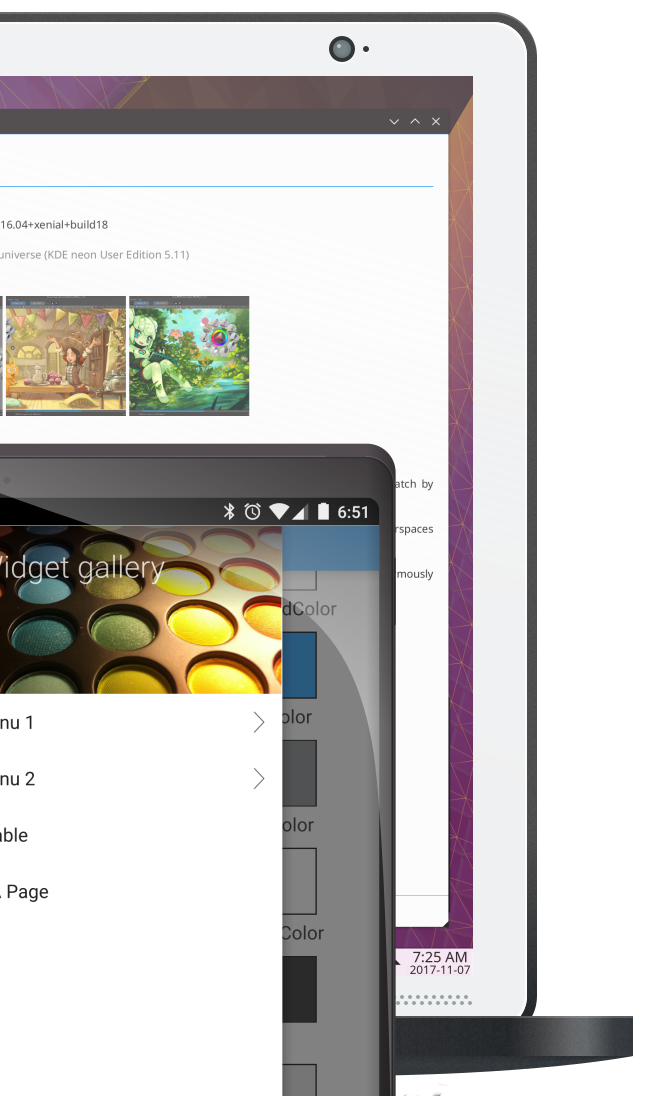
### MauiKit / Kirigami
#### Build Beautiful, Convergent Apps that Run on Phones, TVs and Everything in Between.
The line between desktop and mobile is blurring and users expect the same quality experience on every device. Applications using KDE adapt brilliantly to mobile, desktop, TVs, infortainment systems and everything in between.
KDE's components are goodlooking and consistent. Users of MauiKit / Kirigami apps will appreciate the smart choices made in the API and uncluttered design.
### KDevelop
#### A cross-platform IDE for C, C++, Python, QML/JavaScript and PHP
Open Source, powerful and fast, KDevelop offers a seamless development environment to programmers that work on projects of any size. KDevelop helps you get the job done while staying out of your way.
# Qt6 QML Book
As easy as
```qml
import QtQuick
Item {
id: root
width: 800
height: 600
Text {
anchors.centerIn: parent
text: "Hello QtQuick!"
}
}
```
# Preface
# Welcome!
Welcome to The Qt 6 Book - A book about QML. This text will guide you through QML, Qt's language for creating dynamic user interfaces.
I believe that the ability to build declarative, reactive, hardware accelerated user interfaces executing at native performance across *all* major platforms (and some not so major) is a game changer. When starting with Qt, it was almost as if I had my secret weapon to building software quickly. QML takes that to the next level.
How is this book different from the Qt documentation? I hear you ask. The intention is to build a complement. This book is meant as a book that you can read from front to back where each chapter builds on what you've previously learned. But it can also be used as a way for the experienced reader to get oriented in a new topic. Each chapter focuses on a specific topic and introduces the concepts from Qt and QML. However, the Qt documentation will always provide the full picture and is a great reference to look up the details about all elements, properties, enumerations, and more.
I wish you a pleasant read!
*Johan Thelin*
## Structure
The book can be said to be split into three parts. The split is not clear cut enough to motivate a strict division of chapters, but more of a guideline that we've tried to follow when writing it.
The first few chapters, let's say until somewhere around chapter 5 - 7 can be considered an introduction. If you want to learn QML, you should make sure to read these chapters.
The following chapters, 6-14, can be seen as fairly separate chapters introducing independent topics, even though the models from chapter 7 are used in many more places. Feel free to dive into these in the order that you like and learn about the topics that you are curious about.
The remainder of the book focuses on more advanced topics such as details of JavaScript, mixing C++ and QML, and the Qt for Python bindings and QML. These are important topics and I really want you to read them. To build a full application with QML you need to understand these topics, but their main focus is not on QML.
## Never Ending Work in Progress
The Qt 6 Book is a never ending work in progress. We welcome contributors and are planning to open up our infrastructure to let you contribute both by reporting issues and by contributing fixes and new content. The end goal is to present you with a printed book when the material has reached a maturity level that we are happy with, but we want to share this with you already now and to learn from your feedback what to improve, and what additional content to add.
# Acknowledgements
This book would not have been possible to create without the kind sponsorship from **The Qt Company**. It is a privilege to be able to work on a project such as this, and their help has been invaluable. I would like to give a special mention to (alphabetically):
* empenzes
* Fabian K
* Luca Di sera
* magoldst-qt
* Maurice Kalinowski
* Mitch Curtis
* Tino Pyssysalo
* Ulf Hermann
* Vladimir Minenko
## History
This book is based on [The QML Book](https://qmlbook.github.io/), originally written for Qt 5. I would like to thank all contributors to that book (alphabetically):
* aamirglb
* alexeRadu
* andreabedini
* amura11
* bakku
* cibersheep
* dbelyaev
* danielbaak
* DocWicking
* empyrical
* Ge0
* gillesfernandez
* gitter-badger
* gsantner
* hckr
* iitaka1142
* jiakuan
* justinfx
* maggu2810
* marco-piccolino
* mariopal
* mark-summerfield
* mhubig
* micdoug
* Mihaylov93
* moritzsternemann
* RossRogers
* Swordfish90
* sycy600
* trolley
* 29jm
I would also like to give a special mention to Pelagicore, The Qt Company and Felgo for help the development of The QML Book by sponsoring our work and being generally awesome when it comes to feedback and support.
# Authors
The Qt 6 Book has been written by a team of authors. They are:
## Johan Thelin

Johan works as a system architect building automotive solutions. He has a background from over twenty years of device creation based on Linux, Qt and more. He has written for various papers and blogs, presented at numerous conferences, and provides advice on how to build software, and software organizations. As an avid believer in free and open source solutions, he founded and organizes the [foss-north conference](https://foss-north.se).
You can find out more about Johan at [LinkedIn](https://www.linkedin.com/in/johanthelin), [his blog](http://www.thelins.se/johan/blog/), and [his homepage](http://e8johan.se).
## Jürgen Bocklage-Ryannel

Jürgen is the CEO of ApiGear, which is a collaborative machine interface design tool that enables teams to collaborative design software interfaces with automated monitoring and simulation solutions.
He was the co-founder of Pelagicore AG and was responsible there as Chief User Interface Architect for the early versions of the Daimler MBUX.
He focus currently on an API driven workflow to design and create the interfaces between the user experience and the underlying services for different platforms.
You can find out more about Jürgen at [LinkedIn](https://www.linkedin.com/in/jryannel/).
## Cyril Lorquet

Co-Founder and CEO of the belgian company [Eunoia Studio](https://www.eunoia.be), Cyril helps organizations turn their know-how into software products. Since 2009, he has been working on software products in various contexts (construction, healthcare, hydrology, marketing, ...) - several of them involving Qt. Software engineer at heart, he has a passion for design processes, software development and change management.
You can find out more about Cyril at [LinkedIn](https://www.linkedin.com/in/cyrillorquet).
# Meet Qt
# Qt and Qt Quick
This book provides you with a walk through of the different aspects of application development using the new Qt 6. It focuses on the Qt Quick technology, but also provides necessary information about writing C++ back-ends and extension for Qt Quick.
This chapter shall provide a high-level overview of Qt 6. It shows the different application models available for developers, as well as a showcase application, as a sneak preview of things to come. Additionally, the chapter aims to provide a wide overview of the Qt content and how to get in touch with the makers of Qt the Qt Company.
## Qt 6 Focus
Qt 5 was released many years ago and introduced a new declarative way of writing stunning user interfaces. Since then a lot has changed in the world around us. The
Qt 6 will be a continuation of what has been done with Qt 5 and should not be disruptive to the majority of users. What make Qt valuable to the users?
* It's cross-platform nature
* It's scalability
* World class APIs and documentation
* Maintainability, stability and compatibility
* A large developer ecosystem
Qt 6 adjust the Qt product to new markets while keeping close to the users values.
The desktop market is the root of Qts offering. It is where most users get the first contact with Qt and it forms the base for the Qt tools and its success.
It is expected that Qt 6 will grow most in the embedded and connected devices market from high-end near desktop performing devices to low-end devices like microcontrollers. Touch screens will come to an exponential increasing number to these devices. Many of these devices will have relatively simple functionality but require a polished and smooth user interface.
At the other end of the spectrum there is a demand for more complex and 2D/3D integrated user interfaces. These 3D content with 2D elements based interfaces will be common, as will be the usage of augmented and virtual reality.
The growth of connected devices and the higher demand for smooth user interfaces require a simpler workflow to create applications and devices. Integrating UX designers into the development workflow and is one of the goals of the Qt 6 series.
## Qt 6 does bring us:
* Next generation QML
* Next generation graphics
* Unified and consistent tooling
* Enhanced Qts C++ APIs
* Component Marketplace
# Qt Building Blocks
## Qt Building Blocks
Qt 6 consists of a large number of modules. In general, a module is a library for the developer to use. Some modules are mandatory for a Qt-enabled platform and form the set called *Qt Essentials Modules*. Other modules are optional, and form the *Qt Add-On Modules*. The majority of developers may not need to use the latter, but it’s good to know about them as they provide invaluable solutions to common challenges.
### Qt Modules
The Qt Essentials modules are mandatory for any Qt-enabled platform. They offer the foundation to develop modern Qt 6 Applications using Qt Quick 2. The full list of modules is available in the [Qt documentation module list](https://doc.qt.io/qt-6/qtmodules.html#qt-essentials).
### Core-Essential Modules
The minimal set of Qt 6 modules to start QML programming.
* **Qt Core** - Core non-graphical classes used by other modules.
* **Qt D-BUS** - Classes for inter-process communication over the D-Bus protocol on linux.
* **Qt GUI** - Base classes for graphical user interface (GUI) components. Includes OpenGL.
* **Qt Network** - Classes to make network programming easier and more portable.
* **Qt QML** - Classes for QML and JavaScript languages.
* **Qt Quick** - A declarative framework for building highly dynamic applications with custom user interfaces.
* **Qt Quick Controls** - Provides lightweight QML types for creating performant user interfaces for desktop, embedded, and mobile devices. These types employ a simple styling architecture and are very efficient.
* **Qt Quick Layouts** - Layouts are items that are used to arrange Qt Quick 2 based items in the user interface.
* **Qt Quick Test** - A unit test framework for QML applications, where the test cases are written as JavaScript functions.
* **Qt Test** - Classes for unit testing Qt applications and libraries.
* **Qt Widgets** - Classes to extend Qt GUI with C++ widgets.
```mermaid
graph BT
QtCore-->QtNetwork
QtCore-->QtGui
QtCore-->QtQml
QtCore-->QtTest
QtQml-->QtQuick
QtQuick --> QtQuickTest
QtQuick --> QtQuickLayout
QtQuick --> QtQuickControls
```
### Qt Add-On Modules
Besides the essential modules, Qt offers additional modules that target specific purposes. Many add-on modules are either feature-complete and exist for backwards compatibility, or are only applicable to certain platforms. Here is a list of some of the available add-on modules, but make sure you familiarize yourself with them all in the [Qt documentation add-ons list](https://doc.qt.io/qt-6/qtmodules.html#qt-add-ons) and in the list below.
* **Network**: Qt Bluetooth / Qt Network Authorization
* **UI Components**: Qt Quick 3D / Qt Quick Timeline / Qt Charts / Qt Data Visualization / Qt Lottie Animation / Qt Virtual Keyboard
* **Graphics**: Qt 3D / Qt Image Formats / Qt OpenGL / Qt Shader Tools / Qt SVG / Qt Wayland Compositor
* **Helper**: Qt 5 Core Compatibility APIs / Qt Concurrent / Qt Help / Qt Print Support / Qt Quick Widgets / Qt SCXML / Qt SQL / Qt State Machine / Qt UI Tools / Qt XML
{% hint style="info" %}
As these modules are not part of the release, the state of each module may differ depending on how many contributors are active and how well it’s tested.
{% endhint %}
### Supported Platforms
Qt supports a variety of platforms including all major desktop and embedded platforms. Through the Qt Application Abstraction, it’s now easier than ever to port Qt to your own platform if required.
Testing Qt 6 on a platform is time-consuming. A subset of platforms was selected by the Qt Project to build the reference platforms set. These platforms are thoroughly tested through the system testing to ensure the best quality. However, keep in mind that no code is error-free.
## Qt Project
From the [Qt Wiki](http://wiki.qt.io/):
> “The Qt Wiki is a meritocratic consensus-based community interested in Qt. Anyone who shares that interest can join the community, participate in its decision-making processes, and contribute to Qt’s development.”
The Qt Wiki is a place where Qt users and contributors share their inside. It forms the base for other users to contribute. The biggest contributor is The Qt Company, which holds also the commercial rights to Qt.
Qt has an open-source aspect and a commercial aspect for companies. The commercial aspect is for companies which can not or will not comply with the open-source licenses. Without the commercial aspect, these companies would not be able to use Qt and it would not allow The Qt Company to contribute so much code to the Qt Project.
There are many companies worldwide, which make the living out of consultancy and product development using Qt on the various platforms. There are many open-source projects and open-source developers, which rely on Qt as their major development library. It feels good to be part of this vibrant community and to work with this awesome tools and libraries. Does it make you a better person? Maybe:-)
**Contribute here: **
# Qt 6 Introduction
## Qt Quick
Qt Quick is the umbrella term for the user interface technology used in Qt 6. It was introduced in Qt 5 and now expanded for Qt 6. Qt Quick itself is a collection of several technologies:
* QML - Markup language for user interfaces
* JavaScript - The dynamic scripting language
* Qt C++ - The highly portable enhanced c++ library

Similar to HTML, QML is a markup language. It is composed of tags, called types in Qt Quick, that are enclosed in curly brackets: `Item {}`. It was designed from the ground up for the creation of user interfaces, speed and easier reading for developers. The user interface can be enhanced further using JavaScript code. Qt Quick is easily extendable with your own native functionality using Qt C++. In short, the declarative UI is called the front-end and the native parts are called the back-end. This allows you to separate the computing intensive and native operation of your application from the user interface part.
In a typical project, the front-end is developed in QML/JavaScript. The back-end code, which interfaces with the system and does the heavy lifting, is developed using Qt C++. This allows a natural split between the more design-oriented developers and the functional developers. Typically, the back-end is tested using Qt Test, the Qt unit testing framework, and exported for the front-end developers to use.
## Digesting a User Interface
Let’s create a simple user interface using Qt Quick, which showcases some aspects of the QML language. In the end, we will have a paper windmill with rotating blades.

We start with an empty document called `main.qml`. All our QML files will have the suffix `.qml`. As a markup language (like HTML), a QML document needs to have one and only one root type. In our case, this is the `Image` type with a width and height based on the background image geometry:
```qml
import QtQuick
Image {
id: root
source: "images/background.png"
}
```
As QML doesn’t restrict the choice of type for the root type, we use an `Image` type with the source property set to our background image as the root.

{% hint style="info" %}
Each type has properties. For example, an image has the properties `width` and `height`, each holding a count of pixels. It also has other properties, such as `source`. Since the size of the image type is automatically derived from the image size, we don’t need to set the `width` and `height` properties ourselves.
{% endhint %}
The most standard types are located in the `QtQuick` module, which is made available by the import statement at the start of the `.qml` file.
The `id` is a special and optional property that contains an identifier that can be used to reference its associated type elsewhere in the document. Important: An `id` property cannot be changed after it has been set, and it cannot be set during runtime. Using `root` as the id for the root-type is a convention used in this book to make referencing the top-most type predictable in larger QML documents.
The foreground elements, representing the pole and the pinwheel in the user interface, are included as separate images.


We want to place the pole horizontally in the center of the background, but offset vertically towards the bottom. And we want to place the pinwheel in the middle of the background.
Although this beginners example only uses image types, as we progress you will create more sophisticated user interfaces that are composed of many different types.
```qml
Image {
id: root
...
Image {
id: pole
anchors.horizontalCenter: parent.horizontalCenter
anchors.bottom: parent.bottom
source: "images/pole.png"
}
Image {
id: wheel
anchors.centerIn: parent
source: "images/pinwheel.png"
}
...
}
```
To place the pinwheel in the middle, we use a complex property called `anchor`. Anchoring allows you to specify geometric relations between parent and sibling objects. For example, place me in the center of another type ( `anchors.centerIn: parent` ). There are left, right, top, bottom, centerIn, fill, verticalCenter and horizontalCenter relations on both ends. Naturally, when two or more anchors are used together, they should complement each other: it wouldn’t make sense, for instance, to anchor a type’s left side to the top of another type.
For the pinwheel, the anchoring only requires one simple anchor.
{% hint style="info" %}
Sometimes you will want to make small adjustments, for example, to nudge a type slightly off-center. This can be done with `anchors.horizontalCenterOffset` or with `anchors.verticalCenterOffset`. Similar adjustment properties are also available for all the other anchors. Refer to the documentation for a full list of anchors properties.
{% endhint %}
{% hint style="info" %}
Placing an image as a child type of our root type (the `Image`) illustrates an important concept of a declarative language. You describe the visual appearance of the user interface in the order of layers and grouping, where the topmost layer (our background image) is drawn first and the child layers are drawn on top of it in the local coordinate system of the containing type.
{% endhint %}
To make the showcase a bit more interesting, let’s make the scene interactive. The idea is to rotate the wheel when the user presses the mouse somewhere in the scene.
We use the `MouseArea` type and make it cover the entire area of our root type.
```qml
Image {
id: root
...
MouseArea {
anchors.fill: parent
onClicked: wheel.rotation += 90
}
...
}
```
The mouse area emits signals when the user clicks inside the area it covers. You can connect to this signal by overriding the `onClicked` function. When a signal is connected, it means that the function (or functions) it corresponds to are called whenever the signal is emitted. In this case, we say that when there’s a mouse click in the mouse area, the type whose `id` is `wheel` (i.e., the pinwheel image) should rotate by +90 degrees.
{% hint style="info" %}
This technique works for every signal, with the naming convention being `on` + `SignalName` in title case. Also, all properties emit a signal when their value changes. For these signals, the naming convention is
{% endhint %}
```js
`on${property}Changed`
```
For example, if a `width` property is changed, you can observe it with `onWidthChanged: print(width)`.
The wheel will now rotate whenever the user clicks, but the rotation takes place in one jump, rather than a fluid movement over time. We can achieve smooth movement using animation. An animation defines how a property change occurs over a period of time. To enable this, we use the `Animation` type’s property called `Behavior`. The `Behavior` specifies an animation for a defined property for every change applied to that property. In other words, whenever the property changes, the animation is run. This is only one of many ways of doing animation in QML.
```qml
Image {
id: root
Image {
id: wheel
Behavior on rotation {
NumberAnimation {
duration: 250
}
}
}
}
```
Now, whenever the wheel’s rotation property changes, it will be animated using a `NumberAnimation` with a duration of 250 ms. So each 90-degree turn will take 250 ms, producing a nice smooth turn.

{% hint style="info" %}
You will not actually see the wheel blurred. This is just to indicate the rotation. (A blurred wheel is in the assets folder, in case you’d like to experiment with it.)
{% endhint %}
Now the wheel looks much better and behaves nicely, as well as providing a very brief insight into the basics of how Qt Quick programming works.
# Getting Started
---
[Next Page](https://docs.novaflowos.com/start/llms-full.txt/1)
.png?alt=media&token=0529dd39-0ec2-4011-b5ea-e49802e331b0)
.png?alt=media&token=484b3780-0ad9-4199-8638-a9e2af909c0b)