> For the complete documentation index, see [llms.txt](https://docs.novaflowos.com/start/llms.txt). Markdown versions of documentation pages are available by appending `.md` to page URLs; this page is available as [Markdown](https://docs.novaflowos.com/start/qt-qml-en-imagenes/kirigami.md).
# Kirigami
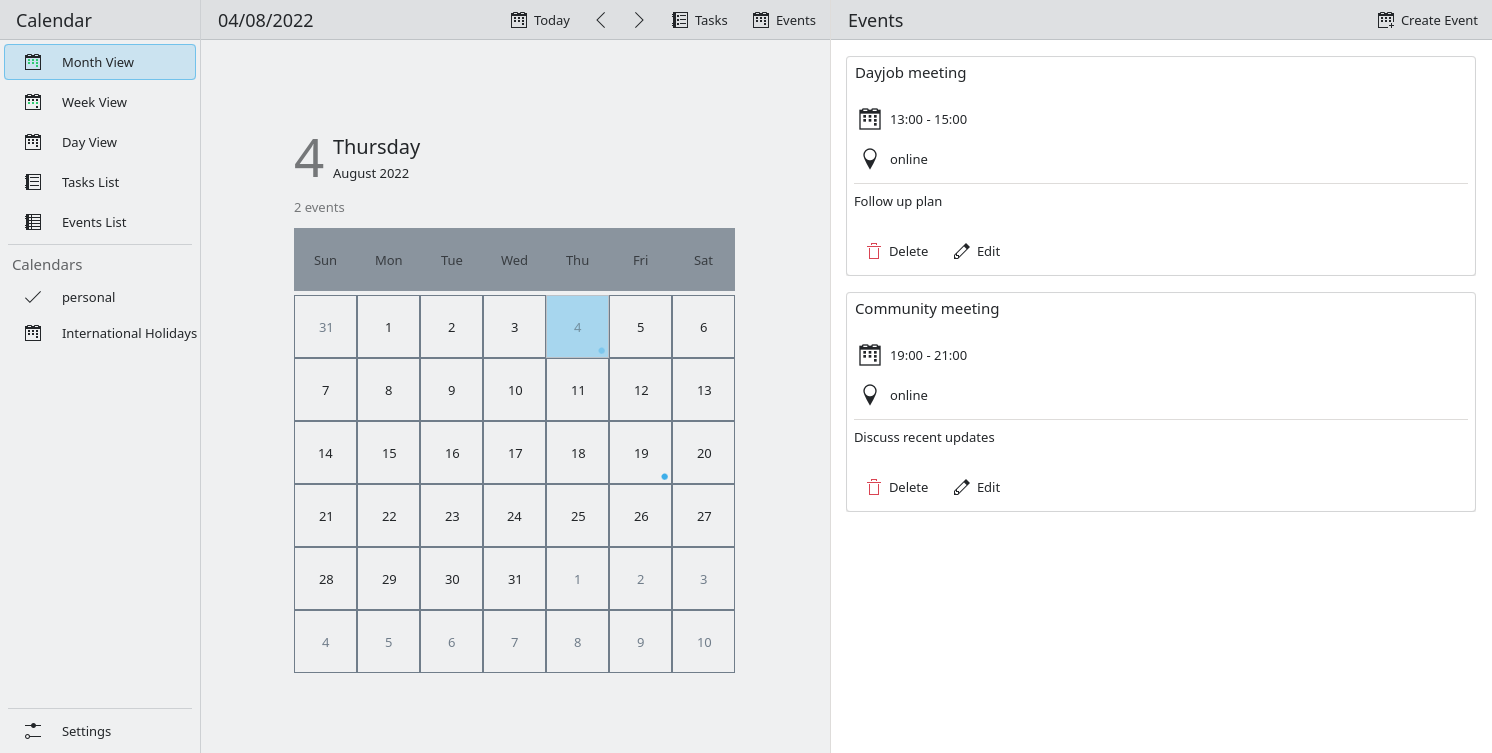
Kirigami es un conjunto de controles Qt/QML y es base de la que derivan MauiKit o ControlKit.
## Cómo se ven las aplicaciones Kirigami
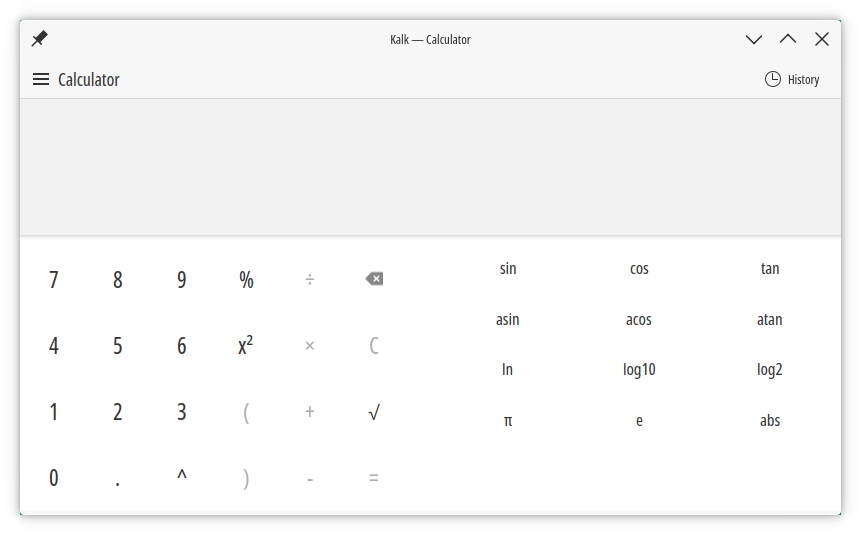
En KDE las aplicaciones Kirigami siguen el estilo Brisa, pero nada obliga a ello. Es posible usar otros estilos Qt Quick Controls Style creados para Kirigami, aunque ninguno ha sido realizado todavía, o al menos de manera completa.
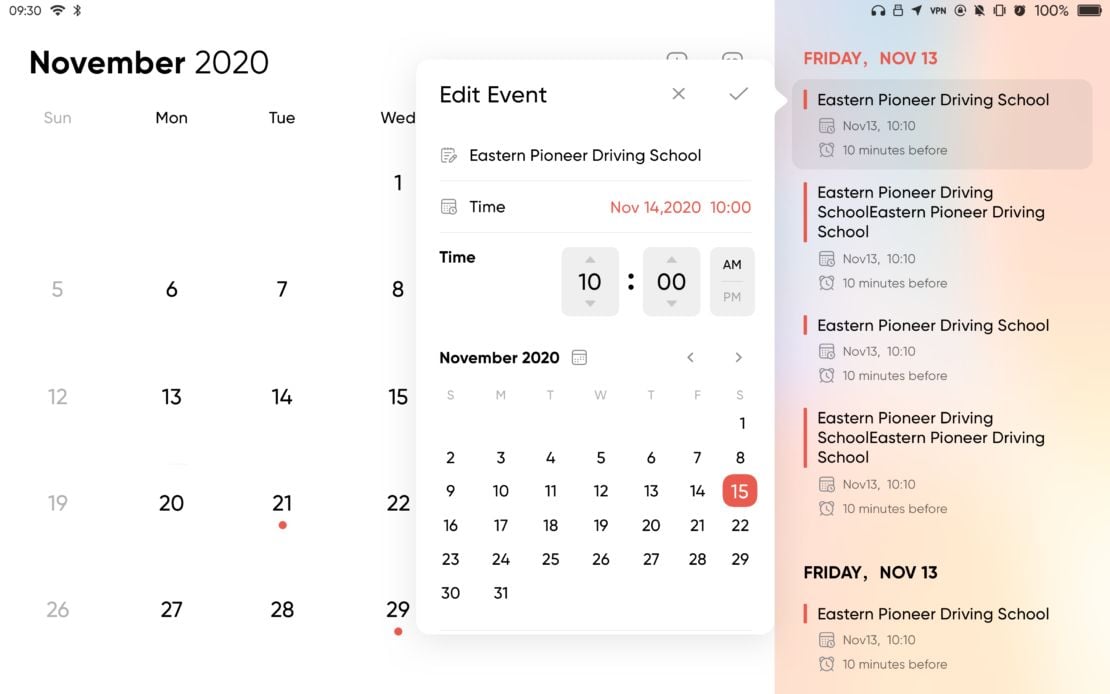
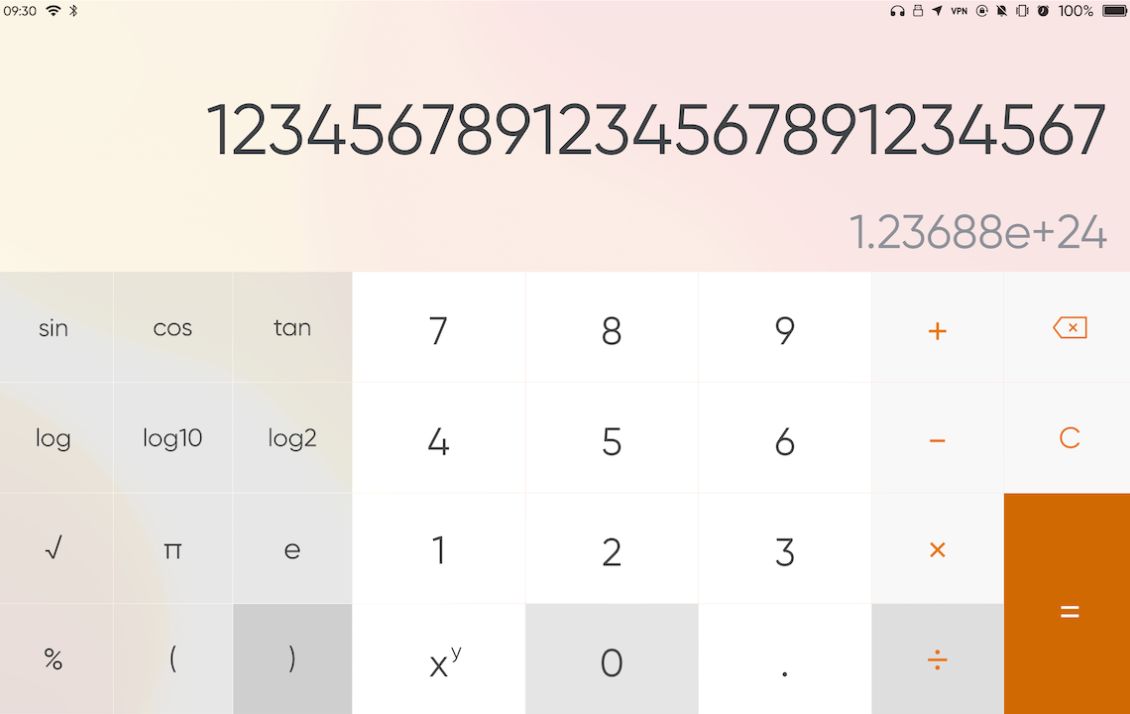
ControlKit implementa estilo y la aplicación adaptación.
### Calendar es Calindori
{% embed url="" %}
{% embed url="" %}
### Más ejemplos
{% content-ref url="/pages/jtqPUpAVe8PjuqvvQieu" %}
[Aplicaciones Kirigami con otros estilos](/start/qt-qml-en-imagenes/kirigami/aplicaciones-kirigami-con-otros-estilos.md)
{% endcontent-ref %}
### Estilos Qt Quick Controls
Windows 11 es un estilo interesante para Qt/QML:
{% content-ref url="/pages/dR3f70lKEPj1IFUqm5WF" %}
[Estilo Windows 11 para Qt Quick Controls](/start/qt-qml-en-imagenes/kirigami/estilo-windows-11-para-qt-quick-controls.md)
{% endcontent-ref %}
Crear un nuevo estilo siempre es la opción preferente para un mejor resultado. Aun así Qt dispone de Imagine, un estilo que actúa a modo de motor de temas o theme engine.
{% embed url="" %}
Estilo Imagine
{% endembed %}
## Licencias
* CC0-1.0
* LGPL-2.0-or-later
* LGPL-2.1-only
* LGPL-3.0-only
## Enlaces
{% embed url="" %}
Página principal de Kirigami
{% endembed %}
{% embed url="" %}
Guía para empezar a crear aplicaciones con Kirigami
{% endembed %}
{% embed url="" %}
Documentación
{% endembed %}
{% embed url="" %}
Documentación de Kirigami
{% endembed %}
{% embed url="" %}
Código fuente de Kirigami
{% endembed %}
{% embed url="" %}
Código fuente de Kirigami Addons
{% endembed %}